Best Development Tools in 2026
Browse Development by topic
Developer Tools
The best AI developer tools fit into the loop developers already live in: reading code, changing it, testing it, reviewing the diff, and figuring out why something broke. They help explain unfamiliar repos, write unit tests, generate small chunks of boilerplate, debug failing builds, and clean up code that has grown awkward over time. Tools like GitHub Copilot, Cursor, and Replit are useful when they understand enough context to act like a careful pair programmer instead of a snippet generator. A frontend developer might paste in a tangled React component, ask for smaller hooks and better test coverage, then inspect the diff before merging. That is the right bargain: less grunt work, no outsourcing of judgment. Weak tools encourage copy-paste confidence. Strong ones make the next commit easier to understand, review, and maintain. If a tool cannot explain its change clearly, it should not be anywhere near production code.
Frontend Development
Frontend development tools are most useful when they sit close to the actual work: writing components, fixing layout bugs, reviewing state logic, and turning rough UI ideas into usable code. AI tools in this category can help generate React components, explain unfamiliar codebases, convert designs into HTML and CSS, or refactor a messy form before it ships. Tools like Cursor, v0, and GitHub Copilot are common choices, especially when developers want faster iteration without giving up control of the code. A frontend engineer might paste in a clunky dashboard component, ask for cleaner responsive behavior, then review the output line by line before committing anything. The good tools make reasonable guesses and expose their logic. The bad ones hide complexity behind confident snippets. Frontend still rewards taste, restraint, and a sharp eye for broken edge cases.
Documentation Tools
Version Control
Version control systems are software tools that track and manage changes to files, code, and digital projects over time. These platforms create a complete history of modifications, allowing teams to understand what changed, when it changed, and who made each change. Version control systems enable developers, technical teams, and collaborative projects to maintain organized repositories of their work while preventing accidental data loss and conflicts. The primary use cases for version control include software development, where teams coordinate code changes across multiple developers and branches. These tools also support documentation management, configuration file tracking, and content collaboration. Key features typically include branching and merging capabilities, conflict resolution mechanisms, rollback functionality to previous versions, and audit trails for compliance purposes. Version control systems serve several audiences: software development teams use them to coordinate work efficiently, individual developers benefit from backup and recovery capabilities, DevOps teams leverage them in continuous integration and deployment pipelines, and organizations utilize them for regulatory compliance and accountability. Both distributed systems like Git and centralized architectures serve different organizational needs, making version control essential infrastructure for any team managing digital assets or collaborative projects where change tracking and coordination are critical requirements.
Accessibility
Mac Apps

Generate fun, bacon-themed lorem ipsum placeholder text for design mockups and development projects — free with multiple output modes, a WordPress plu...
Dynamically generate placeholder images in any size and color scheme — with custom text support — via a single, simple URL. No sign-up, no API, no Jav...
Generate free placeholder images in SVG, PNG, JPEG, GIF, WebP, and AVIF — customise size, colour, text, and font instantly via URL, no sign-up require...

Generate random placeholder images for any project — specify size, seed, grayscale, or blur via URL parameters.
A code-first collaborative workspace where product teams plan, design, and build in one place

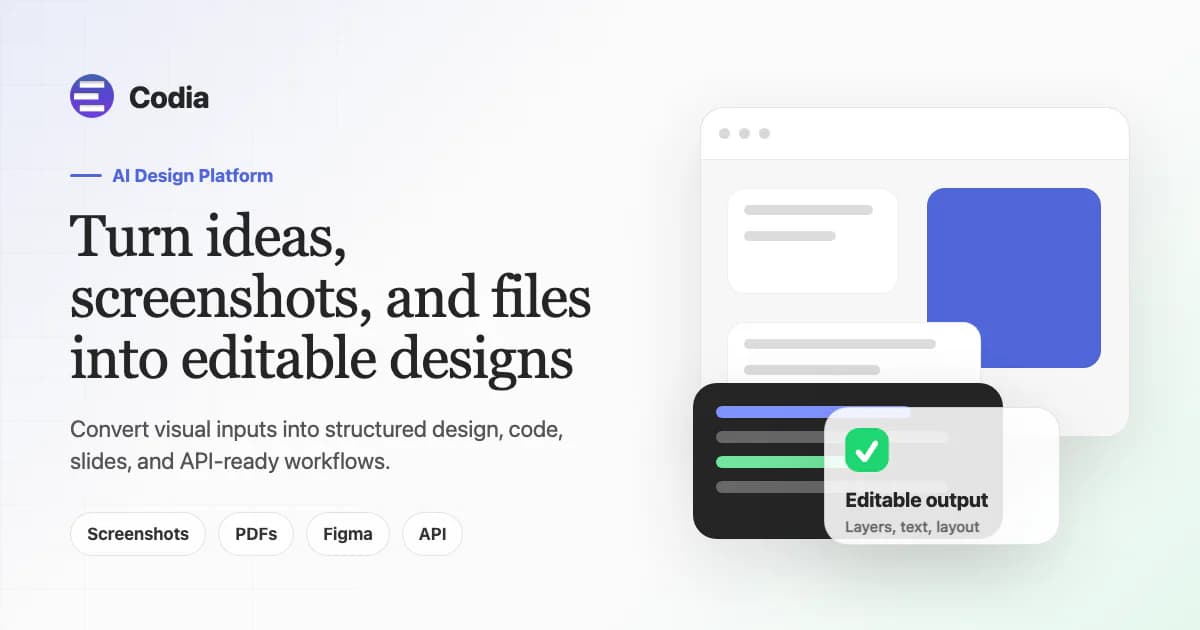
Turn designs into production-ready, framework-native code — no layer-tagging, no calibration, no prompt engineering
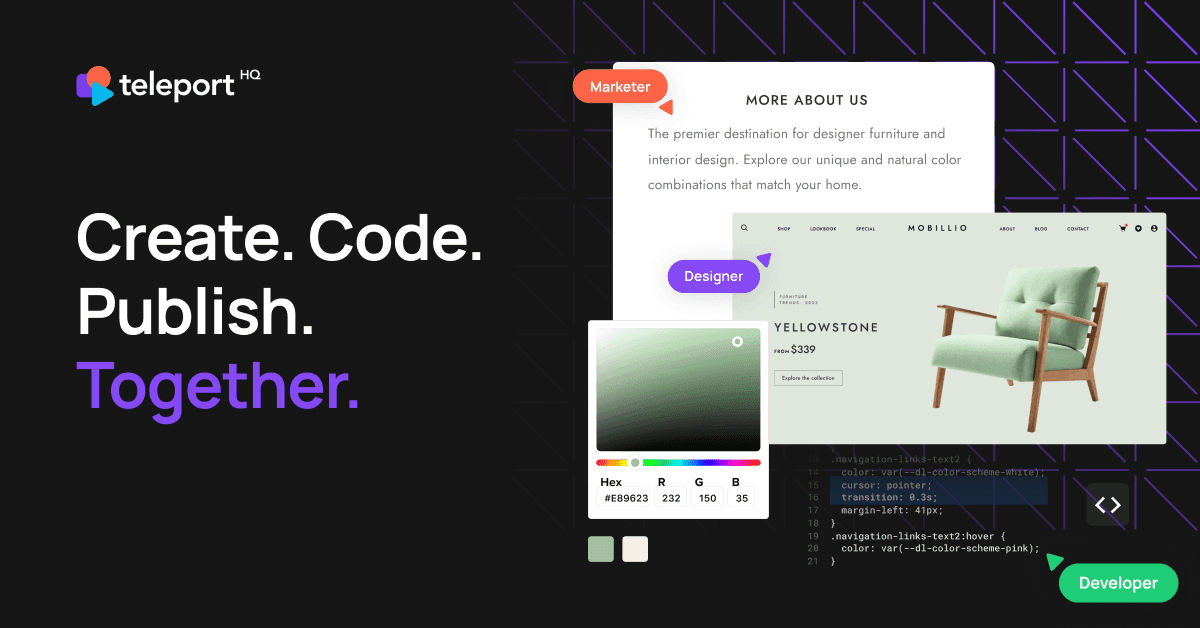
Low-code website builder with AI-powered design, visual drag-and-drop editor, headless CMS integration, and production-ready code export to React, Vue...

Convert Figma & Penpot designs into developer-friendly frontend code for React, Flutter, Vue, Angular, and more — with on-prem deployment and SOC2 + I...

Turn Figma designs, website URLs, images, and brand context into live HTML or React apps — build, preview, add auth and database, then publish or expo...


Generate production-ready UI from text prompts. Edit with AI or manually, copy to Figma instantly, and export clean React/TypeScript/Tailwind code — a...
256 episodes of design, technology, and programming conversations — a weekly podcast now concluded after 8 years and 350+ hours of content.
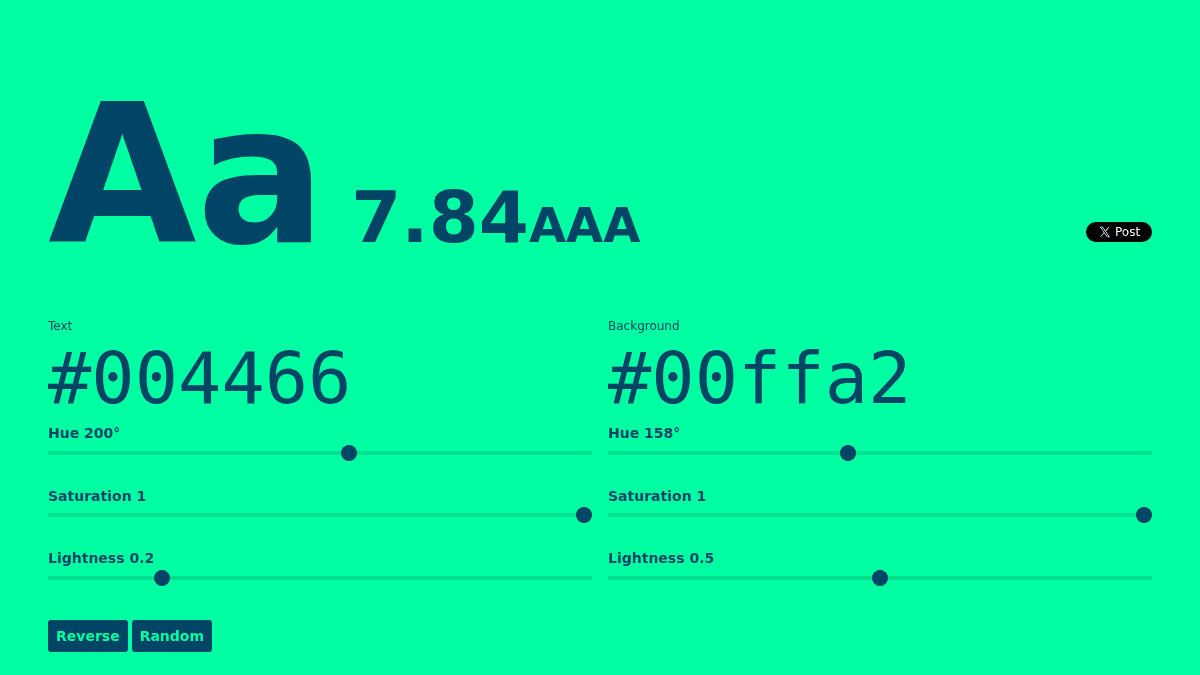
Check color contrast ratios and ensure WCAG accessibility compliance for web design

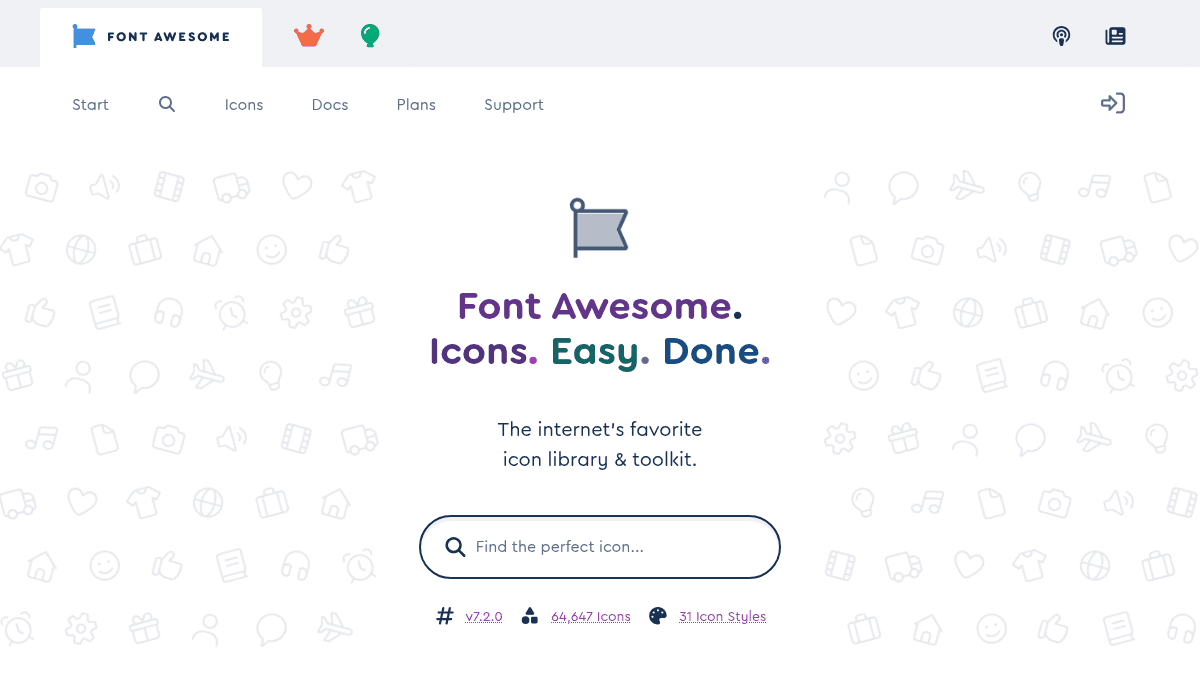
The internet's icon library and toolkit — used by millions of designers, devs, and content creators. Open-source, always free, and always awesome.

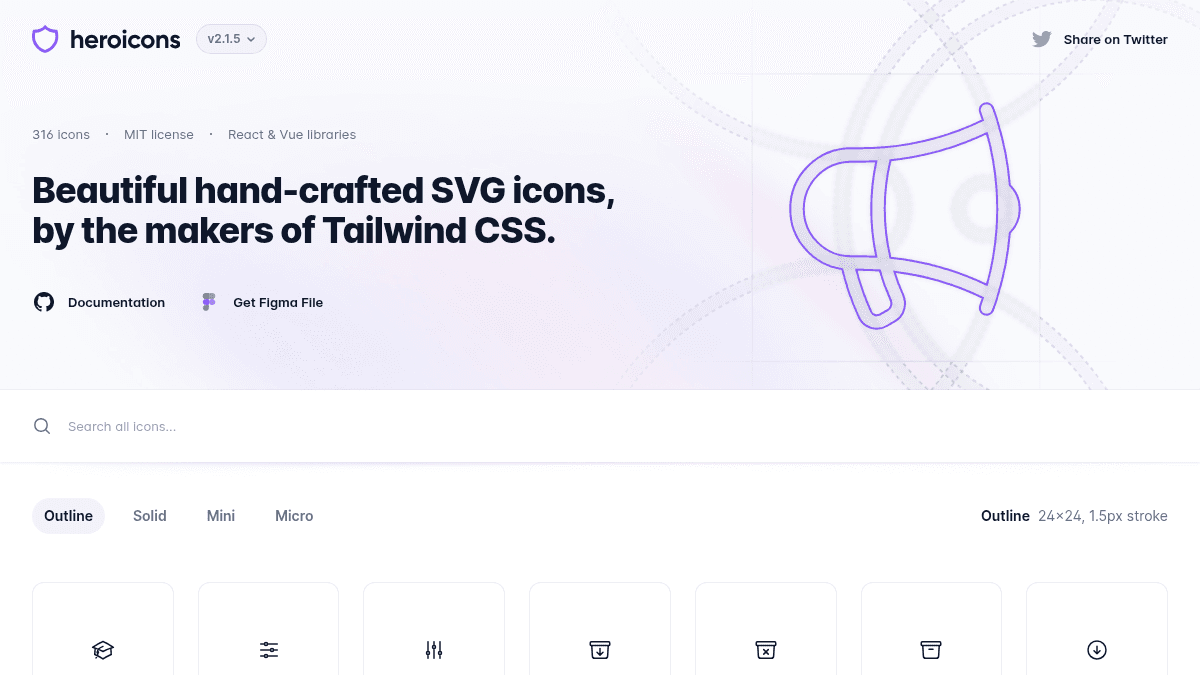
316 hand-crafted SVG icons in 4 styles — free under MIT license, with React and Vue libraries ready to drop into your project.
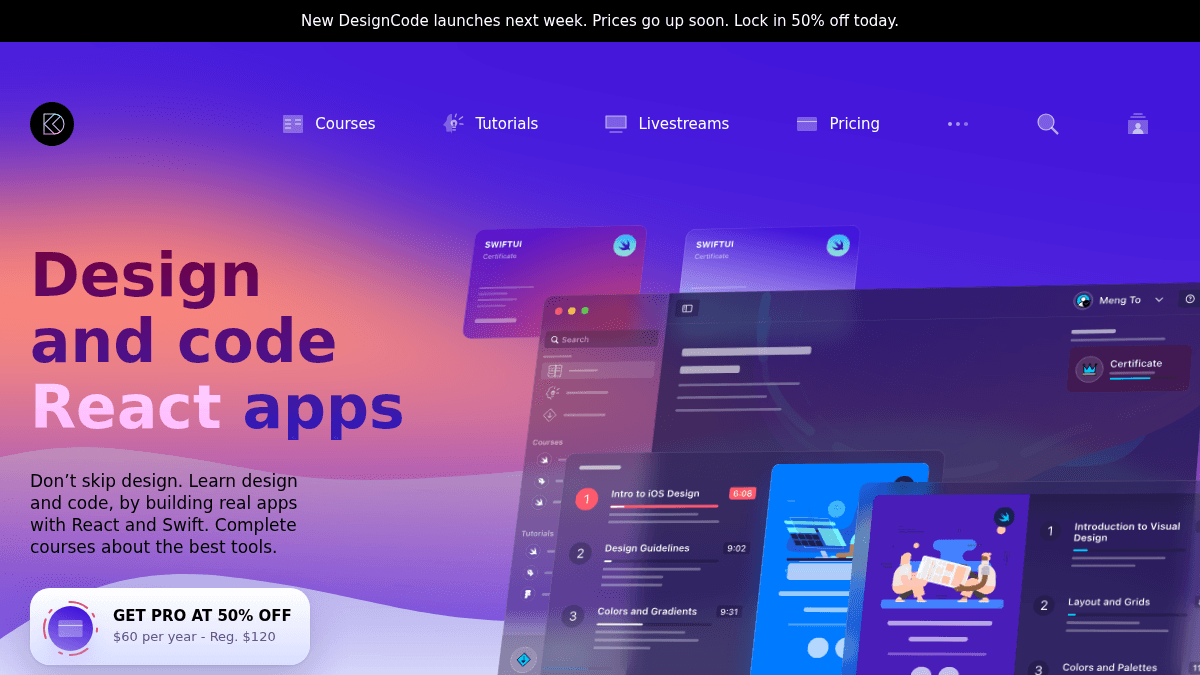
Learn design and code by building real apps with React, Swift, Figma, and SwiftUI — get access to 50+ courses, 320+ tutorials, and downloadable resour...


Master full-stack web development with hands-on training from engineers who ship real systems — covering frontend, backend, AI, cloud, and DevOps
Build a custom WordPress portfolio site with visual drag-and-drop editing, custom animations, and variable fonts — no templates or coding needed
A pattern library for building accessible web interfaces with component design best practices
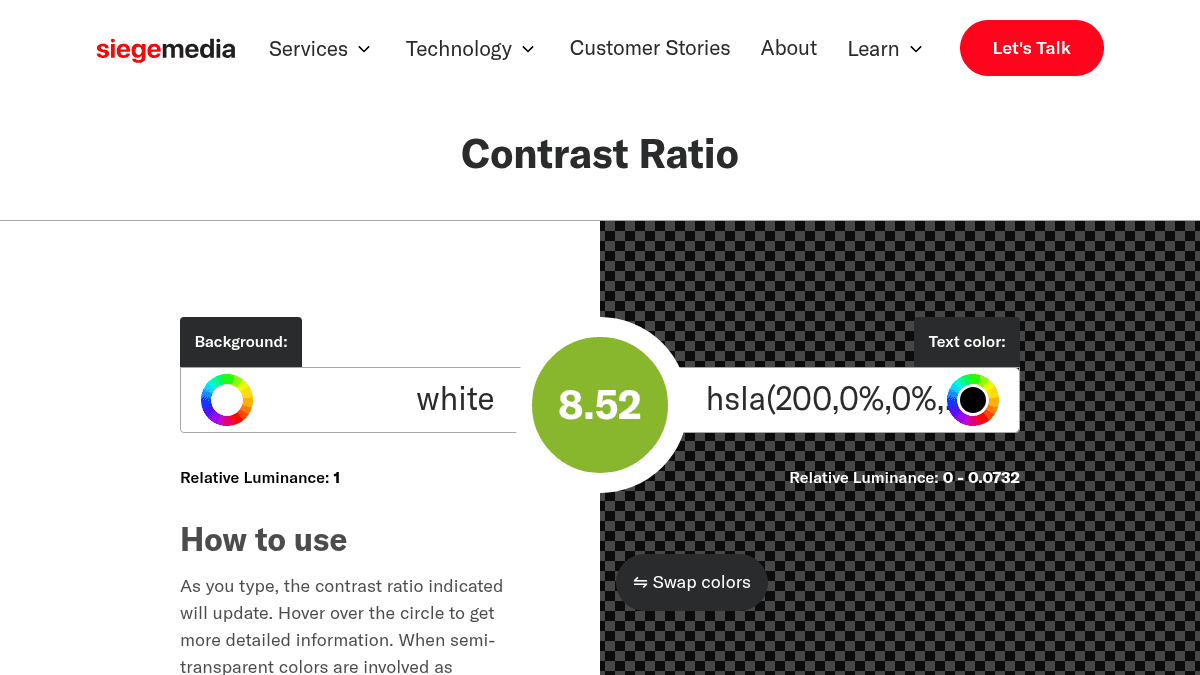
Check WCAG color contrast ratios instantly to ensure your website text meets accessibility standards

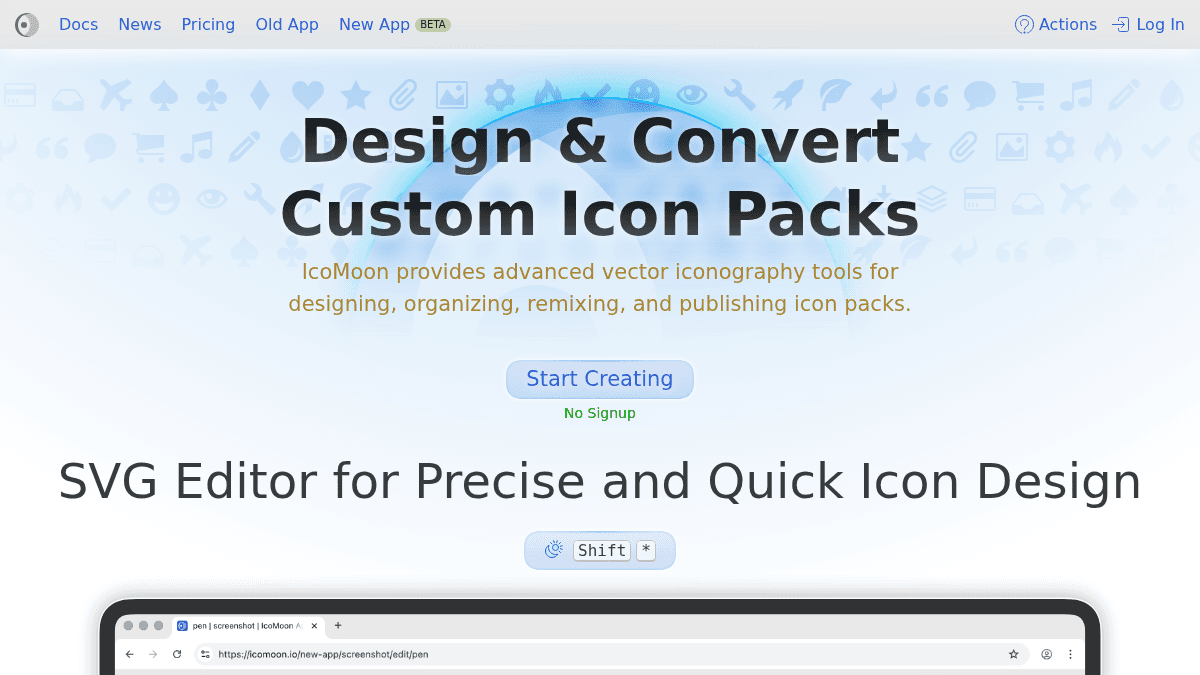
Design, edit, and export custom SVG icon packs and multicolor fonts in a browser-based editor with zero sign-up required
About Development tools
MazikBox lists 197 Development tools, ranked by category relevance, then community upvotes, user ratings, and review count. Top-ranked options include RegExr, LT Browser, Enshittifier. Most products in this category offer free or freemium access. Use the comparison table below to evaluate features, pricing, and platform support side by side.
Compare top 5 Development tools
Side-by-side highlights for the top-ranked products in this category. Products whose main category this is come first, then by featured placement, upvotes, ratings, and review count.
| Compare |  RegExr Product page |  LT Browser Product page |  Enshittifier Product page |  regex101: build, test, and debug regex Product page |  JSONLint Product page |
|---|---|---|---|---|---|
| Best for | Learn, build, and test regular expressions online with real-time highlighting, dual engine support, and community patterns — all for free | A desktop browser for developers to build, test, and debug mobile websites side-by-side across 50+ device viewports | Free Chrome extension and Mac app that swap every 'AI' on the web for 💩 and patch your font files, turning AI-hype phrases into poop | Build and debug regular expressions with real-time explanations and a built-in cheat sheet — write once, then verify across PHP, Python, JavaScript, Go, Java, C#, and Rust engines. | Validate, format, and debug JSON instantly online—catch syntax errors and beautify messy code in seconds |
| Pricing | Free | Free | Free | Free | Free |
| Platforms | Web | Windows, macOS, Linux | Web, macOS | — | Web |
| Rating | — | — | — | — | — |
| Upvotes | 0 | 0 | 0 | 0 | 0 |
| Verified | No | No | No | No | No |
| Launch date | — | — | — | — | — |
Development FAQ
Common questions about this category, how we rank products, and how often the page is refreshed.
What are the best Development tools on MazikBox?
The top-ranked Development products right now are RegExr, LT Browser, and Enshittifier. The comparison table above shows them side by side.
How do you rank Development products?
Products whose main category is Development (or one of its subcategories) are listed first, followed by products that also fit the category. Within each group we order by featured placement, then upvotes, average rating, review count, and newest listing. Featured placement is an editorial choice, not a quality score.
What pricing models are common for Development tools?
On this page you will find free options, depending on the tool. Check the comparison table and individual product pages for specifics.
Which platforms do these Development tools support?
The products currently shown in this category support web, windows, macOS, and linux workflows. Platform coverage varies by tool, so compare product pages before choosing one.
How often is this Development page updated?
The category description and details were last edited on September 5, 2026. The product list, ranking, and counts update automatically as products, votes, and reviews change.
How many Development tools are listed right now?
MazikBox currently lists 197 Development products in this category, with more added as they meet our editorial standards and category fit.
Compare Development tools head-to-head