About DummyImage.com
Overview
DummyImage.com is a free, URL-driven service that generates placeholder images on demand for web developers and designers. You specify dimensions, background and text colors, image format, and optional custom text through the URL itself, and the service returns a matching dummy image.
Unlike static image placeholder tools, this service is entirely dynamic — no sign-up, no API key, no JavaScript, no client-side processing. It replaces the need to find, crop, or resize stock images during the prototyping and layout phase of web projects.
Key Benefits
- Generate a placeholder image with a single URL — no registration, no API tokens, no client-side JavaScript required.
- Specify both dimensions (width and height) using exact pixel values or aspect ratios like 16:9.
- Set background and text colors via hex codes with shortcut expansions (single, double, or triple hex digits).
- Choose output format among GIF, JPG, and PNG by adding a file extension anywhere in the URL.
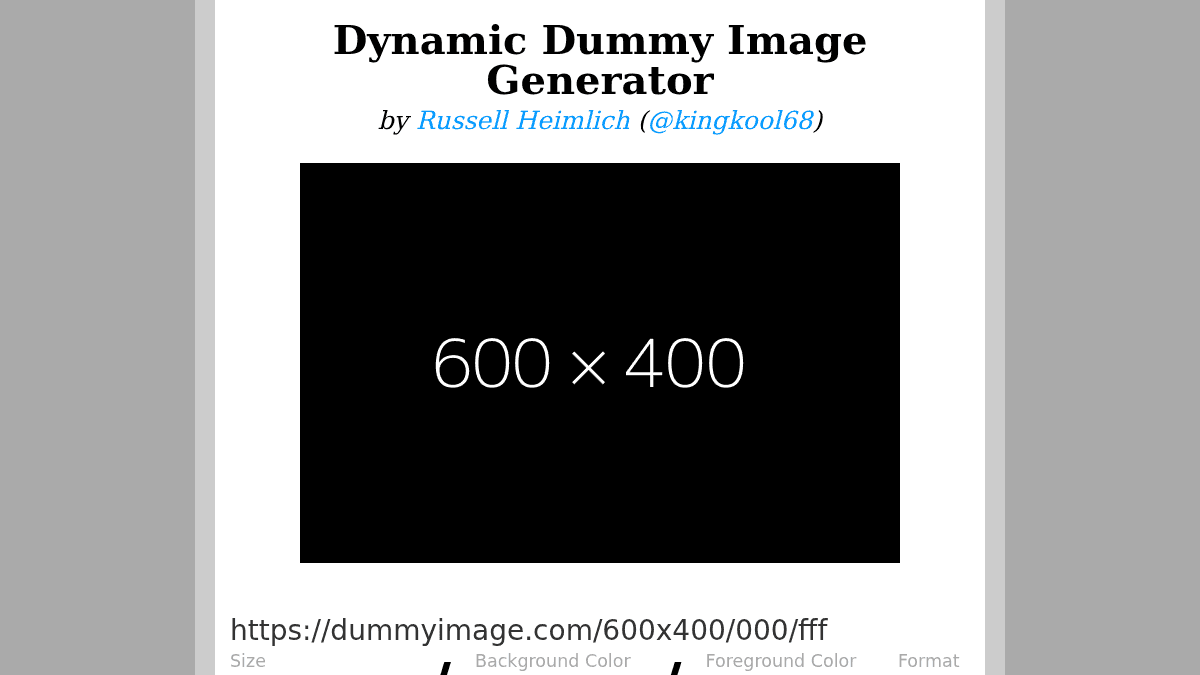
- Add custom text via a query string parameter, with fallback to auto-displaying the image dimensions.
- Use keyword shortcuts for common ad sizes (leaderboard, skyscraper) and screen standards (VGA, XGA, HD).
DummyImage.com Pros & Cons
- Free and open source
- No sign-up or API key required
- Supports GIF, JPG, and PNG formats
- Custom text via query string
- Predefined shortcuts for standard image sizes
Key Features
Dimension-driven URLs
The first path segment after the domain defines the image width and optional height, e.g., /300 or /640x480.
Hex color control
Background and text colors are specified as hex codes after the dimensions, with shortcuts for one, two, or three digit hex strings.
GIF, JPG, PNG
Add .gif, .jpg, or .png to any URL segment to set the returned image format, defaulting to GIF.
Custom text overlay
A &text= query string parameter renders custom text on the image; the default shows the image dimensions.
Standard size shortcuts
Predefined keyword shortcuts exist for standard ad sizes (e.g., leaderboard, skyscraper) and screen resolutions (e.g., VGA, HD).
Aspect ratio support
Supports aspect ratio definitions; you can specify one dimension and a ratio like 16:9 to calculate the other side.
Flash preloader support
Images are served with a Content-Length header and a crossdomain.xml file is available for Flash applications.
Open source (MIT)
The source code is available on GitHub under an MIT license, written in PHP.
DummyImage.com Pricing
View full pricing →Pricing extracted from the product website and may change. Check the source for current details.
How DummyImage.com compares
D DummyImage.comThis | |||
|---|---|---|---|
| Starting price | Free | Free | Free |
| Pricing model | Free | Free | Free |
| Platforms | Web | Web | Web |
| Top features |
|
|
|
| Rating | — | — | — |