Best Developer Tools in 2026
The best AI developer tools fit into the loop developers already live in: reading code, changing it, testing it, reviewing the diff, and figuring out why something broke. They help explain unfamiliar repos, write unit tests, generate small chunks of boilerplate, debug failing builds, and clean up code that has grown awkward over time.
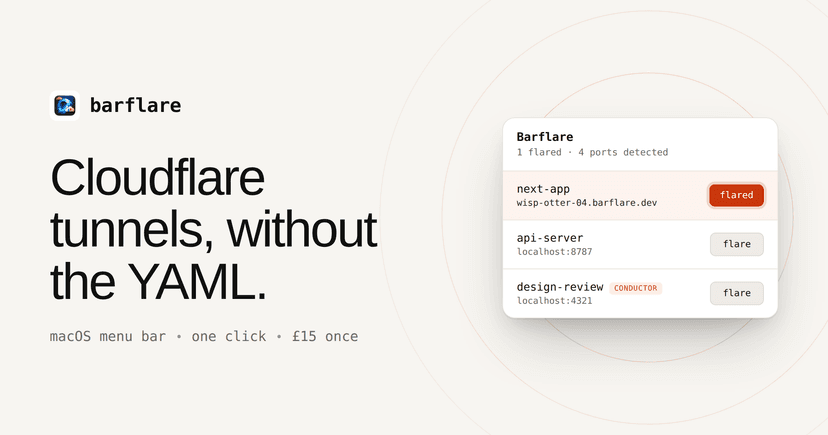
Flare local apps to public HTTPS links in one click, and let AI agents manage Cloudflare tunnels while you keep full visibility.
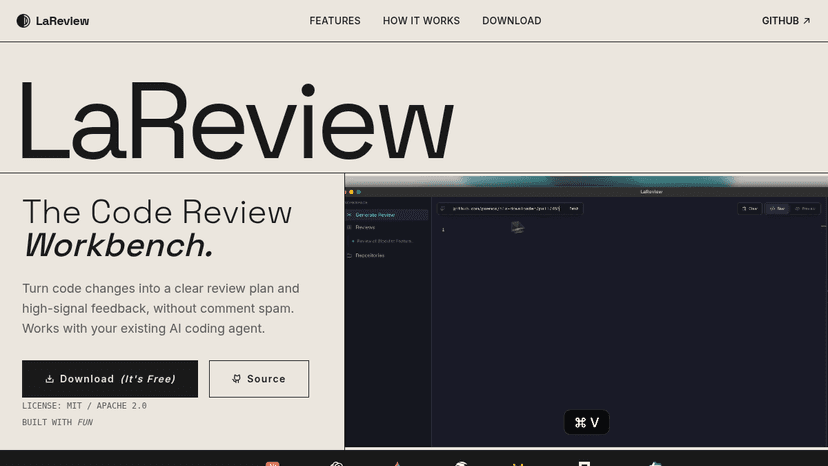
Turn code changes into structured review plans and high-signal feedback — local-first, free, and built for senior engineers who value depth over comme...
Discover Tamagui, the versatile UI library and style system for React Native and Web. Boost performance and streamline development with cross-platform...
Discover Aurora Editor, a community-built IDE for macOS offering native performance and advanced features. Explore its capabilities, pricing, and bene...
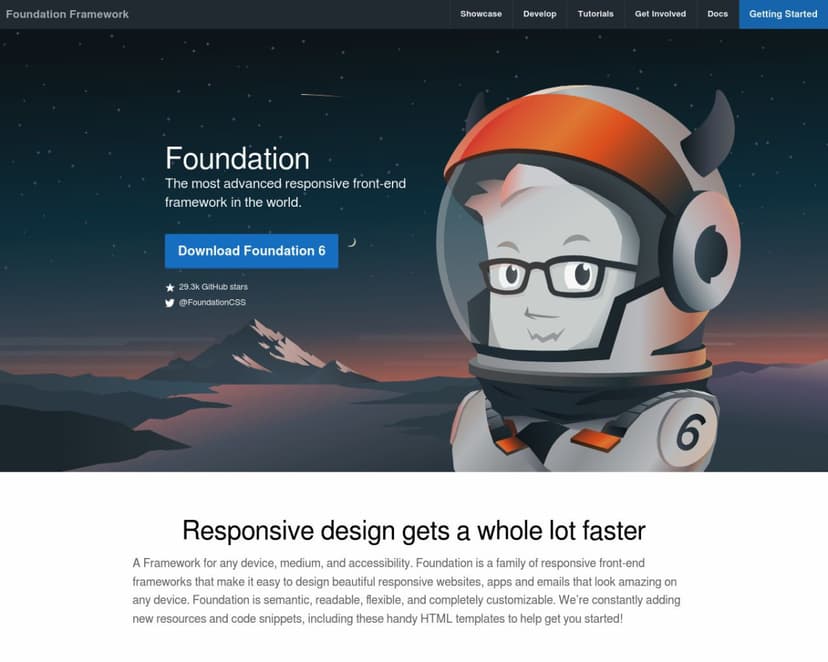
Discover Foundation, the most advanced responsive front-end framework for creating beautiful websites and emails. Explore features, pricing, and benef...
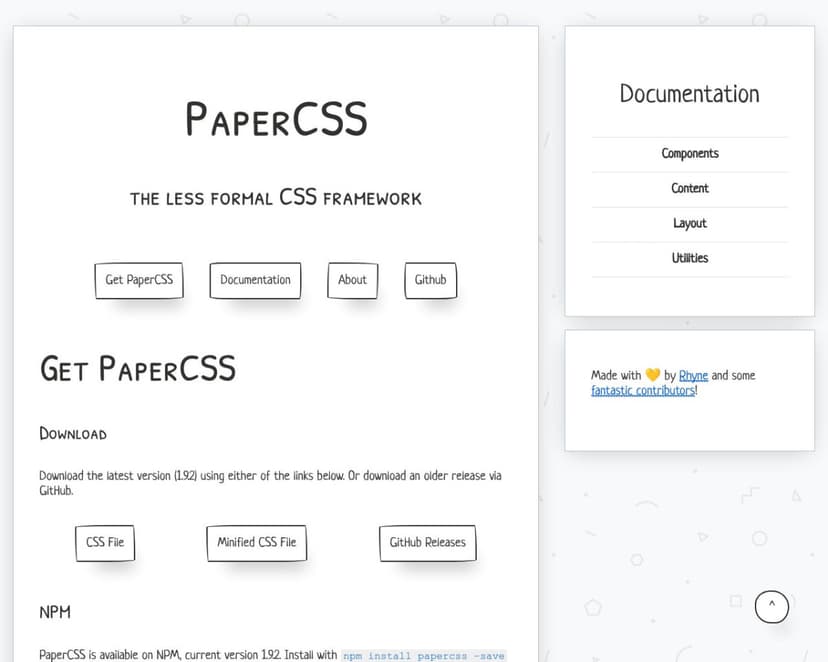
Discover PaperCSS, the playful CSS framework that brings a hand-drawn, paper-like aesthetic to your web projects. Explore features, pricing, and benef...

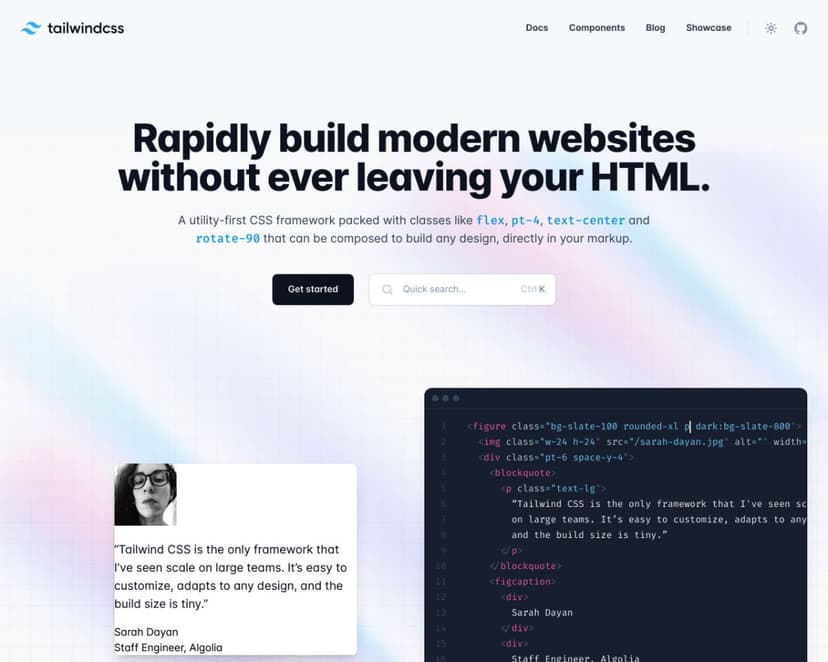
Discover Tailwind CSS, the utility-first CSS framework for building responsive, customizable websites quickly and efficiently. Explore features, prici...

Run command-line tools in a tabbed, themed terminal, and read the actual conhost.exe source Microsoft ships inside Windows.

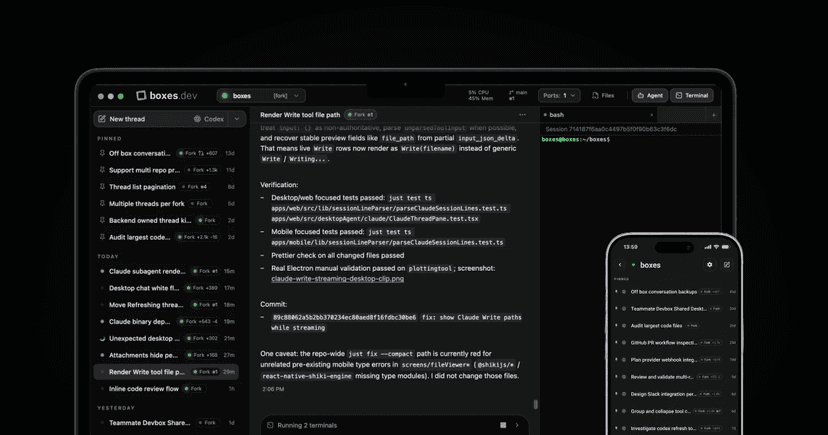
Give every coding agent its own cloud computer, start work from Slack or Linear, and steer the same thread from desktop, mobile, or terminal.

Install a Go-based AI coding agent in your terminal, switch between eleven model providers, and delegate parallel subagents — without spending flagshi...

Build AI factories and digital twins, then power games, robots, and autonomous vehicles with NVIDIA accelerated computing


Give AI agents persistent memory they carry across apps and sessions, with encrypted storage, programmable permissions, and verifiable ownership.

Teach it a fix once and it remembers across chat, the CLI, and your IDE, so you stop repeating corrections and get code shipped.
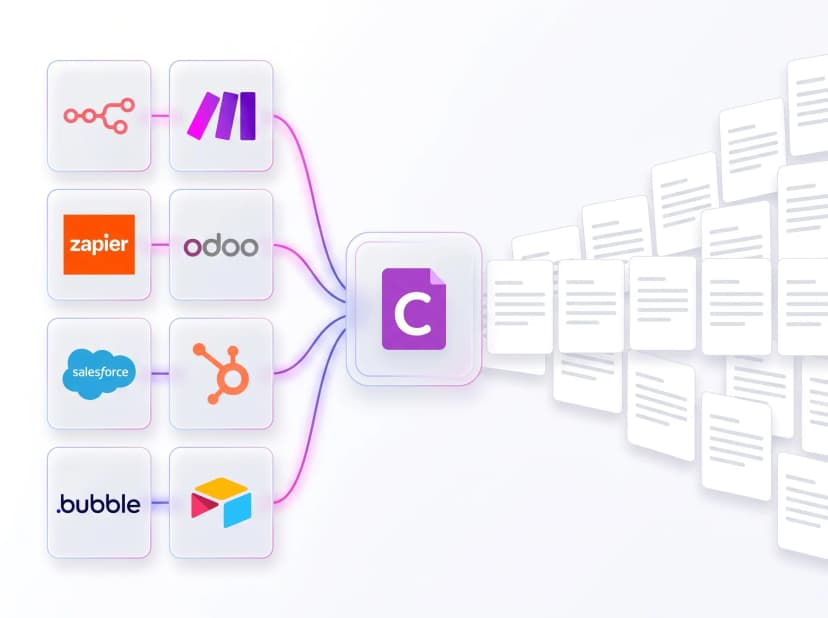
Generate PDF, DOCX, and XLSX documents from your JSON data using templates your team designs in Word or Excel, with no code required.


Test email and SMS end to end with secure inboxes, dedicated numbers, and real-device previews so every sign-up, password reset, and authentication fl...

Write fast, no-config component stories for Vue powered by Vite, with theming, dark mode, and auto-generated copyable code.


An open-source, zero-configuration component development environment built on Vite that supports the Component Story Format, delivers instant fast ref...

An open-source sandbox for developing and testing React UI components in isolation, with a plugin system, static export, and support for Vite, Webpack...

GitHub's design system for building product interfaces, brand assets, and marketing experiences with reusable React components, Octicons, and design t...

Open-source build system that organizes code into composable components for humans and AI, with Bit Cloud to deploy frontends, backends, and databases...
About Developer Tools
Tools like GitHub Copilot, Cursor, and Replit are useful when they understand enough context to act like a careful pair programmer instead of a snippet generator. A frontend developer might paste in a tangled React component, ask for smaller hooks and better test coverage, then inspect the diff before merging. That is the right bargain: less grunt work, no outsourcing of judgment.
Weak tools encourage copy-paste confidence. Strong ones make the next commit easier to understand, review, and maintain. If a tool cannot explain its change clearly, it should not be anywhere near production code.
Compare top 5 Developer Tools
Side-by-side highlights for the top-ranked products in this category. Products whose main category this is come first, then by featured placement, upvotes, ratings, and review count.
| Compare |  Barflare Product page |  LaReview Product page | T Tamagui Product page | A Aurora Editor Overview Product page | F Foundation Product page |
|---|---|---|---|---|---|
| Best for | Flare local apps to public HTTPS links in one click, and let AI agents manage Cloudflare tunnels while you keep full visibility. | Turn code changes into structured review plans and high-signal feedback — local-first, free, and built for senior engineers who value depth over comment spam. | Write less, run faster — a cross-platform React and React Native style library with an optimizing compiler, typed UI kit, and atomic CSS for web and native apps. | A community-built IDE for macOS delivering native performance and advanced developer features — built by developers, for developers. | Build responsive websites, apps, and HTML emails for any device — semantic, customizable, and backed by professional training and certification. |
| Pricing | one_time | Free | Freemium | — | Freemium |
| Platforms | macOS | macOS, Linux, Windows | Web, iOS, Android | macOS | Web |
| Rating | — | — | — | — | — |
| Upvotes | 0 | 0 | 0 | 0 | 0 |
| Verified | No | No | No | No | No |
| Launch date | — | — | — | — | — |
Developer Tools FAQ
Common questions about this category, how we rank products, and how often the page is refreshed.
What are the best Developer Tools on MazikBox?
The top-ranked Developer Tools products right now are Barflare, LaReview, and Tamagui. The comparison table above shows them side by side.
How do you rank Developer Tools products?
Products whose main category is Developer Tools (or one of its subcategories) are listed first, followed by products that also fit the category. Within each group we order by featured placement, then upvotes, average rating, review count, and newest listing. Featured placement is an editorial choice, not a quality score.
What pricing models are common for Developer Tools?
On this page you will find one_time, free, and freemium options, depending on the tool. Check the comparison table and individual product pages for specifics.
Which platforms do these Developer Tools support?
The products currently shown in this category support macOS, linux, windows, web, iOS, and android workflows. Platform coverage varies by tool, so compare product pages before choosing one.
How often is this Developer Tools page updated?
The category description and details were last edited on September 5, 2026. The product list, ranking, and counts update automatically as products, votes, and reviews change.
How many Developer Tools are listed right now?
MazikBox currently lists 101 Developer Tools products in this category, with more added as they meet our editorial standards and category fit.