About Kickbacks.ai
Overview
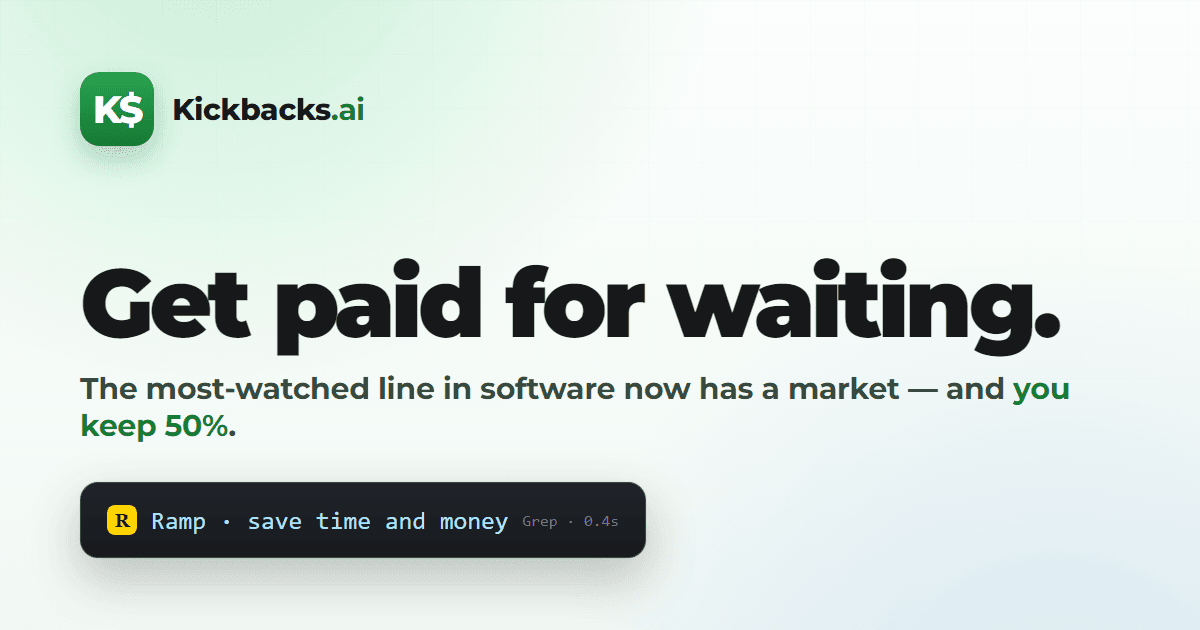
Kickbacks.ai is an advertising marketplace built into the developer's AI coding tools. Advertisers bid for a tiny sponsored status line that appears while Claude Code or Codex is thinking, so developers get paid for wait time that would otherwise pass idle.
The product runs inside the VS Code Claude Code panel, where the spinner overlay is the primary, fully supported surface, and it also supports the OpenAI Codex VS Code extension. Real sponsored lines appear even before a user signs in, but earnings only accrue while signed in.
Key Benefits
- Turn AI wait time into earnings instead of watching a spinner.
- Runs inside the Claude Code panel and the Codex VS Code extension from one install.
- Signing in once lets earnings follow your account across every supported surface.
- Install through the guide at kickbacks.ai/install, then pick your earning mode.
- The Kickbacks: Diagnose command reports sign-in state, compatibility, and active earning surfaces.
How It Works
A developer installs the extension from kickbacks.ai/install, signs in, and selects an earning mode in the settings panel. Kickbacks.ai then patches the Claude Code VS Code extension or the Codex panel and renders a sponsored status line while the agent is thinking. If nothing shows up, the developer opens the Command Palette and runs Kickbacks: Diagnose.
Use Cases
- Claude Code users earn from the spinner overlay in the main Claude Code panel.
- Codex users earn while working in the OpenAI Codex VS Code extension.
- Remote and WSL developers run the extension over Remote-SSH, WSL, and devcontainers and still report impressions.
- Terminal CLI users see a sponsored status-bar line in Claude Code, with sponsored spinner verbs on version 2.1.143 or newer.
- Advertisers bid for the sponsored status line that reaches developers during agent thinking time.
Why Choose This Product
Kickbacks.ai targets the gaps between agent actions instead of interrupting the workflow: the sponsored line takes the place of the stock spinner verb or status-bar text, so it appears only while the agent is already busy. Surface coverage varies, since the Codex terminal CLI does not earn and terminal-only setups still require the VS Code extension to report impressions.
Kickbacks.ai Pros & Cons
- Earns from Claude Code panel and Codex VS Code surfaces
- Earnings follow the account across every supported surface
- Loads over Remote-SSH, WSL, devcontainers, and VS Code Insiders
- Ships a Diagnose command for sign-in and compatibility checks
- Sponsored lines render before sign-in, so ads are visible immediately
- Codex terminal CLI is not supported and does not earn
- VS Code extension required even to earn from the terminal CLI
- Not distributed through Open VSX, so VSCodium cannot find it
- Warp, iTerm2, tmux, and other standalone terminals do not earn
Key Features
Sponsored Wait-Time Line
Advertisers bid for a tiny sponsored status line shown while Claude Code or Codex is thinking.
Claude Code Panel
The spinner overlay in the VS Code Claude Code panel is the primary, fully supported earning surface.
Codex VS Code Support
The OpenAI Codex VS Code extension is supported and earns through the same single checkbox setup.
Terminal Status Bar
The Claude Code terminal CLI shows a sponsored status-bar line on any version, while sponsored spinner verbs require Claude Code 2.1.143 or newer.
Cross-Surface Earnings
Signing in once lets earnings follow the account across every supported surface.
Diagnose Command
Kickbacks: Diagnose in the Command Palette checks sign-in, compatibility, and which earning surfaces are active.
Earning Mode Setting
A settings panel lets users choose their earning mode after signing in.
Remote and WSL
The standard VS Code extension loads over Remote-SSH, WSL, and devcontainers, and also works in VS Code Insiders.
Frequently asked questions about Kickbacks.ai
Does Kickbacks.ai work in the terminal?
Yes, with limits. The Claude Code terminal CLI shows a sponsored status-bar line on any Claude Code version, and sponsored spinner verbs need Claude Code 2.1.143 or newer. The Codex terminal CLI is not supported and does not earn. The VS Code extension is currently required even to earn from the terminal CLI, because it reports impressions.
Which surfaces does Kickbacks.ai support?
The VS Code Claude Code panel is the primary, fully supported surface. The Claude Code terminal CLI is supported, and the Codex VS Code panel is supported and earns. The Codex terminal CLI is not supported. The extension also loads over Remote-SSH, WSL, devcontainers, and VS Code Insiders.
Do I earn anything before signing in?
You see real sponsored lines before signing in, but you only earn while signed in. Sign in once and your earnings follow your account across every supported surface.
Why aren't ads showing?
Kickbacks.ai works by patching the Claude Code VS Code extension, so install Claude Code first and reload the window. Then confirm you are signed in with Kickbacks: Show status, and check that the agent is actually thinking, since sponsored lines render during that time. Start troubleshooting with Kickbacks: Diagnose.
Is macOS supported?
Yes. If something looks off on a Mac, update to the latest version, then reload the window.
Does Kickbacks.ai work with VSCodium or other Open VSX editors?
No. Kickbacks.ai is not distributed through Open VSX, so editors that pull only from Open VSX, such as VSCodium, cannot find it in their built-in marketplace.