Best Design-to-Code Tools in 2026
Design-to-code tools convert interface files into usable front-end code, giving teams a faster starting point than rebuilding every layout by hand. Tools like Anima, Locofy, and Builder.io can translate Figma designs into React, HTML, CSS, or other framework-specific output while preserving components, spacing, and responsive behavior. A developer might import a finished dashboard, generate the initial component structure, then replace awkward markup and connect it to real application data.
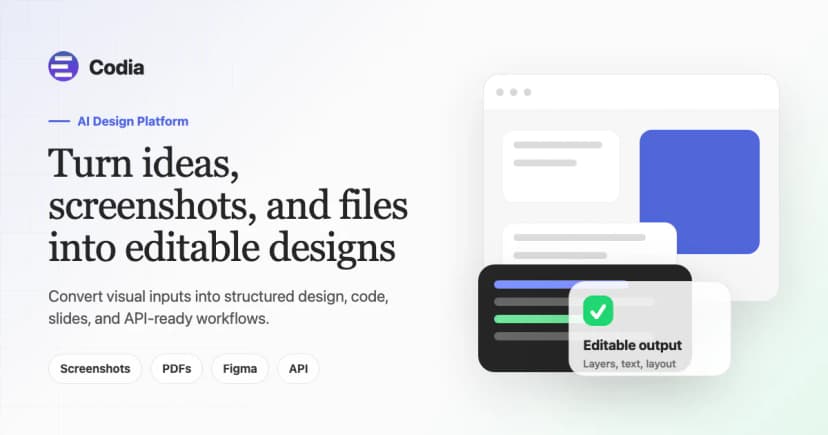
Turn designs into production-ready, framework-native code — no layer-tagging, no calibration, no prompt engineering
Convert Figma & Penpot designs into developer-friendly frontend code for React, Flutter, Vue, Angular, and more — with on-prem deployment and SOC2 + I...

Turn Figma designs, website URLs, images, and brand context into live HTML or React apps — build, preview, add auth and database, then publish or expo...
Design distinctive websites and product UIs that don't look like AI slop, then ship production-ready frontend that reuses your repo's components, toke...
Design interfaces with real, code-ready components, export production React & Tailwind CSS, and connect your design system to AI coding agents.

Build production-ready full-stack web and mobile apps from plain text — no coding required. Get a backend, integrations, and deployment in minutes.
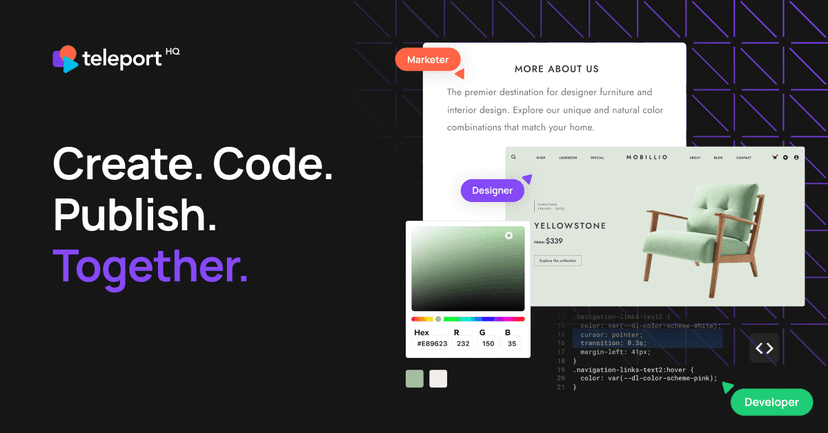
Low-code website builder with AI-powered design, visual drag-and-drop editor, headless CMS integration, and production-ready code export to React, Vue...


Create apps, features, and prototypes with your team, design system, and AI tools — all in your existing codebase.
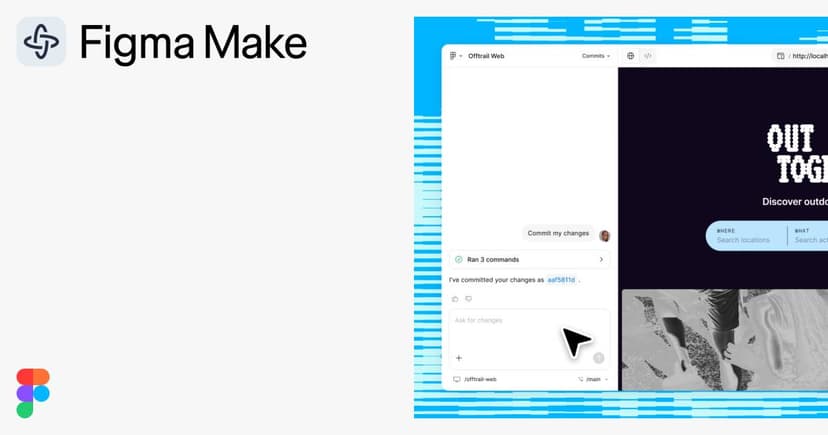
AI-powered prototyping tool that turns prompts into production-ready code prototypes, with full design context from your Figma system.
About Design-to-Code tools
That last step matters: exported code often looks convincing but still needs cleanup, accessibility checks, state handling, and architectural judgment. These tools work best when the source design uses consistent components and sensible naming. A chaotic design file usually produces chaotic code with better formatting.
The strongest design-to-code tools remove repetitive setup without pretending the handoff is finished. Production quality still depends on what happens after the export button.
Compare top 5 Design-to-Code tools
Side-by-side highlights for the top-ranked products in this category. Products whose main category this is come first, then by featured placement, upvotes, ratings, and review count.
| Compare |  Codia Design to Code Product page |  Locofy.ai Product page | A Anima Product page | K Kombai Product page | S Subframe Product page |
|---|---|---|---|---|---|
| Best for | Turn designs into production-ready, framework-native code — no layer-tagging, no calibration, no prompt engineering | Convert Figma & Penpot designs into developer-friendly frontend code for React, Flutter, Vue, Angular, and more — with on-prem deployment and SOC2 + ISO certification. | Turn Figma designs, website URLs, images, and brand context into live HTML or React apps — build, preview, add auth and database, then publish or export | Design distinctive websites and product UIs that don't look like AI slop, then ship production-ready frontend that reuses your repo's components, tokens, and design system. | Design interfaces with real, code-ready components, export production React & Tailwind CSS, and connect your design system to AI coding agents. |
| Pricing | Freemium | Freemium | Freemium | Freemium | Freemium |
| Platforms | Web | Web | Web | macOS, Windows, Linux | Web |
| Rating | — | — | — | — | — |
| Upvotes | 0 | 0 | 0 | 0 | 0 |
| Verified | No | No | No | No | No |
| Launch date | — | — | Jan 1, 2026 | — | — |
Design-to-Code FAQ
Common questions about this category, how we rank products, and how often the page is refreshed.
What are the best Design-to-Code tools on MazikBox?
The top-ranked Design-to-Code products right now are Codia Design to Code, Locofy.ai, and Anima. The comparison table above shows them side by side.
How do you rank Design-to-Code products?
Products whose main category is Design-to-Code (or one of its subcategories) are listed first, followed by products that also fit the category. Within each group we order by featured placement, then upvotes, average rating, review count, and newest listing. Featured placement is an editorial choice, not a quality score.
What pricing models are common for Design-to-Code tools?
On this page you will find freemium options, depending on the tool. Check the comparison table and individual product pages for specifics.
Which platforms do these Design-to-Code tools support?
The products currently shown in this category support web, macOS, windows, and linux workflows. Platform coverage varies by tool, so compare product pages before choosing one.
How often is this Design-to-Code page updated?
The category description and details were last edited on September 5, 2026. The product list, ranking, and counts update automatically as products, votes, and reviews change.
How many Design-to-Code tools are listed right now?
MazikBox currently lists 9 Design-to-Code products in this category, with more added as they meet our editorial standards and category fit.