
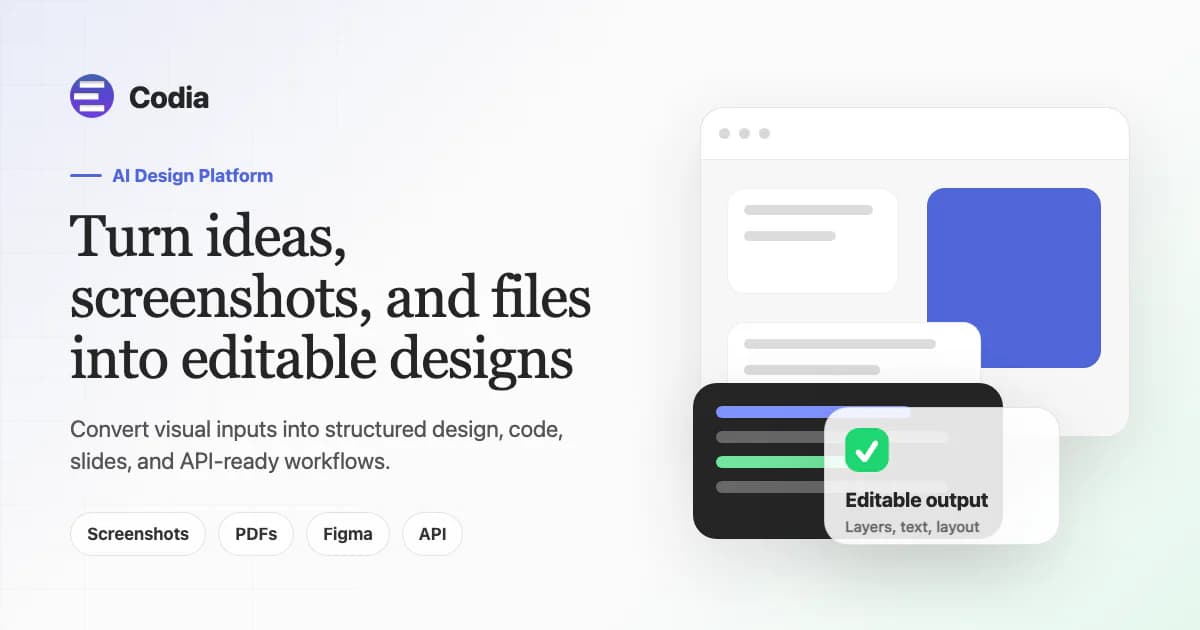
About Codia Design to Code
Overview
Codia's Design to Code tool turns Figma designs, screenshots, PDFs, and image files into clean, framework-native code. It supports React, Vue, SwiftUI, Flutter, Android, and plain HTML output with styling flavors such as Tailwind CSS, styled-components, and CSS Modules.
The product aims at frontend engineers, design engineers, and teams who want to ship production UI faster without layer-tagging, plugin calibration, or prompt engineering. Unlike generic AI code assistants or PNG-to-div converters, Codia generates idiomatic components with typed interfaces, semantic HTML, and reusable primitives that reviewers will approve in PRs.
Key Benefits
- Generated code mirrors how senior engineers write components — named props, typed interfaces, and framework conventions replace flat soup of divs.
- Responsive breakpoints, fluid type, and flex/grid layouts are inferred from the source design rather than faked with fixed pixels.
- Colors, spacing, and typography are extracted as reusable design tokens that can be swapped for an existing theme.
- Repeated elements become shared components with props, keeping the codebase small as the design grows.
- Alt text, ARIA labels, focus order, and semantic landmarks are generated for accessibility out of the box.
- A typical screen converts in seconds, enabling code generation as part of the daily design loop.
How It Works
You drop a PNG, JPG, PDF, or paste a Figma link — or use the Figma plugin to read your current selection directly inside Figma. You then pick a framework target (React, Vue, HTML, SwiftUI, Flutter, or Android) and a styling flavor. Finally, you preview, copy, or download the project output as ready-to-merge component files.
Use Cases
- Frontend engineers at product teams who want to ship Figma designs to code without manual pixel-pushing.
- Design engineers who need to produce production-ready components during the design sprint rather than after handoff.
- Agency developers rebuilding marketing sites from client Figma files and PDF mockups.
- Mobile app developers targeting SwiftUI or Flutter who want to convert screen designs into native UI code.
- Engineering managers who want to reduce the back-and-forth between designers and developers over component implementation.
- Solo founders who need to turn screenshots or PDF wireframes into working React code without a design team.
Why Choose This Product
Codia Design to Code is best suited for teams already using Figma who want framework-native output that passes code review — not throwaway prototype code. It requires no special layer naming or plugin configuration. The main limitation is that the code generation product is paid (from $29/month) with only a free trial, and it supports six framework targets total.
Codia Design to Code Pros & Cons
- No layer-tagging or plugin calibration needed
- Outputs idiomatic, typed, production-ready components
- Responsive design inferred from source, not hardcoded pixels
- Design tokens extracted as reusable theme variables
- Accessible output with ARIA labels and semantic HTML included
- No free plan for the AI Code product itself (free trial only)
- Limited to 6 framework targets
- Lowest paid tier ($29/mo) may be expensive for individual developers
Key Features
Idiomatic components
Typed interfaces, semantic HTML, named props, and framework-specific conventions — not flat div soup.
Responsive by default
Breakpoints, fluid type, and flex/grid are inferred from the source rather than using fixed pixel values.
Design tokens
Colors, spacing, and typography are extracted as reusable tokens that can be swapped for an existing theme.
Reusable primitives
Repeated elements become shared components with props to keep the codebase small.
Accessible output
Alt text, ARIA labels, focus order, and semantic landmarks are generated automatically.
Fast conversion
A typical screen converts in seconds, fitting code generation into the daily design loop.
Production-ready
Output is clean enough for engineering reviewers to approve in PRs, not throwaway prototype code.
6 framework targets
Supports React, Vue, HTML, SwiftUI, Flutter, and Android with styling flavors like Tailwind CSS and styled-components.
Codia Design to Code Pricing
View full pricing →- 5 AI Transform Credits per month
- Maximum supported file size is 50MB
- Support for multiple viewport formats
- Support for various themes
- Font format conversion support
- 200 AI Transform Credits per month
- Unlimited file size
- Priority During Peak Hours
- Continuous iteration of new features
- Priority support
- 600 AI Transform Credits per month
- Unlimited file size
- 2x faster than Starter
- Priority During Peak Hours
- Continuous iteration of new features
- Priority support
- 3000 AI Transform Credits per month
- Unlimited file size
- 4x faster than Starter
- Priority During Peak Hours
- Continuous iteration of new features
- Priority support
| Feature | Free Free/mo | Starter $12/mo | Pro $29/mo | Ultra $120/mo |
|---|---|---|---|---|
| 5 AI Transform Credits per month | ||||
| Maximum supported file size is 50MB | ||||
| Support for multiple viewport formats | ||||
| Support for various themes | ||||
| Font format conversion support | ||||
| 200 AI Transform Credits per month | ||||
| Unlimited file size | ||||
| Priority During Peak Hours | ||||
| Continuous iteration of new features | ||||
| Priority support | ||||
| 600 AI Transform Credits per month | ||||
| 2x faster than Starter | ||||
| 3000 AI Transform Credits per month | ||||
| 4x faster than Starter |
Pricing extracted from the product website and may change. Check the source for current details.
Frequently asked questions about Codia Design to Code
Do I need to tag or name layers in Figma?
Codia reads your current selection directly inside Figma without requiring any special layer tags, naming conventions, or plugin calibration.
Which frameworks are supported today?
React, Vue, HTML, SwiftUI, Flutter, and Android are supported today. Styling options include Tailwind CSS, styled-components, CSS Modules, Swift styles, and Compose.
Is the generated code actually production-ready?
Yes — the output uses typed interfaces, semantic HTML, reusable primitives, and the conventions each framework expects, so reviewers will approve the components in PRs.
Can I bring my own design tokens?
You can bring your own design tokens — colors, spacing, and typography are extracted as reusable tokens that can be swapped for your existing theme.
Is Codia Design to Code free?
Codia Design to Code offers a free plan with optional paid upgrades. See the pricing section for what's included in each tier.
How much does Codia Design to Code cost?
Codia Design to Code offers the following plans: Free, Starter, Pro, Ultra. See the pricing section for what's included in each tier and any per-seat or usage-based costs.
How Codia Design to Code compares
Codia Design to CodeThis | ||||
|---|---|---|---|---|
| Starting price | Free | Free | Free | — |
| Pricing model | Freemium | Freemium | Freemium | unknown |
| Platforms | Web | Web | Web | Web |
| Top features |
|
|
|
|
| Rating | — | — | — | — |

