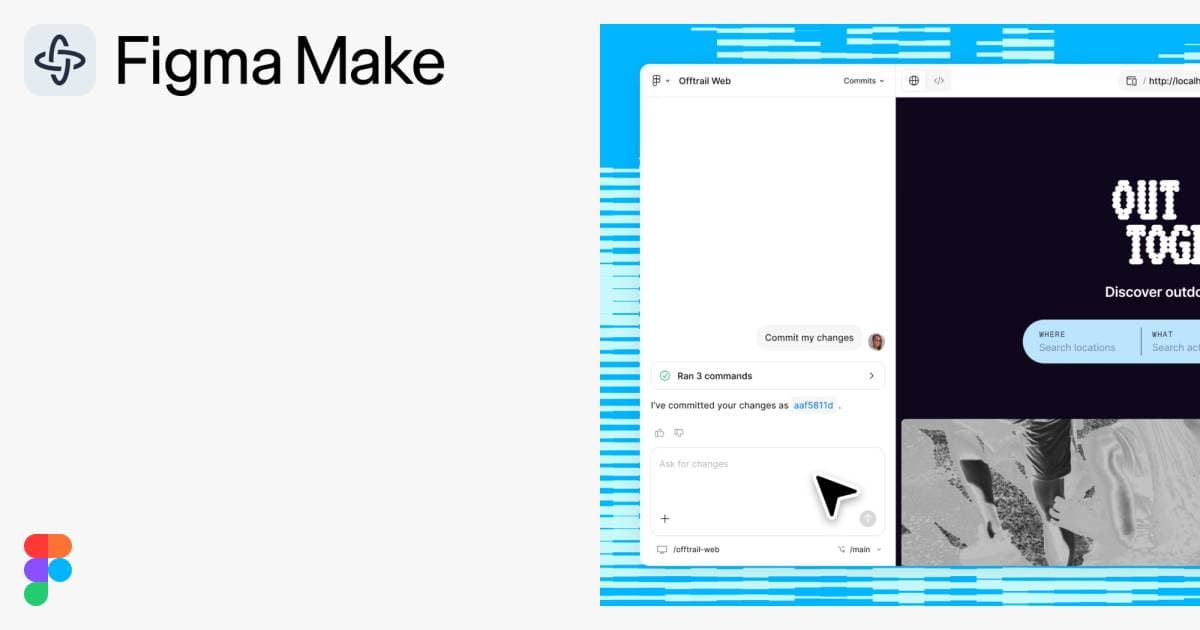
About Figma Make
Overview
Figma Make is an AI-powered prototyping tool built into the Figma ecosystem. It turns prompts into code-backed prototypes that you can edit visually on the canvas, using your existing design system, components, and assets as context.
Designed for product designers, engineers, and product managers, Figma Make shortens the path from idea to working prototype from weeks to hours. Where traditional prototyping requires manual UI construction or separate coding environments, Figma Make lets you stay inside Figma and build with AI-driven generation.
Key Benefits
- Generate realistic prototypes from text prompts using your design system and codebase as context.
- Move fluidly between visual canvas editing and code, with all output being code-backed and visually editable.
- Spin up and iterate on prototypes in hours instead of weeks, as reported by Affirm and Ticketmaster users.
- Build locally within any codebase and ship directly to production from the tool.
- Attach design frames, images, PDFs, npm packages, and style libraries to guide AI results.
- Use Plan mode to define structured intent before generation begins.
How It Works
You start by providing design context — attach Figma design frames, PDFs, images, or connect npm packages and Make kits. You then write a prompt describing the prototype or feature you want. Figma Make generates a code-backed prototype that you can refine directly on the canvas or in the code editor, using comments, annotations, and version history to iterate.
Use Cases
- Product designers — generate interactive prototypes from prompts to test interactions before engineering begins.
- Front-end engineers — produce production-ready code prototypes that align with existing design systems and shipable to production.
- Product managers — quickly visualize feature ideas as realistic prototypes for stakeholder demos and user testing.
- Design engineers — move between visual design and code within a single environment without context switching.
- Design system teams — package workflows into reusable Make kits and custom skills that enforce brand guidelines across prototypes.
- Mobile product teams — open prototypes on a phone for native mobile experience and testing.
Why Choose This Product
Figma Make is best suited for teams already using Figma who want to accelerate prototyping within their existing design system and codebase. It is in active development with features like local codebase support in Beta, and Plan mode and Custom skills marked as New — some capabilities are flagged as coming soon.
Key Features
Prompt-to-prototype
Generate code-backed prototypes from natural language prompts using your design system as context.
Visual canvas editing
All generated output is visually editable on the canvas, enabling seamless switching between code and design.
Make kits
Sync npm packages, library styles, and design guidelines directly with Figma Make for high-fidelity prototypes.
MCP connectors
Connect to external tools via the Model Context Protocol to bring documents, tasks, and data into prototypes.
Plan mode
Clarify intent and create a structured, editable plan before AI generation begins.
Attachments
Attach designs, images, videos, audio, text files, and PDFs to prompts for better AI results.
Comments and annotations
Give and receive feedback on prototypes and send model changes via element selection and prompting.
Version history
Track every AI and manual edit with preview, favorite, and restore options for any iteration.
Voice-to-text prompting
Dictate ideas to Figma Make to generate prototypes using speech input.
Make mobile
Open a Make on your phone and experience it natively.
Figma Make Pricing
View full pricing →- Unlimited drafts
- UI kits and templates
- 150 AI credits/day, up to 500 AI credits/mo
- Unlimited files and projects
- Team-wide design libraries
- Advanced Dev Mode inspection and MCP Server
- 3,000 AI credits/mo
- Unlimited teams
- Shared libraries and fonts
- Centralized admin tools
- 3,500 AI credits/mo
- Custom team workspaces
- Design system theming and APIs
- SCIM seat management
- 4,250 AI credits/mo
| Feature | Starter Free/mo | Professional $16/mo | Organization $55/mo | Enterprise $90/mo |
|---|---|---|---|---|
| Unlimited drafts | ||||
| UI kits and templates | ||||
| 150 AI credits/day, up to 500 AI credits/mo | ||||
| Unlimited files and projects | ||||
| Team-wide design libraries | ||||
| Advanced Dev Mode inspection and MCP Server | ||||
| 3,000 AI credits/mo | ||||
| Unlimited teams | ||||
| Shared libraries and fonts | ||||
| Centralized admin tools | ||||
| 3,500 AI credits/mo | ||||
| Custom team workspaces | ||||
| Design system theming and APIs | ||||
| SCIM seat management | ||||
| 4,250 AI credits/mo |
Pricing extracted from the product website and may change. Check the source for current details.
How Figma Make compares
F Figma MakeThis | ||||
|---|---|---|---|---|
| Starting price | Free | Free | — | Free |
| Pricing model | Freemium | Freemium | Freemium | Freemium |
| Platforms | — | Web | Web | Web |
| Top features |
|
|
|
|
| Rating | — | — | — | — |

