Best Frontend Development Tools in 2026
Frontend development tools are most useful when they sit close to the actual work: writing components, fixing layout bugs, reviewing state logic, and turning rough UI ideas into usable code. AI tools in this category can help generate React components, explain unfamiliar codebases, convert designs into HTML and CSS, or refactor a messy form before it ships.
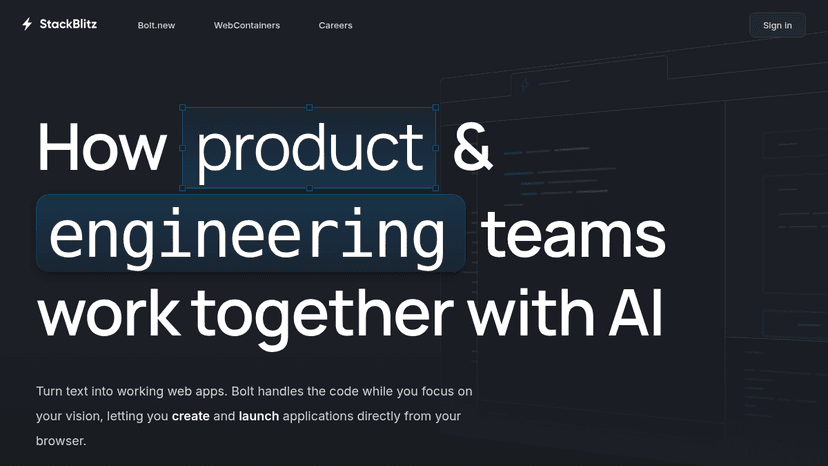
Browser-based IDE that runs Node.js in your browser with WebContainers—no local setup, code instantly from any device
React to scroll position with animations, pinning, parallax, and class toggling using a lightweight JavaScript library
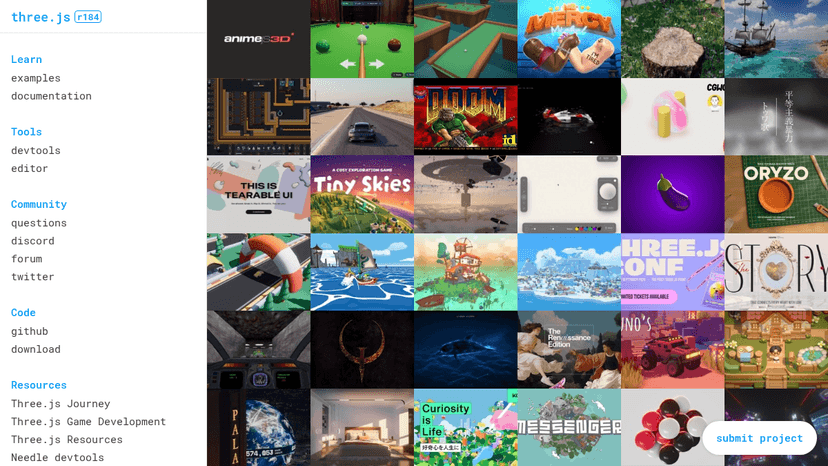
JavaScript 3D Library for building interactive 3D web experiences

Fast JavaScript animation library to animate anything on the web with a single, flexible API
Professional-grade JavaScript animation library for the modern web — animate anything JavaScript can touch with silky-smooth performance
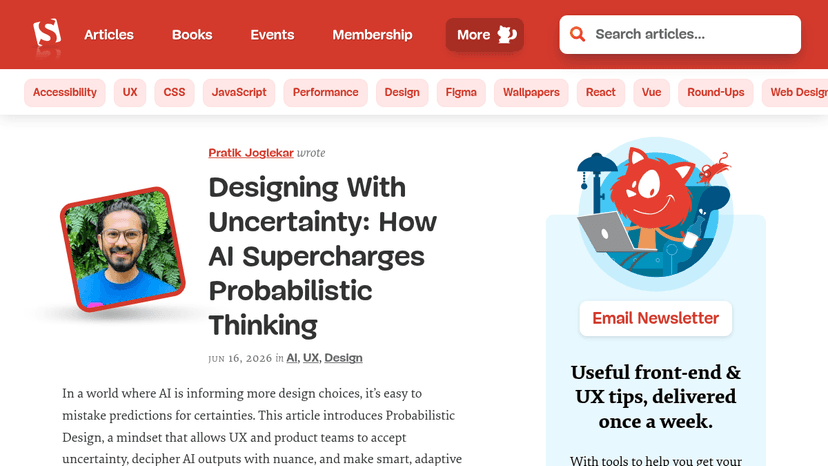
The go-to publication for web designers and developers — read expert articles, join a professional community, and grow your front-end and UX skills.
Discover Bootstrap, the powerful and extensible CSS framework for building responsive, mobile-first websites. Explore features, pricing, and benefits ...

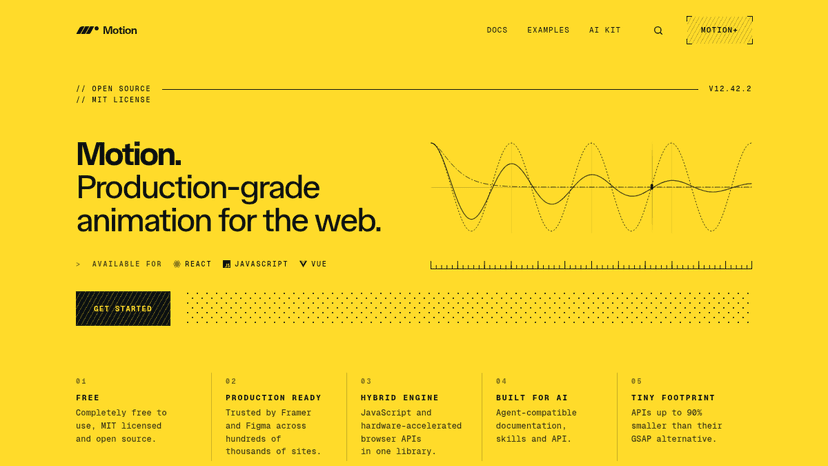
Production-grade animation for the web — hybrid engine with JavaScript and hardware-accelerated APIs, from simple transforms to advanced gestures, fre...
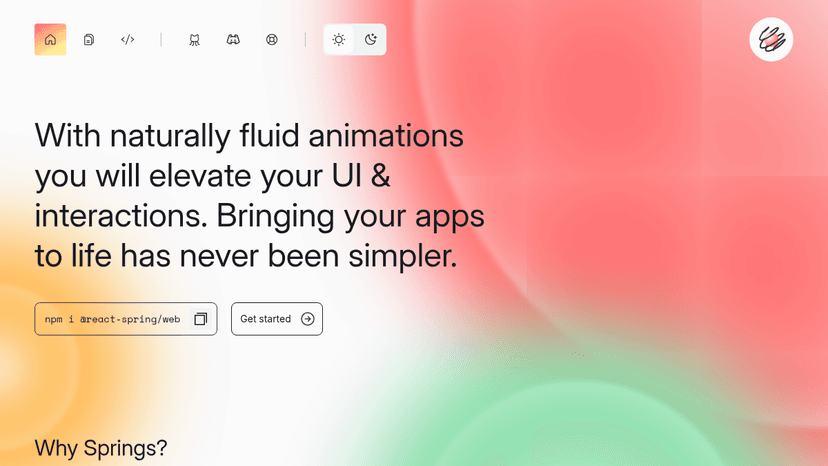
React-native animation library with spring physics that runs without re-rendering, supports SSR, and targets web, native, Three.js, Konva, and Zdog.

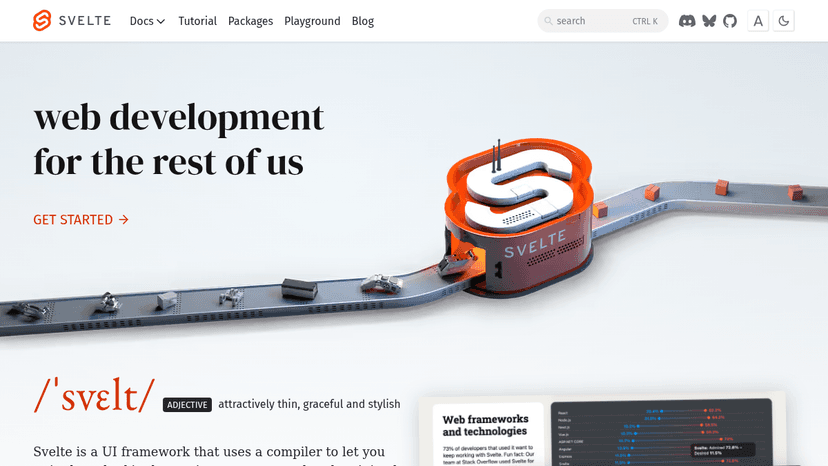
Build fast web apps with standard HTML, CSS, and JavaScript — compiled to minimal runtime code for optimal performance
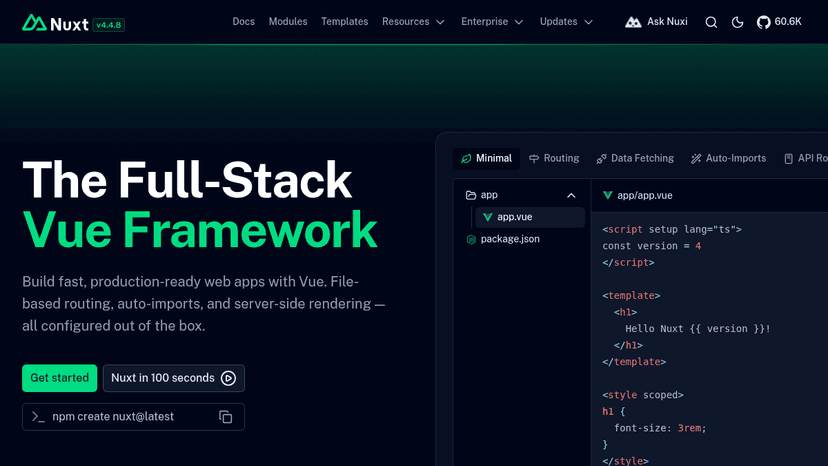
Build production-ready full-stack Vue apps with file-based routing, auto-imports, and server-side rendering — all configured out of the box.
Build full-stack web applications with React components — server-rendered, statically generated, or incrementally regenerated.

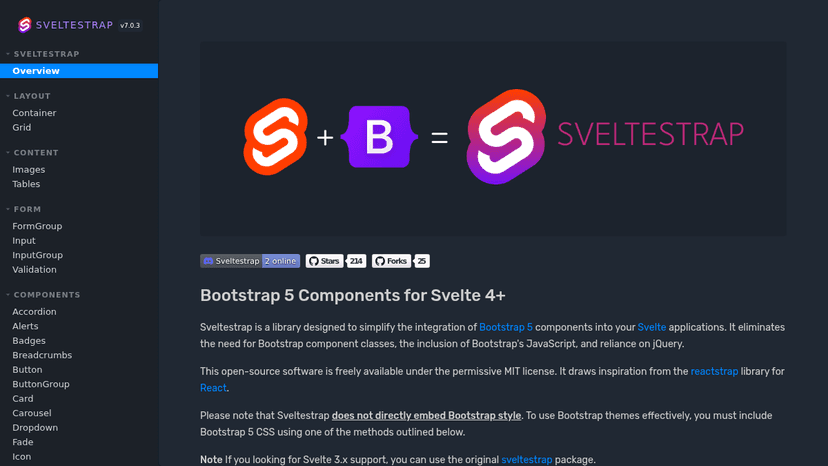
Build Svelte interfaces with Bootstrap components and documented Storybook examples.

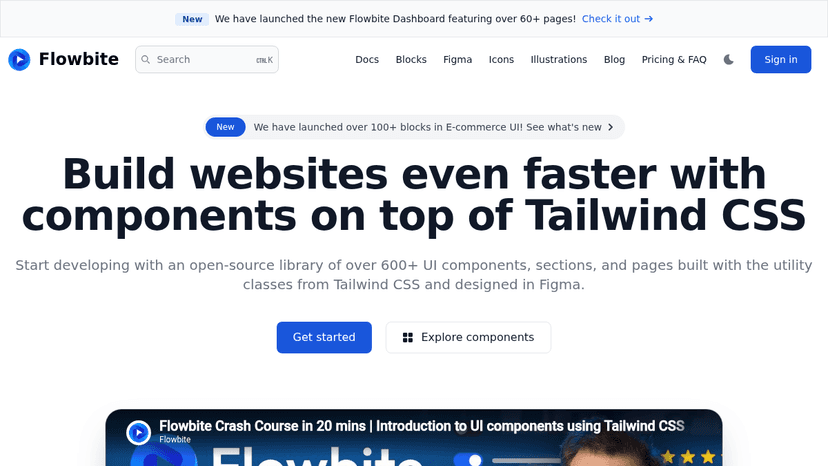
Build UI faster with Tailwind CSS components, blocks, and Figma design resources


Listen to expert conversations on web publishing, art direction, content strategy, typography, and web technology to sharpen your web practice.

Add cross-browser CSS animations to web projects, customize timing and repetition, and guide user attention with ready-to-use classes.
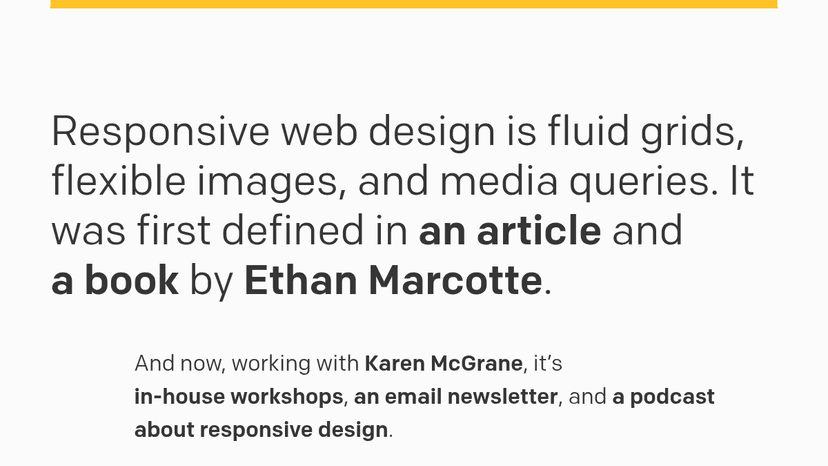
Fluid grids, flexible images, and media queries — the original framework for responsive web design, now with workshops, a newsletter, and a podcast.

A weekly podcast about front end web design and UX from Dave Rupert and Chris Coyier
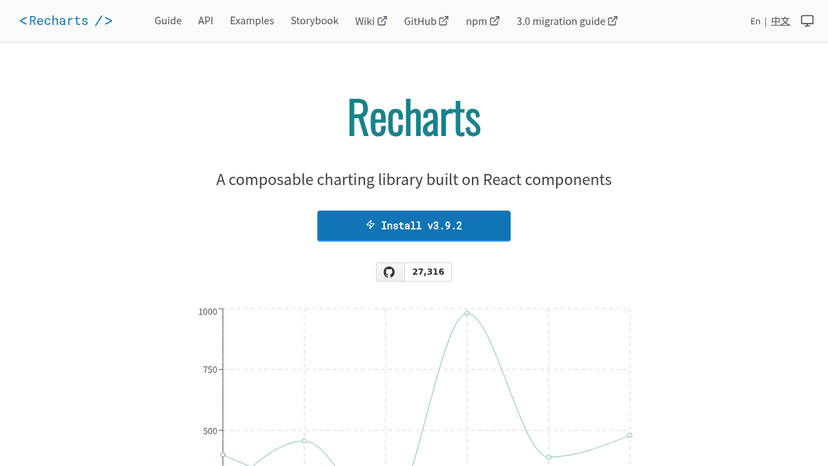
A composable charting library built on React components — build charts with decoupled, reusable components and SVG rendering.

Learn web development, data science, and machine learning for free, build a portfolio, earn certifications, and launch a tech career.
About Frontend Development tools
Tools like Cursor, v0, and GitHub Copilot are common choices, especially when developers want faster iteration without giving up control of the code. A frontend engineer might paste in a clunky dashboard component, ask for cleaner responsive behavior, then review the output line by line before committing anything. The good tools make reasonable guesses and expose their logic.
The bad ones hide complexity behind confident snippets. Frontend still rewards taste, restraint, and a sharp eye for broken edge cases.
Compare top 5 Frontend Development tools
Side-by-side highlights for the top-ranked products in this category. Products whose main category this is come first, then by featured placement, upvotes, ratings, and review count.
| Compare |  StackBlitz Product page |  ScrollMagic Product page | T Three.js Product page | A Anime.js Product page |  GSAP Product page |
|---|---|---|---|---|---|
| Best for | Browser-based IDE that runs Node.js in your browser with WebContainers—no local setup, code instantly from any device | React to scroll position with animations, pinning, parallax, and class toggling using a lightweight JavaScript library | JavaScript 3D Library for building interactive 3D web experiences | Fast JavaScript animation library to animate anything on the web with a single, flexible API | Professional-grade JavaScript animation library for the modern web — animate anything JavaScript can touch with silky-smooth performance |
| Pricing | unknown | Free | Free | Free | Free |
| Platforms | — | Web | Web | Web | Web |
| Rating | — | — | — | — | — |
| Upvotes | 0 | 0 | 0 | 0 | 0 |
| Verified | No | No | No | No | No |
| Launch date | — | — | — | — | — |
Frontend Development FAQ
Common questions about this category, how we rank products, and how often the page is refreshed.
What are the best Frontend Development tools on MazikBox?
The top-ranked Frontend Development products right now are StackBlitz, ScrollMagic, and Three.js. The comparison table above shows them side by side.
How do you rank Frontend Development products?
Products whose main category is Frontend Development (or one of its subcategories) are listed first, followed by products that also fit the category. Within each group we order by featured placement, then upvotes, average rating, review count, and newest listing. Featured placement is an editorial choice, not a quality score.
What pricing models are common for Frontend Development tools?
On this page you will find unknown and free options, depending on the tool. Check the comparison table and individual product pages for specifics.
Which platforms do these Frontend Development tools support?
The products currently shown in this category support web workflows. Platform coverage varies by tool, so compare product pages before choosing one.
How often is this Frontend Development page updated?
The category description and details were last edited on September 5, 2026. The product list, ranking, and counts update automatically as products, votes, and reviews change.
How many Frontend Development tools are listed right now?
MazikBox currently lists 33 Frontend Development products in this category, with more added as they meet our editorial standards and category fit.