
About Motion
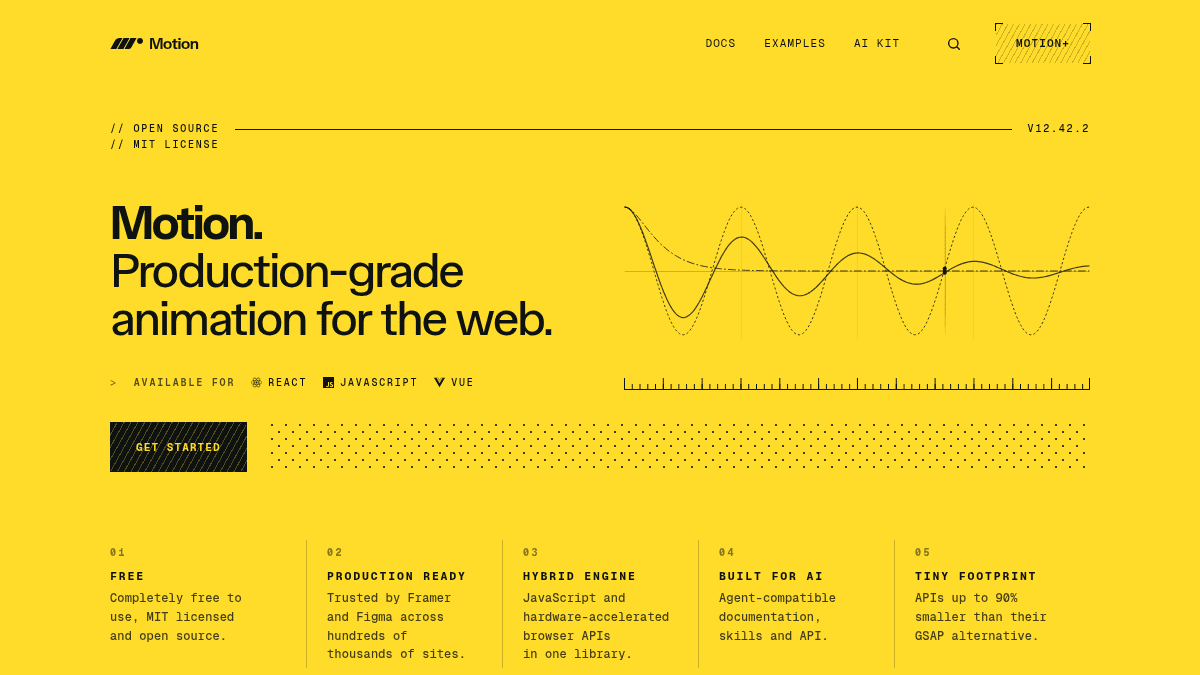
Overview Motion is an open-source, production-grade animation library for React, JavaScript, and Vue. It provides a hybrid animation engine that combines JavaScript-driven control with hardware-accelerated browser APIs, delivering smooth UI motion at a small file footprint. The library is trusted by companies like Framer and Figma across hundreds of thousands of sites. Motion offers a familiar declarative API for defining animations on elements, with built-in support for independent transforms, scroll-linked motion, native gestures, layout animation, spring physics, exit animations, and timeline sequences. It is MIT-licensed and completely free to use at its core, with a paid Motion+ tier that adds premium components, an AI Kit, and visual tooling. Key Benefits APIs up to 90% smaller than equivalent GSAP implementations, reducing bundle size. Independent transforms let you animate x, y, rotate, and scale on the same element without wrapper elements. Hardware-accelerated scroll-linked motion built on the ScrollTimeline API for performant scroll-driven animations. Native hover, press, and drag gestures that feel integrated rather than layered on. Real spring physics compute animations that react naturally to user input without fixed easing curves. AnimatePresence keeps elements alive in the DOM so they can animate out before removal. How It Works You install Motion via npm or import it into your React, JavaScript, or Vue project. You then add declarative animation props—such as animate , initial , whileHover , layout , or exit —directly on Motion components like motion.div . Motion automatically selects the optimal animation path, choosing between the JavaScript engine and hardware-accelerated browser APIs, while spring-based physics determines timing and trajectory for interactive responses. Use Cases React developers building component-level UI animations with minimal boilerplate and no wrapper elements. Framer designers and site creators who rely on Motion for the animations that power hundreds of thousands of Framer sites. Vue and plain JavaScript teams who want the same animation API across different framework ecosystems. Indie developers shipping production web apps who need gesture-driven interactions, scroll-linked motion, and layout transitions without adding significant bundle size. AI-assisted development teams using the AI Kit to let an agent write Motion and CSS animations based on best-practice documentation and example source code. Animation-heavy product teams (marketing sites, interactive dashboards) requiring performant marquees, animated numbers, cursor effects, and scrambled text components. Why Choose This Product Motion is best suited for developers who want a proven, MIT-licensed animation library with a tiny footprint and first-class support for React, Vue, and plain JavaScript. It is production-ready at thousands of sites, offers a hybrid engine that avoids the performance pitfalls of pure-JS libraries, and provides an optional paid tier for teams that need premium components, AI tooling, and an IDE transition editor. The library is not a full animation design tool—it is a code-level library focused on programmatic UI animation.
Motion Pros & Cons
- Completely free and MIT-licensed
- APIs up to 90% smaller than GSAP
- Hybrid engine combining JS and hardware acceleration
- Trusted by Framer and Figma across hundreds of thousands of sites
- Motion+ lifetime access with no subscription
- AI Kit and most premium components require paid Motion+ tier
- Business tier billed per-seat annually with no lifetime option
- MotionScore audit only available on Motion+ or above
Key Features
Independent transforms
Animate x, y, rotate, and scale on the same element without requiring wrapper elements.
Scroll animation
Hardware-accelerated scroll-linked motion using the browser's ScrollTimeline API.
Native gestures
Native hover, press, and drag gestures that feel integrated rather than bolted on.
Layout animation
Animate between any two layouts with a single layout prop, enabling smooth reorder and resize transitions.
Spring physics
Real spring mathematics produces animations that naturally react to user input without predefined easing curves.
Exit animation
AnimatePresence keeps elements alive so they can animate as they leave the DOM on unmount.
Timeline sequences
Variants, stagger, and timeline APIs coordinate complex multi-step and sequenced animations.
Motion values
useMotionValue drives animations and derived state in real time, with useTransform to derive values.
AI Kit
Agent-compatible documentation, skills, and API surface designed for AI-assisted coding workflows.
MotionScore audit
Audit any live website for animation performance in under 60 seconds, grading S through F with actionable findings.
Motion Pricing
View full pricing →- Core library
- Basic examples
- Basic tutorials
- Docs search
- 400+ AI-ready examples
- Premium components (Ticker, Carousel, Cursor, etc.)
- AI Kit with MotionScore audit
- 110+ tutorials
- Early access features
- Visual transition editor for IDEs
- Private Discord community
- Everything in Motion+
- Multi-user licence
- Seat management
- Transferable seats
- Slack release alerts
| Feature | Free Free | Motion+ Personal £399 one-time | Business £249/yr |
|---|---|---|---|
| Core library | |||
| Basic examples | |||
| Basic tutorials | |||
| Docs search | |||
| 400+ AI-ready examples | |||
| Premium components (Ticker, Carousel, Cursor, etc.) | |||
| AI Kit with MotionScore audit | |||
| 110+ tutorials | |||
| Early access features | |||
| Visual transition editor for IDEs | |||
| Private Discord community | |||
| Everything in Motion+ | |||
| Multi-user licence | |||
| Seat management | |||
| Transferable seats | |||
| Slack release alerts |
Pricing extracted from the product website and may change. Check the source for current details.
Frequently asked questions about Motion
What does "lifetime" access mean?
Lifetime access means you pay once and get access to all future updates to examples, premium components, and workflow features. It is not a subscription.
Can I use Motion+ for commercial projects?
Yes. Motion+ APIs and examples are licensed under MIT. Once you have added code to your site, it is yours forever. If your product effectively resells Motion+ capabilities to your users, a Builder's License is needed.
Do you offer PPP or student discounts?
Yes. Student discounts are available in some countries, and PPP in others. Send proof of residence or student ID to [email protected] for a discount code.
How does the Business package work?
Motion+ Business is an annual subscription priced per seat for teams of two or more. You can assign, remove, and reassign seats from your team dashboard. Usage by more than one person requires a Business package.
Is Motion free?
Motion offers a free plan with optional paid upgrades. See the pricing section for what's included in each tier.
How much does Motion cost?
Motion offers the following plans: Free, Motion+ Personal, Business. See the pricing section for what's included in each tier and any per-seat or usage-based costs.