
About JSONLint
Overview
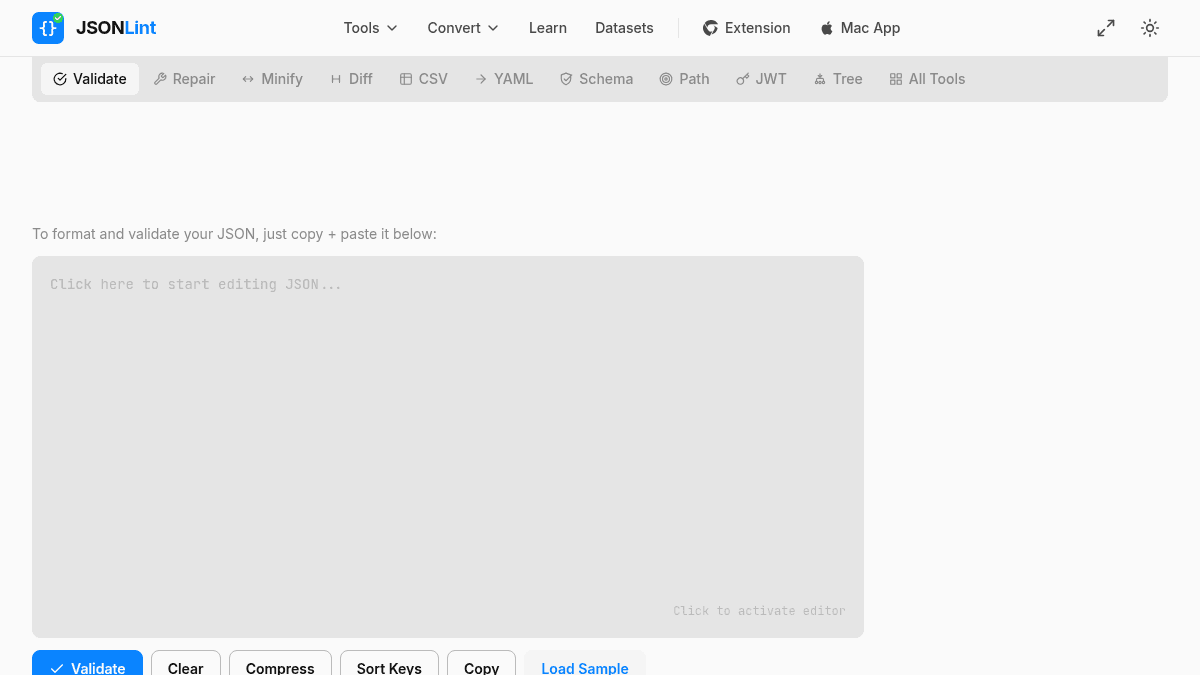
JSONLint is a free online validator and formatter for JSON, a lightweight data-interchange format. It allows developers to paste, type directly, or input URLs to validate and format JSON code instantly.
The tool detects syntax errors and points to exact line numbers, eliminating time spent hunting for missing commas or malformed structures. JSONLint is language-independent and works for any system using JSON data interchange.
Key Benefits
- Detects all syntax errors and displays exact line numbers where mistakes occur.
- Reformats messy JSON code into clean, readable, and properly indented output.
- Supports minification to compress JSON for storage and transmission efficiency.
- Accepts input via direct paste, manual typing, or URL input for scraping JSON from external sources.
- Validates JSON against JavaScript standards with instant feedback on all errors.
How It Works
You copy and paste JSON code (or directly type it) into the editor, then JSONLint automatically validates the content and displays any errors. Click the "Compress" button to minify your JSON, or use the URL parameter feature to scrape and validate JSON from external sources directly.
Use Cases
- Backend developers testing API responses and ensuring JSON payloads conform to schema requirements before deployment.
- Frontend engineers debugging malformed JSON data received from third-party APIs during integration.
- DevOps engineers validating configuration files in JSON format before applying infrastructure changes.
- Data analysts checking JSON exports from databases or tools to catch formatting issues before downstream processing.
- Students learning JSON format and practicing data structure rules with real-time syntax feedback.
Why Choose This Product
JSONLint is ideal for any developer or technical professional working with JSON data who needs instant error detection and formatting. The free, no-signup tool requires no installation and works in any browser, making it the fastest way to validate and repair JSON without context-switching to local tools.
JSONLint Pros & Cons
- Free, no signup required, instant online validation
- Displays exact line numbers for every error found
- Supports minification and reformatting in a single tool
- Accepts input via paste, direct typing, or URL scraping
Key Features
JSON Validation
Validates JSON syntax against JavaScript standards and reports all errors with exact line numbers.
Code Formatting
Automatically reformats messy or minified JSON into clean, properly indented, human-readable output.
Minification
Compresses JSON code by removing whitespace and unnecessary characters to reduce file size for transmission.
URL Input
Scrapes and validates JSON directly from external URLs without requiring manual copy-paste.
Multiple Input Methods
Accepts JSON via direct paste, manual typing in the editor, or URL-based input for flexible workflows.
Line Error Reporting
Pinpoints the exact line numbers containing syntax errors to speed up debugging and correction.
JSONLint Pricing
Pricing extracted from the product website and may change. Check the source for current details.