
About Harvest
Overview
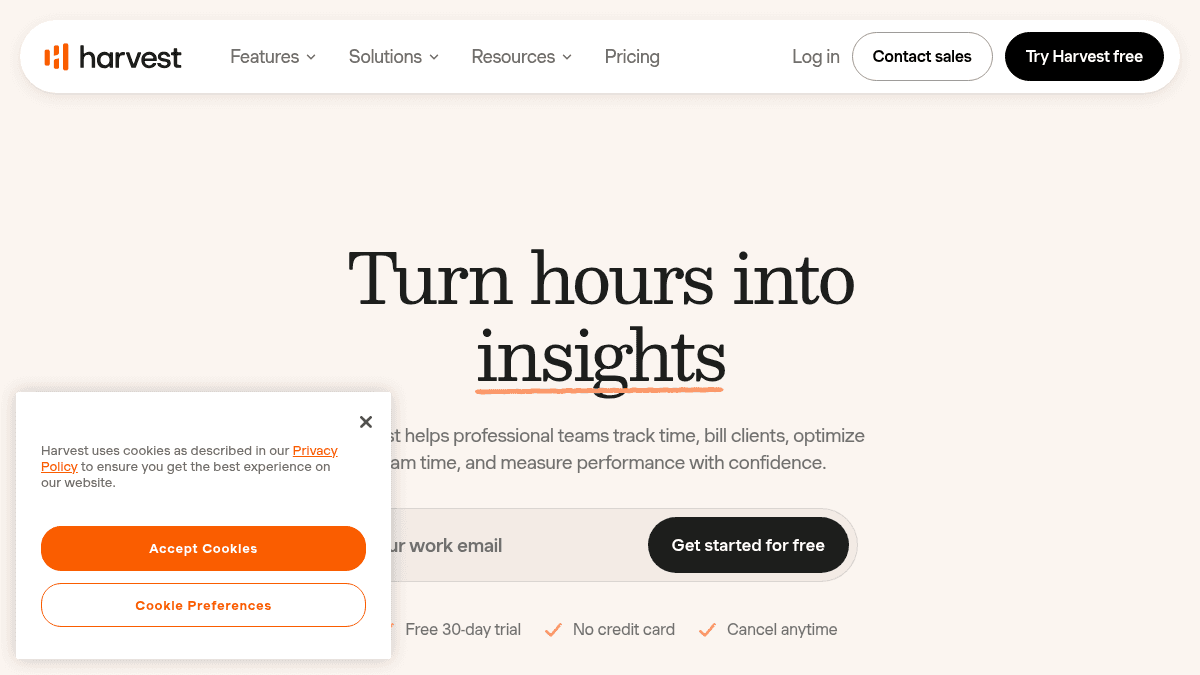
Harvest is a time tracking and invoicing platform built for professional service teams. It helps businesses track billable hours, generate invoices, monitor project profitability, and manage team capacity from a single dashboard.
Unlike standalone timers or basic invoicing tools, Harvest combines real-time time tracking, expense logging, budget alerts, reporting, and client invoicing in one workflow. Over 70,000 companies use it to turn tracked hours into paid invoices.
Key Benefits
- 73,000+ businesses use Harvest to track time and bill clients.
- Over $50 billion in payments processed through the platform.
- Users can log time via one-click timers, daily or weekly timesheets, or directly from a connected calendar.
- Built-in profitability and utilization metrics help keep projects on budget.
- Auto-generated invoices from tracked time and expenses include online payment and automatic overdue reminders.
- Free 30-day trial with no credit card required on any plan.
How It Works
Users set up their workspace by creating clients, projects, and tasks. Team members log time using the timer, timesheet view, or calendar integration. Managers review and approve submitted timesheets, then generate invoices from billable time and expenses with a few clicks.
Use Cases
- Freelance consultants use the Free plan to track time on up to 2 projects and send invoices.
- Advertising and marketing agencies track billable hours across client accounts and monitor project margins.
- Architecture and construction firms log time on-site via the mobile app and run profitability reports.
- Law firms submit timesheets for approval and roll billable expenses into client invoices automatically.
- Software development teams use capacity planning and forecasting to balance workloads across sprints.
- Accounting and finance teams export billable data to their accounting tools and run custom reports.
Why Choose This Product
Harvest is best suited for professional service teams of any size that need structured time tracking tied directly to invoicing and profitability analysis. New users can start with a free 30-day trial on any plan; the Free plan is limited to 1 seat and 2 projects, and paid plans incur usage-based fees beyond the base rate for additional invoices, projects, clients, and tasks.
Harvest Pros & Cons
- Free tier available for individual freelancers
- 30-day free trial on all plans, no credit card required
- Over 70,000 businesses and $50B+ payments processed
- Built-in profitability and utilization reporting
- Multi-platform support: web, desktop, iOS, Android
- Free plan limited to 1 seat and 2 projects
- Additional invoices, projects, clients, and tasks beyond base rate incur usage-based billing on paid plans
- Enterprise tier requires contact for onboarding support under 50 seats
Key Features
Multi-method time tracking
Users can log hours using one-click timers, daily or weekly timesheets, or directly from a connected calendar.
Auto-generated invoicing
Generate invoices from tracked time and expenses with built-in online payments and automatic overdue reminders.
Budget alerts
Set budgets by hours or fees and receive live alerts before going over budget.
Team capacity planning
View team utilization rates and capacity in real time to identify overloaded or under-allocated members.
Roles and permissions
Assign per-person billing rates and roles with granular permissions controlling what each teammate can see and do.
Forecasting and scheduling
Use Forecast integration for project workload planning, scheduling, time-off tracking, and what-if scenario modeling.
Custom tagging and hierarchy
Slice and dice data with custom tags, tasks, projects grouped by client for clean reporting.
Expense tracking
Log expenses per project with receipt photo attachments and submit or approve expense claims.
Multi-tiered billing rates
Set billing rates by person, project, or task type and Harvest automatically applies the correct rate.
Profitability reporting
Monitor project margins as work progresses and see estimated vs actual costs at a glance.
Harvest Pricing
View full pricing →- 1 seat
- 2 projects
- Time tracking
- Invoicing
- Expense tracking
- Mac & iOS apps
- Unlimited seats
- Time tracking
- Team reporting
- Invoicing
- Accounting and payment integrations
- Profitability reporting
- Timesheet approvals
- Activity log
- Custom reports and exports
- SAML-based SSO
- Require notes
| Feature | Free Free one-time | Teams $9/mo | Enterprise $14/mo |
|---|---|---|---|
| 1 seat | |||
| 2 projects | |||
| Time tracking | |||
| Invoicing | |||
| Expense tracking | |||
| Mac & iOS apps | |||
| Unlimited seats | |||
| Team reporting | |||
| Accounting and payment integrations | |||
| Profitability reporting | |||
| Timesheet approvals | |||
| Activity log | |||
| Custom reports and exports | |||
| SAML-based SSO | |||
| Require notes |
Pricing extracted from the product website and may change. Check the source for current details.
Frequently asked questions about Harvest
What happens at the end of my trial?
You can sign up for any plan with a free 30-day trial. No credit card is required. At the end of the trial, you can choose to continue on a paid plan or downgrade to the Free plan.
Can I change my plan after subscribing?
Yes. You can upgrade or change your plan after subscribing whenever your needs change, and your data carries over.
How do I sign up for the free plan?
The Free plan is limited to 1 seat and 2 projects with time tracking, invoicing, expense tracking, and Mac & iOS apps. It is built for individual freelancers and is free forever.
Is Harvest free?
Harvest offers a free plan with optional paid upgrades. See the pricing section for what's included in each tier.
How much does Harvest cost?
Harvest offers the following plans: Free, Teams, Enterprise. See the pricing section for what's included in each tier and any per-seat or usage-based costs.
What platforms does Harvest support?
Harvest is available on: Web, macOS, Windows, iOS, Android.
How Harvest compares
HarvestThis | ||||
|---|---|---|---|---|
| Starting price | Free | Free | — | Free |
| Pricing model | Freemium | Freemium | — | Free |
| Platforms | Web, macOS, Windows, iOS, Android | Web, macOS, Windows, iOS, Android, Linux | — | — |
| Top features |
|
| — | — |
| Rating | — | — | — | — |

