
About Worksection
Overview
Worksection is a project and work management platform (SaaS) that brings planning, task management, collaboration, time tracking, and reporting into one organized space. It combines Kanban boards, Gantt charts, dashboards, and reports with role-based permissions and admin controls.
The 2.0 release focuses on speed, modern UX, and scalability for large teams, supporting high-volume use with fast inline editing and powerful filters. More than 1,800 companies trust Worksection to structure work, track employee time, and measure project efficiency.
Key Benefits
- Plan projects and set timelines so every teammate knows what's ahead
- Organize work into clear tasks with assignees and priorities
- Discuss, share files, and track progress in one collaborative space
- Log work hours, manage workloads, and balance team effort
- Visualize progress with timelines, Gantt charts, and status updates
- See performance, costs, and results with ready-to-use reports
How It Works
Create a free account and invite your team. Structure projects into tasks and subtasks, plan on Kanban boards or a Gantt chart, assign owners and due dates, and track time as work progresses. Monitor everything on customizable dashboards and use AI-assisted search to find information by meaning.
Use Cases
- Digital marketing agencies track campaigns, client hours, and deliverables
- Construction companies manage projects and tasks in a single interface
- Product companies plan sprints and coordinate product workflows
- Creative, PR, HR, and consulting teams organize client work and resources
- Governmental and social project teams report on progress and costs
- Agile and hourly-work teams track time, costs, and team workload
Why Choose This Product
Worksection takes a people-first approach, connecting teammates to projects, time reporting, and real-time workflow. It combines enterprise-grade security, including two-factor authentication, IP restrictions, and GDPR and ISO 27001 alignment, with 24/7 support and a free plan, making it easy for teams to adopt within the first week.
Worksection Pros & Cons
- Always-free plan for up to 5 users
- 14-day free trial with no credit card required
- Trusted by 1800+ companies
- Native mobile apps for iOS and Android
- Gantt charts, Kanban, dashboards, and time tracking in one tool
- Some features marked 'soon' including Custom Fields and Team Workload
- Zoom and Microsoft Teams integrations still listed as 'soon'
Key Features
Kanban boards
Organize tasks visually on Kanban boards, including project and team Kanban views.
Gantt charts
Plan project timelines and resources with Gantt charts and resource planning views.
Time tracking
Log work hours, run a task timer, and track costs against hourly rates.
Dashboards
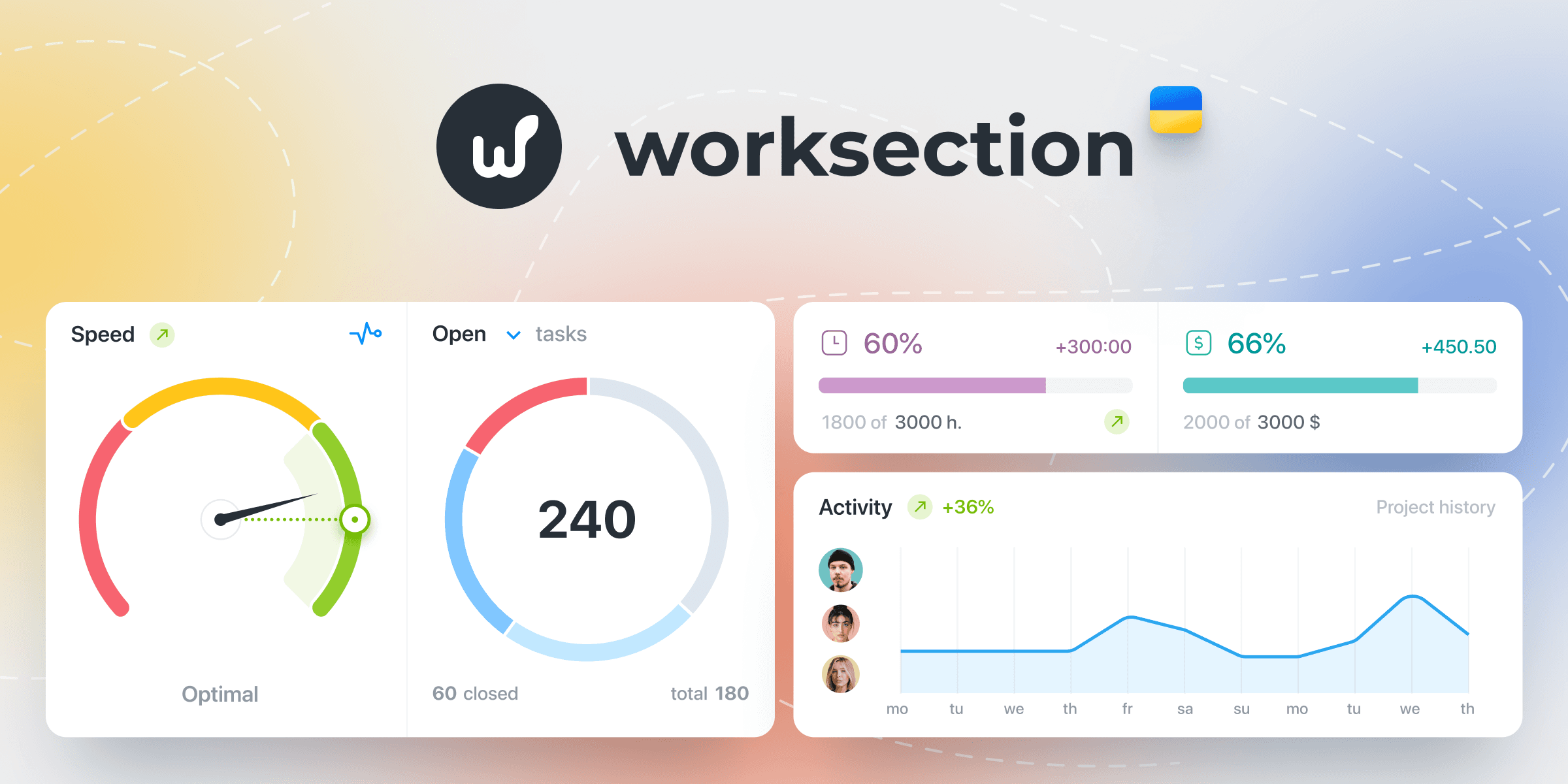
Monitor progress on project, global, and personal dashboards.
Reports
Generate project, task, team performance, detailed insights, and cost reports with export to Excel and CSV.
Real-time chat
Discuss tasks, mention teammates, and share files with live activity updates.
Automations
Automate routine work with status-based automations, recurring tasks, and email-to-task.
AI features
Use AI deep search, AI summaries, key takeaways, and AI editing to work faster.
Mobile apps
Access projects and react to updates from native iOS and Android apps.
Security controls
Protect data with two-factor authentication, IP restrictions, SSL encryption, and on-premise backups.
Worksection Pricing
View full pricing →- Up to 5 users
- 2 projects and 1GB storage
- Task lists, checklists, priorities, deadlines
- Calendar view and Kanban boards
- Real-time chat
- Mobile apps for iOS and Android
- Unlimited projects
- 2GB storage per seat
- Everything in Free
- Custom roles and read-only access
- Advanced filters
- Project dashboards and reports
- Everything in Basic
- 5GB storage per seat
- Guest access and time off
- Gantt chart
- Document editing and Time & Material
- Status-based automations and API
- Everything in Business
- 10GB storage per seat
- Project Kanban and enforced 2FA
- External file storage (S3/FTP)
- On-premise backups and IP restrictions
| Feature | Free Free/mo | Basic $5/mo | Business $10/mo | Premium $15/mo |
|---|---|---|---|---|
| Up to 5 users | ||||
| 2 projects and 1GB storage | ||||
| Task lists, checklists, priorities, deadlines | ||||
| Calendar view and Kanban boards | ||||
| Real-time chat | ||||
| Mobile apps for iOS and Android | ||||
| Unlimited projects | ||||
| 2GB storage per seat | ||||
| Everything in Free | ||||
| Custom roles and read-only access | ||||
| Advanced filters | ||||
| Project dashboards and reports | ||||
| Everything in Basic | ||||
| 5GB storage per seat | ||||
| Guest access and time off | ||||
| Gantt chart | ||||
| Document editing and Time & Material | ||||
| Status-based automations and API | ||||
| Everything in Business | ||||
| 10GB storage per seat | ||||
| Project Kanban and enforced 2FA | ||||
| External file storage (S3/FTP) | ||||
| On-premise backups and IP restrictions |
Estimate based on listed per-seat pricing. Volume discounts and add-ons may apply.
Pricing extracted from the product website and may change. Check the source for current details.
Frequently asked questions about Worksection
What is Worksection?
Worksection is a project and work management platform (SaaS) with Kanban boards, Gantt charts, dashboards, reports, time tracking, and admin controls. The 2.0 release focuses on speed, modern UX, and scalability for large teams.
How does Worksection work?
Create projects, break work into tasks and subtasks, plan on Kanban or Gantt, assign owners and dates, track time, and monitor progress on customizable dashboards. AI-assisted search helps find information by meaning. It is built for high-volume use with fast inline editing and powerful filters.
How much does Worksection cost?
Multiple plans are available, including a free option for small teams (up to 5 users) and paid tiers with advanced features. Paid plans are billed per seat per month, with discounts for annual billing. See the pricing page for details.
How does Worksection protect my privacy?
Worksection is GDPR-compliant with ISO-aligned practices, data encryption in the browser and in transit, and a hybrid infrastructure of cloud and dedicated servers, including an EU-based server in Poland, to meet data residency and reliability needs.
When can I use Worksection on my device?
Use Worksection in any modern web browser on desktop or through the native mobile app for iOS and Android, available on the App Store and Google Play.
Where can I send a request or report a bug?
Email [email protected] or use the in-app chat widget. You can also check the Help section inside your workspace for guidance.