About Brief
Overview
Brief is a Navigator through the product process. It captures product decisions from the tools a team already uses and makes them available to people and AI agents, so every decision is informed and every builder is aligned.
The product reports 95% decision compliance when agents access Brief, up from 46% with codebase alone. Teams also report 8 of 8 merge-ready tasks with Brief, versus 2 of 8 without product context, and 68% lower cost per merge-ready task.
Key Benefits
- Reads decisions automatically from Linear, Jira, Notion, Slack, and GitHub.
- Builds a searchable, linked Product Graph that stays current as the team works.
- Navigates Cursor, Claude Code, Windsurf, and any MCP-compatible assistant to product context.
- Cuts cost per merge-ready task by 68% and reduces rewrites.
- Gives each person an hour back per week and shortens time-to-market by about 30%.
- Works without forcing a change to existing workflows.
How It Works
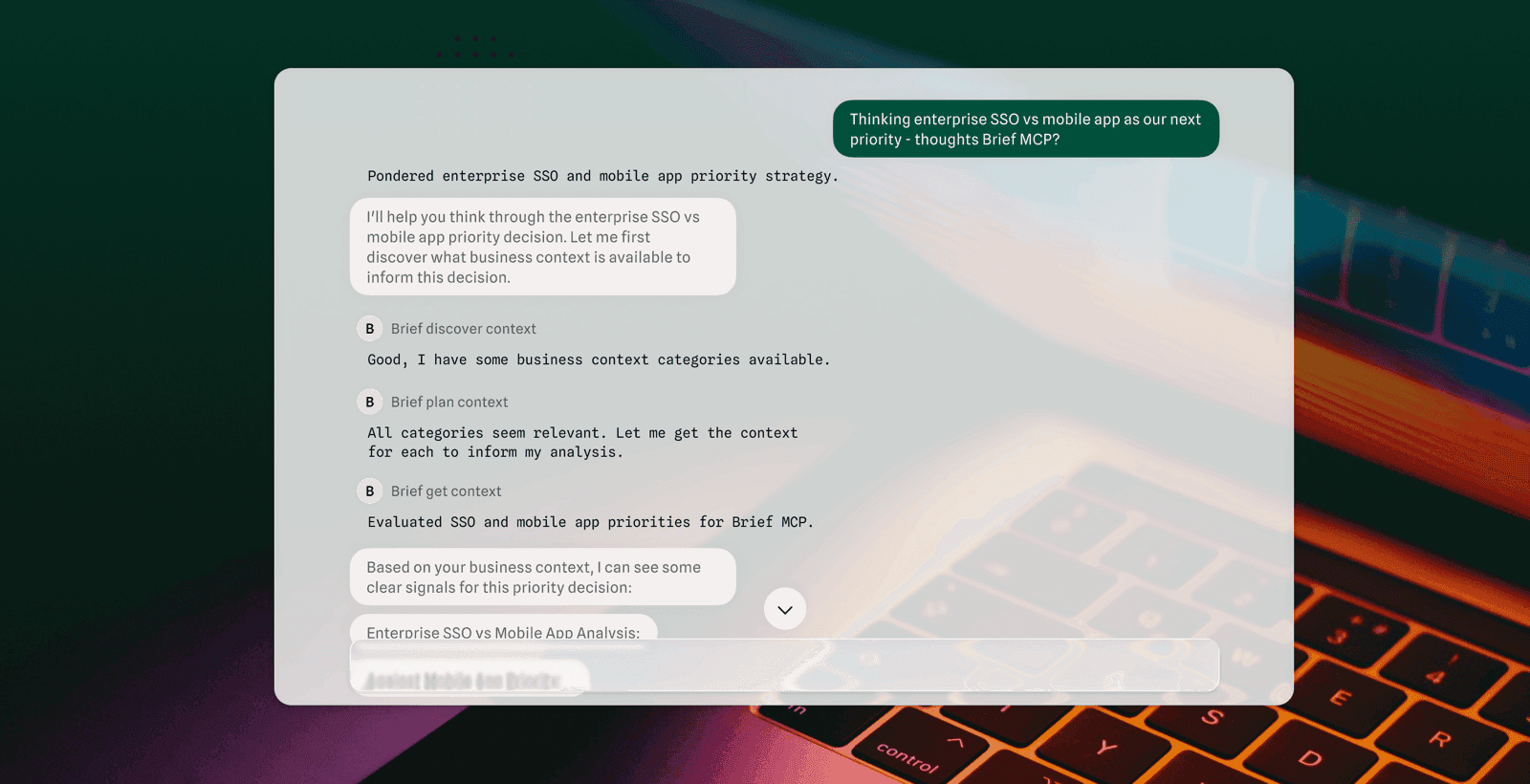
Users install the CLI or connect their tools. Brief captures decisions as they happen, links them into the Product Graph, and navigates team members and agents who query from their IDE. Engineers and agents see not just what the code does, but why it exists and where it's going.
Use Cases
- Engineering teams — engineers and AI agents build with decisions, constraints, and context instead of building blind.
- Team leads — Brief captures their thinking and navigates the team to the right answers even when they are not in the room.
- AI agent workflows — Cursor, Claude Code, and Windsurf get the context they need to build the right thing.
- Product teams — whiteboard sketches move to shipped features without translation or a telephone game.
- Startup teams — Brief keeps small teams aligned from vision to impact at AI speed.
Why Choose This Product
Brief is a Navigator, not a task tracker or a documentation tool. It records why a product was built a certain way, including reasoning, tradeoffs, and customer context, and serves that context to agents on demand.
Brief Pros & Cons
- Free to get started
- Automatically extracts decisions from Linear, Jira, Notion, Slack, and GitHub
- Works with Cursor, Claude Code, Windsurf, and any MCP-compatible assistant
- Reported 68% lower cost per merge-ready task
- No workflow change required
Key Features
Product Graph
Builds a searchable, linked map of decisions that stays current as the team works.
Automatic decision capture
Reads Linear, Jira, Notion, Slack, and GitHub and extracts decisions as they happen.
MCP server plus CLI
Navigates Cursor, Claude Code, Windsurf, and any MCP-compatible assistant to product context on demand.
Web app command center
Lets users view the Product Graph, search decisions, and see where the product is headed.
Merge-ready task boost
Teams report 8 of 8 merge-ready tasks with Brief versus 2 of 8 without product context.
Token cost savings
Cuts token spend by a conservative 15% and cost per merge-ready task by 68%.
Faster time-to-market
Shortens time-to-market by around 30% compared with building without product context.
Frequently asked questions about Brief
Is this another project management tool?
No. Brief is a Navigator, not a task tracker. It captures product decisions from your existing tools and makes them available to your team and AI agents so no one builds blind.
How is this different from documentation?
Docs tell you what exists. Brief navigates you to why it was built that way, including the reasoning, tradeoffs, and customer context, which is what keeps your team aligned.
Do I need to change my workflow?
No. Keep working where you work. Brief watches your tools and extracts decisions automatically.
What AI assistants does Brief work with?
Cursor, Claude Code, Windsurf, any MCP-compatible assistant, or the Brief CLI. Your agents get navigated to the context they need.
How long does it take to see value?
Minutes. Connect your tools and Brief starts building your Product Graph immediately, so your team and agents can query decisions right away.
What platforms does Brief support?
Brief is available on: Web.