Best Screen Recording Tools in 2026
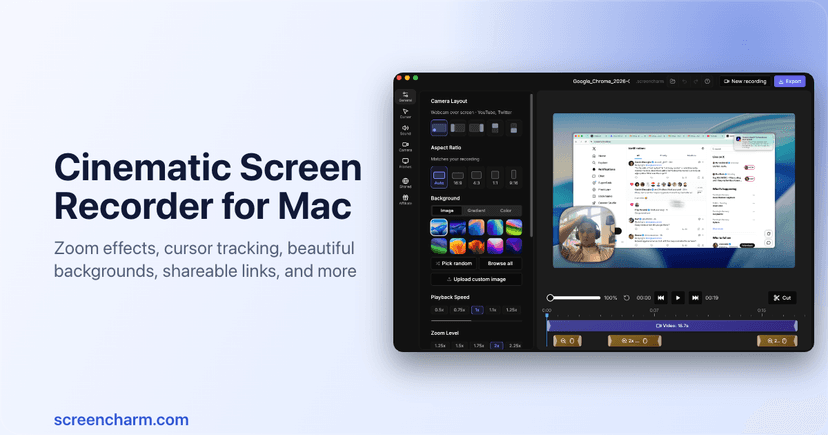
Record your Mac screen, camera and audio, then let Screen Charm add auto-zoom, captions and vertical clips — export in 4K or share a link.
Record your Mac screen, turn the capture into a finished report, how-to guide or edited video, and find any screenshot later by the words that were on...
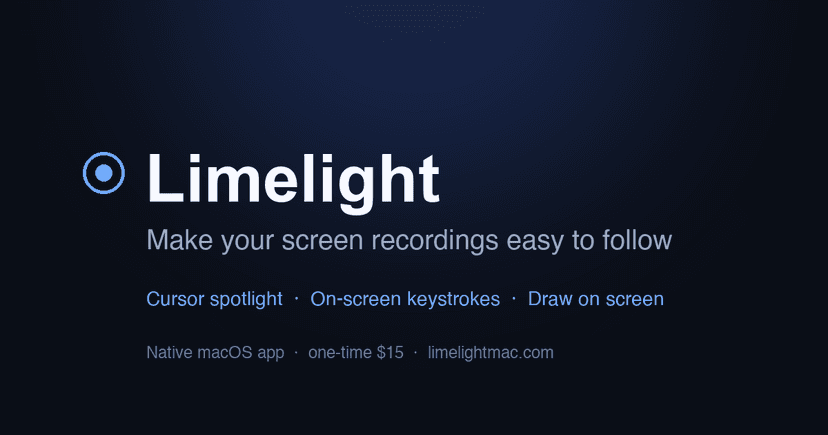
Record demos that zoom into every click and show your keystrokes, then export mp4 or 9:16 clips — from $34 once, with a free cursor spotlight.
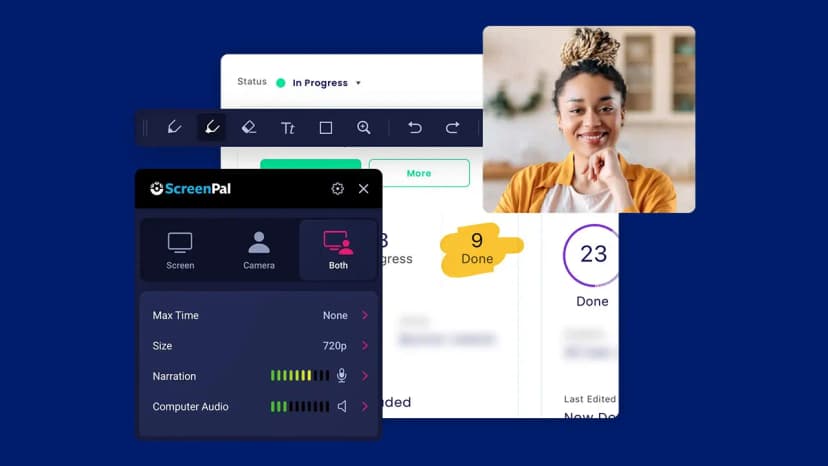
Capture, edit, and share videos with AI captions, translation, interactive quizzes, and secure cloud hosting across any device.
Record your screen, edit video by editing text, and generate AI voiceovers and avatars to create professional tutorials, training videos, and software...
Record your screen, camera, microphone, and system audio on Mac, Windows, or the web, edit with AI, then share as a link or export in up to 4K.

Record your screen, tab, or webcam with live annotations and microphone audio inside Chrome, then download or share your recordings for free.

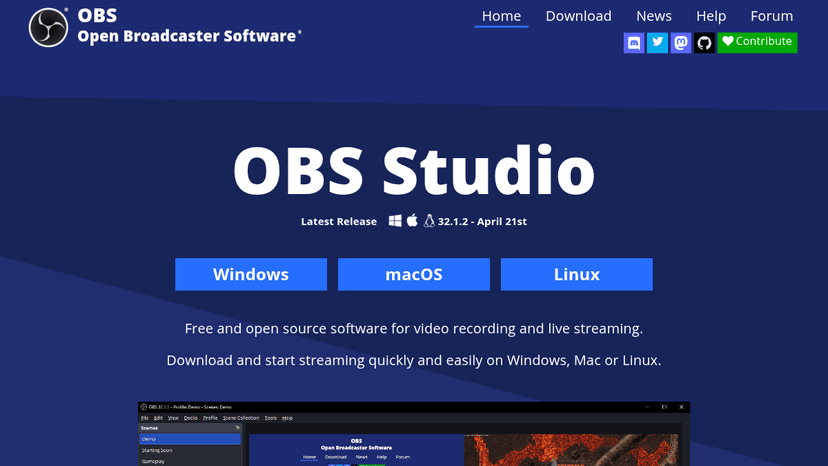
Free and open source software for video recording and live streaming on Windows, Mac or Linux, with support for Twitch, YouTube and many other provide...

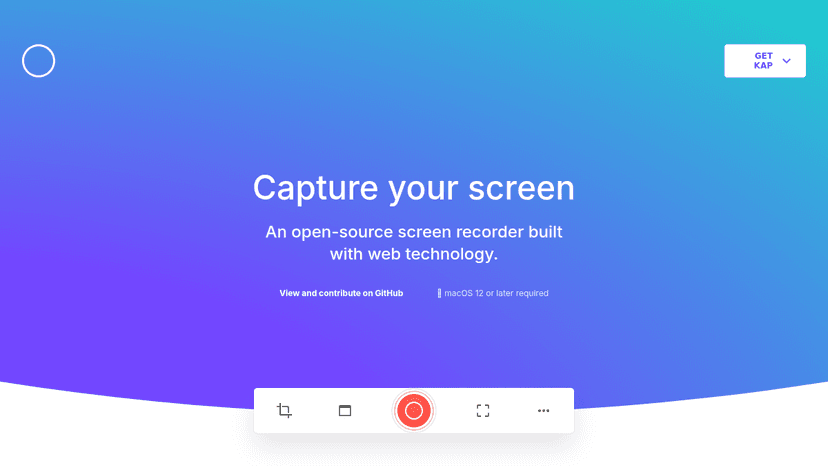
An open-source screen recorder built with web technology — capture, trim, and export as GIF, MP4, WebM, or APNG with optional audio and click highligh...
About Screen Recording tools
MazikBox lists 10 Screen Recording tools, ranked by category relevance, then community upvotes, user ratings, and review count. Top-ranked options include Screen Charm, OwnClip, Limelight. Most products in this category offer free or freemium access. Use the comparison table below to evaluate pricing, ratings, and platform support side by side.
Compare top 5 Screen Recording tools
Side-by-side highlights for the top-ranked products in this category. Products whose main category this is come first, then by featured placement, upvotes, ratings, and review count.
| Compare |  Screen Charm Product page |  OwnClip Product page |  Limelight Product page |  ScreenPal Product page |  Camtasia Product page |
|---|---|---|---|---|---|
| Best for | Record your Mac screen, camera and audio, then let Screen Charm add auto-zoom, captions and vertical clips — export in 4K or share a link. | Record your Mac screen, turn the capture into a finished report, how-to guide or edited video, and find any screenshot later by the words that were on it. | Record demos that zoom into every click and show your keystrokes, then export mp4 or 9:16 clips — from $34 once, with a free cursor spotlight. | Capture, edit, and share videos with AI captions, translation, interactive quizzes, and secure cloud hosting across any device. | Record your screen, edit video by editing text, and generate AI voiceovers and avatars to create professional tutorials, training videos, and software demos in one platform. |
| Pricing | one_time | unknown | Freemium | Freemium | Freemium |
| Platforms | macOS | macOS | macOS | Web, Windows, macOS, iOS, Android | Windows, macOS |
| Rating | — | — | — | — | — |
| Upvotes | 0 | 0 | 0 | 0 | 0 |
| Verified | No | No | No | No | No |
| Launch date | — | — | — | — | — |
Screen Recording FAQ
Quick answers based on the products currently listed in this category.
What are the top Screen Recording tools on MazikBox?
Among 10 listed Screen Recording tools, top-ranked options include Screen Charm, OwnClip, and Limelight. The comparison table above shows their pricing, ratings, and platforms side by side.
What pricing models are available among these Screen Recording tools?
The Screen Recording tools compared here include one_time, unknown, and freemium pricing options.
Which platforms do these Screen Recording tools support?
Products listed in this category support macOS, web, windows, iOS, and android.