Best AI Productivity Tools for Startups
- 19 tools
- 19 free or freemium
- Updated 5 days ago



Community Box
Community-created content. Trust and indexing decisions remain separate.
Tools in this collection
19 tools
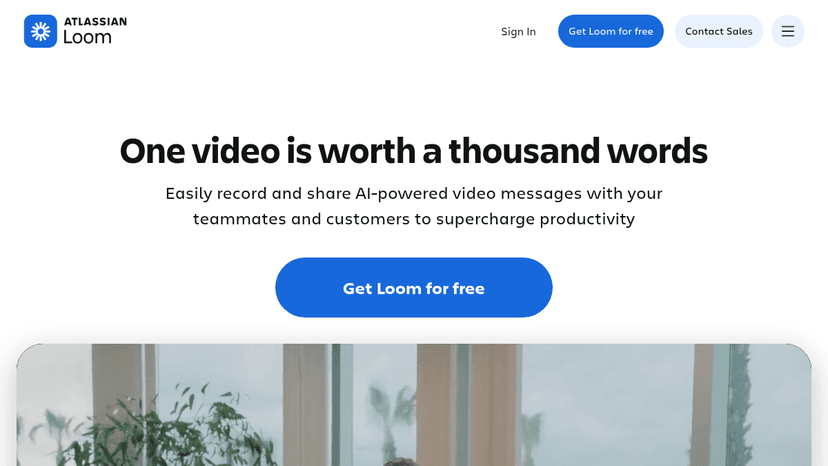
Record AI-powered video messages, share anywhere, and supercharge team productivity with async video communication.
Loom lets distributed teams explain decisions, demos and bugs with short recorded videos instead of scheduling extra meetings. AI-enhanced video features can help with summaries and editing, depending on plan.
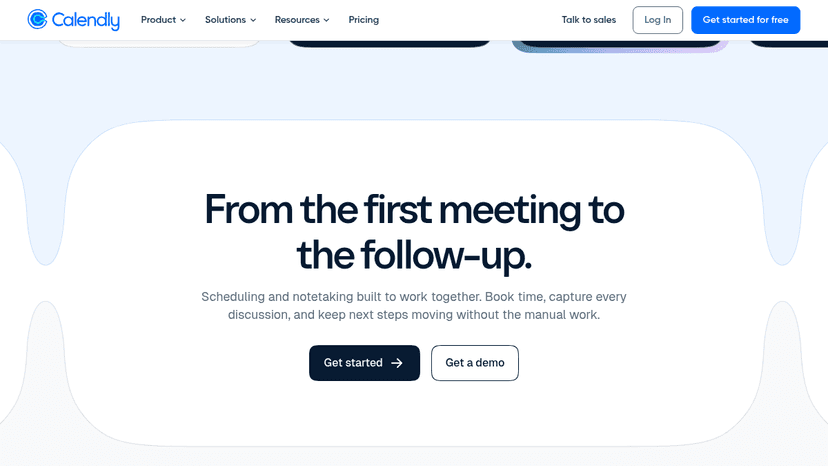
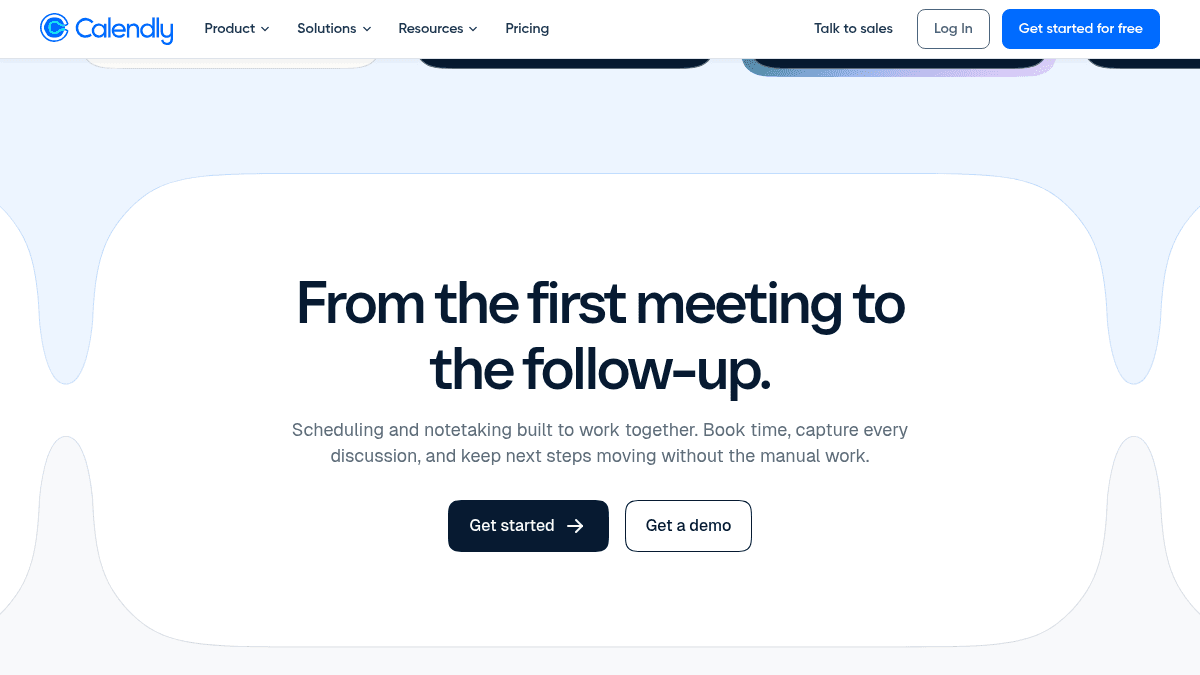
Calendly is the modern scheduling platform that makes “finding time” a breeze. When connecting is easy, your teams can get more done.
Calendly removes manual back-and-forth when arranging founder, sales and customer research meetings. It provides reliable scheduling as part of an efficient workflow; AI is not the primary reason to use it.

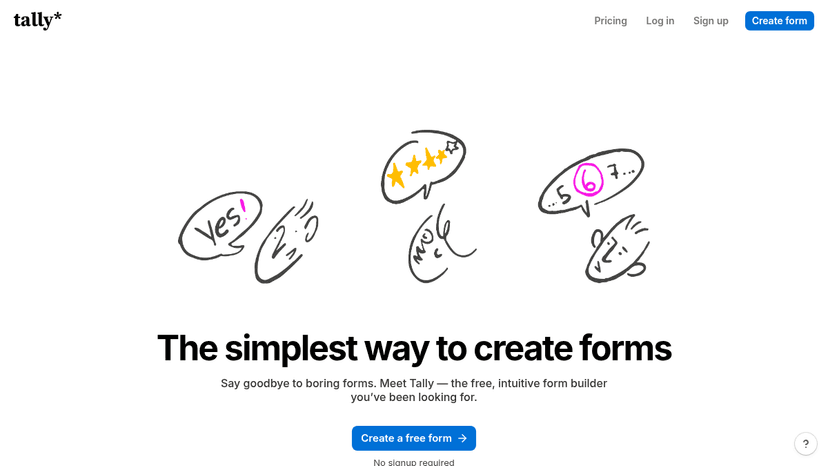
Build beautiful, professional online forms in seconds with unlimited forms and submissions — all free, no coding required
Tally creates online forms for waitlists, customer interviews and feedback without a custom frontend. It earns a place in a lean startup workflow as simple data collection, not because the form builder itself is AI-first.

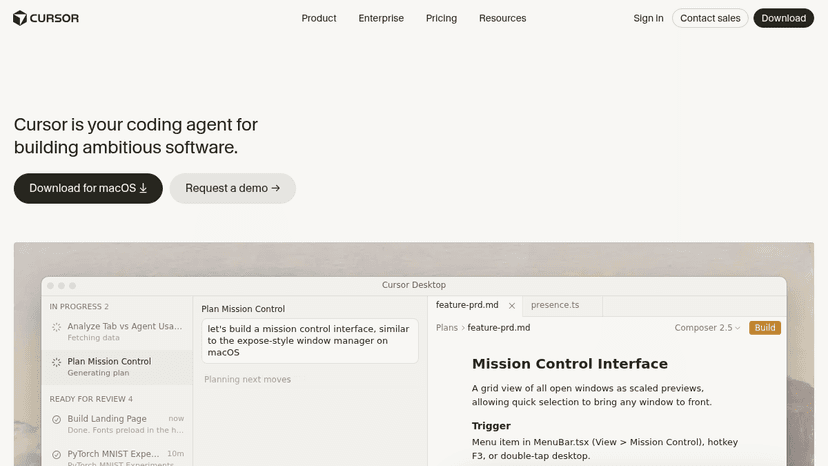
AI coding agent that writes, edits, and debugs your code in an IDE, terminal, Slack, and GitHub — so you focus on decisions, not boilerplate
Cursor assists developers with code changes, navigation and debugging in a coding environment. It belongs in a startup stack when the founding team writes software; nontechnical teams should not treat it as a general productivity app.

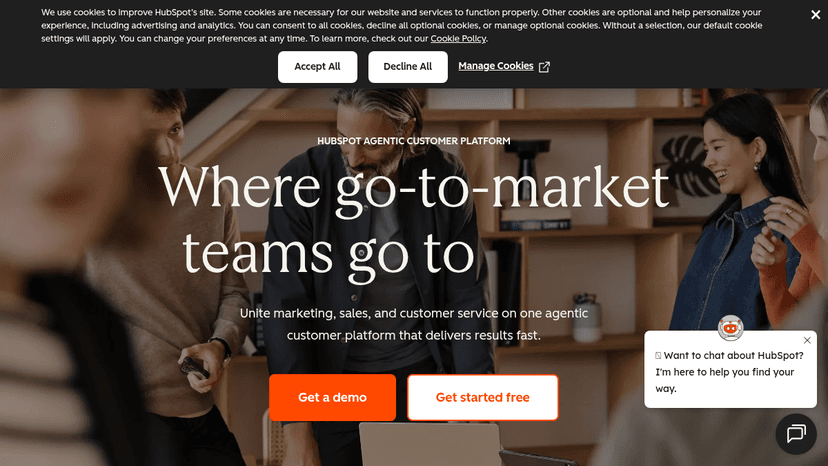
Marketing, sales, service, content, and data software unified on one AI-powered CRM platform — grow your business with free and paid tools.
HubSpot puts contacts, deals and marketing activity around a shared CRM. It is included for lead management and customer lifecycle work, where built-in AI may help but clean data and repeatable follow-up matter more.
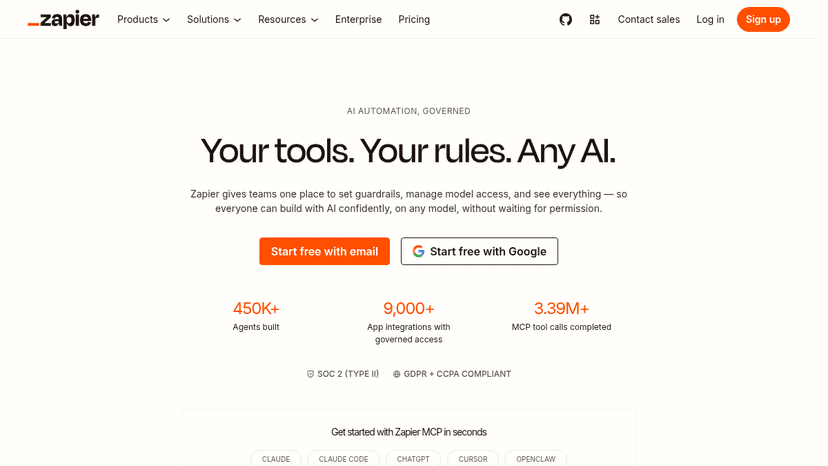
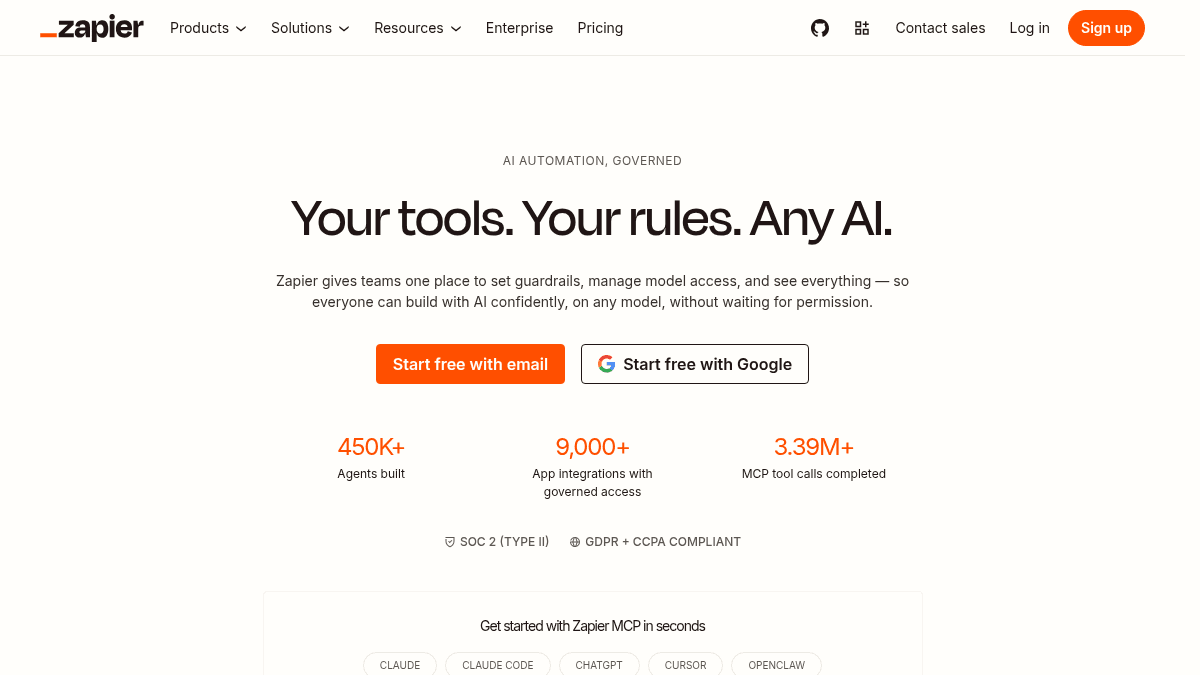
No-code automation across 9,000+ apps — build AI workflows, create AI agents, and orchestrate tasks without writing code.
Zapier automates repetitive handoffs between business applications and offers AI-related steps and agents. It is a strong starting choice for straightforward integrations when the team wants many ready-made connectors.
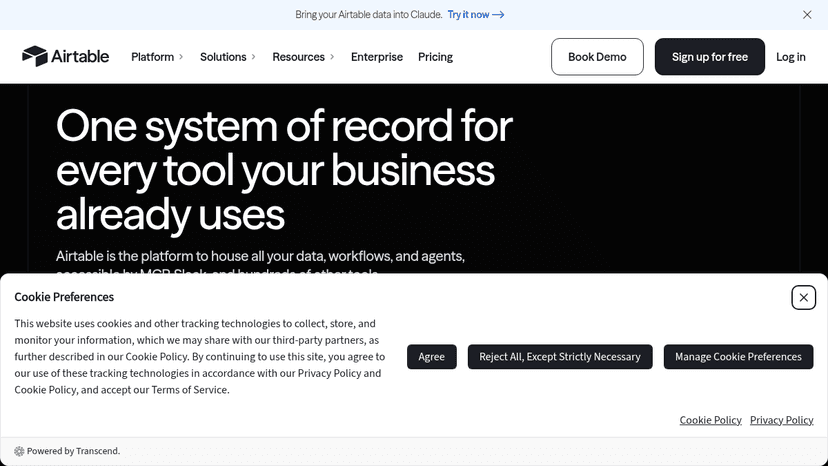
Build AI-powered workflows, custom business apps, and deploy agents at scale — no code required. Connect teams, data, and tools in one workspace.
Airtable combines structured records with no-code views and automations. It is practical for startups building lightweight CRM, content calendars and operations databases before investing in custom internal software.

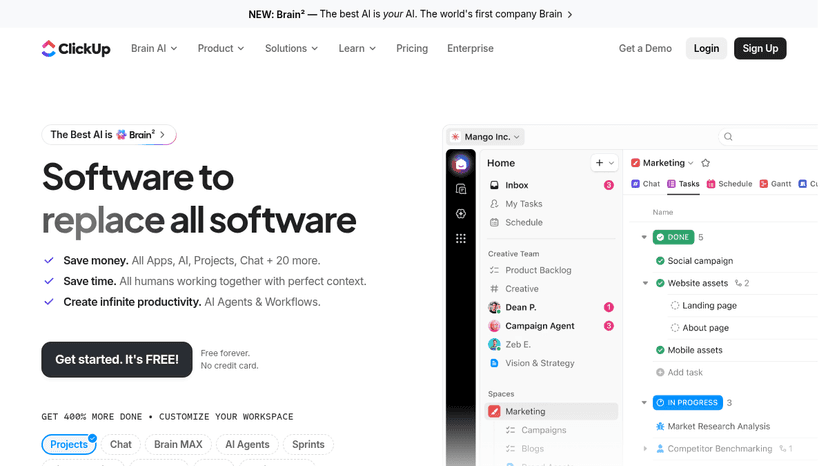
All-in-one productivity platform that replaces 100+ tools with integrated project management, docs, chat, whiteboards, time tracking, and AI agents — ...
ClickUp combines tasks, documents and team workspaces, with AI features available in its ecosystem. Consider it when a small team prefers consolidating project execution and documentation rather than managing separate tools.

An AI assistant that helps you write, code, analyze data, and create content — with free access, Pro and Max tiers, and API options.
Claude helps founders draft long-form documents, review proposals, structure plans and reason through complex written material. Treat it as a drafting and analysis assistant rather than an authoritative source of unverified claims.

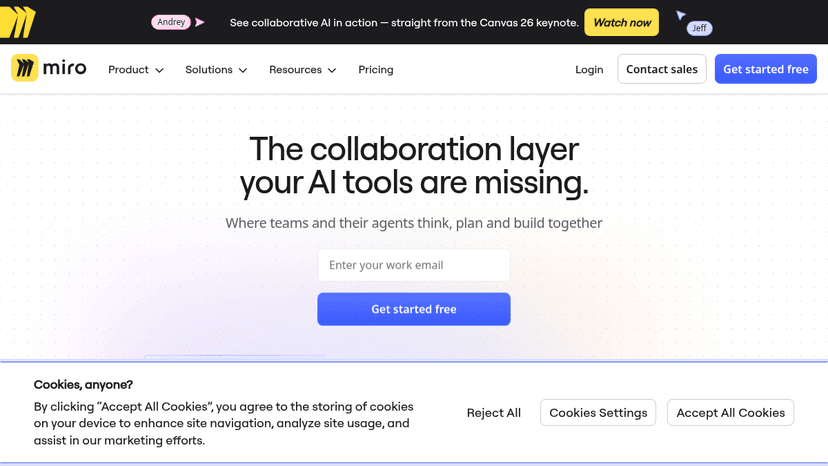
An AI-powered visual workspace where teams and agents think, plan, and build together — align product development, run workshops, and ship faster.
Miro keeps product plans, workshops and diagrams visible to remote teams. Its AI capabilities can speed up idea organization, but the primary value is collaborative visual alignment.

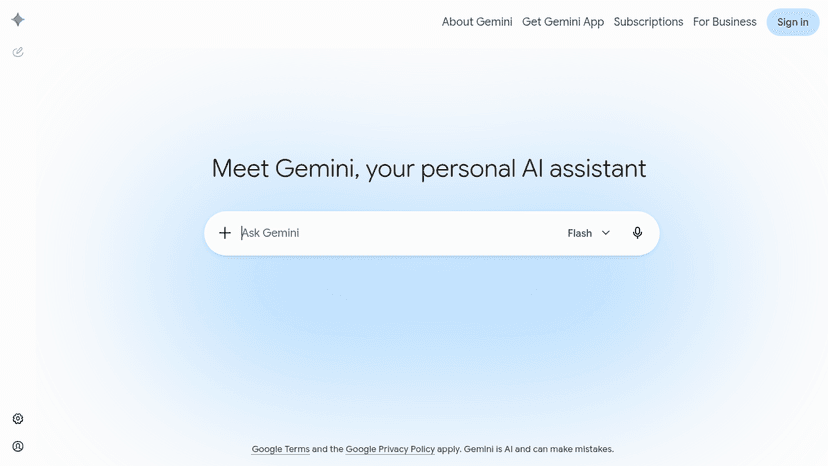
Google's AI assistant for writing, planning, brainstorming, and getting help — powered by generative AI and integrated with your Google account.
Gemini is a general-purpose AI assistant for drafting, ideation and reasoning through everyday business tasks. It is especially worth evaluating for teams that already work with Google services, while checking the exact integrations available in their plan.
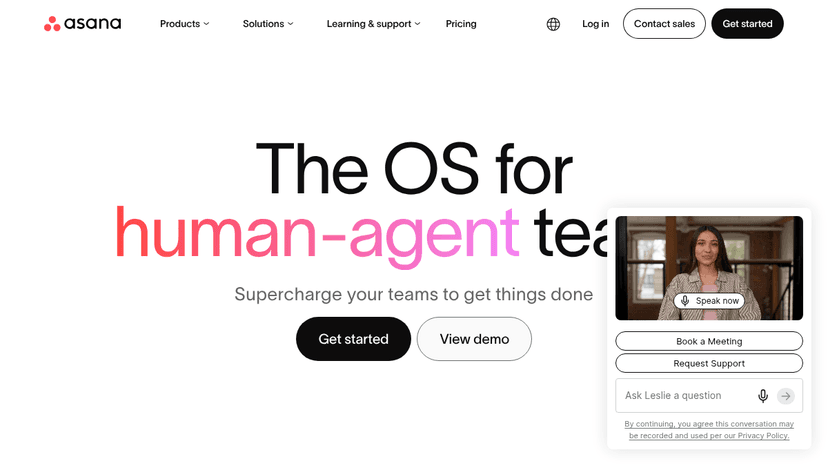
Work management software for human-agent teams — plan, automate, and execute critical workflows with AI teammates that share context, memory, and gove...
Asana gives teams owners, deadlines, dependencies and visibility into ongoing projects. Its AI options can assist coordination, but the core reason to choose it is reliable cross-team work tracking.

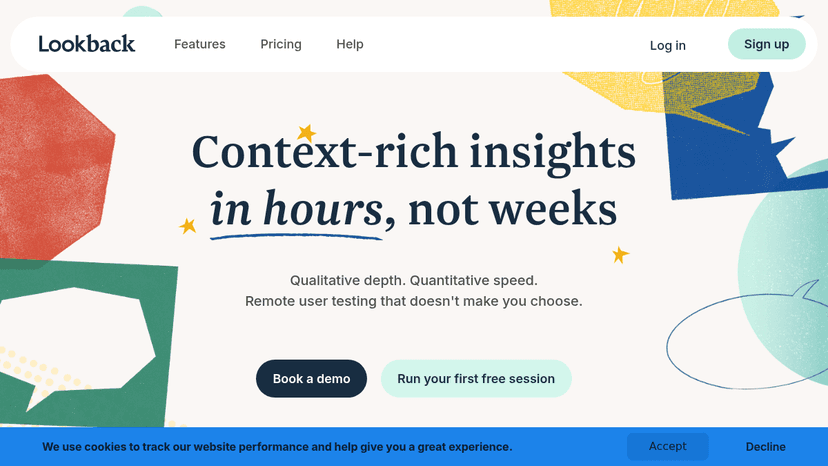
Run moderated and unmoderated user research sessions, let AI surface insights, and share timestamped evidence with stakeholders — all inside one platf...
Lookback supports recorded moderated and unmoderated research sessions and sharing findings with the team. Use it when customer observations are more valuable than guessing from AI-generated personas.
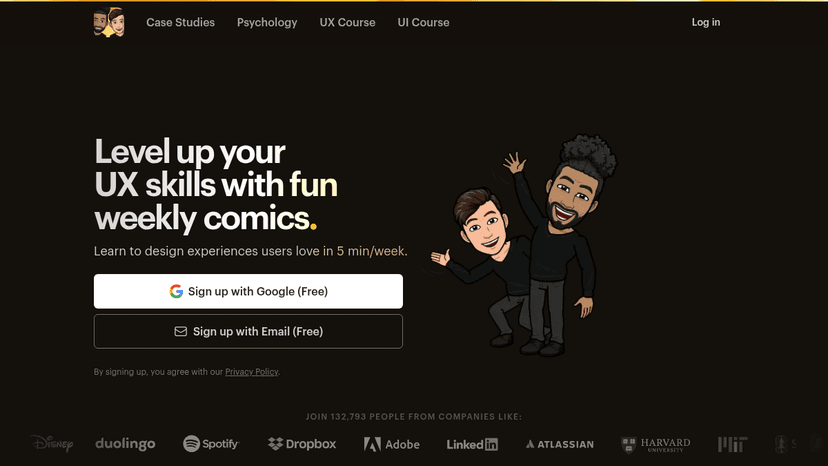
Free weekly comic lessons that teach UX psychology and growth tactics — learn how top product companies apply behavioral science in 5 minutes per week
Growth.Design offers illustrated lessons about user behavior and product UX. It is included as founder education for improving onboarding and conversion decisions, not as software that automatically performs work.

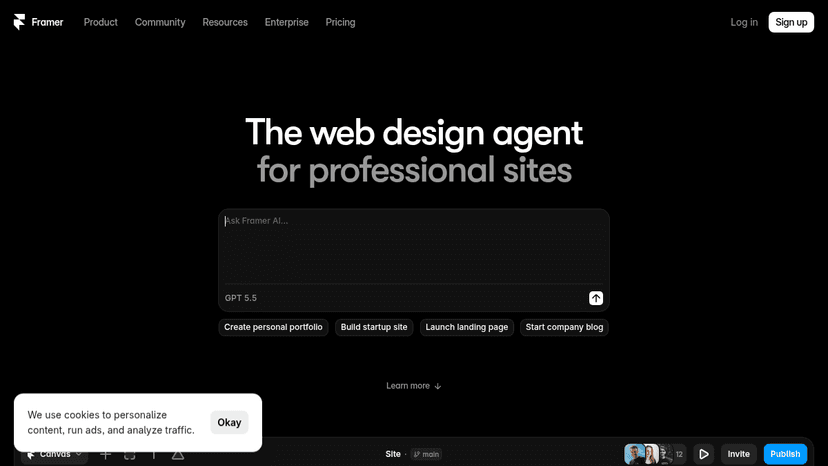
Design, manage content, and publish professional sites with AI agents on the canvas — all without writing code.
Framer is useful when a founder needs a polished marketing website or landing page without building a custom front end. It supports visual design and publishing; it is not a general project-management tool.
Effortless AI design for presentations, websites, and more
Gamma turns an outline or prompt into presentation-style documents and decks. It is a practical shortcut for early proposals and internal updates when the structure matters more than pixel-level brand control.
Perplexity is a useful research starting point for market questions and competitor discovery because it surfaces linked sources with generated answers. Verify important claims at the original sources before making decisions.
Canva lets lean teams make social graphics, pitch assets and branded presentations without a dedicated designer. Its design and AI-assisted creation features fit quick marketing production, not product UI engineering.
Make belongs here because it connects apps, data and AI services into multi-step visual automations. Choose it when a startup needs branching workflows and more control than simple one-trigger handoffs.
