
About Miro
Overview
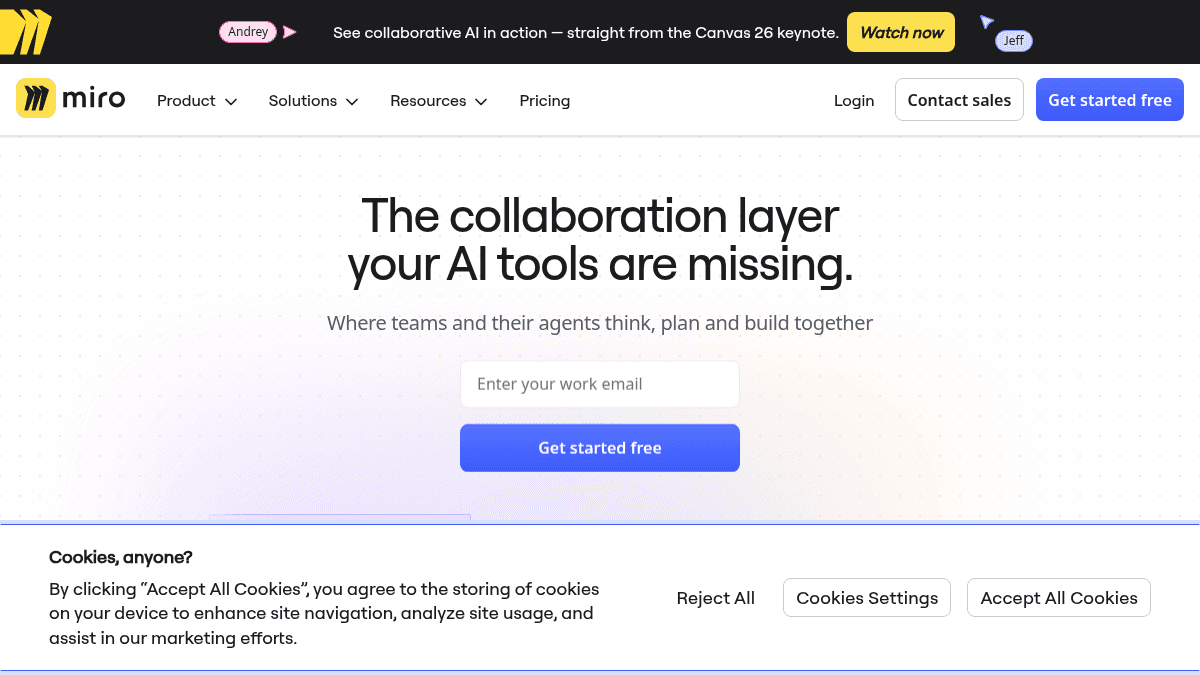
Miro is an AI-powered visual collaboration workspace where teams and their agents think, plan, and build together. It helps organizations move from ideation to launch by aligning people around shared visual content.
Over 250,000 companies and 100 million people use Miro to break tool silos and accelerate product development. Unlike static diagramming tools or chat-based collaboration apps, Miro combines an infinite canvas with AI workflows, integrations, and structured formats like Docs, Tables, and Slides.
Key Benefits
- Teams report 3.6x faster time to market using Miro for planning and delivery.
- Organizations see a 50% shorter planning process with structured visual workflows.
- 2x faster time to market for teams using Miro to align roadmaps and specs.
- Connect to 250+ apps and integrations including Microsoft, Slack, Google, Adobe, Jira, and Asana.
- Start faster with 7,000+ Miro and community-made templates.
- AI workflows and agents help synthesize research, generate diagrams, and automate repeatable processes.
How It Works
You start by choosing or creating a board from 7,000+ templates. You pull in research outputs from tools like Claude or NotebookLM onto the canvas, then your team reviews findings, surfaces priorities, and commits to a direction together. Insights flow back out to roadmaps, specs, or the next AI prompt through integrations and MCP server connections.
Use Cases
- Product managers build roadmaps and run sprint planning with two-way Jira, Asana, and Linear sync.
- Engineering teams create technical designs, architecture diagrams, and use AI to generate code from board content.
- Design and UX teams build interactive prototypes from screenshots, HTML, code, or prompts.
- Operations leaders map customer experiences, digital employee workflows, and business processes.
- Workshop facilitators run interactive meetings with timer, voting, polls, private mode, and notes.
- Enterprise IT admins enforce SSO, audit trails, data residency, and manage AI governance across thousands of users.
Why Choose This Product
Miro suits organizations of all sizes — from small teams needing a free starter workspace to large enterprises requiring security, governance, and AI at scale. Enterprise tier adds regional data hosting in EU, US, Australia, and Japan, plus centralized user management, audit trails, and admin controls for AI.
Miro Pros & Cons
- Free tier available with 3 editable boards
- 250+ third-party integrations including Jira, Asana, Linear
- AI workflows, agents, and MCP server for code generation
- 7,000+ templates for rapid starting
- Enterprise-grade security with SSO, audit trails, data residency
Key Features
Infinite Canvas
An unlimited visual workspace where teams create, edit, and organize content with Docs, Tables, Slides, Kanban, and Timelines.
AI Workflows
Build repeatable AI workflows on the canvas that teams can see and optimize, with AI agents that ask questions and act on results.
250+ Integrations
Connect to tools including Microsoft, Slack, Google, Adobe, Jira, Asana, Linear, and ClickUp with two-way sync on Business tier.
MCP Server
Connect Miro to Claude, Cursor, or Copilot so context flows both ways — generate code from boards and visualize Mermaid diagrams.
Technical Diagrams
Map technical systems and cloud infrastructure with 4,700+ shapes using Mermaid, UML, AWS, and BPMN notations.
Interactive Prototypes
Generate clickable prototypes from screenshots, HTML, code, prompts, or any existing board content.
Data Tables
Track complex work with nesting and tree views for roadmapping, projects, and cross-team initiatives.
Engage Activities
Collect input with mobile-friendly polls, 2x2 matrix, and scales, then use AI to synthesize responses into structured results.
Enterprise Security
Enforce SSO, audit trails, domain control, and manage AI governance with admin controls and usage dashboards.
7,000+ Templates
Start faster with a library of Miro and community-made templates for workshops, roadmaps, diagrams, and planning.
Miro Pricing
View full pricing →- 3 editable boards
- 7,000+ templates
- Docs, Tables, Slides, and Kanban formats
- Explore AI with diagrams, summaries, and AI workflows
- 250+ integrations
- Unlimited and private boards
- Visitor editing — no sign-in required
- High-resolution exports as JPG or PDF
- Unlimited project spaces and blueprints
- Timer and voting for interactive meetings
- 25 AI credits per member per month
- Unlimited workspaces per team or client
- Unlimited signed-in guests
- 4,700+ shapes for technical diagrams and process mapping
- Data tables with nesting and tree views
- Engage activities including polls and 2x2 matrix
- Interactive prototypes from screenshots, HTML, code, or prompts
- AI workflows and agents
- 50 AI credits per member per month
- Two-way integrations with Jira, Asana, Linear, ClickUp, Azure
- Licenses built for Enterprise scale from 30 members
- Enterprise-grade security with SSO enforcement, audit trails, and domain control
- Regional data hosting in EU, US, Australia, and Japan
- Centralized user management and analytics with bulk actions
- Admin controls for AI capabilities and usage dashboard
- Starts from 2,500 AI credits per month, pooling org-wide
| Feature | Free Free/mo | Starter $8/mo | Business $20/mo | Enterprise Custom |
|---|---|---|---|---|
| 3 editable boards | ||||
| 7,000+ templates | ||||
| Docs, Tables, Slides, and Kanban formats | ||||
| Explore AI with diagrams, summaries, and AI workflows | ||||
| 250+ integrations | ||||
| Unlimited and private boards | ||||
| Visitor editing — no sign-in required | ||||
| High-resolution exports as JPG or PDF | ||||
| Unlimited project spaces and blueprints | ||||
| Timer and voting for interactive meetings | ||||
| 25 AI credits per member per month | ||||
| Unlimited workspaces per team or client | ||||
| Unlimited signed-in guests | ||||
| 4,700+ shapes for technical diagrams and process mapping | ||||
| Data tables with nesting and tree views | ||||
| Engage activities including polls and 2x2 matrix | ||||
| Interactive prototypes from screenshots, HTML, code, or prompts | ||||
| AI workflows and agents | ||||
| 50 AI credits per member per month | ||||
| Two-way integrations with Jira, Asana, Linear, ClickUp, Azure | ||||
| Licenses built for Enterprise scale from 30 members | ||||
| Enterprise-grade security with SSO enforcement, audit trails, and domain control | ||||
| Regional data hosting in EU, US, Australia, and Japan | ||||
| Centralized user management and analytics with bulk actions | ||||
| Admin controls for AI capabilities and usage dashboard | ||||
| Starts from 2,500 AI credits per month, pooling org-wide |
Estimate based on listed per-seat pricing. Volume discounts and add-ons may apply.
Pricing extracted from the product website and may change. Check the source for current details.
Frequently asked questions about Miro
Is Miro free to use?
Yes, Miro offers a Free tier for small teams getting started. It includes 3 editable boards, 7,000+ templates, Docs/Tables/Slides/Kanban formats, AI exploration, and 250+ integrations.
What platforms does Miro support?
Miro is available on web browsers and as downloadable desktop apps. It also integrates with meeting tools like Microsoft Teams, Slack, and Google Meet.
How does Miro AI work?
Miro AI can generate diagrams, tables, and summaries, cluster sticky notes, run AI workflows, and connect to tools like Claude, Cursor, or Copilot via the MCP server. Credits are used per action across the AI suite.
What integrations does Miro support?
Miro supports 250+ integrations including Microsoft, Slack, Google, Adobe, Jira, Asana, Linear, ClickUp, and Azure. Business tier adds two-way sync for planning tools.
Is Miro free?
Miro offers a free plan with optional paid upgrades. See the pricing section for what's included in each tier.
How much does Miro cost?
Miro offers the following plans: Free, Starter, Business, Enterprise. See the pricing section for what's included in each tier and any per-seat or usage-based costs.
Used in Stacks & Workflows
How Miro compares
MiroThis | |||
|---|---|---|---|
| Starting price | Free | — | Free |
| Pricing model | Freemium | Freemium | Freemium |
| Platforms | Web, macOS, Windows, iOS, Android | — | Web |
| Top features |
|
|
|
| Rating | — | — | — |

