
About Excalidraw
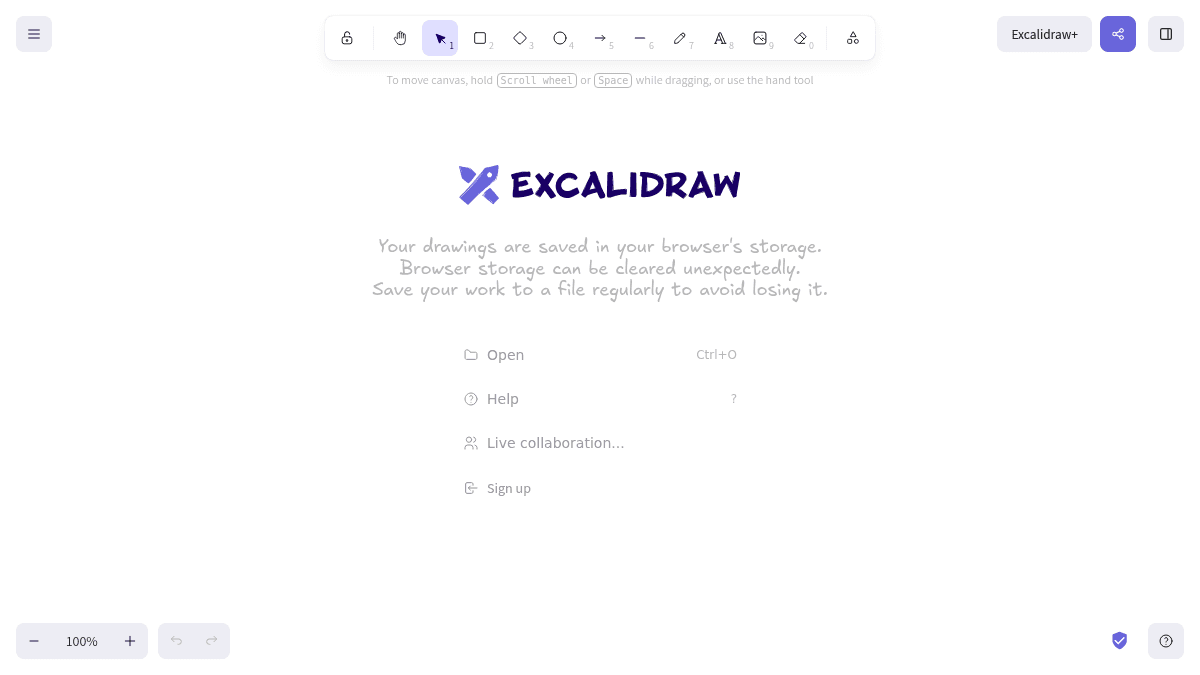
Overview Excalidraw is a virtual collaborative whiteboard tool that lets you sketch diagrams with a hand-drawn feel. Drawings are saved in the browser's local storage by default. The tool is designed for quick, informal visual communication without the polish of traditional diagramming software. It runs entirely in the browser with no installation required. Key Benefits Diagrams automatically have a hand-drawn, sketch-like aesthetic. Collaboration happens live in the browser with other users. No software installation is needed since it is a web-based application. The hand-drawn style of Excalidraw makes sketches feel informal and approachable. How It Works You open Excalidraw in your browser and start drawing using the shape tools and freehand pen. To move the canvas, you hold the scroll wheel or space bar while dragging, or use the hand tool. To collaborate live, you sign up and share a link with others. Use Cases Software engineers sketching architecture diagrams and flowcharts during design discussions. Product managers drawing wireframes and user flows for feature ideation. Educators creating quick visual aids and diagrams for remote lessons. Remote teams brainstorming together in real-time during virtual meetings. Designers mocking up UI layouts with a deliberately rough, hand-drawn style. Why Choose This Product Excalidraw is best suited for anyone who needs to sketch ideas quickly without worrying about pixel-perfect alignment. A notable limitation is that drawings are saved in browser storage, which can be cleared unexpectedly, so users are advised to regularly save their work to a file.
Key Features
Browser Storage
All drawings are stored in the browser's local storage by default.
Live Collaboration
Multiple users can draw together on the same canvas in real time.
Canvas Navigation
Use the scroll wheel or space bar while dragging to reposition the canvas.
Open Drawings
Open existing drawings using the Ctrl+O keyboard shortcut.
Save to File
Export or save your work to a file to prevent data loss.
Freehand Drawing
The pen tool and shape tools let you create diagrams freehand.