
About OBS (Open Broadcaster Software)
Overview
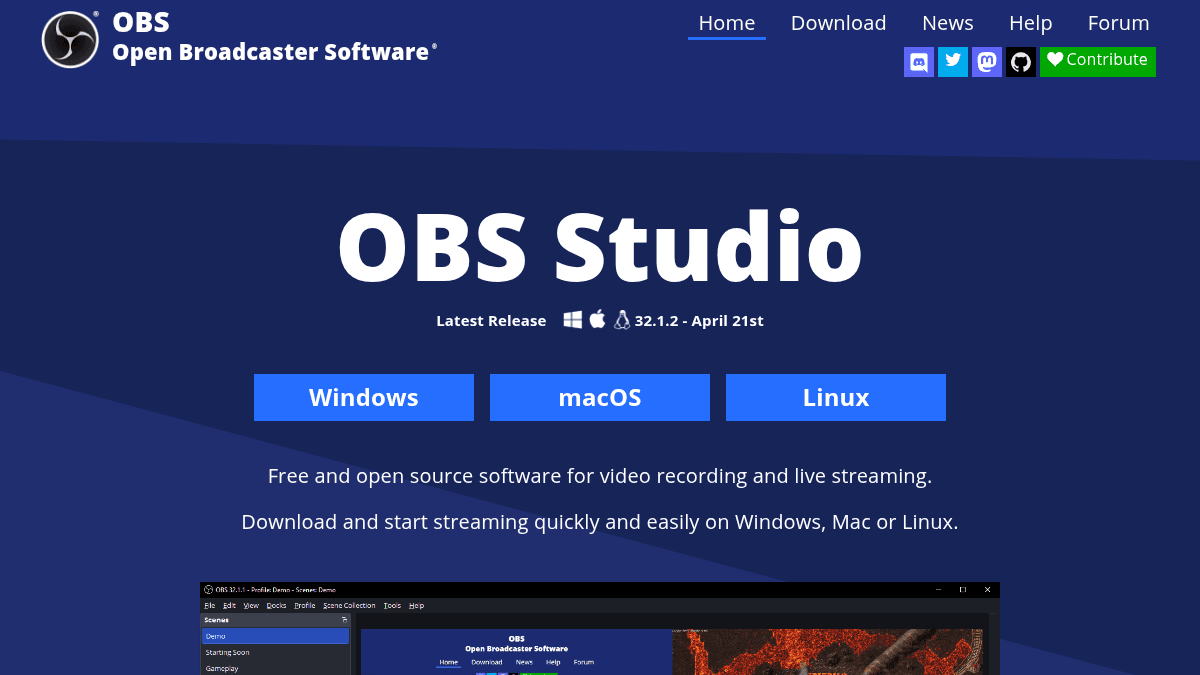
OBS (Open Broadcaster Software) is free and open source software for video recording and live streaming. Users download the software and start streaming on Windows, macOS, or Linux without cost.
The tool captures and mixes high performance real time video and audio, and streams to Twitch, YouTube and many other providers. It also records local video with high quality H.264 / AAC encoding.
Key Benefits
- Create scenes made up of multiple sources including window captures, images, text, browser windows, webcams, and capture cards
- Set up an unlimited number of scenes and switch between them with customizable transitions or stinger video files
- Use an intuitive audio mixer with per-source filters such as noise gate, noise suppression, and gain, plus VST plugin support
- Preview scenes and sources before going live with Studio Mode
- Monitor up to 8 scenes at once with Multiview and cue or transition with a single or double click
- Assign hotkeys to nearly every action, including scene switching, start or stop streaming, and push to talk
How It Works
Users download OBS Studio, add sources such as windows, webcams, or capture cards, and arrange them into scenes. They then configure the audio mixer, apply filters and transitions, and start a stream or recording. A modular Dock UI lets them rearrange the layout or pop individual docks into their own windows.
Use Cases
- Live streamers broadcast gameplay or events to Twitch and YouTube with custom scenes and transitions
- Creators record high quality H.264 / AAC video locally for later editing and publishing
- Event producers build professional multi-camera productions using Multiview and Studio Mode
- Developers extend OBS through its API with native plugins or Lua and Python scripts
- Educators and presenters capture screens, webcams, and browser windows for tutorials and online lessons
Why Choose This Product
OBS Studio is free and open source, runs on Windows, macOS, and Linux, and supports a wide range of streaming providers. Its plugin API and scripting support let the streaming community add functionality through native plugins or Lua and Python scripts.
Key Features
Scene creation
Build scenes from multiple sources including window captures, images, text, browser windows, webcams, and capture cards.
Audio mixer
Apply per-source filters such as noise gate, noise suppression, and gain, with full VST plugin support.
Scene transitions
Switch between an unlimited number of scenes with customizable transitions or stinger video files.
Studio Mode
Preview scenes and sources and adjust them before pushing them live to viewers.
Multiview
Monitor up to 8 different scenes and cue or transition to any of them with a single or double click.
Hotkeys
Assign hotkeys to nearly every action, including scene switching, start and stop, muting audio, and push to talk.
Dock UI
Rearrange the layout with a modular Dock UI and pop individual docks into their own windows.
Plugin API
Extend functionality through a powerful API using native plugins or scripts written in Lua or Python.
OBS (Open Broadcaster Software) Pricing
Pricing extracted from the product website and may change. Check the source for current details.