Best Productivity Tools in 2026
Productivity software comprises tools designed to help individuals and organizations work more efficiently and accomplish tasks systematically. This category includes applications for project management, time tracking, note-taking, document collaboration, task organization, and workflow automation.
Browse Productivity by topic
Task Management
Task management tools turn work into actions that can be captured, assigned and completed. Listings range from Todoist for organizing tasks to KanbanFlow and MeisterTask for visual boards, alongside broader workspaces such as Asana, Ora and ProofHub. The useful distinction is how much coordination your tasks need, from personal reminders to work shared across a team. Try a real week of work, including recurring responsibilities, urgent requests and tasks waiting on someone else. Check how quickly you can capture an item, add context, choose a priority and find the next action. Views should make unfinished work easier to understand without requiring constant reorganization. For teams, test ownership, notifications, comments and access to shared projects. Decide what completion means and where supporting documents belong. Review mobile access, integrations and plan limits, then keep the workflow simple enough that updating tasks becomes part of doing the work.
Productivity Tools
Productivity tools remove friction from a recurring task rather than solve every part of work at once. The current listings include PDF utilities, converters such as CloudConvert and Convertio, Toggl Track for time records, research through Perplexity and presentation creation with Gamma. Panda supports gathering reading material. Each serves a different step in an everyday workflow. Pick the task that costs you time repeatedly and test the entire path from input to usable output. For documents, compare formatting and file-size limits; for time tracking, inspect editing and reporting; for research, check whether sources support the answer you need. Confirm where files are processed, how outputs can be exported and whether a paid plan removes the limits that matter to you. Include the time spent reviewing or repairing results. A focused utility is valuable when it reliably reduces work without creating another system to maintain.
Time Tracking
Time tracking tools record how work is distributed across activities, clients and projects. The listings include automatic tracking through Timely and RescueTime, dedicated tools such as Harvest and Toggl Track, and project platforms such as Paymo, ActiveCollab and Worksection. Choose according to whether you need personal awareness, team timesheets or records that support client billing. Test timers, manual entry and corrections during a typical working day. Check project labels, billable flags, rounding rules and how forgotten entries are recovered. For automatic tracking, review which activity is captured and how people can inspect and edit their records before sharing them. If hours feed invoices or reports, verify exports and approval steps with a small completed project. Explain tracking practices clearly to the team and limit visibility to what the workflow needs. Consistent categories and regular review make records more useful than collecting detailed activity without a defined purpose.
Calendar Apps
Writing
Knowledge Management

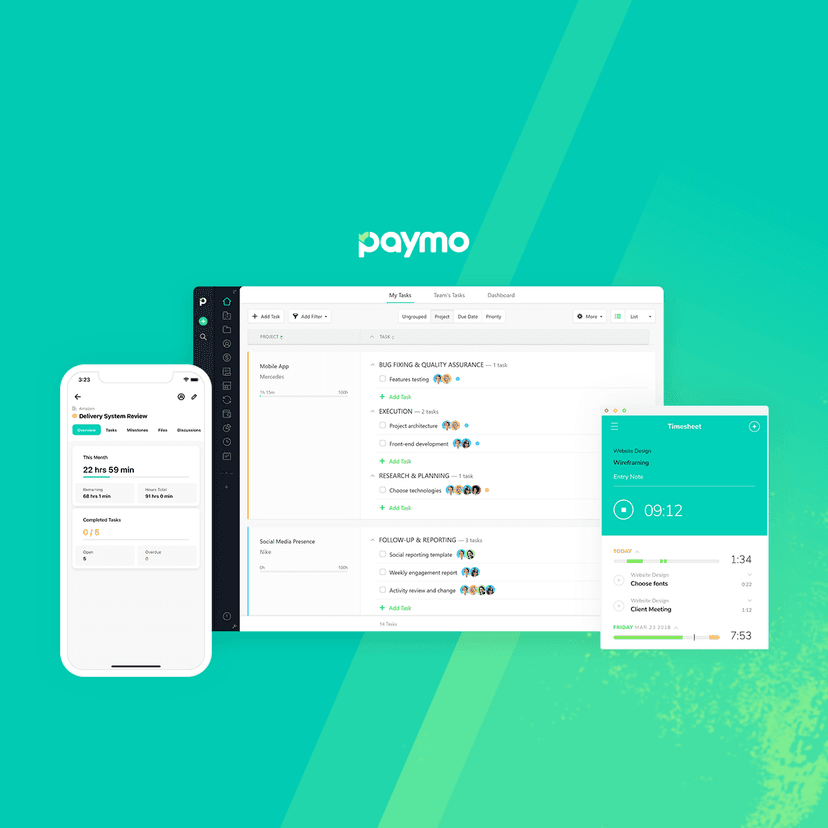
Track billable hours, manage projects, and send invoices in one connected platform — helping freelancers and small teams get paid on time.


Source leads no one else can find with an agentic web scraper, qualify them with AI, and reach them with validated contact enrichment.

Text an AI friend that books tables, tracks flights, remembers everything, and texts you first — right inside iMessage, Telegram, and WhatsApp.
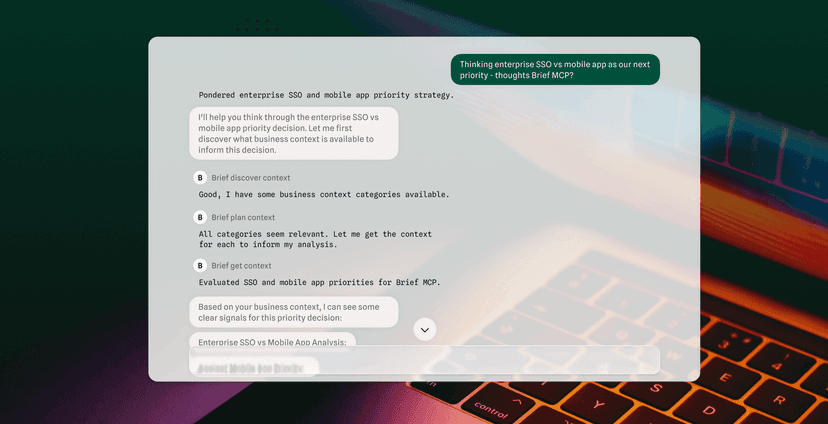
Capture product decisions from your tools and navigate your team and AI agents to them, cutting rework, token spend, and time-to-market.
Remember everything you copy on Mac, iPhone, and iPad — search unlimited clipboard history, pin favorites, and stay in sync across your devices and AI...
A lightweight floating macOS toolbar that moves, deletes, and archives Apple Mail messages, threads, or senders fast, with smart folder suggestions an...
A context-aware 3-key keypad for macOS that adapts to your active app — join meetings, run dev workflows, and trigger custom scripts without touching ...
Take notes, capture actions, and remember every meeting — without a bot joining your call. Free to start, works with Zoom, Meet, Teams, and in-person.


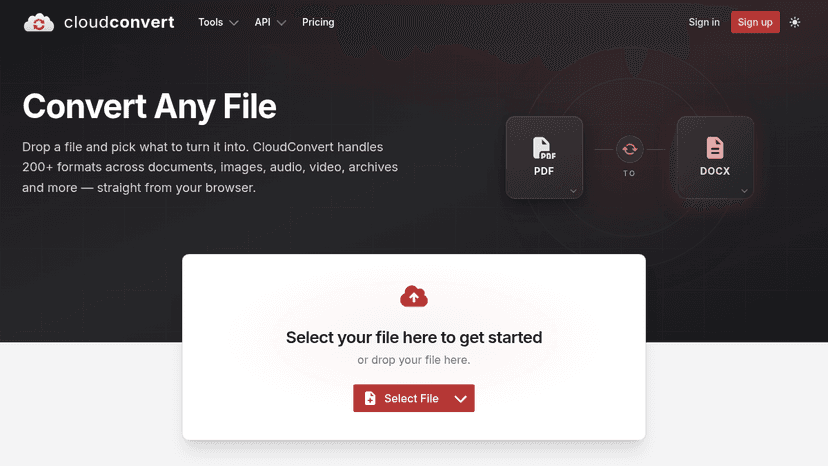
Convert 200+ file formats online or via API — pay only for what you convert, with free daily credits included.

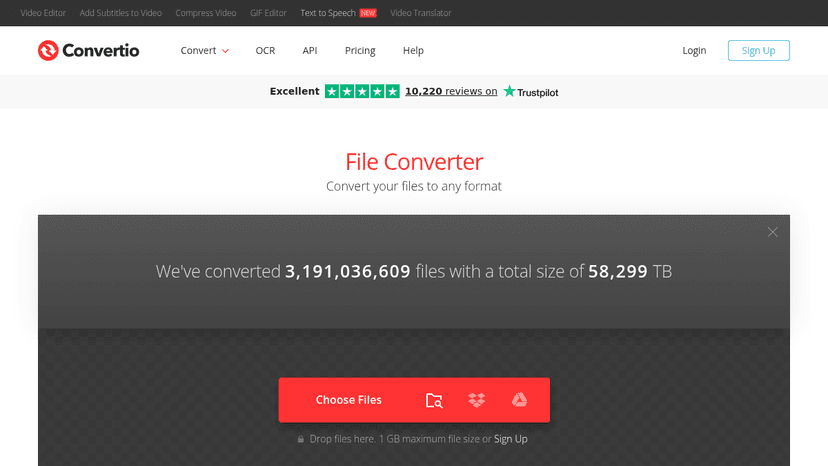
Convert files between 300+ formats online — documents, images, video, audio, and more — all in the cloud with no software install.
Calendly is the modern scheduling platform that makes “finding time” a breeze. When connecting is easy, your teams can get more done.


A free news reader that brings design and tech resources into one place — save articles, explore unlimited feeds, and stay inspired on the web.
About Productivity tools
Common types of productivity tools include project management platforms that coordinate team efforts across multiple initiatives, document editors that enable real-time collaboration on files and spreadsheets, and communication systems that streamline information sharing. Calendar and scheduling applications help users manage time commitments, while task management software tracks action items and deadlines. Note-taking applications serve as digital repositories for information capture and organization.
Productivity software benefits a wide range of users. Remote and distributed teams rely on these tools to maintain alignment across locations. Freelancers and small business owners use them to manage clients, projects, and finances. Corporate environments implement productivity solutions to standardize workflows and improve operational efficiency. Students utilize these tools for research organization and academic project management.
The primary value of productivity software lies in reducing friction during work processes, minimizing duplicate efforts, and providing visibility into project status and resource allocation. These tools help users prioritize activities, meet deadlines, and maintain accountability while working independently or as part of larger teams.
Compare top 5 Productivity tools
Side-by-side highlights for the top-ranked products in this category. Products whose main category this is come first, then by featured placement, upvotes, ratings, and review count.
| Compare |  Tire Size Comparison Product page |  Style Translator Product page | R Readpodcast AI Product page |  Sweetly Yours Product page |  HairTryOn Product page |
|---|---|---|---|---|---|
| Best for | Compare two tire sizes side by side | Free Old English translator | Skim a two-hour interview in five minutes | Make a love website yourself | Free face shape detector |
| Pricing | — | — | Freemium | — | — |
| Platforms | — | — | Web | — | — |
| Rating | — | — | — | — | — |
| Upvotes | 0 | 0 | 0 | 0 | 0 |
| Verified | No | No | No | No | No |
| Launch date | — | — | — | — | — |
Productivity FAQ
Quick answers based on the products currently listed in this category.
What are the top Productivity tools on MazikBox?
Among 74 listed Productivity tools, top-ranked options include Tire Size Comparison, Style Translator, and Readpodcast AI. The comparison table above shows their pricing, ratings, and platforms side by side.
What pricing models are available among these Productivity tools?
The Productivity tools compared here include freemium pricing options.
Which platforms do these Productivity tools support?
Products listed in this category support web.
Compare Productivity tools head-to-head