
About Panda
Overview
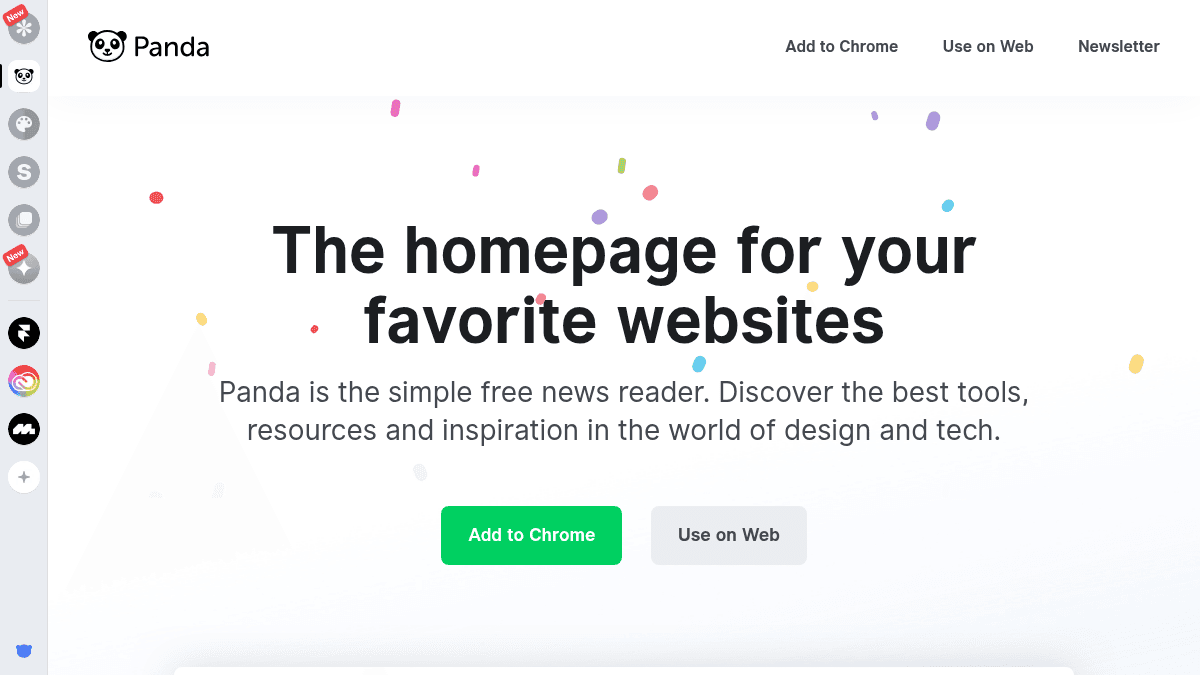
Panda is a free news reader that turns your browser's new tab into a curated homepage for design and tech content. It replaces the need to visit multiple sites separately by pulling together content from communities like Product Hunt, Dribbble, and Sidebar into a single interface.
Designers and developers use Panda to stay current with tools, resources, and trends without losing focus. Unlike generic RSS readers, Panda targets the creative and tech community with a curated, visual experience.
Key Benefits
- Free unlimited feeds let you follow as many sources as you want without hitting a paywall.
- Bookmark and save articles and images for later review in one place.
- Multiple layout options let you choose how content is displayed for your browsing preference.
- Trusted by designers and developers at major companies, with over 1 million monthly impressions across the network.
- Available as a Chrome extension and a web app, with iOS, Android, and Firefox extensions coming soon.
How It Works
You add Panda to Chrome or open it on the web, and it replaces or supplements your homepage with curated feeds from design and tech sources. You select your preferred layout, follow feeds that match your interests, and bookmark content you want to revisit later.
Use Cases
- Freelance designers who want a daily digest of design tools and trends without switching between multiple tabs.
- Front-end developers looking to track the latest resources and tech news from a single dashboard.
- Aspiring designers who want to keep up with the evolving design ecosystem, as noted by Sidebar founder Sacha Grief.
- Design-tool companies such as Framer, Adobe, and Mobbin that sponsor Panda to reach its design-focused audience.
- Internet power users who follow communities like Product Hunt and Dribbble and want them aggregated in one place.
Why Choose This Product
Panda is best suited for designers and developers who want a single, curated starting point for daily inspiration and industry news. The product is free to use on Chrome and the web, with mobile and Firefox support explicitly listed as coming soon rather than currently available.
Panda Pros & Cons
- Completely free with unlimited feeds — no paid tier required
- Available as both a Chrome extension and a web app
- Aggregates content from Product Hunt, Dribbble, Sidebar, and more in one place
- Backed by testimonials from founders at Product Hunt, Marvel, and Sidebar
- Trusted by design tools including Framer, Adobe, and Mobbin
- iOS, Android, and Firefox extension are not yet available — listed as coming soon
- Content focus is limited to design and tech — not a general-purpose news reader
Key Features
Unlimited Feeds
Users can follow as many content feeds as they want at no cost.
Bookmark & Save
Users can save articles and images to revisit later from within the app.
Multiple Layouts
Users can select from different layout options to customize their browsing experience.
Chrome Extension
Panda is available as a Chrome extension that replaces or enhances the browser's new tab page.
Web App
Panda runs as a standalone web application accessible without installing a browser extension.
Weekly Newsletter
Panda publishes a weekly newsletter delivering design and tech tools, resources, and inspiration every Wednesday.
Panda Pricing
Pricing extracted from the product website and may change. Check the source for current details.
Frequently asked questions about Panda
Is Panda free to use?
Yes, Panda is described as a simple, free news reader. It includes unlimited feeds at no cost and is available on both Chrome and the web without requiring a paid subscription.
What platforms does Panda support?
Panda currently runs as a Chrome extension and a web app. iOS, Android, and Firefox extension versions are listed as coming soon, meaning they are not yet available.
What kind of content does Panda aggregate?
Panda curates content focused on design and tech, drawing from communities such as Product Hunt, Dribbble, and Sidebar. It covers tools, resources, and inspiration relevant to designers and developers.
Can I save content for later in Panda?
Yes. Panda includes a bookmarking feature that lets you save articles and images you want to review later, all accessible from within the app.
Is Panda free?
Yes — Panda is free to use. See the pricing section for any optional add-ons.
How Panda compares
PandaThis | ||||
|---|---|---|---|---|
| Starting price | Free | Free | Free | Free |
| Pricing model | Free | Free | Free | Freemium |
| Platforms | Web | Web | Web, iOS, Android | Web, iOS, Android |
| Top features |
|
|
|
|
| Rating | — | — | — | — |


