Best Accessibility Testing Tools in 2026
Accessibility testing tools help surface problems during design, development and maintenance. The collection includes Axe DevTools and Pa11y for automated checks, Stark for design and product workflows, Polypane for browser-based inspection, and dedicated contrast tools. Palette checks and page audits cover different scopes, so they work best as complementary parts of a testing process.
A collection of open-source libraries and tools built by Khan Academy for developers, spanning JavaScript utilities, React components, machine learnin...
Find and fix accessibility issues across design, code, and live products up to 10x faster than competitors
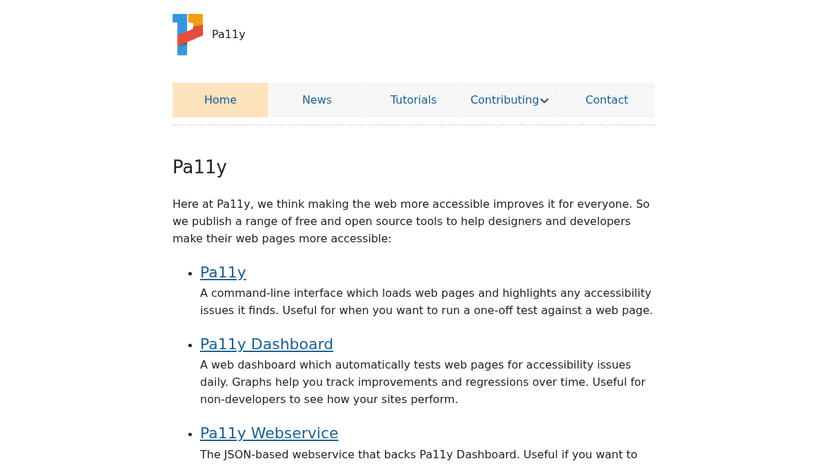
Free, open source accessibility testing tools for developers and designers to identify and fix web accessibility issues
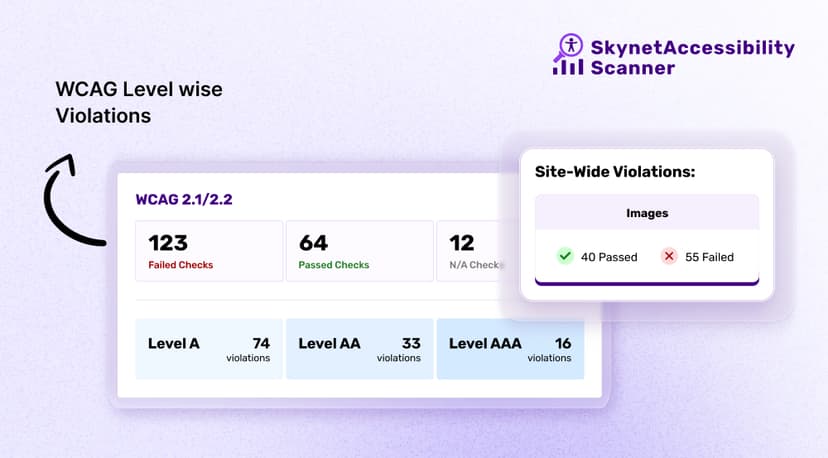
Maintain WCAG compliance with automated accessibility audit, continuous monitoring, and AI accessibility remediation recommendations.
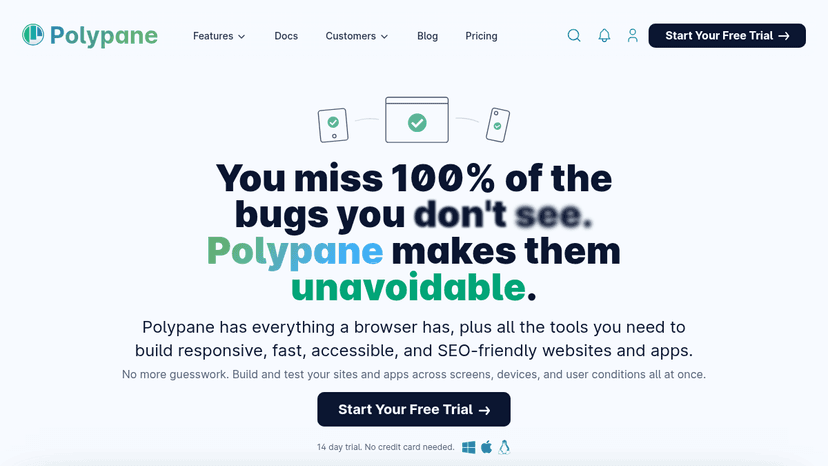
A Chromium-based development browser that lets you build and test responsive, accessible websites across multiple viewports simultaneously — catch bug...
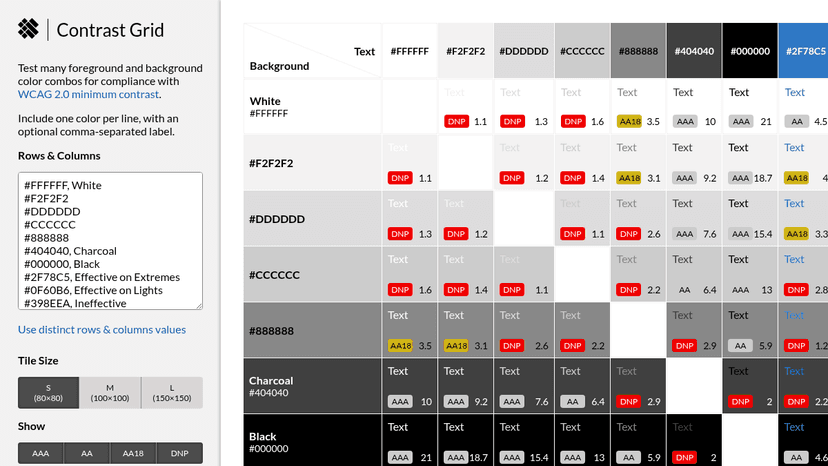
Test multiple foreground and background color combos for WCAG 2.0 minimum contrast compliance — all in one grid.

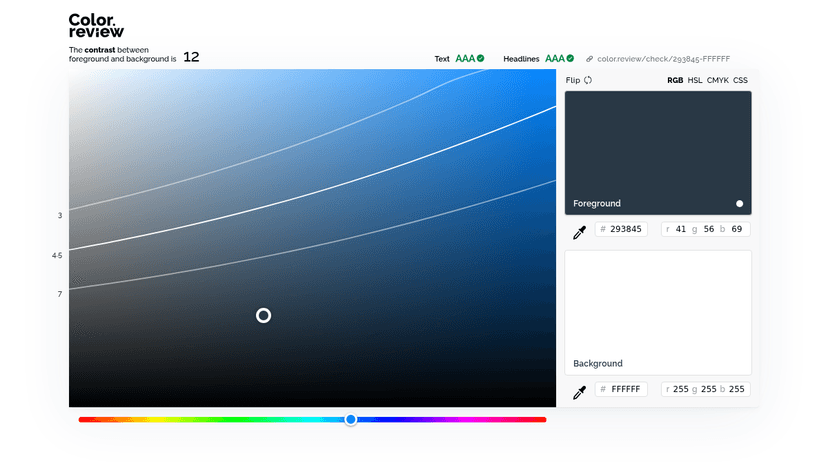
Check color contrast ratios, meet WCAG accessibility standards, and find colors that work for everyone.
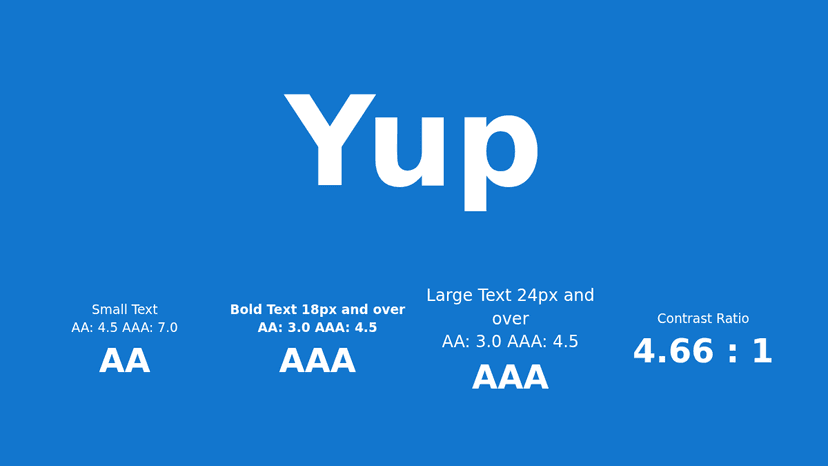
Check your color pairs against WCAG 2.0 contrast ratios — free, instant, and no sign-up required

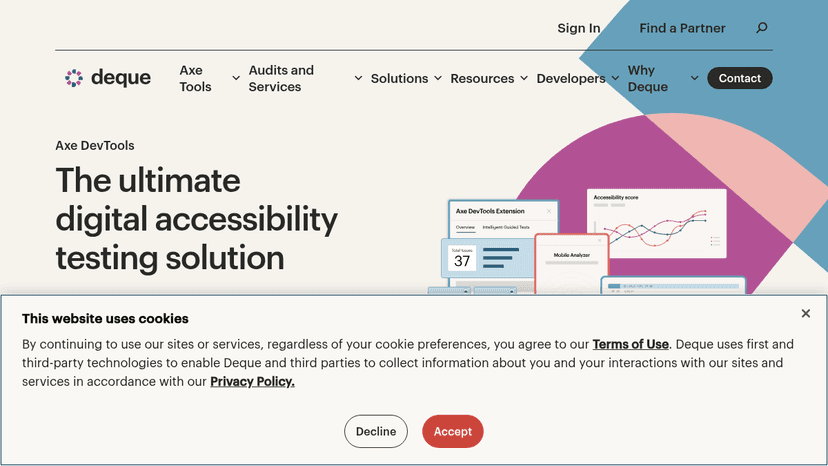
Automated accessibility testing for web and mobile with zero false positives, AI-powered checks, and seamless CI/CD integration.
About Accessibility Testing Tools
Compare the states a tool can inspect, whether it works on authenticated pages and how reports identify affected elements. For automated workflows, check how results fit your build process, how new failures are distinguished from existing ones and who receives the findings.
Test key journeys manually as well as running scans: menus, forms, dialogs and validation errors need interaction checks. Record steps to reproduce each issue and retest the fix. Passing an automated scan does not establish that a whole product is accessible; it provides evidence for the checks that scan performs.
Compare top 5 Accessibility Testing Tools
Side-by-side highlights for the top-ranked products in this category. Products whose main category this is come first, then by featured placement, upvotes, ratings, and review count.
| Compare | K Khan Academy Open Source Product page |  Stark Product page | P Pa11y Product page |  SkynetAccessibility Scanner Product page | P Polypane Product page |
|---|---|---|---|---|---|
| Best for | A collection of open-source libraries and tools built by Khan Academy for developers, spanning JavaScript utilities, React components, machine learning, and infrastructure. | Find and fix accessibility issues across design, code, and live products up to 10x faster than competitors | Free, open source accessibility testing tools for developers and designers to identify and fix web accessibility issues | WCAG Auto Accessibility Audit with AI Remediation | A Chromium-based development browser that lets you build and test responsive, accessible websites across multiple viewports simultaneously — catch bugs as you code, not in QA. |
| Pricing | Free | Freemium | Free | Freemium | Freemium |
| Platforms | — | Web, macOS, Windows, iOS, Android | Web | Web | Web, macOS, Windows, Linux |
| Rating | — | — | — | — | — |
| Upvotes | 0 | 0 | 0 | 0 | 0 |
| Verified | No | No | No | No | No |
| Launch date | — | — | — | — | — |
Accessibility Testing FAQ
Quick answers based on the products currently listed in this category.
What are the top Accessibility Testing Tools on MazikBox?
Among 9 listed Accessibility Testing Tools, top-ranked options include Khan Academy Open Source, Stark, and Pa11y. The comparison table above shows their pricing, ratings, and platforms side by side.
What pricing models are available among these Accessibility Testing Tools?
The Accessibility Testing Tools compared here include free and freemium pricing options.
Which platforms do these Accessibility Testing Tools support?
Products listed in this category support web, macOS, windows, iOS, android, and linux.
Compare Accessibility Testing Tools head-to-head
Browse all comparisons