
About Axe DevTools
Overview
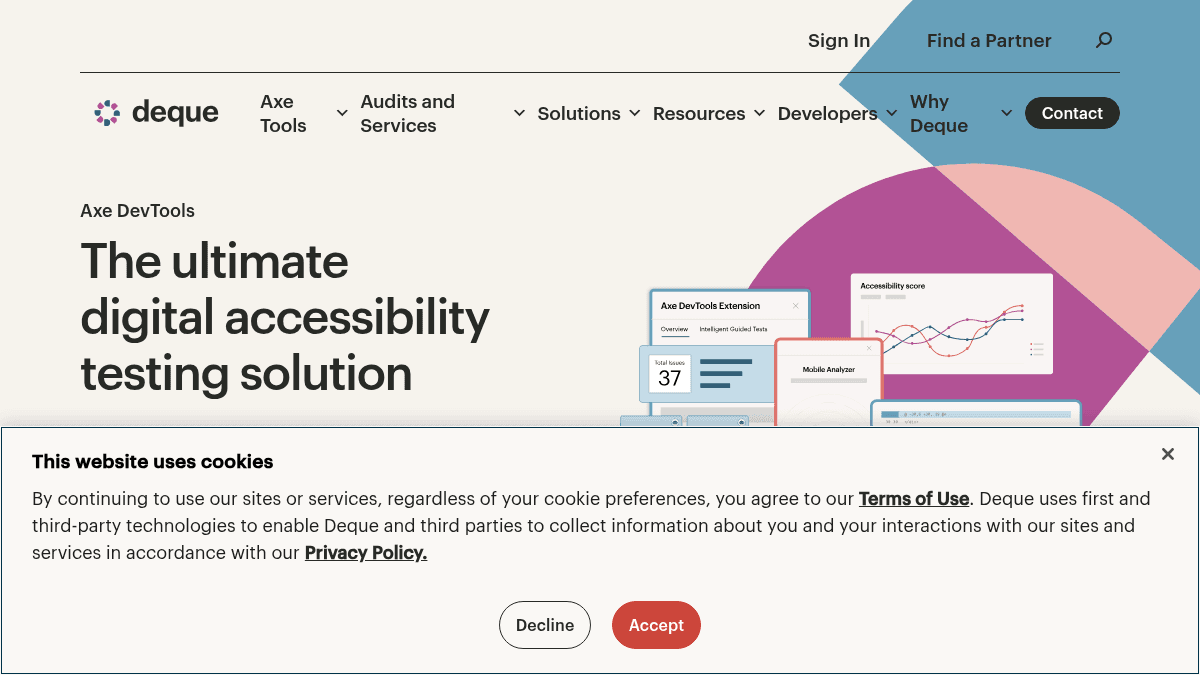
Axe DevTools is an automated accessibility testing toolkit for web and mobile applications. It helps developers catch accessibility issues early in the development lifecycle — inside the IDE, browser, and CI/CD pipeline — using AI-powered checks and automation.
Built by Deque Systems, the company that created Axe-core (downloaded 4 billion+ times), Axe DevTools is designed for development teams who need to scale accessibility testing without requiring deep accessibility expertise. Unlike manual-only audits, it provides automated, deduplicated results with a commitment to zero false positives.
Key Benefits
- Zero false positives — teams do not waste time chasing non-issues.
- 4 billion+ downloads of Axe-core, the underlying engine invented by Deque.
- 800,000+ Chrome installations of the Axe DevTools Extension.
- AI-powered duplicate filtering and smart test configurations reduce noise.
- Built-in training and documentation let anyone test with no prior accessibility experience.
- Intelligent Guided Tests (IGTs) align with accessibility testing standards for consistent results.
How It Works
You install the Axe DevTools Extension in your browser or the Axe Linter in your IDE (VS Code). You run automated scans on your web pages or mobile apps, and the tool returns deduplicated, prioritized results with zero false positives. You review the actionable findings, apply fixes directly in your IDE with one-click acceptance via the Axe MCP Server, and track progress across projects using built-in reporting.
Use Cases
- Front-end developers catch accessibility bugs early by running scans inside their IDE or browser before code reaches QA.
- QA engineers embed Axe DevTools into automated test suites and CI/CD pipelines to block accessibility regressions.
- Accessibility specialists use Intelligent Guided Tests (IGTs) to perform systematic manual checks aligned with WCAG standards.
- Mobile app teams test iOS and Android apps without source code access using automated UI tests and React Native linting.
- Enterprise compliance officers generate clear, actionable reports to track progress and demonstrate WCAG, ADA, and VPAT compliance.
Why Choose This Product
Axe DevTools is best suited for development teams and enterprises that need to scale accessibility testing across web and mobile properties. It requires no prior accessibility expertise to get started, with built-in training and documentation. Pricing is not publicly listed — interested teams must contact sales or request a demo.
Axe DevTools Pros & Cons
- Zero false positives commitment
- 4 billion+ Axe-core downloads
- 800,000+ Chrome extension installs
- Works in IDE, browser, and CI/CD pipeline
- Supports web, iOS, and Android testing
- Pricing not publicly listed — requires contacting sales
- No free tier mentioned on the page
Key Features
Automated accessibility scans
Run automated scans in your IDE, browser, and CI/CD pipeline to catch issues early in development.
AI-powered duplicate filtering
Built-in AI deduplicates results so teams see only unique, actionable issues instead of noise.
Zero false positives
Every reported issue is a real accessibility violation, eliminating wasted time chasing non-issues.
Mobile app testing
Test iOS and Android apps without source code access using automated UI tests and React Native linting.
CI/CD integration
Embed accessibility checks directly into your CI/CD pipeline to block regressions before deployment.
Actionable reporting
Generate clear reports with progress tracking, recurring issue spotting, and team-shareable findings.
Intelligent Guided Tests
IGTs align with accessibility testing standards to guide users through systematic manual checks.
IDE and browser tools
Test within your IDE using the Axe Linter for VS Code and in your browser using the Chrome extension.
Axe DevTools Pricing
View full pricing →Pricing extracted from the product website and may change. Check the source for current details.
How Axe DevTools compares
Axe DevToolsThis | ||||
|---|---|---|---|---|
| Starting price | — | — | Free | Free |
| Pricing model | contact_sales | Freemium | Free | Free |
| Platforms | Web, macOS, Windows, iOS, Android | Web | Web | Web, macOS, Windows, Linux |
| Top features |
|
|
|
|
| Rating | — | — | — | — |
