About WebWave
Overview
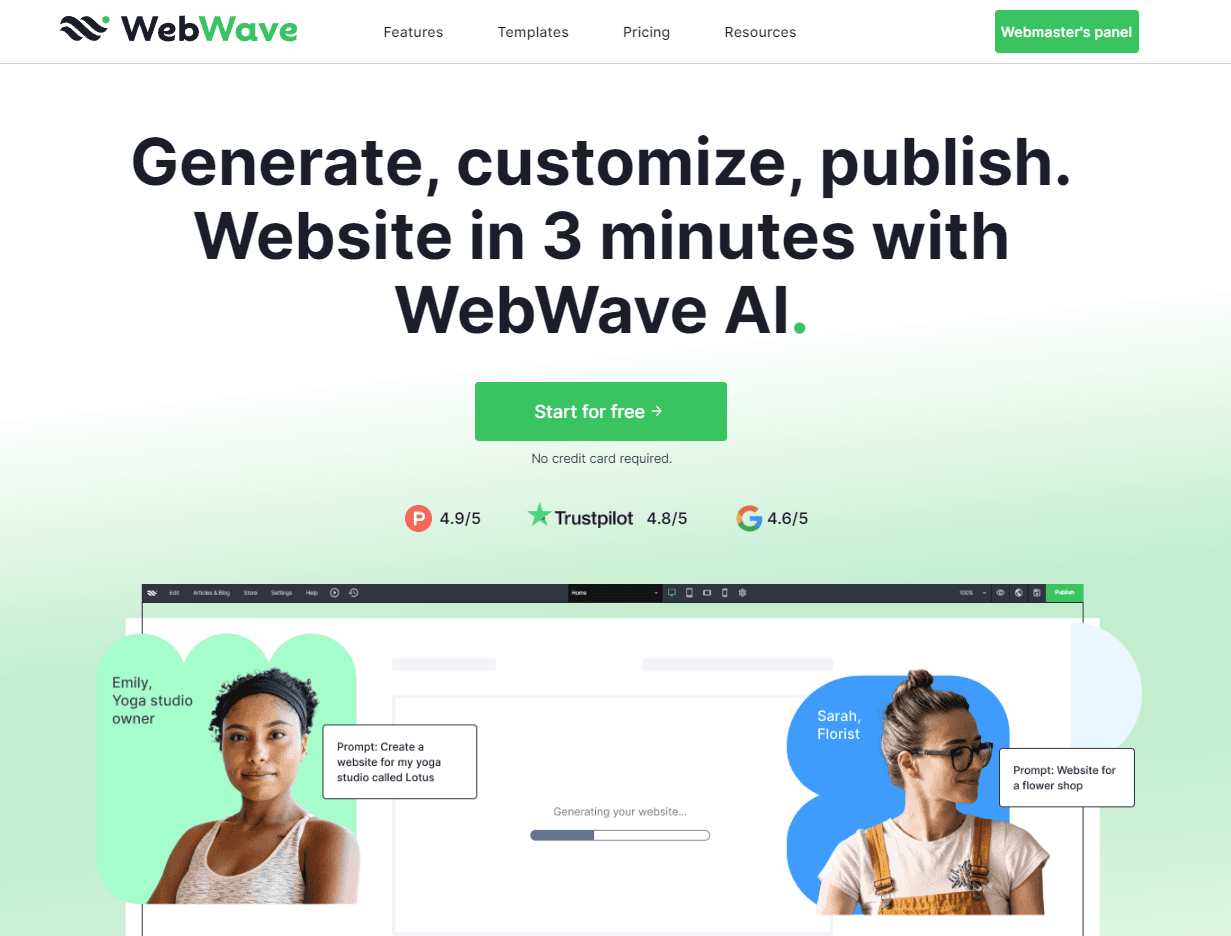
WebWave is a drag-and-drop website builder with an AI generator that creates a functional website from a description of your business. The editor works like a graphic design tool, so you place elements anywhere on a freehand canvas.
The team started building WebWave in 2012 and reports more than 610,000 users. Small business owners, freelancers, and agencies use it to publish business sites, blogs, landing pages, and small online stores without writing code.
Key Benefits
- Generate a working website with AI in about 3 minutes from a business description.
- Edit every part of the generated site, from adding a logo to creating new sections.
- Place elements anywhere on a freehand canvas instead of predefined containers.
- Sell online with no transaction fees or commissions and secure payments.
- Check your page with the built-in SEO analyzer and get a list of improvements.
- Preview and adjust layouts for desktop, tablet, and mobile in both orientations.
How It Works
Choose one of three starting points: a blank page, a customizable template from the free library, or an AI-generated site based on your business description. Drag elements from the component bank onto the canvas, edit content, then press Publish and WebWave turns the design into a live website. Start with a 14-day free trial that needs no credit card.
Use Cases
- Small business owners build a business website of 3-20 pages with a blog.
- Freelance web designers build client sites with white-label features and an Agency Account.
- Online sellers open a small store that sells services, physical, or digital products without commission.
- Creators and professionals publish portfolios, link-in-bio pages, and landing pages from templates.
- Agencies work with their team in the CMS and apply discounts on Premium Plans.
Why Choose This Product
WebWave gives you freehand placement control, which section-based builders such as Wix and Squarespace do not offer, according to the vendor. The free trial pauses your site after 14 days, and you need a paid plan to keep it live on a custom domain.
WebWave Pros & Cons
- 14-day free trial with no credit card required
- No transaction fees or commissions on online sales
- Freehand canvas placement of elements anywhere
- Built-in SEO analyzer and free SSL certificate
- 30-day money-back guarantee on Premium Plans
- Site is paused after the 14-day trial unless you upgrade
- Custom domain requires a paid Premium Plan
- WebWave branding appears in the footer during the trial
- One reviewer notes you have to pay for exports
Key Features
AI Website Generator
Generates a functional website in about 3 minutes from a description of your business.
Freehand Drag-and-Drop Editor
Lets you drag elements from a component bank and place them anywhere on the canvas with 1-pixel accuracy.
Free Template Library
Offers free, responsive templates for link in bio, landing page, business, e-commerce, blog, and portfolio sites.
Responsive Design
Lets you design separate layouts for desktop, tablet, mobile landscape, and mobile portrait.
SEO Analyzer
Checks your page against a chosen keyword and lists what to improve to rank higher on Google.
Online Store
Sells services, physical, and digital products with secure payments and no transaction fees or commissions.
Domains and Mailboxes
Provides a custom domain, connection of an existing domain, and professional mailboxes under your domain.
Hosting with SSL
Hosts your website with a free SSL certificate.
White Label Agency Account
Gives freelancers and agencies white-label functionality, Premium Plan discounts, and CMS access for teams.
WebWave Pricing
View full pricing →- 14-day trial, no credit card required
- Full access to drag-and-drop editor
- 100+ templates and AI website builder
- Publish under a webwave.me subdomain
- Professional online business card or simple landing page
- Free .com domain for the first year
- Google submission and SEO features
- Blog and multiple pages
- Monthly AI-written SEO articles
- Free .com domain for the first year
- Google submission and SEO features
- Unlimited disk space
- Multilingual store support
- Online payments with zero commission
- 3 AI SEO articles per month
| Feature | Free Trial Free | One Pager $3.50/mo | Pro $5.00/mo | Business $7.50/mo |
|---|---|---|---|---|
| 14-day trial, no credit card required | ||||
| Full access to drag-and-drop editor | ||||
| 100+ templates and AI website builder | ||||
| Publish under a webwave.me subdomain | ||||
| Professional online business card or simple landing page | ||||
| Free .com domain for the first year | ||||
| Google submission and SEO features | ||||
| Blog and multiple pages | ||||
| Monthly AI-written SEO articles | ||||
| Unlimited disk space | ||||
| Multilingual store support | ||||
| Online payments with zero commission | ||||
| 3 AI SEO articles per month |
Pricing extracted from the product website and may change. Check the source for current details.
Frequently asked questions about WebWave
What is WebWave?
WebWave is a drag-and-drop website builder. You drag elements from the components bank onto the canvas, see how the site will look as you design, and the builder writes the code automatically.
Is WebWave free to use?
WebWave offers a 14-day free trial with no credit card required and full access to all design features. You can publish under a webwave.me subdomain. After 14 days the site pauses until you choose a paid plan.
What happens after the free trial ends?
Your website is deactivated, but your work is saved. You can bring it back online by upgrading to a Premium Plan, which adds a custom .com domain, Google indexing, and advanced SEO tools.
Do I need to know how to code to use WebWave?
No. You add elements to the canvas, customize them, add your content, and publish. The builder does the coding, though you can add custom code if you want.
How does WebWave differ from Wix or Squarespace?
Wix and Squarespace are section-based builders where you drop elements only into predefined containers. WebWave uses a freehand canvas inspired by graphic design tools, so you can place elements anywhere, including in templates.
Can I build a responsive website with WebWave?
Yes. You can switch the viewport between desktop, tablet, and mobile in horizontal and vertical views. WebWave sets up elements automatically by screen size, or you can adjust them manually.