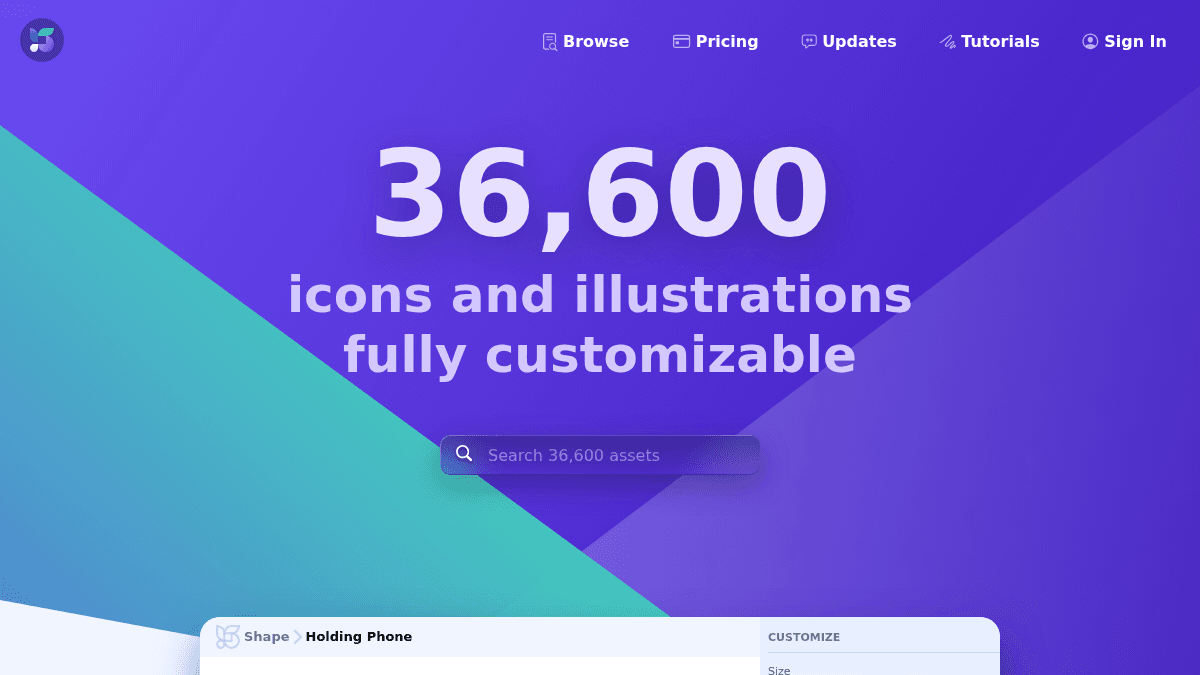
About Shape 2
Shape 2 lets you customize the style, colors, and border of static and animated icons and illustrations for your projects.
Users can export their customized assets to React, SVG, and Lottie code formats. The product serves designers and developers who need consistent, customizable visual assets for web and app interfaces.
Key Benefits
- Full access to a library of 36,600+ icons and illustrations
- Export to multiple formats including SVG, Lottie, PDF, PNG, and Figma
- Commercial use allowed with paid plans
- Complete Figma library included with paid tiers
- Available as both a web app and a Mac app
How It Works
You browse the library of over 36,600 assets, customize the style, colors, and border of each icon or illustration, then export the result in your chosen format. The product provides React, SVG, and Lottie code that you can drop directly into your projects.
Use Cases
- UI designers who need consistent icon sets for interface mockups
- Frontend developers who want to export icons as React components
- Motion designers who need animated icons in Lottie format
- Product teams looking for a shared Figma library of visual assets
- Freelance designers creating branded client presentations
Why Choose This Product
Shape 2 is best suited for individual designers and developers who need a large, customizable library of icons and illustrations with versatile export options. The library is expected to grow to 20,000 assets within one year, and the price will increase as the library expands.
Shape 2 Pros & Cons
- 36,600+ icon and illustration assets
- Multiple export formats: SVG, Lottie, PDF, React, Figma
- Free tier available for basic use
- Web and Mac app availability
- Commercial use on paid plans
- Free tier limited to PNG export only
- Free tier restricted to personal use
- No educational discount by default (must email for it)
Key Features
Asset Library
Access a library of 36,600+ icons and illustrations with plans to reach 20,000 assets within one year.
Style Customization
Customize the style, colors, and border of both static and animated icons and illustrations.
React Code Export
Export customized assets as React components for direct use in frontend projects.
SVG Export
Export icons and illustrations as SVG code files.
Lottie Export
Export animated icons and illustrations as Lottie animation files.
Figma Library
Access a complete Figma library of assets for use in design workflows.
Mac App
Use Shape 2 as a native Mac application in addition to the web app.
Commercial License
Use assets in commercial projects with paid plans including one-year and lifetime licenses.
Shape 2 Pricing
View full pricing →- Export to PNG only
- Personal use only
- Free Figma library
- Full access to 36,600+ assets
- Upgrades for one year
- Commercial use allowed
- Complete Figma library
- Export to SVG, Lottie, PDF, Figma
- Full access to 36,600+ assets
- Unlimited upgrades forever
- Commercial use allowed
- Complete Figma library
- Export to SVG, Lottie, PDF, Figma
| Feature | Free Free/mo | One Year $59/yr | Lifetime $109 one-time |
|---|---|---|---|
| Export to PNG only | |||
| Personal use only | |||
| Free Figma library | |||
| Full access to 36,600+ assets | |||
| Upgrades for one year | |||
| Commercial use allowed | |||
| Complete Figma library | |||
| Export to SVG, Lottie, PDF, Figma | |||
| Unlimited upgrades forever |
Pricing extracted from the product website and may change. Check the source for current details.
Frequently asked questions about Shape 2
Can I use Shape assets for multiple products at the same company?
You can use Shape for as many projects as you want, but you cannot redistribute the source files. Customers cannot have access to sources. If there are multiple editors in the company, you have to buy multiple licenses since it is per user.
Do you provide educational discount?
To avail educational discount, send an email to [email protected] along with a copy of your ID card. A discount will be applied to your account after verification.
What is your refund policy?
If you regret or accidentally made a purchase, contact support at [email protected] for a refund. You can also leave feedback or suggestions that might help improve the product.
How do I buy licenses for other people?
To get licenses for others, simply buy a license and then change the email to the email of the person you are willing to give that license to.
Is Shape 2 free?
Shape 2 offers a free plan with optional paid upgrades. See the pricing section for what's included in each tier.
How much does Shape 2 cost?
Shape 2 offers the following plans: Free, One Year, Lifetime. See the pricing section for what's included in each tier and any per-seat or usage-based costs.
How Shape 2 compares
S Shape 2This | ||||
|---|---|---|---|---|
| Starting price | Free | Free | Free | Free |
| Pricing model | Freemium | Free | Free | Free |
| Platforms | Web, macOS | Web | Web | Web |
| Top features |
|
| — |
|
| Rating | — | — | — | — |

