
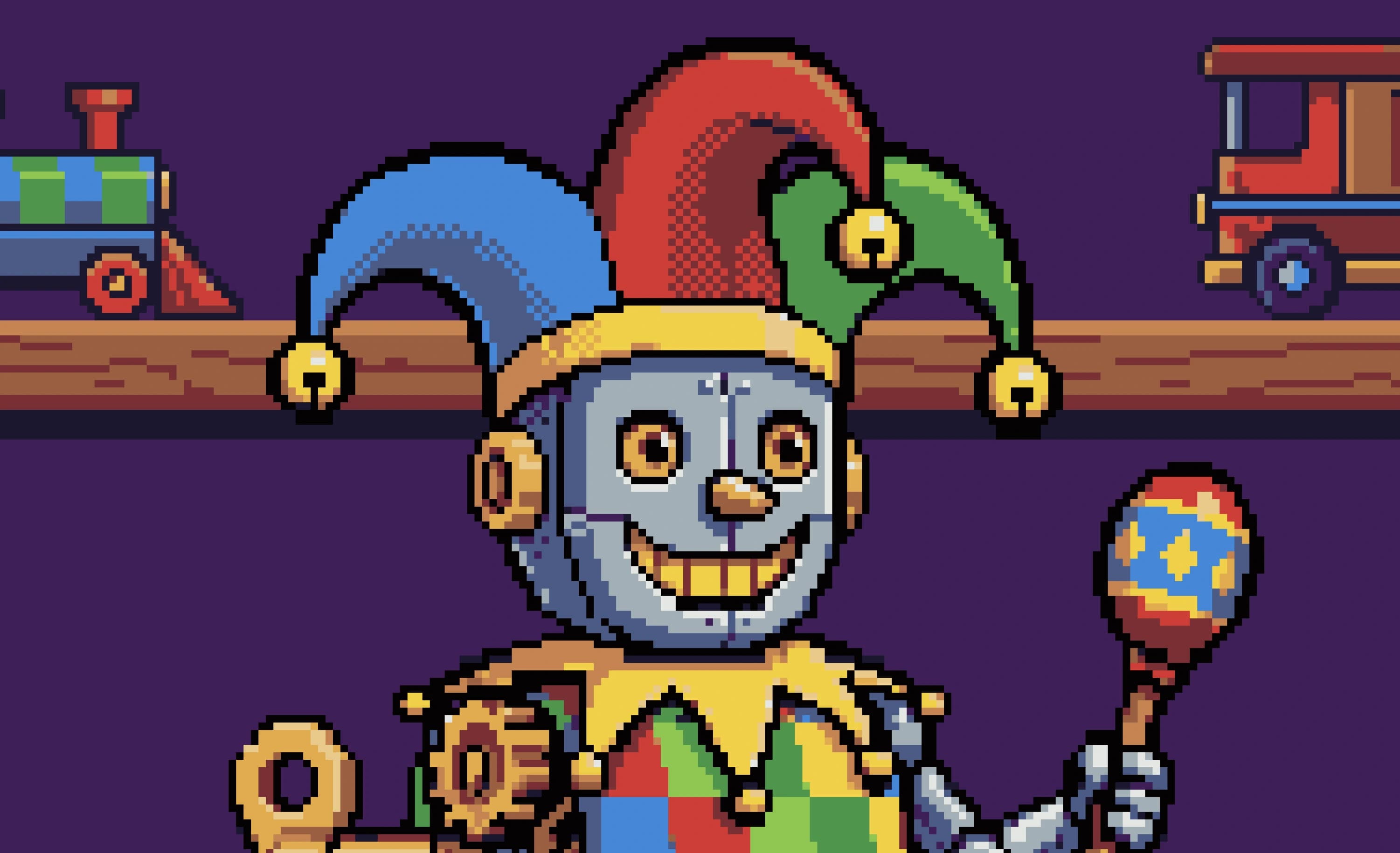
About Pixel Snapper
Overview
Pixel Snapper is a free, open-source AI pixel art fixer from Sprite Fusion that turns messy or inconsistent generated images into true pixel art. It cleans blurry edges, inconsistent pixels, and off-grid pixels, then snaps the artwork back onto a consistent pixel grid.
Creators upload a PNG or JPG up to 10MB, let the tool clean the image, and download the result as a new PNG. Pixel Snapper preserves intentional details such as dithering, curves, outlines, and small shapes while removing blur and artifacts left by models like GPT Image 2, Gemini, and Nano Banana.
Key Benefits
- Snaps off-grid pixels and mixels back onto a consistent pixel grid.
- Preserves intentional detail such as dithering, curves, outlines, and small shapes.
- Matches artwork to an imported 1 to 256 color palette while keeping transparency.
- Cleans pixel output from AI models including GPT Image 2, Gemini, and Nano Banana.
- Runs in the browser with no account required on any modern device.
- Ships open source, so users can inspect or contribute to the code on GitHub.
How It Works
Drag and drop a PNG or JPG of up to 10MB into the upload area, or click to browse files. Pixel Snapper automatically cleans the image, fixes off-grid pixels, and applies either the Colors setting or an imported custom palette. The cleaned artwork downloads as a new PNG ready for a game project.
Use Cases
- Game artists tidy up AI-generated sprites before importing them into a game engine.
- Indie studios keep every sprite and tileset on one shared palette by importing a PNG palette.
- Hobby developers fix blurry GPT Image 2 or Nano Banana output without buying dedicated art tools.
- Pixel artists strip unwanted anti-aliasing and blurry in-between pixels, then finish details by hand in a tool such as Aseprite.
- Teams with large asset libraries use the Desktop Edition for offline batch processing of many images at once.
Why Choose This Product
Pixel Snapper concentrates on cleanup rather than generation, which suits workflows where pixel art already exists but needs a consistent grid and a fixed palette. The web edition stays free for hobby and commercial work with no account, and the Collector Edition adds offline batch processing with a one-time purchase and lifetime updates. The project is open source, and the team states its scope plainly: it is not a magic tool, and some artwork still needs manual edits.
Pixel Snapper Pros & Cons
- Web version is free for hobby and commercial projects with no account
- Open source with code available on GitHub
- Preserves dithering, outlines, curves, and small shapes while fixing pixels
- Supports custom PNG palettes of 1 to 256 colors with transparency kept
- Works on any modern device because it runs in the browser
- Page states it does not fix every artwork automatically
- Some results still need manual edits in a tool like Aseprite
- It cleans existing pixel art but cannot generate images from prompts
- Uploads are limited to PNG and JPG files up to 10MB
Key Features
Pixel Grid Snapping
Snaps off-grid pixels and mixels back onto the same clean grid as the rest of the artwork.
Custom Palettes
Imports a PNG containing 1 to 256 palette colors and matches the art to those exact colors while preserving transparency.
Color Limiting
The Colors setting builds a limited palette from the source image, with presets shown such as 16 colors.
Detail Preservation
Keeps dithering, curves, outlines, and small shapes intact while removing blur and artifacts.
AI Art Cleanup
Fixes mixels, blurry edges, and inconsistent pixels from GPT Image 2, Gemini, and Nano Banana.
Drag-and-Drop Upload
Accepts PNG and JPG files up to 10MB through drag and drop or a click-to-browse upload area.
PNG Export
Saves the cleaned artwork as a new PNG file ready for a game project.
Batch Processing
Desktop EditionThe Desktop Edition processes many files at once with ultra-fast batch processing that runs fully offline.
Pixel Snapper Pricing
- Free for hobby and commercial projects
- No account required
- Runs in the browser on any modern device
- Source code available on GitHub
- Ultra-fast batch processing
- 100% offline desktop app
- One-time purchase, yours forever
- Free lifetime updates
- Works on Mac, Linux, and Windows
| Feature | Web Edition Free | Desktop Edition $7.99 one-time |
|---|---|---|
| Free for hobby and commercial projects | ||
| No account required | ||
| Runs in the browser on any modern device | ||
| Source code available on GitHub | ||
| Ultra-fast batch processing | ||
| 100% offline desktop app | ||
| One-time purchase, yours forever | ||
| Free lifetime updates | ||
| Works on Mac, Linux, and Windows |
Pricing extracted from the product website and may change. Check the source for current details.
Frequently asked questions about Pixel Snapper
What is Pixel Snapper?
Pixel Snapper is a free, open-source AI pixel art fixer and cleaner from Sprite Fusion. It fixes messy, blurry, or inconsistent pixels and snaps AI-generated pixel art back onto a crisp pixel grid.
How do I use Pixel Snapper?
Upload your pixel art by drag and drop or by clicking the upload area. Pixel Snapper automatically cleans the image, fixes off-grid pixels, and saves the result as a new PNG.
Can Pixel Snapper generate pixel art from a prompt?
No. Pixel Snapper is designed to clean and fix existing pixel art, not generate new images from prompts. For prompt-based creation, the page points to Sprite Fusion's AI Pixel Art Generator.
Can I use a custom pixel art color palette?
Yes. Import a PNG containing between 1 and 256 palette colors. Pixel Snapper reads the visible colors from that image, matches the artwork to that palette, and preserves transparency.
What are mixels in pixel art?
Mixels are pixels that do not share the same clean grid or pixel size as the rest of the artwork. They often show up in AI-generated art as blurry in-between pixels, soft edges, or inconsistent detail, and Pixel Snapper cleans them by snapping to a consistent grid.
Is Pixel Snapper free and open source?
Yes. The web version is free for both hobby and commercial projects with no account required, and the source code is available on GitHub for inspection or contributions.