
About OneTake AI
Overview
OneTake AI is an autonomous video editing agent that turns raw footage into professional presentations, online courses, YouTube videos, and podcasts with a single click. It also translates, dubs, and lip-syncs videos into multiple languages while preserving the speaker's voice, facial expressions, and movement.
The platform removes the need for manual timeline or transcript editing and the expense of hiring freelance editors. Users record "as they are" and let the AI agent handle the production.
Key Benefits
- Transcribes videos with titles, callouts, and a customizable glossary that learns industry-specific jargon
- Translates, dubs, and lip-syncs into Spanish, English, Portuguese, French, Italian, and German while keeping the speaker's authentic tone
- Removes background noise and enhances the voice for studio-level audio quality
- Composes a unique background music track matched to the content's tone and rhythm
- Lets you edit by chatting with the AI agent the way you would give feedback to a video editor
- Exports or embeds videos in multiple languages with the OneTake Player
How It Works
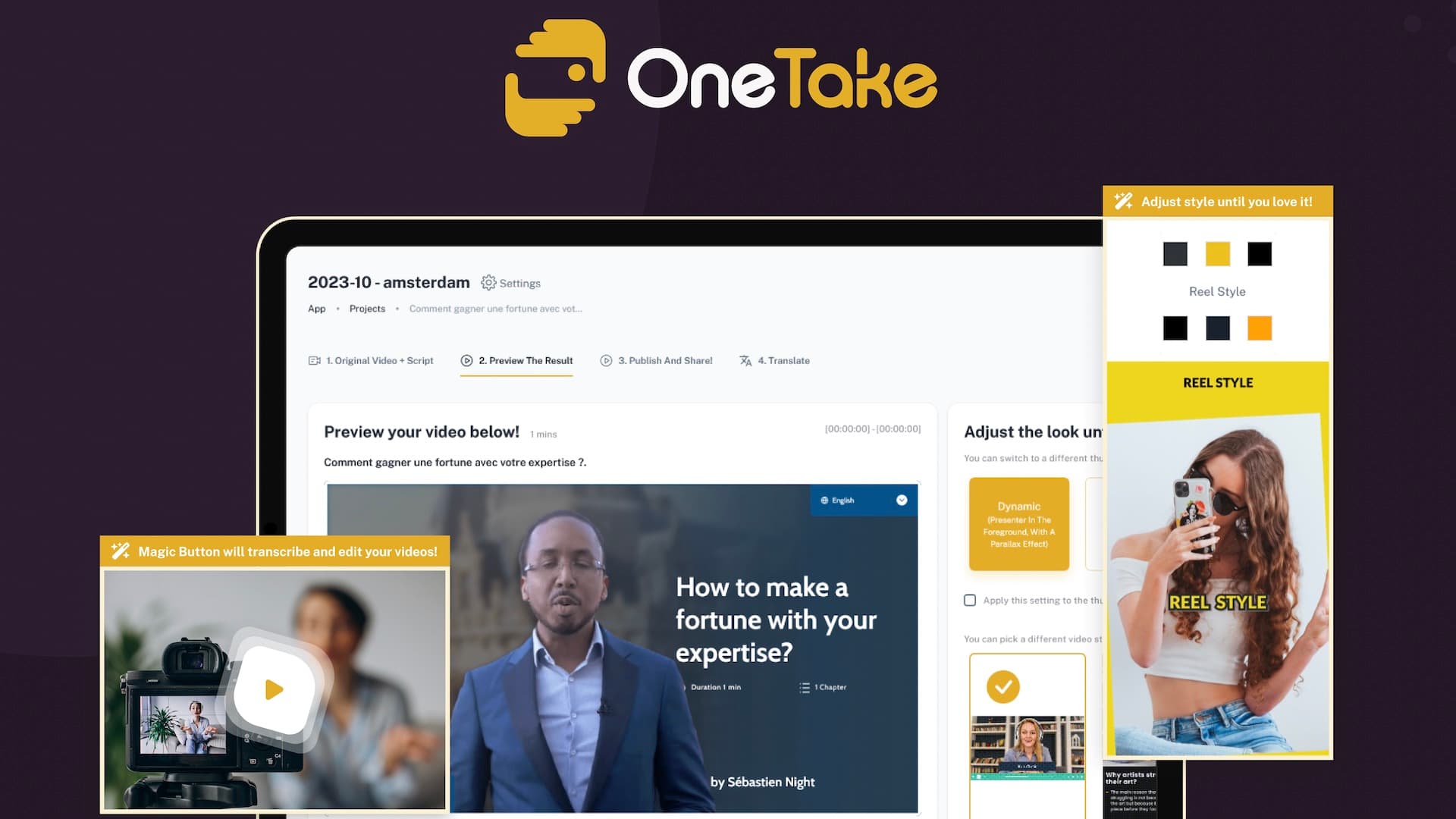
Users upload or record raw video or audio directly in OneTake, or import it from their computer, YouTube, Zoom call recordings, or Dropbox. The AI agent edits the footage instantly, then users preview the work and customize video style and color palette before sharing or exporting the final video.
Use Cases
- YouTube creators producing high-quality videos that resonate with their target audience
- Course creators turning raw teaching materials into polished online courses and masterclasses
- Podcasters converting video or Zoom recordings into broadcast-ready audio episodes
- Coaches and presenters republishing engaging webinar and group call replays
- Social media managers transforming long-form content into viral Shorts for TikTok and Instagram Reels
- International teams delivering translated and dubbed versions of their videos to global viewers
Why Choose This Product
OneTake preserves the speaker's voice, facial expressions, and movement during translation so the message stays authentic across languages. The content import feature watches for new channel uploads and delivers a first cut automatically, and the OneTake Player lets users embed and share videos in multiple languages.
OneTake AI Pros & Cons
- One-click Magic Button performs autonomous editing
- Translates, dubs, and lip-syncs into multiple languages
- Preserves voice, facial expressions, and movement
- OneTake Player embeds videos in multiple languages
- Content import auto-processes new channel uploads
- Translation currently supports only six languages
Key Features
One-click editing
The Magic Button turns raw footage into polished presentations without manual timeline or text editing.
Video translation
Clones the speaker's voice, dubs the video, and lip-syncs it into Spanish, English, Portuguese, French, Italian, and German.
Smart transcription
Produces structured transcripts with key-point highlighting, titles, and recognition of industry-specific jargon.
Noise removal
Removes background noise and enhances the voice for studio-level audio quality.
Custom music
Analyzes the content's tone and rhythm to compose a unique background music track.
Conversational editing
Lets users edit videos by chatting with the AI agent as if giving feedback to a video editor.
On-screen teleprompter
Displays a generated script on screen with adjustable speed and pause control for tricky lines.
Short extraction
Identifies viral moments from long-form content and creates vertical Shorts for TikTok, Instagram Reels, and YouTube.
Script editor
Edits the script inside the conversation and tracks versions so the cut stays intact.
Content import
Watches for new channel uploads, pulls them in, and delivers a first cut automatically.
OneTake AI Pricing
View full pricing →Pricing extracted from the product website and may change. Check the source for current details.