About Bitbucket
Overview
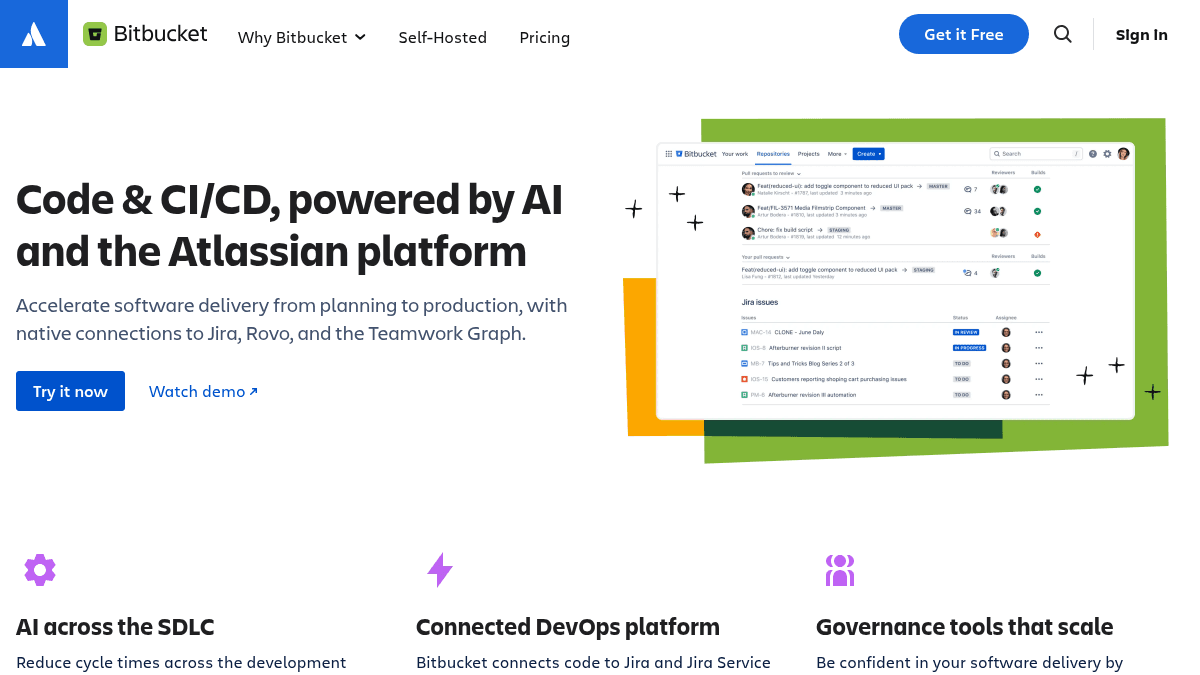
Bitbucket is a Git-based code repository and CI/CD platform built for teams using Jira. It connects code changes directly to Jira work items and Jira Service Management, reducing context switching and handoffs between planning and production.
The platform combines native AI capabilities—including AI-powered code review, agentic pipeline automation, and intelligent search—with governance tools for enforcing coding standards and CI/CD policies across repositories. Organizations using Jira gain direct visibility into why code changed and when it deployed, with all context linked through the Teamwork Graph.
Key Benefits
- Link each code change back to its Jira work item, understanding both what changed and why.
- Reduce development cycle times—one customer reported cutting average cycle time from 5.8 days to 2.9 days.
- AI code reviewer processes all pull requests and suggests fixes without manual review overhead.
- Enforce compliance, coding standards, and CI/CD policies at scale with customizable merge checks.
- Automate repetitive pipeline tasks like flag cleanup, documentation updates, and test fixes.
How It Works
You create and manage repositories in Bitbucket, then link pull requests and commits to Jira tickets. Bitbucket's AI code reviewer examines all changes and suggests improvements; you merge when ready. The platform runs CI/CD pipelines using hosted or private runners, logs deployment status centrally, and automatically surfaces context from the Teamwork Graph—drawing on linked Jira work items, deployment details, and project metadata.
Use Cases
- Engineering teams at enterprises deploy code 10+ times per day by automating policy enforcement and CI/CD orchestration across multiple repositories.
- Software development managers reduce average cycle time and improve traceability by seeing code changes linked to work items in real time.
- DevOps engineers orchestrate CI/CD workflows using hosted or private runners with centralized visibility across deployments, testing, and environments.
- Security-focused organizations enforce shift-left security integrations and code compliance policies during code review and pipeline stages.
- Teams migrating from Bitbucket Server or Data Center use the free migration app to move code and user accounts to Bitbucket Cloud.
Why Choose This Product
Bitbucket is designed for teams already using Jira who want code and CI/CD deeply integrated with their planning and ticketing workflow. The platform is especially valuable for organizations prioritizing compliance, rapid deployment cycles, and shift-left security practices. Atlassian's designation as a Leader in the 2025 Gartner Magic Quadrant for DevOps Platforms confirms its standing among enterprise teams seeking scalable governance and AI-driven automation.
Bitbucket Pros & Cons
- AI-powered code review and pipeline automation reduce manual toil
- Deep Jira integration connects planning, code, and deployments in one workflow
- Governance tools enforce compliance and CI/CD policies at organizational scale
- Free trial available; free tier for small teams
- Atlassian Leader in 2025 Gartner Magic Quadrant for DevOps Platforms
Key Features
AI Code Review
AI reviewer examines all pull requests, suggests fixes, and enables faster merging without manual overhead.
Agentic Pipeline Automation
AI-powered workflows automate tedious CI/CD tasks such as flag cleanup, documentation drafting, and flaky test fixes.
Jira Integration
Native bidirectional connection links code changes to Jira work items, work items to deployments, and vice versa.
Centralized CI/CD
Run CI/CD pipelines across the organization using hosted or private runners with unified visibility into status, policies, and environments.
Code Compliance
Enforce customizable merge checks to standardize code quality policies and compliance requirements organization-wide.
Granular Permissions
Control access at workspace, project, repository, branch, environment, and container tag levels.
Teamwork Graph
AI receives rich project context from linked work items, deployments, and team metadata to reduce hallucinations and improve accuracy.
Shift-Left Security
Native security integrations and partner tools enable secure coding during development, code review, and CI/CD stages.
Bitbucket Pricing
View full pricing →Pricing extracted from the product website and may change. Check the source for current details.
Frequently asked questions about Bitbucket
Does Bitbucket work with Jira?
Yes. Bitbucket is deeply integrated with Jira and Jira Service Management, allowing teams to link code changes to work items, move from planning to production with less context switching, and view deployment details directly in Jira.
Can I migrate from Bitbucket Server or Data Center?
Yes. Bitbucket offers a free migration app that moves your code repositories and user accounts from Bitbucket Server or Data Center to Bitbucket Cloud. A free trial matching your license user count and duration is available.
What CI/CD infrastructure does Bitbucket support?
Bitbucket runs CI/CD pipelines using hosted runners, private runners, or both. You can orchestrate workflows across the organization with centralized visibility into pipeline status, testing policies, and deployment environments without managing infrastructure.
Is Bitbucket free?
Bitbucket offers a free plan with optional paid upgrades. See the pricing section for what's included in each tier.
What platforms does Bitbucket support?
Bitbucket is available on: Web.
