
About Atomic
Overview
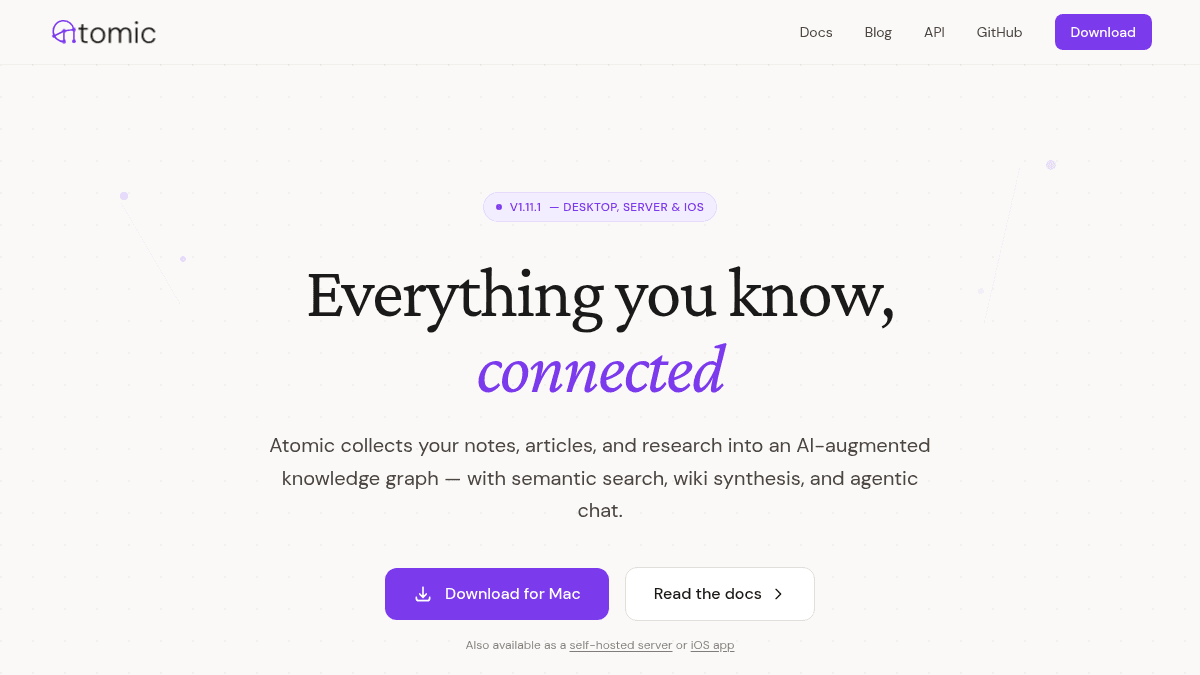
Atomic is a personal knowledge base that automatically connects everything you save — notes, articles, web clips, RSS feeds — into a semantically-linked knowledge graph. Unlike Obsidian or Notion, which require manual linking and folder structures, Atomic builds its own taxonomy using vector embeddings and auto-tagging, so your library organizes itself as it grows.
The tool targets researchers, writers, and developers who accumulate large amounts of information and want to retrieve and synthesize it without maintaining rigid folder systems or manual backlinks.
Key Benefits
- Vector embeddings surface related notes by concept, even when the exact words do not match.
- LLM-generated wiki articles synthesize all content under a tag and include inline citations back to source atoms.
- Auto-tagging extracts topics, people, places, organizations, and events from any dropped note — no manual categorization needed.
- Agentic chat searches your notes mid-conversation and cites actual sources rather than generating unsupported claims.
- Runs across macOS desktop, self-hosted server, iOS, browser extension, and MCP server — your data stays local or on your own infrastructure.
- MCP integration lets Claude, Cursor, or any MCP client read, search, and create atoms directly from within those tools.
How It Works
You add content — by writing a markdown note, pasting a URL, clipping a page via the browser extension, or subscribing to an RSS feed. Atomic embeds each piece, auto-tags it with a topic tree, and links it to related atoms. From there, you search by meaning, browse a force-directed spatial canvas, or ask the agentic chat a question scoped to a tag or your full library.
Use Cases
- Independent researchers who read dozens of papers weekly and need to resurface connections across months of saved material.
- Technical writers and bloggers who want to draft articles by querying their own accumulated notes rather than starting from scratch.
- Developers using Claude or Cursor who want their personal knowledge base accessible inside their existing AI coding workflow via MCP.
- Self-hosting enthusiasts who need a note and knowledge tool where data never touches a third-party cloud.
- Students writing long-form theses who want cited synthesis of everything they have saved under a research topic.
Why Choose This Product
Atomic suits people who ingest large volumes of loosely related information and want the system to do the connecting work for them — particularly those comfortable with open-source, self-hosted setups. It is less suited to teams needing collaborative editing or users who want a polished, no-configuration experience, where tools like Notion or Roam with managed hosting would serve better.
Key Features
Semantic Search
Vector embeddings index every atom so searches return conceptually related notes even when the query words do not appear in the text.
Wiki Synthesis
LLM-generated wiki articles compile all notes and clips under a tag into a single document with inline citations linking back to each source atom.
Agentic Chat
An AI chat agent searches your knowledge base mid-conversation, scoped to a single tag or the full library, and cites specific source atoms in its replies.
Spatial Canvas
A force-directed graph visualizes all atoms, clustering semantically related content so you can zoom and pan the topology of your entire library.
Auto-Tagging
Dropping in any note triggers automatic extraction of topics, people, places, organizations, and events, building a tag tree without manual folder maintenance.
MCP Integration
An MCP server lets Claude, Cursor, or any MCP-compatible client search, read, and create atoms directly without leaving those external tools.
Multi-Source Ingestion
Content enters via markdown editor, URL paste, RSS feed subscription, or browser extension web clipping, and each atom is automatically embedded on arrival.
Self-Hosted Server
Atomic ships a headless server mode for self-hosting so all knowledge base data stays on your own infrastructure rather than third-party cloud storage.
Atomic Pricing
Pricing extracted from the product website and may change. Check the source for current details.
How Atomic compares
AtomicThis | ||||
|---|---|---|---|---|
| Starting price | Free | — | from $0/month | — |
| Pricing model | Free | Freemium | Freemium | Freemium |
| Platforms | macOS, iOS, Web | Web | Web, macOS, Windows, iOS, Android | Web, macOS |
| Top features |
|
|
|
|
| Rating | — | — | — | — |


