About Lighthouse
Overview
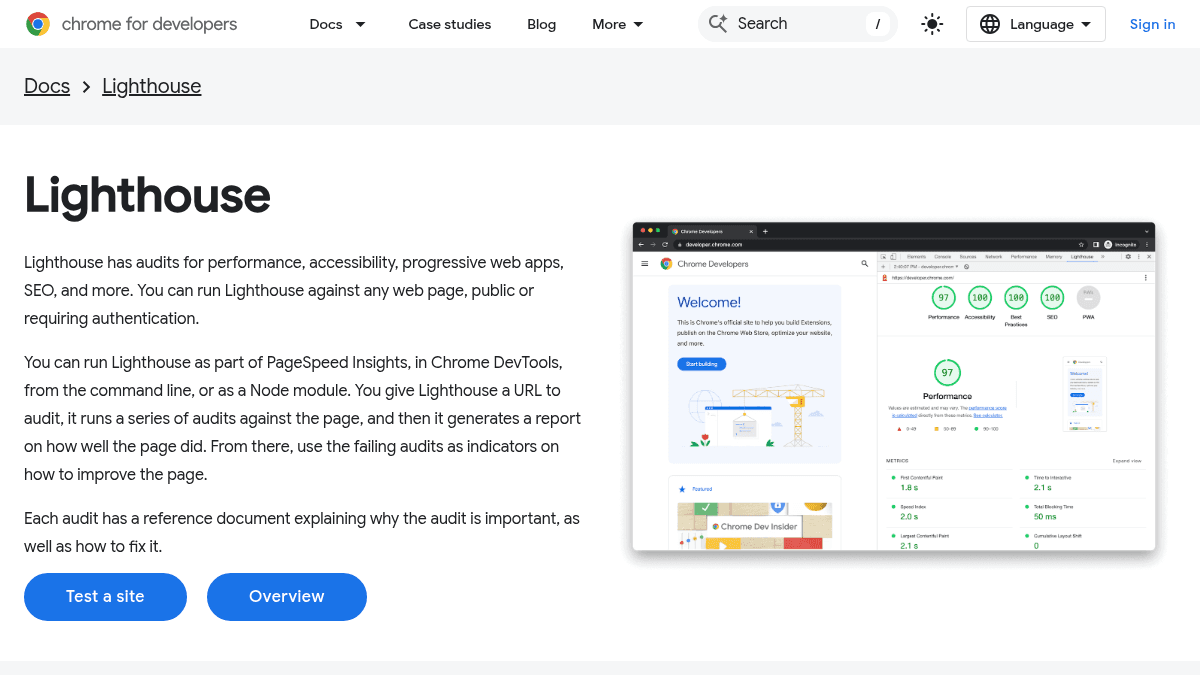
Lighthouse is an automated auditing tool built into Chrome that evaluates web pages across performance, accessibility, progressive web apps, SEO, and best practices. It runs a series of audits against any URL — public or requiring authentication — and generates a report showing how well the page performed.
Each failing audit links to a reference document explaining why the audit matters and how to fix it. Developers use the report to identify specific opportunities to improve their web pages. Lighthouse can be run via PageSpeed Insights, Chrome DevTools, the command line, or as a Node module.
Key Benefits
- Runs audits across five categories: performance, accessibility, progressive web apps, SEO, and best practices.
- Works on any web page, including pages that require authentication.
- Generates a detailed report with failing audits and links to reference documents explaining how to fix each issue.
- Available in multiple environments: Chrome DevTools, command line, Node module, and PageSpeed Insights.
- Each audit includes a reference document explaining why the audit matters and how to resolve it.
How It Works
You give Lighthouse a URL to audit. It runs a series of automated audits against the page across categories like performance, accessibility, SEO, and best practices. It then generates a report showing how well the page performed, with failing audits linked to reference documents that explain why each issue matters and how to fix it.
Use Cases
- Web developers auditing their own sites for performance bottlenecks before shipping to production.
- SEO specialists checking whether pages are optimized for search engine results ranking.
- Accessibility engineers verifying that all users can access content and navigate a site effectively.
- QA engineers running automated Lighthouse audits as part of CI/CD pipelines via the Node module or command line.
- Site owners using PageSpeed Insights to get a quick Lighthouse report without installing any tools.
Why Choose This Product
Lighthouse is best suited for web developers, SEO specialists, and accessibility engineers who need a free, automated auditing tool built directly into Chrome. It works on any web page — public or authenticated — and can be run from multiple environments including DevTools, the command line, and as a Node module. There are no paid tiers or feature limitations; the tool is entirely free and open-source.
https://developer.chrome.com/docs/lighthouse
Lighthouse Pros & Cons
- Free and open-source tool
- Runs in multiple environments (DevTools, CLI, Node, PageSpeed Insights)
- Audits performance, accessibility, SEO, and best practices
- Works on public and authenticated pages
- Each audit includes a reference document with fix instructions
Key Features
Performance audits
Measures page performance and identifies opportunities to speed up page loads.
Accessibility audits
Determines if all users can access content and navigate a site effectively.
Best Practices audits
Improves code health of web pages by checking against web development best practices.
SEO audits
Ensures pages are optimized for search engine results ranking.
Audit reports
Generates a detailed report with failing audits and reference documents explaining how to fix each issue.
Multiple run modes
Runs in Chrome DevTools, from the command line, as a Node module, or via PageSpeed Insights.
Authenticated pages
Audits any web page, including those that require authentication.
Lighthouse Pricing
Pricing extracted from the product website and may change. Check the source for current details.
How Lighthouse compares
LighthouseThis | |||
|---|---|---|---|
| Starting price | Free | — | Free |
| Pricing model | Free | contact_sales | Free |
| Platforms | Web, macOS, Windows, Linux | Web, macOS, Windows, iOS, Android | Web |
| Top features |
|
|
|
| Rating | — | — | — |

