
About agentcad
Overview
agentcad is an open-source MCP server and CLI that hands CAD work to a coding agent. It runs locally on Python and builds parts with build123d by default while staying CadQuery-compatible, so an agent can move from an empty folder to a printable part in minutes.
Every run returns geometric metrics and a render, so the agent reads its own results and fixes mistakes before they reach you. The project is free, requires no signup, and ships under the Apache-2.0 license with the source hosted on GitHub.
Key Benefits
- Agents get a tight feedback loop of metrics and renders so they converge on printable geometry.
- Install with one pip command, or point uvx at the MCP server with no prior install.
- Scripts need zero boilerplate because agentcad pre-injects build123d primitives and edit helpers.
- Each execution writes a versioned STEP file alongside STL, GLB, and OBJ exports.
- Validation checks run before execution and topology reports help debug broken geometry.
- agentcad init writes a Claude Code skill and AGENTS.md block so the agent keeps the workflow in later sessions.
How It Works
You paste one prompt into Claude Code, Cursor, or another coding agent, and it creates a Python 3.12 environment, installs agentcad[mcp], and runs agentcad init --name to scaffold the project. The agent then writes build123d code that agentcad executes, returning a versioned STEP file, geometric metrics, and PNG renders; the agent reads the metrics and render, corrects its geometry, and exports STL, GLB, or OBJ when the part is ready.
Use Cases
- 3D printing hobbyists prompt an agent for a printable part such as an angled phone stand, then send the exported STL straight to a slicer.
- Hardware and enclosure designers describe dimensions, wall thickness, and fillets in a prompt and receive a valid STEP model with volume and validity metrics.
- Existing CadQuery users keep their code working while moving into an agent-driven design loop.
- Claude Code, Cursor, and Windsurf users add a single .mcp.json entry to give their assistant CAD output.
- Modelers taking on measured reconstructions use prompts to build multi-part assemblies, such as a 234-part 1903 Wright Flyer from the Christman drawings.
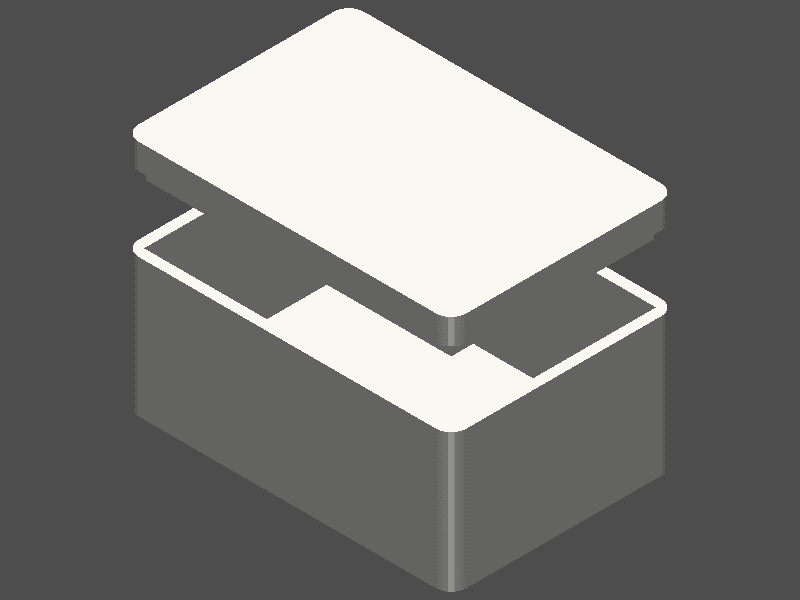
- Vase, chess rook, and electronics enclosure designs show how a single prompt covers decorative and mechanical parts alike.
Why Choose This Product
agentcad targets agents rather than humans clicking through menus: it returns machine-readable metrics beside every render, keeps STEP files versioned for diffs, and validates scripts before they run. It stays free and local, defaults to build123d, and keeps existing CadQuery code working.
agentcad Pros & Cons
- Free and open source under the Apache-2.0 license
- Runs locally and needs no signup
- build123d by default, with CadQuery compatibility
- Every run returns metrics and a render for self-correction
- Works with Claude Code, Cursor, and Windsurf over MCP
Key Features
Script Execution
Runs agent-written scripts and writes a versioned STEP file plus geometric metrics such as dimensions, volume, face count, and validity.
Render From Any Angle
Produces PNG previews of a part from any angle so the agent can visually verify what it modeled.
Mesh Export
Exports STL, GLB, and OBJ files for 3D printing and web viewers.
Pre-Run Validation
Runs pre-execution checks that catch errors before any script executes.
Topology Inspection
Returns a topology report that helps debug geometry issues in a model.
Version Diffs
Compares model versions so you can track design iteration across runs.
MCP Integration
Plugs into Claude Code, Cursor, or Windsurf through a .mcp.json entry that runs the server with uvx, with no prior install required.
Agent Skill
The init command writes a Claude Code skill and an AGENTS.md block so the agent knows the workflow in later sessions.
No Boilerplate
agentcad pre-injects build123d primitives, show_object, and edit helpers, so scripts need zero imports.
build123d Native
The tool defaults to build123d for modeling while remaining CadQuery-compatible.
Frequently asked questions about agentcad
Is agentcad free to use?
Yes. agentcad is open source, free, and requires no signup. The source lives on GitHub under the Apache-2.0 license, and the tool runs locally on your own machine.
Which coding agents can use agentcad?
Any MCP-capable coding agent works. The page documents setup for Claude Code, Cursor, and Windsurf through a .mcp.json entry, and the ready-made prompt works in any coding agent that can install the package and run the CLI.
What CAD library does agentcad build with?
agentcad is build123d-native and CadQuery-compatible, so it designs with build123d by default while existing CadQuery scripts keep working.
What file formats can agentcad export?
Each execution produces versioned STEP files with geometric metrics, and the tool exports STL, GLB, and OBJ for 3D printing and web viewers.
Do I have to install agentcad before adding it to my agent?
No. The MCP entry runs through uvx, which caches the environment on first run. You can also install it directly with pip install 'agentcad[mcp]' on Python 3.10 to 3.12.
How does the agent catch its own modeling mistakes?
Every run returns geometric metrics and a render. The agent reads both, relies on pre-execution validation and topology reports to debug, and iterates before handing the part back.