Best Design & Creative Tools in 2026
This broad category gathers design and creative tools that support visual project work, ranging from generative AI studios to icon editors. The supplied sample includes AI tools that turn text and images into images, video, and 3D content, design systems like Material Design, font managers, and CSS gradient libraries. Some products are reference resources, such as website galleries, while others are working utilities for building, editing, or downloading assets. Children split the category into 3D modeling, asset marketplaces, icon libraries, prototyping, and related niches.
Browse Design & Creative by topic
UI Design
UI design is about making a screen's structure, hierarchy and interactions understandable. The listings here include design workspaces such as Penpot, Sketch and Pixso, component-based approaches such as Subframe, and learning resources such as Refactoring UI. A design editor and a practical design book can support the same project, but they solve different needs. For software, try a screen with reusable components, responsive layouts and several states, then check how it reaches developers. For a learning resource, look for examples you can apply to your own interface. Compare collaboration, component control and handoff against the way your team works, rather than choosing only from a polished demonstration.
Product Design
Good product design tools help teams move from vague ideas to testable interfaces without losing the reasoning behind the work. They cover wireframing, UI generation, prototyping, user-flow mapping, design systems, and feedback, with tools like Figma, Uizard, and Framer handling different parts of the process. A designer might turn a rough checkout flow into clickable screens, test it with users, then revise the component states before engineering starts. The AI is most useful for producing options, filling repetitive layouts, and exposing gaps in a flow—not deciding what the product should be. Generated screens often look polished before they are coherent, so usability, accessibility, and edge cases still need careful review. The best product design tools make iteration cheaper while keeping designers close to the problem. Pretty mockups are easy; a product that makes sense is still the real work.
Design Assets
Design asset tools are useful when a team needs usable visual material without starting every icon, mockup, background, or illustration from scratch. This category covers AI tools for generating brand graphics, UI elements, social visuals, product mockups, textures, image variations, and cleaned-up assets ready for a design system or campaign. Tools like Canva, Adobe Firefly, Midjourney, and Figma can help at different stages, but the real value comes from getting assets that fit the job instead of filling a folder with random pretty outputs. A designer might generate a set of abstract hero images for a SaaS landing page, pick the one that supports the message, then adjust colors, cropping, and spacing before it ever reaches production. The strongest tools make visual exploration cheaper and less precious. The weakest ones create asset libraries nobody wants to maintain.
Design Systems
A well-built design system keeps product teams from redrawing the same button, debating spacing rules, and shipping slightly different versions of the same interface. These tools organize reusable components, design tokens, usage guidelines, accessibility notes, and coded examples so designers and developers work from a shared source. Figma, Storybook, and Zeroheight are commonly used across different parts of that process. A team might update a primary button’s color token once, review the change in Storybook, and apply it across every product without fixing screens one by one. AI can help document components, detect inconsistencies, and suggest missing states, but it cannot decide which patterns deserve to become standards. A design system should make intentional work easier, not turn every interface into a rigid assembly line. The strongest systems reduce needless variation while leaving room for product-specific judgment; the weakest are component libraries nobody trusts.
Web Design
Good web design tools help move an idea out of a blank canvas without flattening it into the same startup template everyone else is using. In this category, AI can draft site structures, generate landing page copy, suggest layouts, create wireframes, and turn rough prompts into editable pages. Tools like Framer, Webflow, Wix, and Relume are useful when the work needs both visual direction and practical structure. A founder might describe a new analytics product, get a homepage wireframe with sections for pain points, proof, pricing, and FAQs, then rewrite the weak parts before handing it to a designer or building it directly. The best AI web design tools still leave room for taste, spacing, hierarchy, and brand judgment. A website can be generated quickly, but a credible one still needs someone who knows what should be left out.
Design Podcasts
Listening to smart design conversations can be more useful than reading another recycled trend post. AI-related design podcasts help designers, founders, UX researchers, and creative leads stay close to how people are thinking about tools, process, ethics, taste, systems, and the messy parts of shipping work. Someone designing a new product onboarding flow might listen to an episode from Design Better, The Futur, or UX Podcast, then use one idea about user trust to rewrite screens before the next review. These podcasts are good for hearing how experienced designers frame problems, critique tools, talk to clients, build teams, and decide when AI helps or just adds noise. The best shows feel like overhearing a sharp studio conversation, not sitting through a conference panel full of vague optimism. A strong design podcast should leave you with one clearer decision, not a longer list of things to pretend you understand.
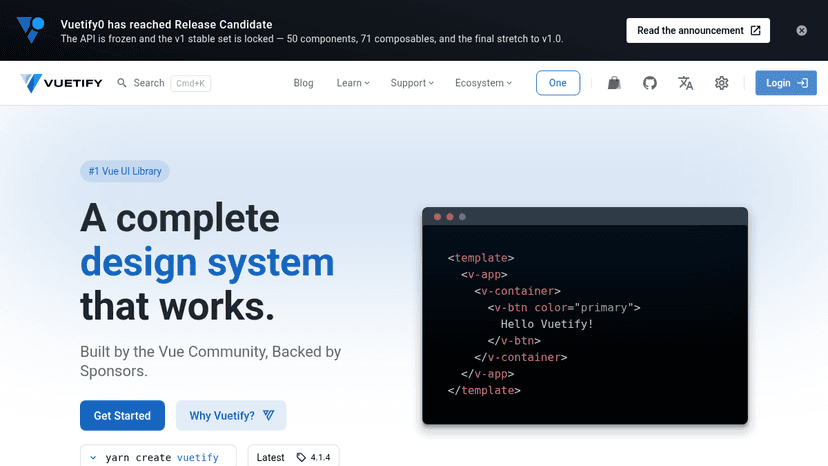
Open source Vue component framework for building rich, responsive UIs with pre-built Material Design components.
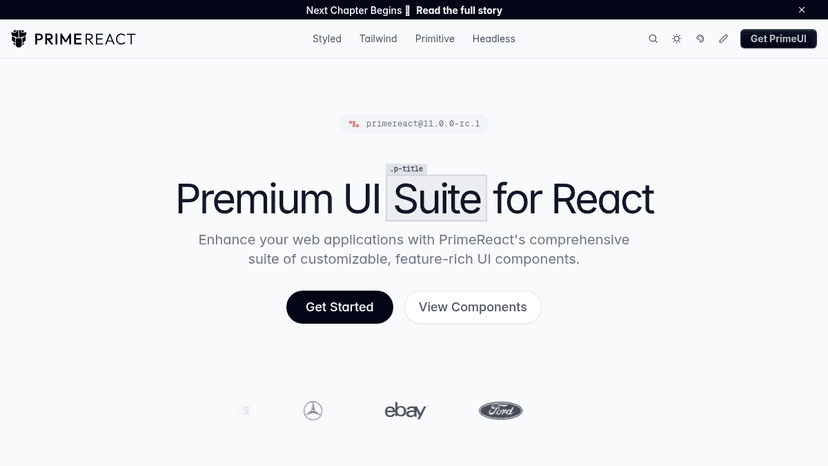
Open-source React UI library with 130+ accessible components, four-layer abstraction (headless to Tailwind), design-token theming, and SSR support

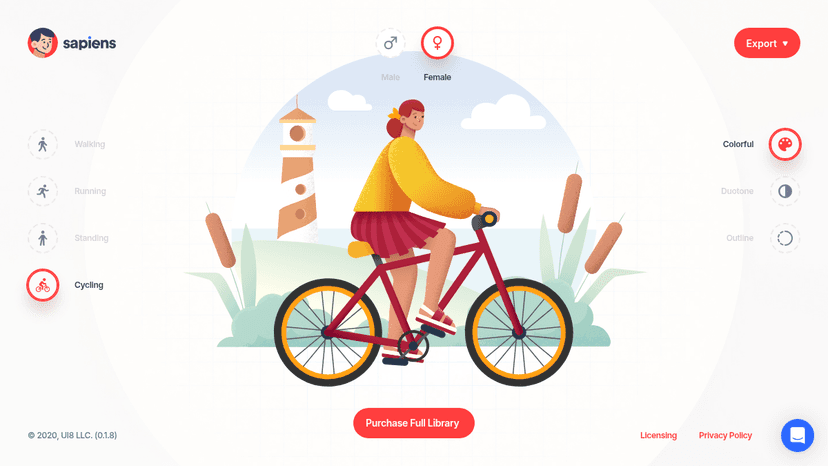
Build customizable character illustrations with multiple poses, styles, and backdrops for your design projects.

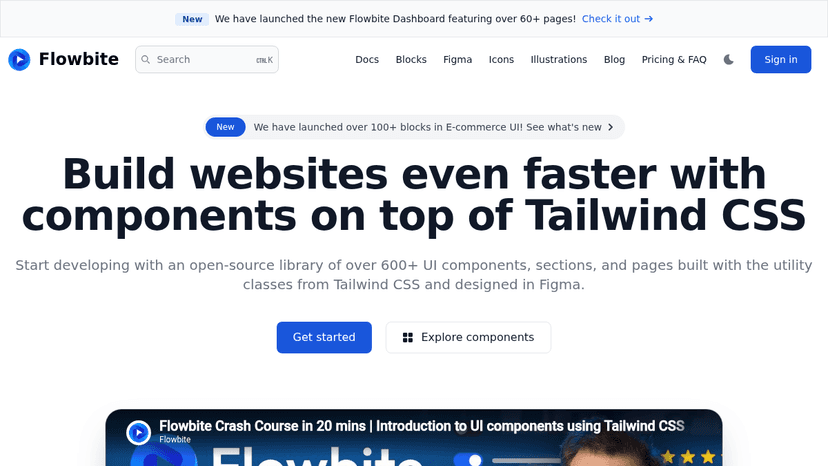
Build UI faster with Tailwind CSS components, blocks, and Figma design resources

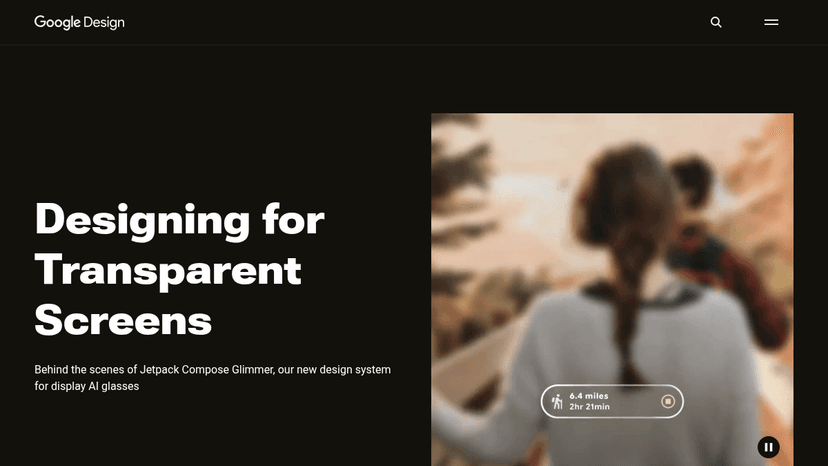
Learn from Google's design teams through stories, guides, and podcasts on typography, Material Design, UX research, and AI prototyping

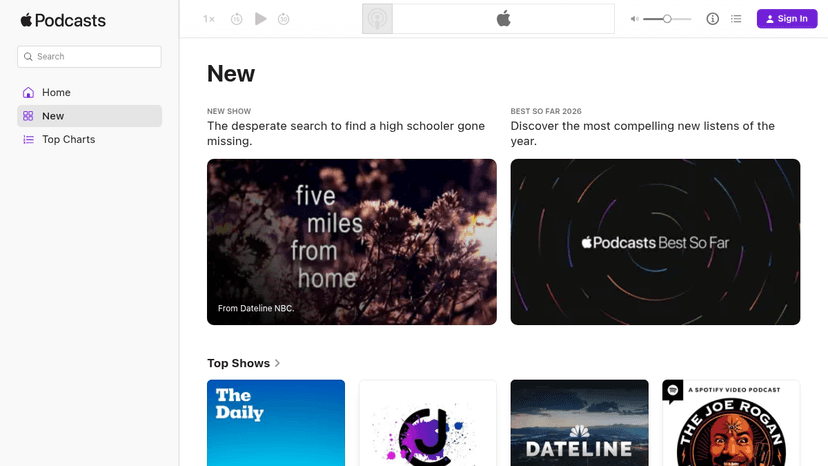
Stream, download, and discover millions of podcasts across every genre — from true crime to comedy — on any Apple device or the web.


Build design and illustration skills with free tutorials and courses, then create finished work using templates, fonts, illustrations, and AI tools.

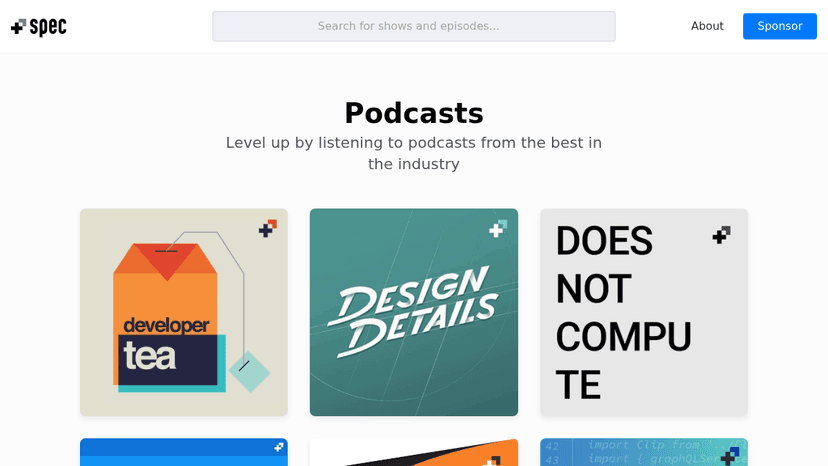
Learn from industry experts through curated podcasts and resources for designers and developers


A public blog covering skincare, dining, health, engineering, property, transport, events, and related practical topics.
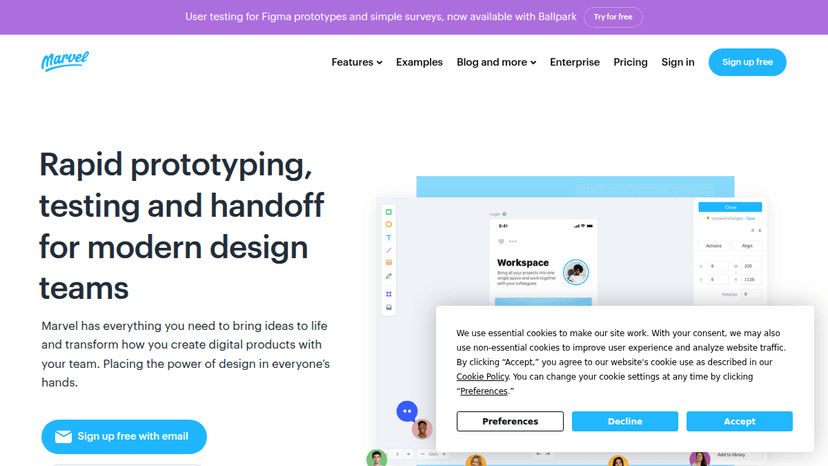
Wireframe, prototype, user test and hand off digital products in one collaborative platform — create interactive prototypes without code and validate ...
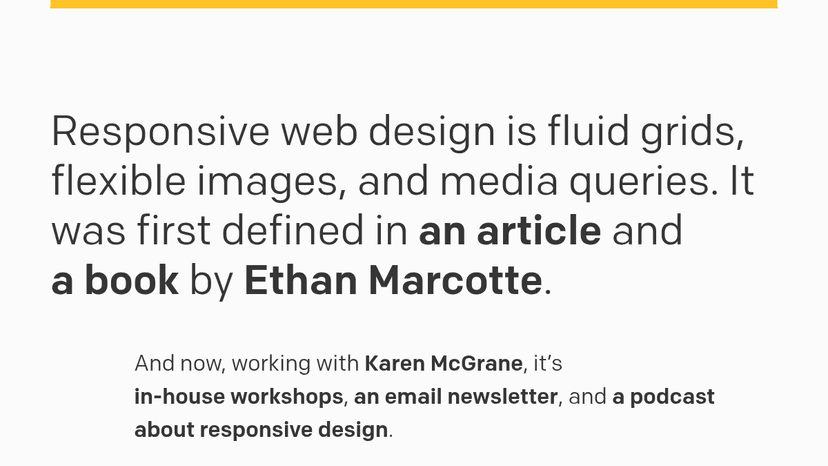
Fluid grids, flexible images, and media queries — the original framework for responsive web design, now with workshops, a newsletter, and a podcast.
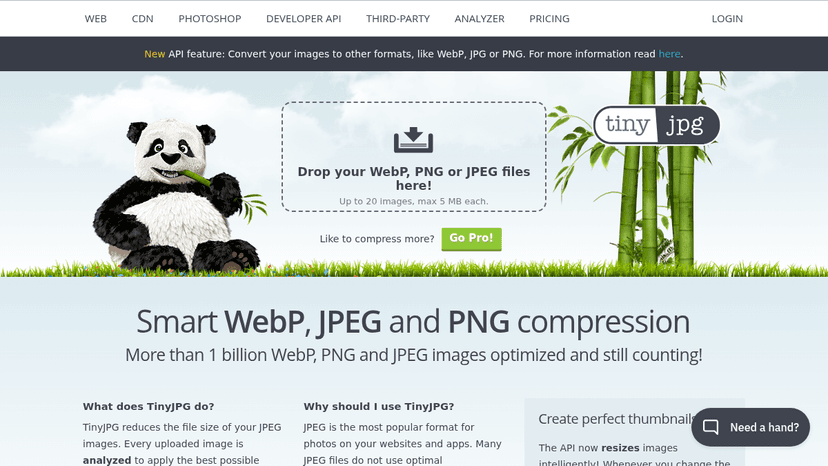
Smart JPEG, PNG and WebP compression that reduces file size by over 70% while preserving quality — trusted by thousands of companies worldwide.

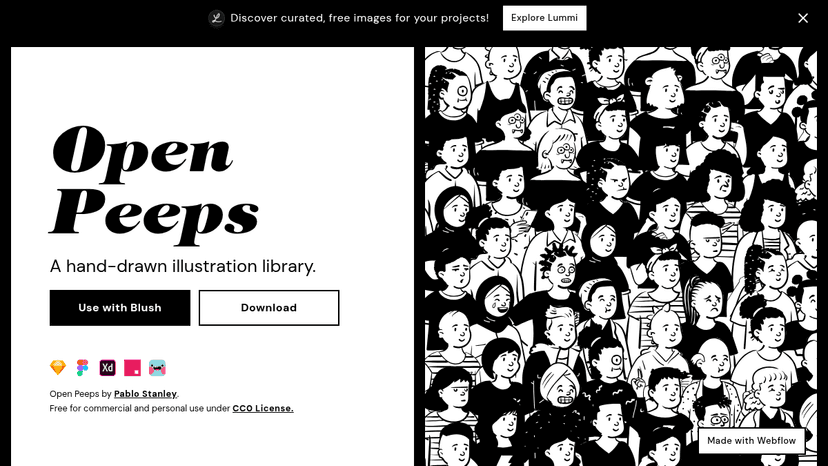
Build custom character scenes by mixing hand-drawn vector body parts, emotions, hairstyles, and accessories — free for commercial use under the CC0 Li...


Create, edit, and share high-res product mockups for websites, books, phones, and T-shirts with free customizable Canva templates and AI-powered editi...
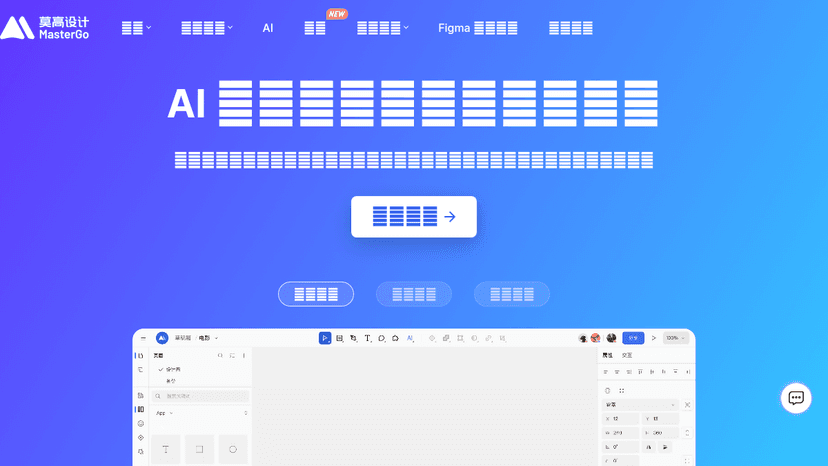
An enterprise online product design platform for the AI era. Generate high-fidelity prototypes from text or images, and use auto layout, developer mod...
Create wireframes and interactive prototypes without code, collaborate with your team in real time, and hand off specs and code snippets to developers...
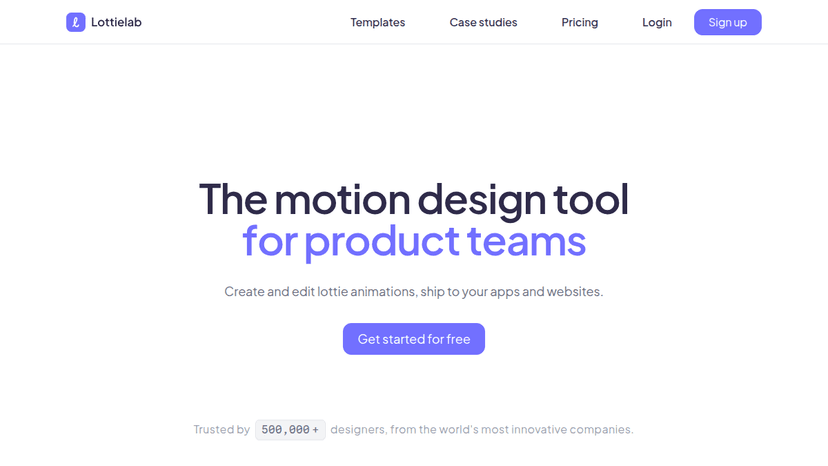
Create and edit Lottie animations, collaborate with your team in real time, and ship optimized motion to iOS, Android, and web apps — free to start.
Design UI with code-backed components, build interactive prototypes with logic and states, and export production-ready React code — with AI assistance...
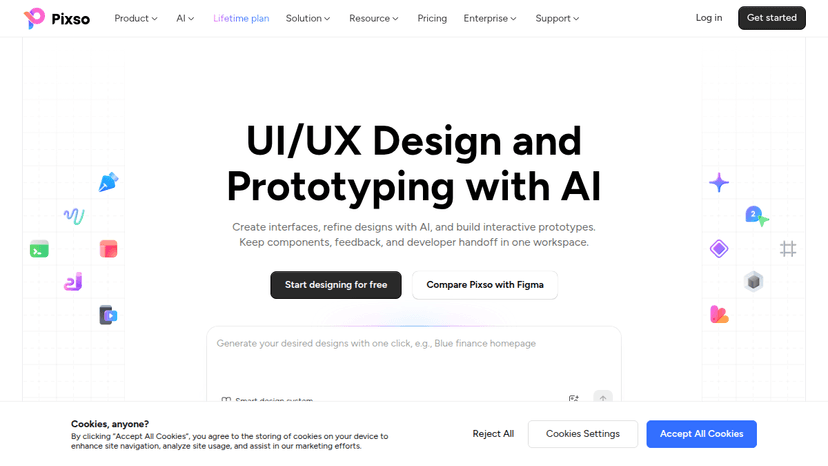
Design, prototype, and deliver UI/UX products in one cloud workspace — start free, collaborate in real time, and generate production-ready code with o...
About Design & Creative tools
Because the field spans many kinds of software, decide first which task you need covered: generating fresh content, finding ready-made assets, or laying out an interface. Check each listing for supported platforms and pricing models, since the free, freemium, and paid tiers vary by product. Readers can examine a product's tagline and description for what it makes or supplies, then confirm fit against their own workflow. The sample contains products without platform or pricing details, so verify any unknown fields before relying on a tool.
Compare top 5 Design & Creative tools
Side-by-side highlights for the top-ranked products in this category. Products whose main category this is come first, then by featured placement, upvotes, ratings, and review count.
| Compare | A arc-type.com Product page |  Stability AI Product page |  Best Product Product page | W Wireframe.cc Product page |  MockFlow Product page |
|---|---|---|---|---|---|
| Best for | — | Enterprise-ready generative AI for creative teams — generate, edit, and produce on-brand images, video, audio, and 3D content at scale. | Fontshare is a free fonts service from the Indian Type Foundry (ITF), making quality fonts accessible to all. | Focus on layout and structure, not pixels — draw wireframes, add clickable prototype links, and share in seconds without leaving the browser | Wireframe, brainstorm, and diagram on one canvas — with AI that turns screenshots into wireframes and text into flowcharts. |
| Pricing | unknown | Freemium | unknown | Freemium | Freemium |
| Platforms | — | Web | — | Web | Web |
| Rating | — | — | — | — | — |
| Upvotes | 0 | 0 | 0 | 0 | 0 |
| Verified | No | No | No | No | No |
| Launch date | — | — | — | — | — |
Design & Creative FAQ
Common questions about this category, how we rank products, and how often the page is refreshed.
What are the best Design & Creative tools on MazikBox?
The top-ranked Design & Creative products right now are arc-type.com, Stability AI, and Best Product. The comparison table above shows them side by side.
How do you rank Design & Creative products?
Products whose main category is Design & Creative (or one of its subcategories) are listed first, followed by products that also fit the category. Within each group we order by featured placement, then upvotes, average rating, review count, and newest listing. Featured placement is an editorial choice, not a quality score.
What pricing models are common for Design & Creative tools?
On this page you will find unknown and freemium options, depending on the tool. Check the comparison table and individual product pages for specifics.
Which platforms do these Design & Creative tools support?
The products currently shown in this category support web workflows. Platform coverage varies by tool, so compare product pages before choosing one.
How often is this Design & Creative page updated?
The category description and details were last edited on October 5, 2026. The product list, ranking, and counts update automatically as products, votes, and reviews change.
How many Design & Creative tools are listed right now?
MazikBox currently lists 433 Design & Creative products in this category, with more added as they meet our editorial standards and category fit.