
About Google Design
Overview Google Design is a publication and resource hub from Google that shares the stories, people, and processes behind the company's design work. It covers topics such as Material Design, typography with Google Fonts, user experience research, and the creative teams building Google products. The site offers a mix of articles, guides, podcasts, and perspectives aimed at designers, researchers, and typography enthusiasts. Unlike a standalone design tool, Google Design acts as a portal to Google's broader design ecosystem, including the open-source Material Design system and Google Fonts. Key Benefits Access to behind-the-scenes case studies on Google products like Jetpack Compose, the Gemini app, and Chrome. Guides on typography, variable fonts, font selection, and the open-sourcing of brand typefaces. Perspectives on UX research methods, global accessibility practices, and designing AI interactions. Spotlight features on the creation of Google Sans and the evolution of Chrome's design since 2008. Podcasts exploring collaboration between hardware and software teams, and the development of Material Design's M3 expressive system. How It Works Visitors browse the site's curated articles, guides, and podcasts organized by topic tags such as Typography, UX, Material Design, and AI. Each piece is structured as a long-form story or step-by-step guide. Users read the content inline, follow links to related Google design resources, or download assets like fonts from Google Fonts. Use Cases UX designers at agencies researching best practices for designing accessible interfaces across global markets. Typography enthusiasts studying the technical details behind Google Sans and variable font axes like Neon, Prism, and Tilt. Product design students learning how Google approaches design sprints, prototyping, and team collaboration. Front-end developers exploring Material Design's M3 expressive system for use in their own apps. Design researchers evaluating techniques for simulating machine learning behaviors in product prototypes. Why Choose This Product Google Design is best suited for anyone looking to learn from Google's design processes and access openly published design resources. It is not a commercial product but a content publication, so users seeking hands-on design tools or software licenses will need to visit the individual linked projects.
Google Design Pros & Cons
- Openly published design resources and case studies
- Covers Material Design, Google Fonts, and UX research
- Long-form guides on typography, AI prototyping, and accessibility
Key Features
Material Design M3
The M3 Expressive system expands Material Design with new components and theming capabilities.
Open-source Fonts
Google Fonts offers a large catalog of open-source typefaces for anyone to use.
AI Prototyping Guides
Guides walk through techniques for prototyping machine learning behaviors across products.
Global Accessibility UX
Articles examine UX practices for designing simple, accessible interfaces that teach computers.
Design Case Studies
Spotlight features detail the design history and technical decisions behind Google Sans and the Chrome browser.
Editorial Content
Podcasts, guides, and perspectives cover typography, UX, Material Design, and AI topics.
Variable Font Guides
CONTENT REDACTED — this feature appears to be a duplicate or rewrite of one already listed.
Glimmer Design System
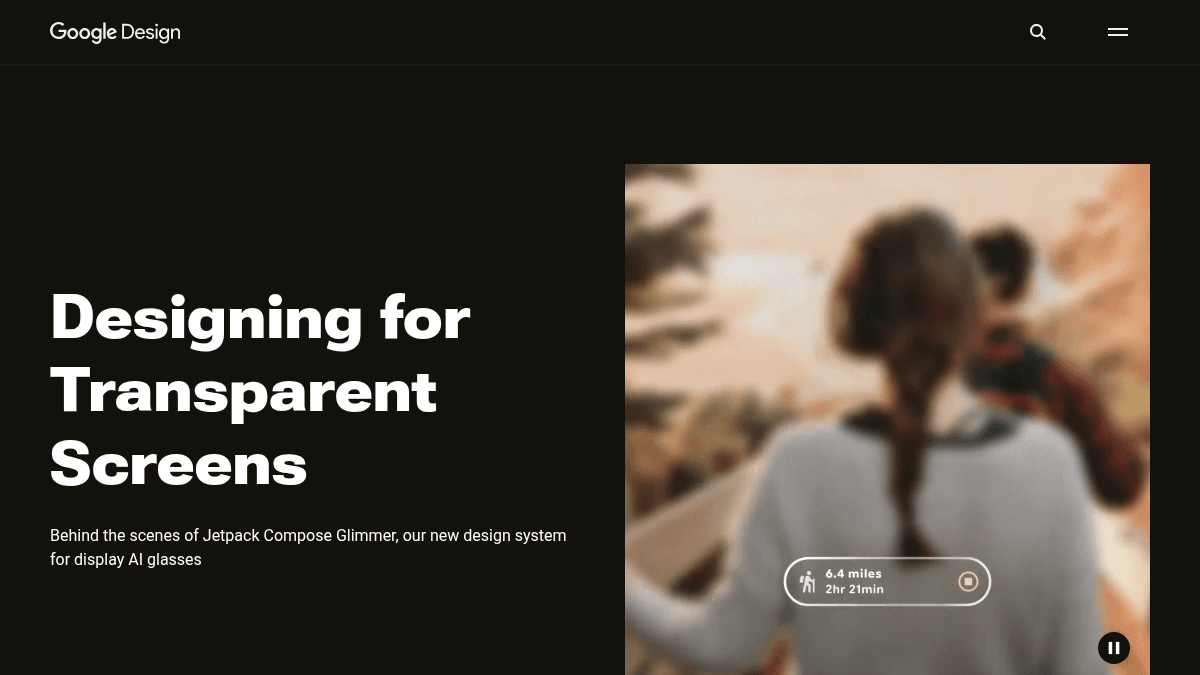
The Glimmer design system is built specifically for display AI glasses hardware.
Google Design Pricing
Pricing extracted from the product website and may change. Check the source for current details.