About Pixso
Overview
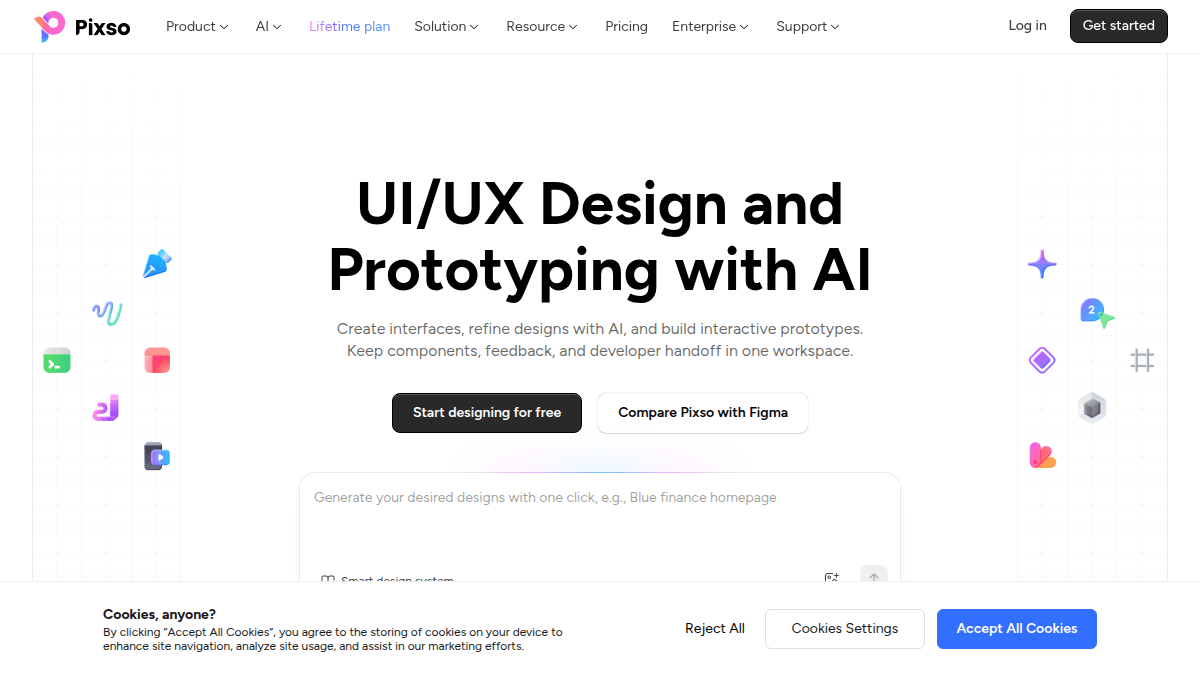
Pixso is a free online UI/UX design tool that unifies idea generation, UI design, prototyping, and developer handoff in one cloud-based platform. Teams use it to create design files, whiteboards, and interactive demos, then hand production-ready code to developers without leaving the editor.
The platform includes Pixso AI for design generation, design tokens, auto layout, team libraries, and a dedicated Dev view for developers. Pixso 2.0 reports 50% faster file opening and 40% reduced memory usage, and unlimited free viewer seats let stakeholders review and comment without added seats.
Key Benefits
- Co-edit design files in real time with instant sync, on-canvas comments, and @mentions.
- Generate designs with Pixso AI, which connects to ChatGPT4.
- Turn designs into production-ready code for React, HTML, SwiftUI, ArkUI, Vue, and Flutter.
- Import Figma, Axure, Sketch, XD, and SVG files by dragging them into the workspace.
- Prototype faster with 3000+ built-in components and smart animate transitions.
- Start free with unlimited viewer seats and 3 design files.
How It Works
Designers build interfaces with the pen tool, vector networks, auto layout, and design tokens, then connect frames into interactive prototypes using triggers and transition animations. Teams publish components and styles to a shared library, and designers share one agile link so developers can select layers, view specs, copy code, and export assets instantly. Named versions and automatic history let teams roll back to any earlier state.
Use Cases
- Product managers: turn inspiration into strategy with mood boards, competitor analysis, PRDs, and roadmaps on Pixso whiteboard.
- Designers: craft responsive UI, scalable design systems, and high-fidelity prototypes with components and design tokens.
- Developers: view accurate specs and ready-to-copy code in the Dev view and generate code for Web, Android, and iOS.
- Operations: review, give feedback, audit, and update content in real time across the product lifecycle.
- Managers: plan projects, track tasks, and manage team collaboration and reporting in one workspace.
- Remote teams: brainstorm together with sticky notes, flowcharts, mind maps, and freeform whiteboard layouts.
Why Choose This Product
Pixso markets itself as a Figma alternative with broad file compatibility and an entry-level free plan. Paid plans add unlimited files, team resource libraries, SSO, custom domains, enterprise security, and on-premise deployment for organizations that need private hosting. Dedicated customer success managers and professional development teams support enterprise customers.
Pixso Pros & Cons
- Free plan includes unlimited viewer seats and 3 design files
- Real-time multi-designer co-editing with instant sync
- Generates production-ready code for React, HTML, SwiftUI, Vue, ArkUI, Flutter
- Imports Figma, Axure, Sketch,
Pixso Pricing
View full pricing →- Unlimited viewer seats
- Unlimited draft files
- 3 free design files
- 3 free whiteboard files
- MCP access (limited-time free)
- Creator seat $12/month, Developer seat $8/month, Collaborator seat $4/month
- Unlimited projects, files, and pages
- Unlimited version history
- Team resource libraries and team font libraries
- Private files
- Everything in Team
- Advanced permissions and member seat management
- Collaboration logs and enterprise security
- Enterprise resource and font libraries
- SSO (Single Sign-On) and custom domain
- Everything in Enterprise
- On-premise deployment and core data encryption
- Custom feature development
- Dedicated custom solutions and technical consultant
| Feature | Free Free | Team $4/mo | Enterprise $90/yr | On-premise Custom |
|---|---|---|---|---|
| Unlimited viewer seats | ||||
| Unlimited draft files | ||||
| 3 free design files | ||||
| 3 free whiteboard files | ||||
| MCP access (limited-time free) | ||||
| Creator seat $12/month, Developer seat $8/month, Collaborator seat $4/month | ||||
| Unlimited projects, files, and pages | ||||
| Unlimited version history | ||||
| Team resource libraries and team font libraries | ||||
| Private files | ||||
| Everything in Team | ||||
| Advanced permissions and member seat management | ||||
| Collaboration logs and enterprise security | ||||
| Enterprise resource and font libraries | ||||
| SSO (Single Sign-On) and custom domain | ||||
| Everything in Enterprise | ||||
| On-premise deployment and core data encryption | ||||
| Custom feature development | ||||
| Dedicated custom solutions and technical consultant |
Pricing extracted from the product website and may change. Check the source for current details.
Frequently asked questions about Pixso
How can I check my plan details?
Select your team on the left and click "Payment Management". In the "Purchase History" section you will see a description of your membership benefits and payment details.
How do I stop automatic renewal?
Navigate to the Pixso workbench, click "Team" on the left, open "Payment Management", check "Purchase History", and click "Cancel renewal". You can stop automatic renewal at any time.
How do I apply for a refund?
Read the Pixso Refund Policy before purchasing. Once you order from Pixso or request a refund, you agree to the Pixso Terms & Conditions and the Pixso Refund Policy.
Are AI credits available every month?
No. AI credits are given as a one-time gift and are not updated each month. You can purchase more credits when they run out.
What is the interface of Pixso AI?
Pixso AI is connected to ChatGPT4.
On what devices can Pixso be used?
Pixso runs on Windows and macOS desktops and in web browsers on any device. Pixso also supports downloads for Windows, macOS, and Android platforms for cross-platform collaboration.