
About MockFlow
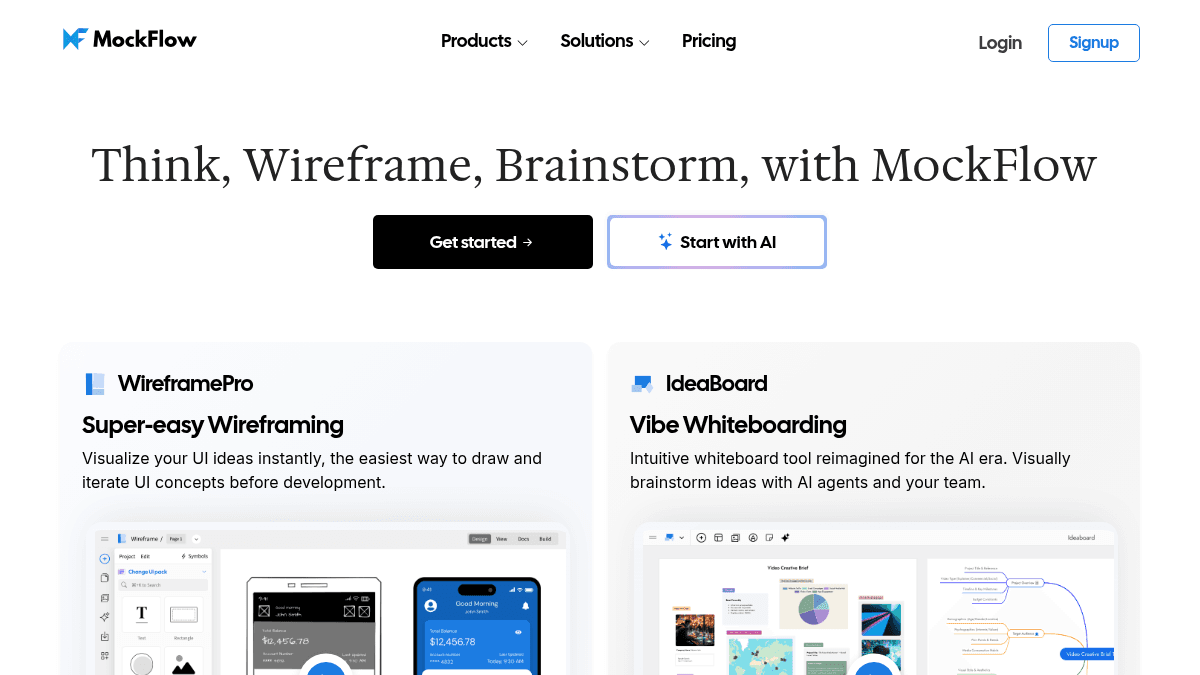
Overview MockFlow is a visual thinking platform that combines wireframing, whiteboarding, diagramming, mind mapping, and brainstorming in a single tool. It replaces the need for separate design and diagram apps by offering one workspace where teams can turn ideas into structured visuals from concept to prototype. The platform serves product teams, agencies, educators, freelancers, and startups who need to move from idea to UI concepts quickly without learning complex design tools. MockFlow distinguishes itself from tools like Figma or Miro by focusing on speed of ideation rather than pixel-perfect design, with a light learning curve and AI-assisted generation for wireframes, diagrams, sitemaps, and flowcharts. Key Benefits Anyone on a team can create UI layouts without training or design experience. Ready-to-use UI component packs cover charts, datagrids, trees, forms, button bars, and layout builders for any software type. AI transforms screenshots into editable wireframes and text prompts into wireframes, diagrams, or sitemaps. Built-in collaboration includes co-designing, comments, video meetings, and chat. Native plugins extend wireframing into Trello, Slack, Microsoft Teams, Office, and Atlassian. Designs can be converted into production UI code for React, iOS, Android, and other frameworks. How It Works You start by selecting a canvas type — wireframe, whiteboard, flowchart, mind map, AWS diagram, storyboard, or timeline — and either draw from scratch or give the AI a text prompt. The AI generates a wireframe, diagram, or information architecture that you then refine using drag-and-drop UI components, layout builders, and image tools. You can collaborate in real time with teammates via comments, video meetings, and chat, and finally export the design as code, PDF, or directly to Figma. Use Cases Product managers use MockFlow to wireframe feature concepts and validate them with developers before engineering starts. UX designers build clickable UI prototypes from screenshots by converting them into editable wireframes inside the platform. Agency teams create client-facing wireframes, flowcharts, and sitemaps within a single workspace and hand off production-ready UI code. Startup founders brainstorm business ideas on the IdeaBoard whiteboard and instantly turn whiteboard sketches into structured wireframes. Remote teams hold collaborative brainstorming sessions using the built-in whiteboard and video meeting tools without switching apps. Educators and students use MockFlow in classrooms for teaching UI design concepts, diagramming processes, and building project prototypes. Why Choose This Product MockFlow is best suited for teams and individuals who prioritize fast ideation over high-fidelity design and want to avoid the learning curve of professional tools like Figma or Sketch. The free Basic tier supports one editor with project limits and public sharing only, while paid plans unlock unlimited wireframes, boards, AI credits, and advanced collaboration features.
MockFlow Pros & Cons
- Free forever plan available with no time limit
- AI converts text prompts and screenshots into wireframes, diagrams, and sitemaps
- Built-in design-to-code export for React, iOS, and Android frameworks
- 100+ UI components cover charts, datagrids, forms, trees, and layouts
- Native plugins for Slack, Trello, MS Teams, Office, and Atlassian
Key Features
Design to code
WireframePro+Transforms wireframes into ready-to-use UI code for React, iOS, Android, and other frameworks.
AI-powered generation
IdeaBoard+Converts a text prompt or screenshot into editable wireframes, diagrams, flowcharts, and sitemaps. Marked beta.
Smart UI components
Provides ready-to-use mockup components for charts, datagrids, trees, button bars, form elements, layout builders, ratings, toggles, modals, and progress bars.
Bring Your Own Component
Users can import custom components with Tailwind support to wireframe with components their development team has already built.
Real-time collaboration
IdeaBoard+Supports real-time co-designing, comments, video meetings, and chat for team collaboration.
Third-party plugins
Native plugins let users wireframe inside Trello, Slack, Microsoft Teams, Office, and Atlassian.
IdeaBoard whiteboard
IdeaBoardAn AI whiteboard reimagined for brainstorming with AI agents and team members on a visual canvas.
Multi-type diagrams
Handles a variety of visual formats including flowcharts, mind maps, AWS/Azure/GCP diagrams, storyboards, Kanban boards, timelines, sequence diagrams, and journey maps.
Image editing tools
Sketchify, background removal, crop tool, placeholders, and direct CSS support for image customization.
MCP server integration
IdeaBoard+Connects to MockFlow MCP servers so users can brainstorm with AI assistants from within popular apps.
MockFlow Pricing
View full pricing →- 1 editor
- personal plan
- public sharing only
- project limits
- wireframe features
- IdeaBoard features
- unlimited boards
- visualize anything
- advanced collaboration
- 600 AI credits/user/month
- concept builders beta
- connectors
- user management
- Google Meet app
- MCP server support
- unlimited wireframes
- advanced collaboration
- 2200 AI credits/user/month
- hand-off code
- extended workflow
- user management
- AI visual prompt
- export to Figma
- interactive PDF
- MCP server support
- unlimited everything
- 2800 AI credits/user/month
- user management
- all WireframePro features
- all IdeaBoard features
| Feature | Basic Free one-time | IdeaBoard $9/mo | WireframePro $14/mo | MockFlow Suite $17/mo |
|---|---|---|---|---|
| Design to code | ||||
| AI-powered generation | ||||
| Real-time collaboration | ||||
| IdeaBoard whiteboard | ||||
| MCP server integration |
Estimate based on listed per-seat pricing. Volume discounts and add-ons may apply.
Pricing extracted from the product website and may change. Check the source for current details.
Frequently asked questions about MockFlow
What's the difference between WireframePro and IdeaBoard?
WireframePro is a dedicated wireframing tool for UI layouts, while IdeaBoard is a whiteboarding canvas for general visual brainstorming, diagrams, and AI-assisted ideation. The two products share AI credits but serve different stages of the design process.
What are AI credits?
AI credits are the unit consumed each time you use an AI feature such as Text to Wireframe, Text to Diagram, or AI-powered brainstorming. Each plan includes a monthly allowance, and unused credits expire at the end of each month.
Is there a trial available?
Yes, there is a free Basic plan with no time limit. It includes one editor, public sharing only, project limits, and access to basic wireframing and whiteboard features.
What is the 10-Day Pass?
The 10-Day Pass is a one-time purchase that grants full premium access for 10 days. It is designed for short projects, workshops, or client presentations and does not auto-renew.
Is MockFlow free?
MockFlow offers a free plan with optional paid upgrades. See the pricing section for what's included in each tier.
How much does MockFlow cost?
MockFlow offers the following plans: Basic, IdeaBoard, WireframePro, MockFlow Suite. See the pricing section for what's included in each tier and any per-seat or usage-based costs.