About Wireframe.cc
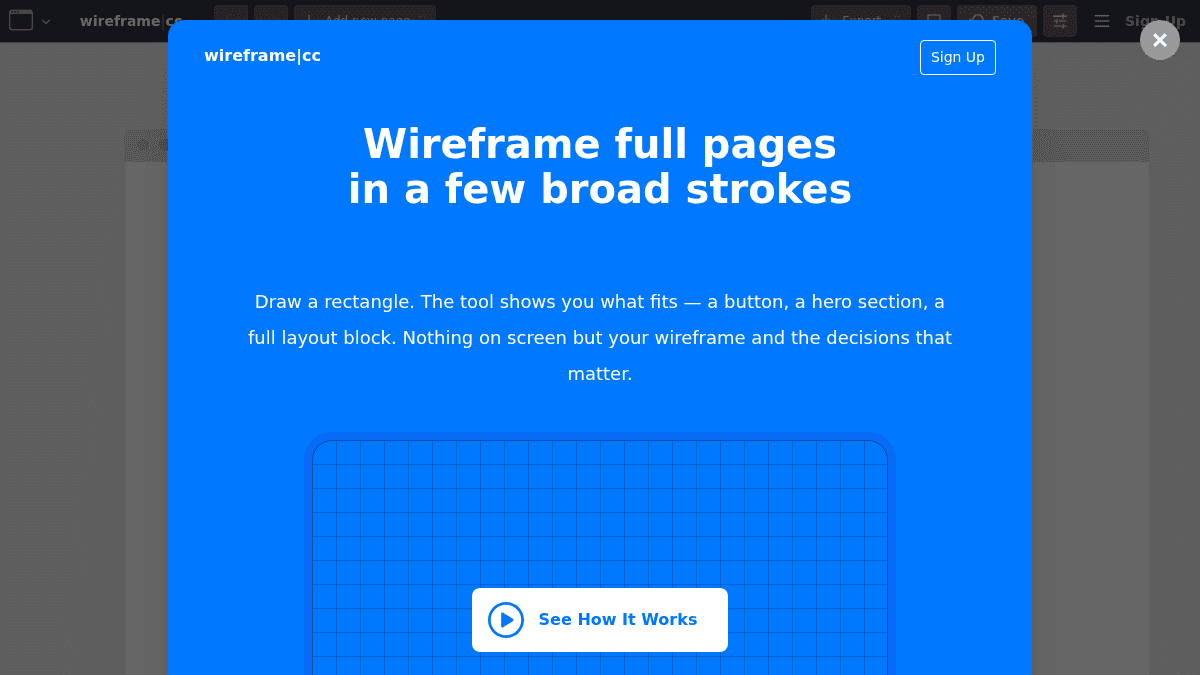
Overview Wireframe.cc is an online low-fidelity wireframing tool designed to help designers focus on layout and structure rather than pixel-perfect details. It strips away the clutter of full-featured design tools so users can iterate quickly without getting lost in visual polish too early. The tool works by letting you draw rectangles on a canvas, then identify each shape as a specific element type — a button, an image, a headline, and more. The interface appears only when needed and hides when not in use, keeping the canvas clean and the emphasis on structural decisions. Key Benefits Users create wireframes by drawing broad rectangles and assigning element types, reducing time spent on visual details. A limited palette of colors and options prevents wasting time on unneeded styling details. Smart interface elements show up only when you need them and disappear to keep the canvas focused. Pre-built section library lets you lay out full-page structures in a few broad strokes. Users can link pages together to create simple clickable prototypes for testing user flows. A free version provides unique shareable URLs for each saved wireframe without requiring a user account. How It Works You click and drag on the canvas to draw a rectangle, then choose the element type from the stencil library — Box, Text, Image, Button, Icon, and others. To edit an element, you click it; to add text, you click inside a selected element. You can drag from bottom-right to top-left to select multiple elements at once. Sections are added by drawing a full-width area then picking a pre-built layout block. Pages can be linked together to make clickable prototypes. Use Cases UI/UX designers who need to iterate quickly on page layouts without getting bogged down in visual design details. Product managers who want to sketch and share structural concepts with developers before high-fidelity mockups. Freelance designers who need a lightweight tool to present wireframes and clickable prototypes to clients. Design students learning information architecture and layout principles without complex design software. Startup teams that want to rapidly explore multiple layout options during early product definition phases. Why Choose This Product Wireframe.cc is best suited for designers and product teams who want to stay in low-fidelity mode deliberately, avoiding the temptation to polish pixels before nailing down structure. It supports multi-page wireframes and clickable links only in the paid premium version. The free version is limited to single-page public wireframes with no user account.
Wireframe.cc Pros & Cons
- Free version available with shareable URLs
- Clean, distraction-free interface
- Pre-built section library for rapid layout
- Clickable prototypes by linking pages
- Multi-device wireframing support
Key Features
Draw-and-select creation
Draw a rectangle on the canvas, then pick the element type you want from the stencil library.
Low-fidelity constraints
A limited palette of colors and options helps you avoid wasting time on visual details and stay focused on layout.
Contextual interface
The interface appears when you need it and hides automatically when you do not, keeping the canvas clean.
Pre-built section library
Draw a full-width area and pick a pre-built block from the section library to complete your page layout.
Multi-device templates
Create wireframes for web, mobile devices, or any custom screen dimensions.
Clickable prototypes
Link pages together to build simple clickable prototypes for testing user flows.
PDF and PNG export
Export your wireframes to PDF and PNG formats on the Premium plan.
Reusable master pages
Create reusable master page templates that propagate changes across all projects using them.
Rich stencil library
Set specific element types including Box, Text, Image, Button, Icon, Slider, Progress Bar, Dropdown, and more.
Wireframe.cc Pricing
View full pricing →- Public wireframes
- Unique shareable URL
- No user account required
- Single-page wireframes only
- 1 user
- Unlimited projects
- Reusable master pages
- Export to PDF
- Export to PNG
- Clickable links
- 3 users
- Unlimited projects
- Reusable master pages
- Export to PDF
- Export to PNG
- Clickable links
- Unlimited users
- Unlimited projects
- Reusable master pages
- Export to PDF
- Export to PNG
- Clickable links
| Feature | Free Free one-time | Solo $12/mo | Trio $33/mo | Enterprise $83/mo |
|---|---|---|---|---|
| Public wireframes | ||||
| Unique shareable URL | ||||
| No user account required | ||||
| Single-page wireframes only | ||||
| 1 user | ||||
| Unlimited projects | ||||
| Reusable master pages | ||||
| Export to PDF | ||||
| Export to PNG | ||||
| Clickable links | ||||
| 3 users | ||||
| Unlimited users |
Pricing extracted from the product website and may change. Check the source for current details.
Frequently asked questions about Wireframe.cc
How does the free trial work?
You get free unlimited access to all Premium features for 7 days. After that, you pick a paid plan. Your projects are not deleted even if you decide not to pay — you can come back anytime.
Can I cancel at any time?
Yes, you can upgrade, downgrade, or cancel at any time. There is no minimum membership duration, no hidden fees, and no questions asked. Your subscription remains valid until the end of the billing period.
What payment options are available?
Visa, Mastercard, American Express, Discover, JCB, and PayPal. The billing period starts on the day you upgrade. You are billed in advance monthly or annually. Payments are handled securely by FastSpring.
Is Wireframe.cc free?
Wireframe.cc offers a free plan with optional paid upgrades. See the pricing section for what's included in each tier.
How much does Wireframe.cc cost?
Wireframe.cc offers the following plans: Free, Solo, Trio, Enterprise. See the pricing section for what's included in each tier and any per-seat or usage-based costs.
What platforms does Wireframe.cc support?
Wireframe.cc is available on: Web.