Best Design & Creative Tools in 2026
This broad category gathers design and creative tools that support visual project work, ranging from generative AI studios to icon editors. The supplied sample includes AI tools that turn text and images into images, video, and 3D content, design systems like Material Design, font managers, and CSS gradient libraries. Some products are reference resources, such as website galleries, while others are working utilities for building, editing, or downloading assets. Children split the category into 3D modeling, asset marketplaces, icon libraries, prototyping, and related niches.
Browse Design & Creative by topic
Design Systems
A well-built design system keeps product teams from redrawing the same button, debating spacing rules, and shipping slightly different versions of the same interface. These tools organize reusable components, design tokens, usage guidelines, accessibility notes, and coded examples so designers and developers work from a shared source. Figma, Storybook, and Zeroheight are commonly used across different parts of that process. A team might update a primary button’s color token once, review the change in Storybook, and apply it across every product without fixing screens one by one. AI can help document components, detect inconsistencies, and suggest missing states, but it cannot decide which patterns deserve to become standards. A design system should make intentional work easier, not turn every interface into a rigid assembly line. The strongest systems reduce needless variation while leaving room for product-specific judgment; the weakest are component libraries nobody trusts.
Web Design
Good web design tools help move an idea out of a blank canvas without flattening it into the same startup template everyone else is using. In this category, AI can draft site structures, generate landing page copy, suggest layouts, create wireframes, and turn rough prompts into editable pages. Tools like Framer, Webflow, Wix, and Relume are useful when the work needs both visual direction and practical structure. A founder might describe a new analytics product, get a homepage wireframe with sections for pain points, proof, pricing, and FAQs, then rewrite the weak parts before handing it to a designer or building it directly. The best AI web design tools still leave room for taste, spacing, hierarchy, and brand judgment. A website can be generated quickly, but a credible one still needs someone who knows what should be left out.
UI Design
UI design is about making a screen's structure, hierarchy and interactions understandable. The listings here include design workspaces such as Penpot, Sketch and Pixso, component-based approaches such as Subframe, and learning resources such as Refactoring UI. A design editor and a practical design book can support the same project, but they solve different needs. For software, try a screen with reusable components, responsive layouts and several states, then check how it reaches developers. For a learning resource, look for examples you can apply to your own interface. Compare collaboration, component control and handoff against the way your team works, rather than choosing only from a polished demonstration.
Product Design
Good product design tools help teams move from vague ideas to testable interfaces without losing the reasoning behind the work. They cover wireframing, UI generation, prototyping, user-flow mapping, design systems, and feedback, with tools like Figma, Uizard, and Framer handling different parts of the process. A designer might turn a rough checkout flow into clickable screens, test it with users, then revise the component states before engineering starts. The AI is most useful for producing options, filling repetitive layouts, and exposing gaps in a flow—not deciding what the product should be. Generated screens often look polished before they are coherent, so usability, accessibility, and edge cases still need careful review. The best product design tools make iteration cheaper while keeping designers close to the problem. Pretty mockups are easy; a product that makes sense is still the real work.
Design Assets
Design asset tools are useful when a team needs usable visual material without starting every icon, mockup, background, or illustration from scratch. This category covers AI tools for generating brand graphics, UI elements, social visuals, product mockups, textures, image variations, and cleaned-up assets ready for a design system or campaign. Tools like Canva, Adobe Firefly, Midjourney, and Figma can help at different stages, but the real value comes from getting assets that fit the job instead of filling a folder with random pretty outputs. A designer might generate a set of abstract hero images for a SaaS landing page, pick the one that supports the message, then adjust colors, cropping, and spacing before it ever reaches production. The strongest tools make visual exploration cheaper and less precious. The weakest ones create asset libraries nobody wants to maintain.
Graphic Design
Graphic design tools turn rough ideas into usable visual assets without reducing the work to generic templates. This category covers social graphics, brand materials, ads, posters, thumbnails, illustrations, and quick image edits, with AI often handling layout suggestions, background removal, copy variations, and style exploration. Tools like Canva, Adobe Express, and Kittl are useful when the goal is fast production with enough control to keep the result on brand. A small business owner might upload a product photo, remove the background, build three ad versions, and resize them for different channels in one session. The hard part is still deciding what deserves attention and what should be removed. AI can produce dozens of competent options, but it has no instinct for hierarchy, restraint, or brand character. The strongest tools support judgment; the weak ones make everything look equally polished and equally forgettable.

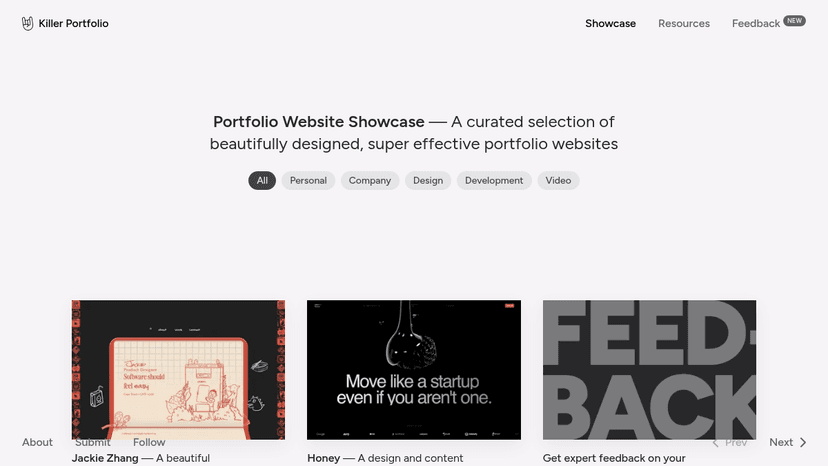
Browse curated portfolio website examples for design inspiration, get expert feedback, and find tools and templates to build a portfolio that wins cli...

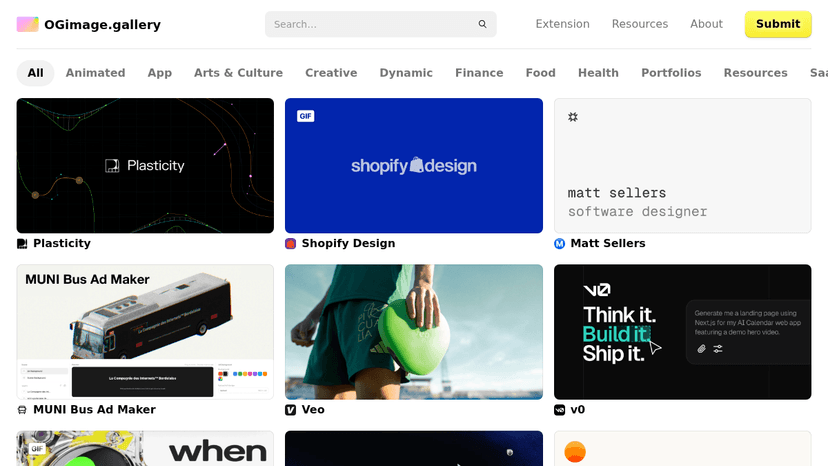
Browse hand-picked OG images from top products and sites — get daily design inspiration and reference for your next social preview.

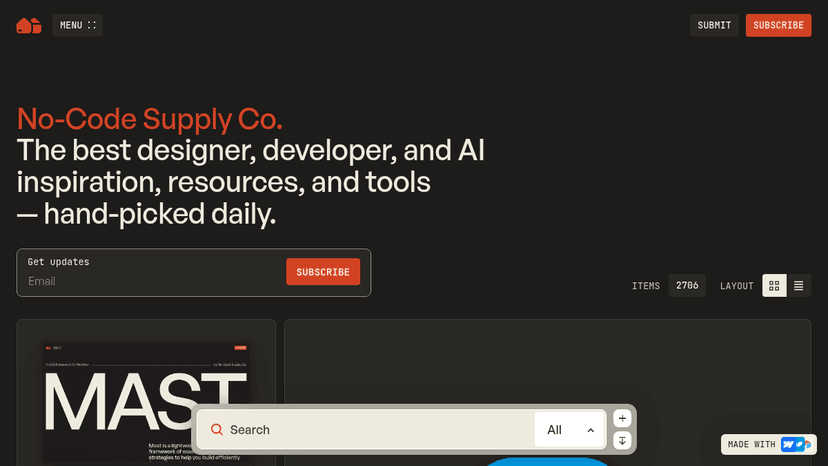
Hand-picked daily inspiration, tools, AI resources, and code snippets for designers and developers building their next website or app.

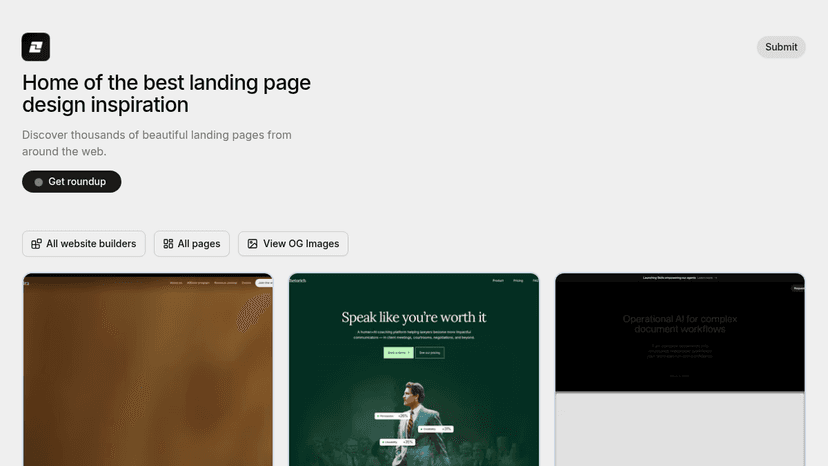
Browse 1,576+ real landing pages from top brands and startups — find the layouts, UI patterns, and design ideas to inspire your next build.

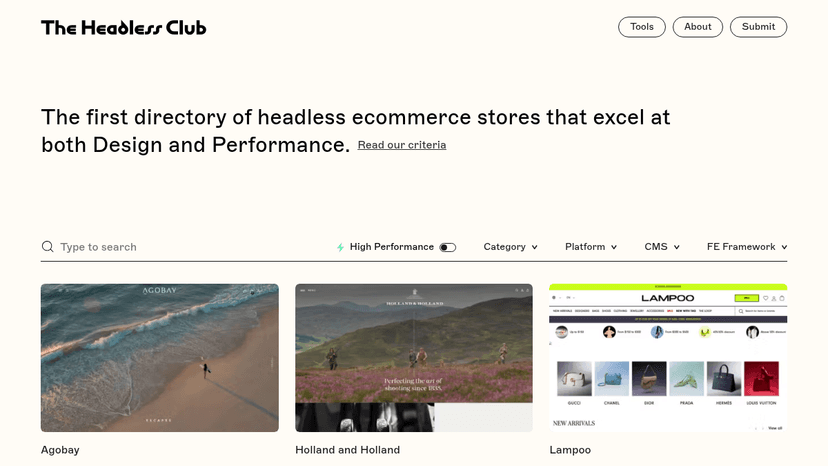
Browse a curated directory of headless ecommerce stores excelling in design and performance — find real-world tech stacks and get inspired for your ne...

Explore logo design thinking, brand identity critique, and industry insights — built for designers who want to sharpen their eye and deepen their craf...

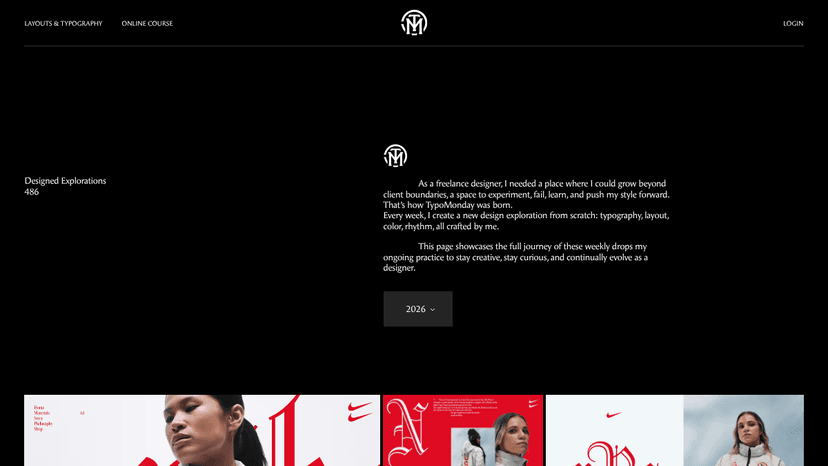
A weekly typography and layout design experiment archive — sharpen your eye, expand your style, and learn award-winning web design techniques.

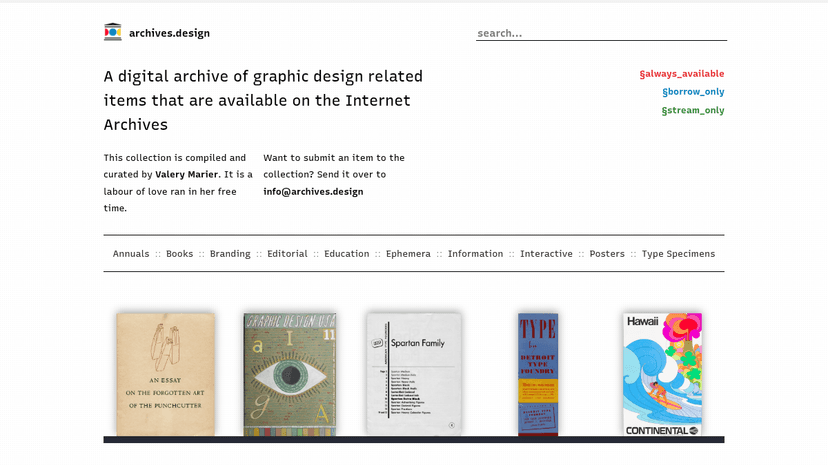
Browse a curated graphic design archive — access type specimens, posters, annuals, and design books sourced from the Internet Archive, all in one plac...
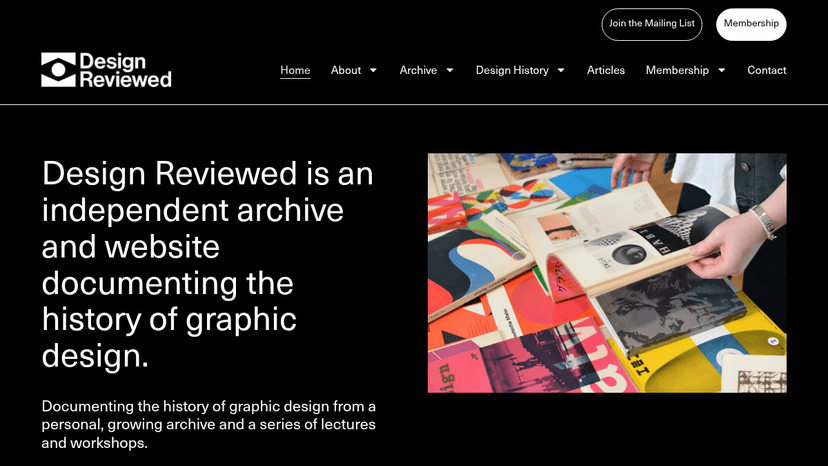
Explore 10,000+ scanned graphic design artefacts, 500+ designer profiles, and 150 years of design history — free to browse, with member articles from ...
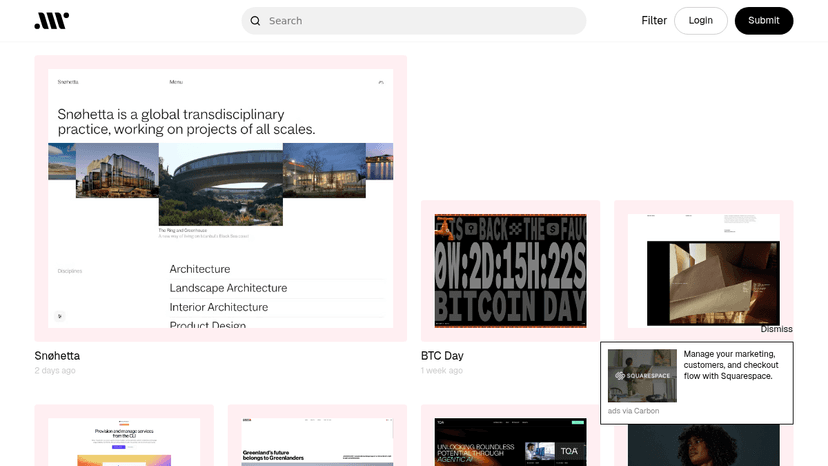
Browse daily web design inspiration curated for minimal, clean, and responsive sites — filter by category, save favourites, and discover the best in m...
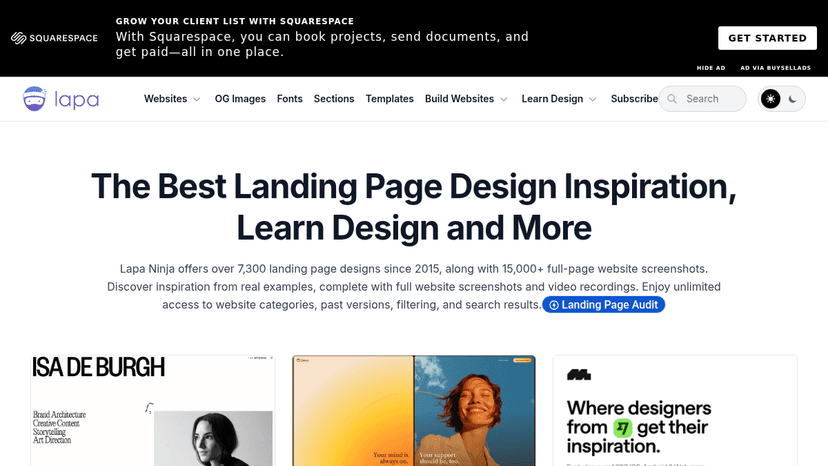
Browse 7,300+ real landing page examples with screenshots and videos — find design inspiration by category, color, platform, and year since 2015.
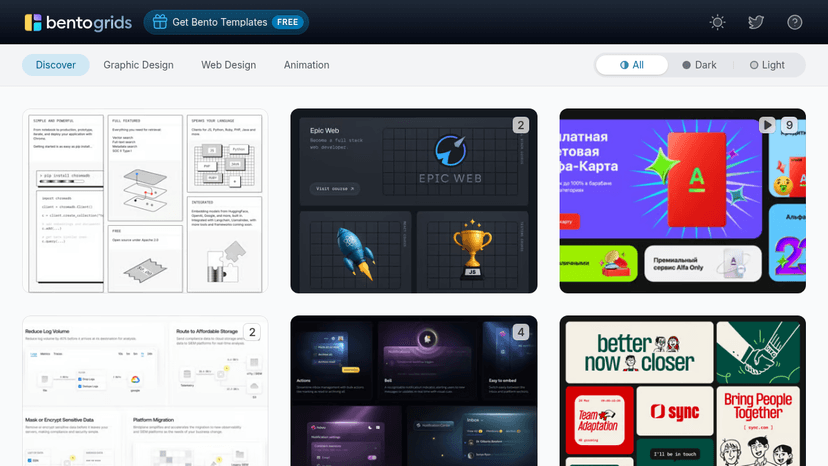
Browse a curated collection of bento grid designs — find inspiration, spark ideas, and build better layouts faster.
Streamline your React development with Chakra UI. Create accessible, customizable, and high-performance UIs faster. Explore features, pricing, and ben...

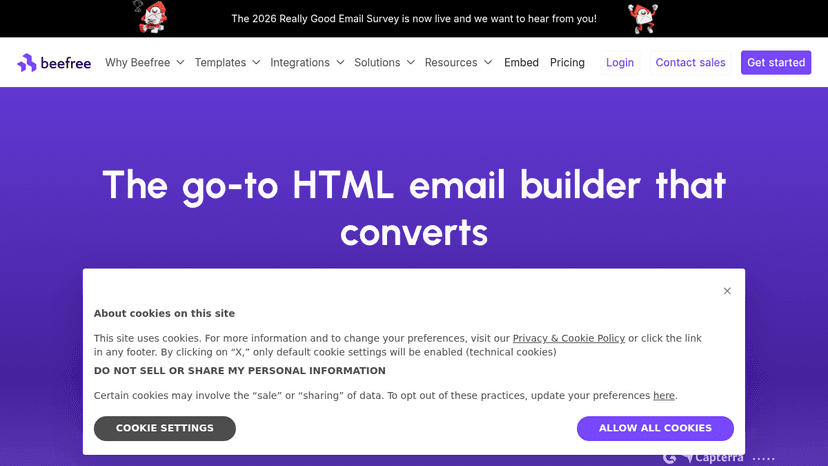
Create stunning, responsive emails quickly with BEE Free's drag-and-drop editor. No coding required. Explore features, pricing, and benefits today!

Discover Humaaans, the customizable illustration library by Pablo Stanley. Mix-and-match elements to create unique designs for your projects. Explore ...

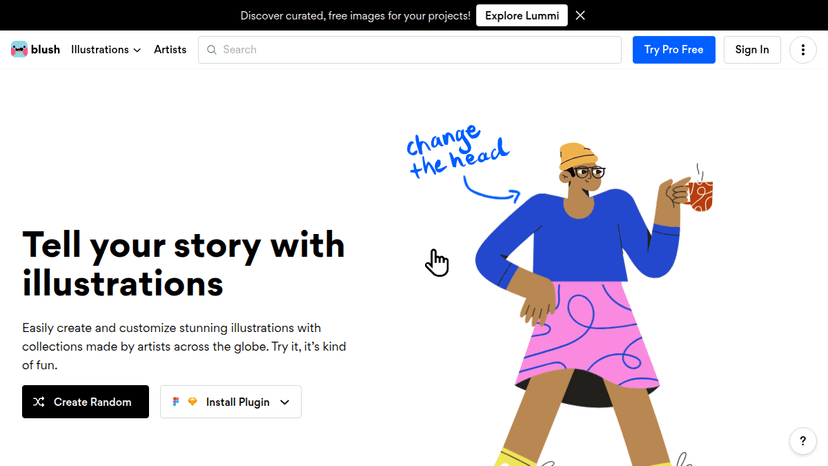
Discover Blush, the illustration tool that allows you to customize artwork from talented artists worldwide. Perfect for web, presentations, and more. ...
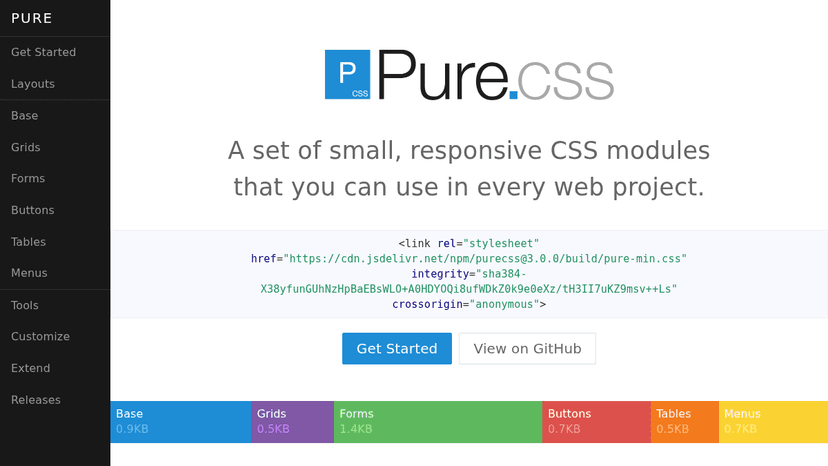
Pure is a ridiculously tiny CSS library you can use to start any web project.
All-in-one AI studio to turn scripts, text, and images into character-consistent anime, comics, and videos.

Put motion on your website or app with ready-made Lottie animations, or ones you generate, edit and host yourself

Follow how journalists and designers turn data into charts, with daily commentary from statistician Nathan Yau
About Design & Creative tools
Because the field spans many kinds of software, decide first which task you need covered: generating fresh content, finding ready-made assets, or laying out an interface. Check each listing for supported platforms and pricing models, since the free, freemium, and paid tiers vary by product. Readers can examine a product's tagline and description for what it makes or supplies, then confirm fit against their own workflow. The sample contains products without platform or pricing details, so verify any unknown fields before relying on a tool.
Compare top 5 Design & Creative tools
Side-by-side highlights for the top-ranked products in this category. Products whose main category this is come first, then by featured placement, upvotes, ratings, and review count.
| Compare |  Quady3D Product page |  SVGBase Product page | P PACK AI STUDIO Product page | C Curbora Product page | A AI Image Editor Product page |
|---|---|---|---|---|---|
| Best for | Create editable 3D assets from images and text. | Trace a JPG into clean vector paths | Print-ready packaging from a short product description. | Trust-first AI real estate photo editing. | AI image and video generation, editing and effects |
| Pricing | Freemium | Freemium | Freemium | Freemium | Freemium |
| Platforms | Web | Web | Web | — | Web |
| Rating | — | — | — | — | — |
| Upvotes | 0 | 0 | 0 | 0 | 0 |
| Verified | No | No | No | No | No |
| Launch date | — | Jan 1, 2026 | — | — | — |
Design & Creative FAQ
Quick answers based on the products currently listed in this category.
What are the top Design & Creative tools on MazikBox?
Among 510 listed Design & Creative tools, top-ranked options include Quady3D, SVGBase, and PACK AI STUDIO. The comparison table above shows their pricing, ratings, and platforms side by side.
What pricing models are available among these Design & Creative tools?
The Design & Creative tools compared here include freemium pricing options.
Which platforms do these Design & Creative tools support?
Products listed in this category support web.