
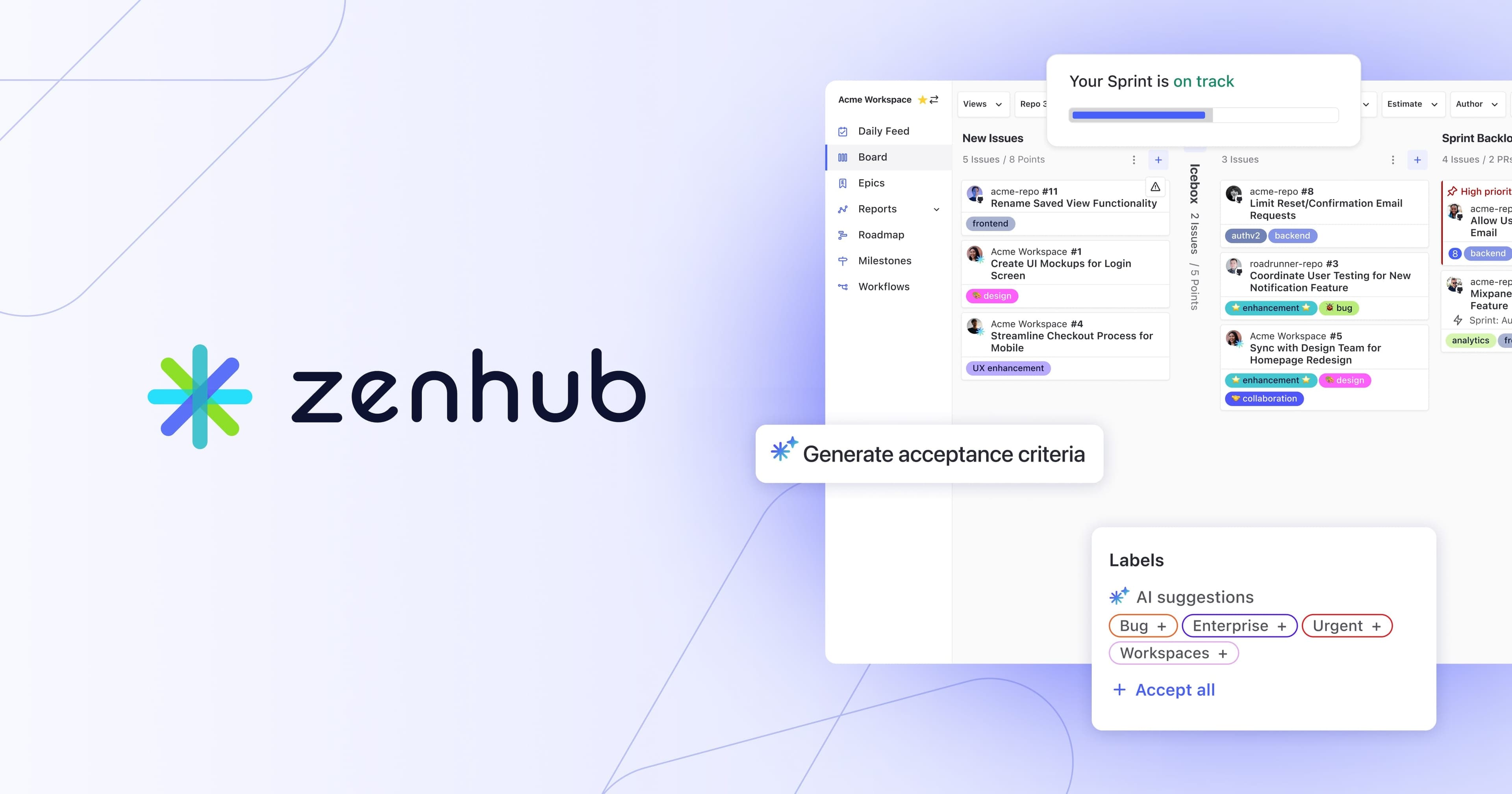
About Zenhub
Overview
Zenhub is an agile project management and product roadmapping solution that runs inside GitHub rather than beside it. Founded in 2014 in Vancouver, Canada, it lets software teams plan sprints, manage epics, track progress, and automate workflows without leaving the GitHub environment.
More than 8,000 teams across 150+ countries use Zenhub to bring structure to their development process. Customers span self-driving vehicles to planetary rovers, and teams report average savings of 2.5 hours per week from managing projects in Zenhub.
Key Benefits
- Native 2-way GitHub integration keeps project data in sync with code activity, eliminating manual updates
- AI automation handles routine tasks such as sprint planning, issue labeling, and sprint reviews
- Advanced reporting delivers real-time insights, including the Engineering Investment Report
- Multi-level hierarchy supports Objectives, Projects, Epics, Tasks, and Sub-tasks
- Real-time roadmaps, velocity reports, and burndown charts keep stakeholders aligned
- A free tier and browser extension lower the barrier to adoption
How It Works
Users create a Zenhub org, link it to their GitHub organization, and grant access. Zenhub then automatically syncs issues, pull requests, repositories, and permissions. Roadmaps, sprints, and reports appear directly inside the GitHub interface through a browser extension or the standalone web app, with metrics like issue completion, PR throughput, and milestone progress available immediately.
Use Cases
- Engineering leaders track progress and allocate resources using advanced analytics and the Engineering Investment Report
- Product managers create and manage backlogs and roadmaps without leaving GitHub
- Engineering managers automate sprint planning, capacity planning, and workflow automation
- Agile teams run planning poker, sprints, and retrospectives inside GitHub
- Non-technical team members view roadmaps and epics without needing a GitHub account
- Organizations such as Red Hat and Dapper Labs cut manual project updates and keep inter-team dependencies visible
Why Choose This Product
Zenhub differentiates by operating inside GitHub rather than beside it, reducing context switching and sync delays. Its AI capabilities, such as the Thor AI project manager in Slack, plus SOC 2 Type 2 compliance and enterprise-grade security options like self-hosted deployment, support both small teams and large distributed organizations.
Zenhub Pros & Cons
- Free plan available for small teams
- Native 2-way GitHub integration with no sync delays
- AI automation for sprint planning and labeling
- Advanced reporting like the Engineering Investment Report
- SOC 2 Type 2 compliant with enterprise security options
- Advanced reporting limited to Enterprise plan
- AI acceptance criteria available only on Enterprise plan
- Figma, Loom, and Miro integrations limited to Enterprise plan
Key Features
Advanced reporting
EnterpriseGenerates reports like the Engineering Investment Report, velocity, and burndown charts from live GitHub data.
AI automation
Automates sprint planning, issue labeling, sprint reviews, and acceptance criteria, including the Thor AI project manager in Slack.
Automated sprint planning
All plansCreates and manages sprints automatically within the GitHub workflow.
Project hierarchy
Organizes work across Objectives, Projects, Epics, Tasks, and Sub-tasks in sync with GitHub.
Real-time roadmaps
All plansVisualizes project timelines and progress in real time alongside code activity.
Planning poker
All plansSupports team estimation sessions directly within the GitHub interface.
GitHub integration
All plansProvides two-way synchronization of issues, pull requests, repositories, and permissions with GitHub.
Slack integration
All plansConnects Zenhub workflows and notifications to Slack, including the Thor AI project manager.
Estimates
All plansTracks and reports on team estimates for issues and tasks.
Velocity report
All plansMeasures team throughput over sprints using GitHub data.
Zenhub Pricing
View full pricing →- Single workspace
- Up to 50 users
- GitHub integration and Zenhub extension
- Up to 2 connected repositories
- Up to 250 issues
- Automated sprint planning, planning poker, and real-time roadmaps
- AI-powered tools and automation
- Real-time reporting
- Up to 10 workspaces
- Up to 50 connected repositories
- Up to 5000 issues
- Toggle public/private workspaces
- Unlimited workspaces, repositories, and issues
- AI acceptance criteria and advanced reporting
- Self-hosted on-prem deployment
- Enterprise-grade security and identity management
- Dedicated support manager and priority support
| Feature | Free Free/mo | Teams $4.99/mo | Enterprise Custom |
|---|---|---|---|
| Advanced reporting | |||
| Automated sprint planning | |||
| Real-time roadmaps | |||
| Planning poker | |||
| GitHub integration | |||
| Slack integration | |||
| Estimates | |||
| Velocity report |
Pricing extracted from the product website and may change. Check the source for current details.
Frequently asked questions about Zenhub
Do I need a GitHub account to use Zenhub?
No, you do not need a GitHub account to use Zenhub. However, you only get access to all features when you connect Zenhub with a GitHub account. Without a GitHub connection, users can still view high-level roadmaps, track epics and projects, and create Zenhub Issues, which suits non-technical team members who want visibility into development.
What is Zenhub?
Zenhub is an agile project management and product roadmapping solution natively integrated into GitHub. With it installed, teams can plan sprints, create epics, and visualize workflows without leaving GitHub. It is available inside GitHub via a browser extension or as a full-featured standalone web app.
What browsers and versions does Zenhub support?
The Zenhub extension is available for Google Chrome and Mozilla Firefox. The Zenhub web app is also available for Safari and mobile. Zenhub supports the latest three versions of these official browser builds.
Is there a free trial available for Zenhub Teams and Enterprise plans?
Yes. When you create a free Zenhub account, you automatically receive a 14-day trial of the Teams plan, which lets you explore all Teams features including AI labels and sprint reviews. Enterprise plans also offer a free trial.
How do I know that Zenhub is installed?
A blue and white Z appears to the right of your address bar. Selecting this button presents three options: visit the Dashboard to manage your organization, browse help resources, or sign out.
How can I report a bug, get help, or give feedback?
Contact an account representative by emailing [email protected] or visit the public portal to leave feedback. When reporting a bug, include steps to reproduce and screenshots to help the team fix it quickly.