
About Wakamai Fondue
Overview
Wakamai Fondue is a web tool that inspects font files and answers exactly one question: "What can my font do?" It reads the metadata baked into font files — OpenType features, character sets, language support, and other table data — and displays it clearly.
Unlike font preview websites or simple character pickers, Wakamai Fondue focuses entirely on technical font introspection. Designers and developers upload or link to a font file and get a complete breakdown of its capabilities without installing any software.
Key Benefits
- Inspects any uploaded font file and immediately displays all its OpenType features.
- Shows the complete character repertoire including glyphs, ligatures, and alternates.
- Lists every language and writing system the font supports based on its internal tables.
- Presents font metadata like version, designer, license, and embedding permissions in one view.
- Works entirely in the browser — no download or installation required.
How It Works
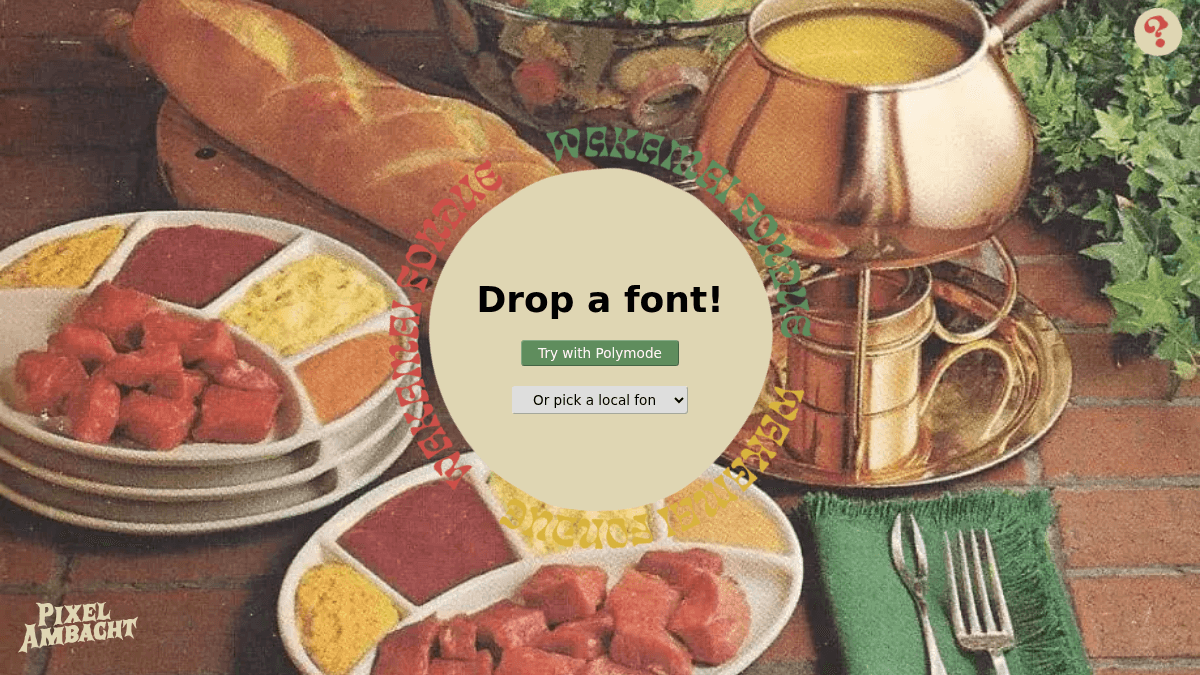
You navigate to the site and drag a font file — TTF, OTF, WOFF, or WOFF2 — onto the drop zone. The tool reads the binary file in-browser and renders every OpenType feature, glyph, language tag, and table value into structured panels.
Use Cases
- Typeface designers validating that their font files export the expected OpenType features.
- Web developers checking whether a webfont includes the glyphs and ligatures needed for a project.
- Graphic designers choosing between font candidates and comparing their character coverage side by side.
- Typography students learning how OpenType tables and feature tags map to real font behavior.
- Licensing managers inspecting a font's embedding permissions and metadata before redistribution.
Why Choose This Product
This tool is best suited for anyone who needs to inspect font internals quickly without setting up a development environment. It is a single-purpose browser utility with no pricing, registration, or server-side processing — the font never leaves your machine.
Wakamai Fondue Pros & Cons
- No installation or account required
- Runs entirely in the browser, font never leaves your machine
- Supports TTF, OTF, WOFF, and WOFF2 formats
- Shows OpenType features, glyphs, and font table data
- Free to use with no pricing tiers
Key Features
OpenType features
Displays all OpenType feature tags present in the font file, such as ligatures, kerning, and stylistic sets
Glyph repertoire
Lists every glyph in the font including alternates, ligatures, and unused characters
Language support
Shows every language system and writing script that the font declares support for
Font table dump
Renders font table data including name, OS/2, head, hhea, and GPOS/GSUB tables in a readable format
Font metadata
Displays metadata such as font version, designer, license, copyright, and embedding permissions
Multi-format input
Supports TrueType, OpenType, WOFF, and WOFF2 font file formats
Wakamai Fondue Pricing
- Inspect any TTF, OTF, WOFF, or WOFF2 font
- View all OpenType features and glyphs
- See language support and font table dump
- No upload to server — runs in browser
- No registration or account needed
Pricing extracted from the product website and may change. Check the source for current details.
Frequently asked questions about Wakamai Fondue
Is Wakamai Fondue free?
Yes — Wakamai Fondue is free to use. See the pricing section for any optional add-ons.
How much does Wakamai Fondue cost?
Wakamai Fondue offers the following plans: Free. See the pricing section for what's included in each tier and any per-seat or usage-based costs.
What platforms does Wakamai Fondue support?
Wakamai Fondue is available on: Web.