
About Voicr
Overview
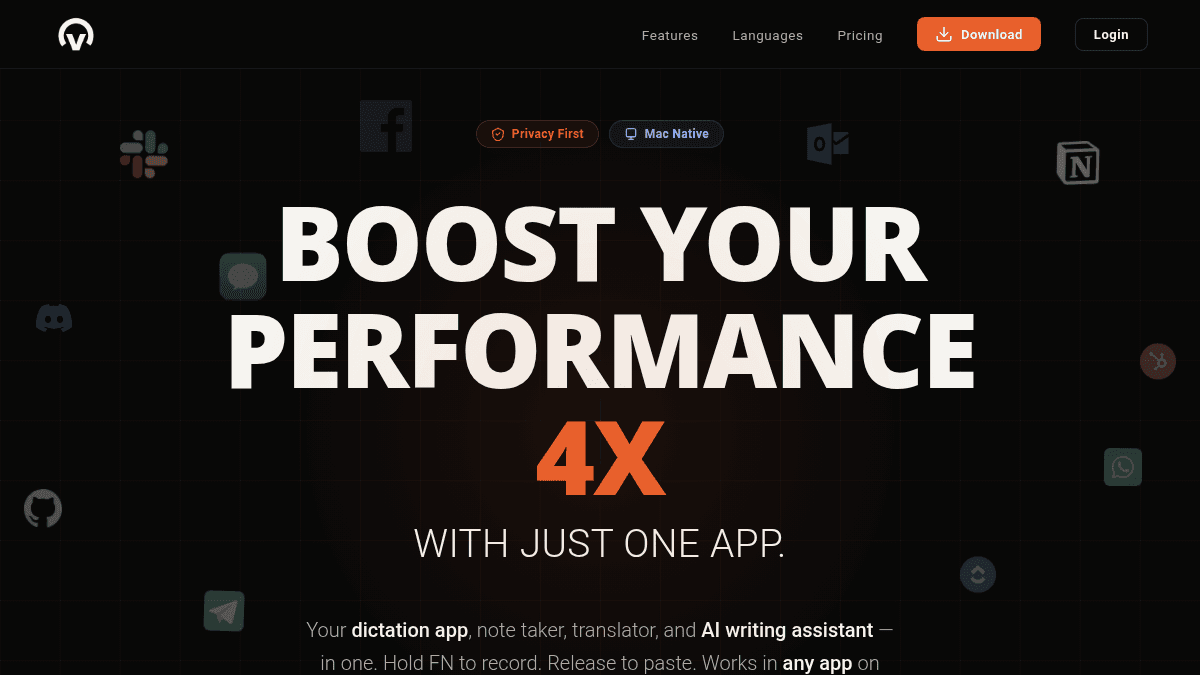
Voicr is a native macOS dictation app that transcribes speech, translates across 27 languages, and rewrites text using AI — all triggered by a single keystroke. It works inside any active Mac app, from Slack and Gmail to VS Code and terminal, without requiring clipboard access or manual paste commands.
Unlike standalone voice recorders or browser-based transcription tools, Voicr runs entirely on-device with no data stored on external servers, and uses zero CPU while idle. It targets Mac users who want to replace typing with fast, polished voice input across their entire workflow.
Key Benefits
- Transcribes and auto-pastes polished text into any active app in under 3 seconds.
- Supports 27 languages for both input and output, with one-click language switching from the menu bar.
- Removes filler words, fixes grammar, and calibrates tone automatically via AI polishing.
- Stores no data on external servers — everything stays local on the user's Mac.
- Uses zero CPU at rest and launches in under one second.
- Applies custom per-app writing rules automatically based on which app is currently active.
How It Works
Hold the FN key from anywhere on your Mac to begin recording, speak naturally, then release the key. Voicr transcribes the audio, applies AI polishing and any active per-app rules, then auto-pastes the result directly into whichever app is open — no clipboard step required. To capture a note instead, hold Control + FN; to refine existing text, select it and press Option + Space.
Use Cases
- Remote software developers who dictate technical messages into VS Code or terminal using raw, unformatted transcription rules.
- Customer-facing professionals who compose formal emails in Gmail via voice and receive professionally toned output automatically.
- Multilingual knowledge workers who think in one language and need clean written output in a different target language.
- Project managers who capture meeting thoughts and action items as voice notes saved directly to a searchable history.
- Writers and editors who select draft text in any app and press Option + Space to instantly fix grammar or adjust tone.
- Slack-heavy team members who send casual, emoji-friendly messages by speaking rather than typing, with tone auto-adjusted per channel context.
Why Choose This Product
Voicr suits Mac users on macOS 14 or later who want a lightweight, always-available voice input layer across every app they use. It is built exclusively for macOS and does not support Windows, iOS, Android, or web-based workflows.
Key Features
Hold-to-Dictate
Holding FN records your voice from any app, then auto-pastes the transcribed result into the active window in under 3 seconds — no clipboard or manual paste needed.
27-Language Translation
Voicr accepts speech input in any of 27 supported languages and outputs clean text in any chosen target language, switchable in one click from the menu bar.
AI Writing Polish
Voicr rewrites transcribed speech to remove filler words, fix grammar, and calibrate tone, producing professional text without any manual editing.
Per-App Smart Rules
Users create custom writing rules for each app — such as casual for Slack, formal for Gmail, or technical for VS Code — and Voicr applies them automatically when that app is active.
Voice Notes & History
Pressing Control + FN saves the recording directly as a note, and every transcription is also automatically saved to a searchable, browsable history.
Text Correction Shortcut
Selecting any text in any app and pressing Option + Space triggers Voicr to instantly rewrite it using custom correction presets for grammar, tone, or conciseness.
Mac-Native Performance
Voicr is a native macOS app that uses zero CPU at rest, consumes a maximum of 100 MB RAM, and requires macOS 14 or later.
Local-Only Privacy
No user data is stored on Voicr's servers — all processing and storage stays local on the user's Mac.
How Voicr compares
VoicrThis | ||||
|---|---|---|---|---|
| Starting price | — | — | Free | Free |
| Pricing model | unknown | Freemium | Freemium | Free |
| Platforms | macOS | Web, macOS, Windows, iOS, Android | Web, iOS, Windows, macOS | Web |
| Top features |
|
|
| — |
| Rating | — | — | — | — |


