
Maker's Comment
I built BanglaTools to make Bengali writing workflows easier for students, creators and researchers. Visit https://banglatools.com to try the free tools.
About BanglaTools
BanglaTools provides practical browser-based Bengali Unicode, Bijoy and phonetic typing tools for students, creators and researchers. Visit https://banglatools.com for free Bengali writing utilities.
BanglaTools Pricing
Pricing extracted from the product website and may change. Check the source for current details.
Frequently asked questions about BanglaTools
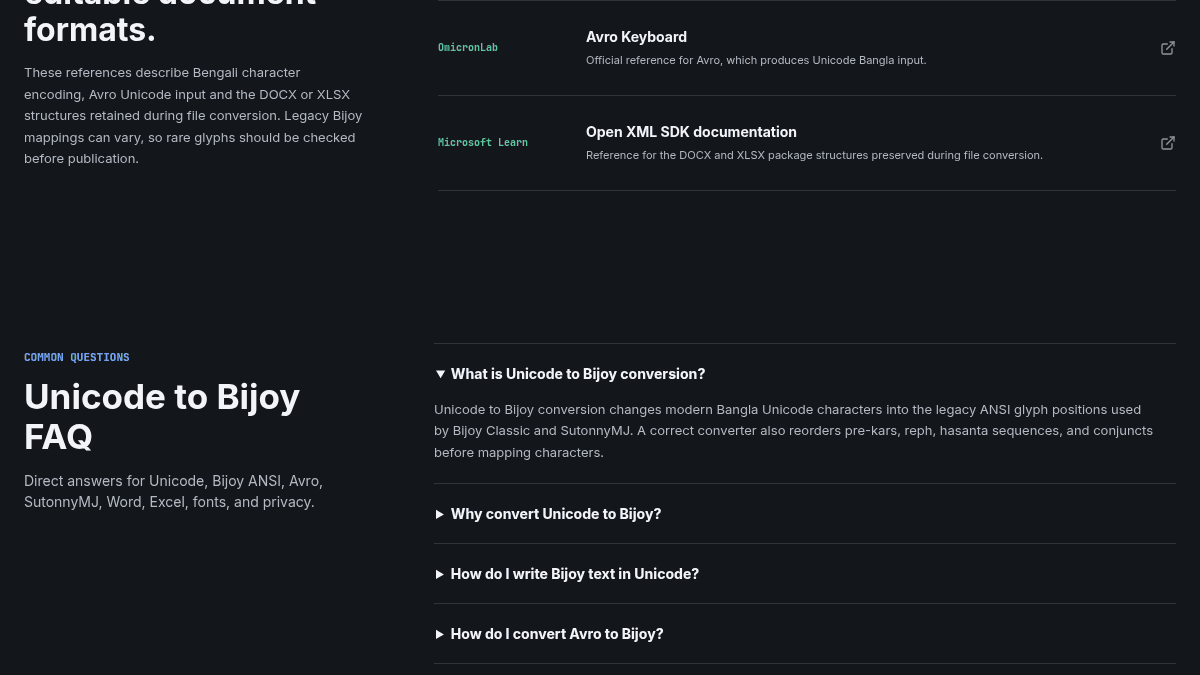
What is Unicode to Bijoy conversion?
Unicode to Bijoy conversion changes modern Bangla Unicode characters into the legacy ANSI glyph positions used by Bijoy Classic and SutonnyMJ. A correct converter also reorders pre-kars, reph, hasanta sequences, and conjuncts before mapping characters.
Why convert Unicode to Bijoy?
Convert Unicode to Bijoy when a print, publishing, government, or desktop-publishing workflow still requires a Bijoy ANSI font. Unicode should remain the source format for websites, search, databases, and long-term storage.
How do I write Bijoy text in Unicode?
Choose Bijoy to Unicode and paste the Bijoy or SutonnyMJ text into the input box. The result appears automatically as searchable, web-safe Bangla Unicode text.
How do I convert Avro to Bijoy?
Avro produces Unicode Bangla. Paste Avro text into the Unicode input, keep Unicode to Bijoy selected, then apply SutonnyMJ or a compatible Bijoy ANSI font in the destination application.
Which font should I use for Bijoy output?
Use SutonnyMJ, Bijoy Classic, or another compatible Bijoy ANSI font. The converted characters may look like Latin symbols until a compatible font is applied.
How do I convert Bijoy to Unicode in Excel?
For a few cells, copy them into the text converter. For a workbook, use the XLSX converter: choose Bijoy to Unicode, upload the file, and download the converted workbook with sheets, formulas, and cell styles retained.
How BanglaTools compares
BanglaToolsThis | ||
|---|---|---|
| Starting price | Free | — |
| Pricing model | Free | unknown |
| Platforms | Web | macOS |
| Top features | — |
|
| Rating | — | — |

