
About Visual Composer
Overview
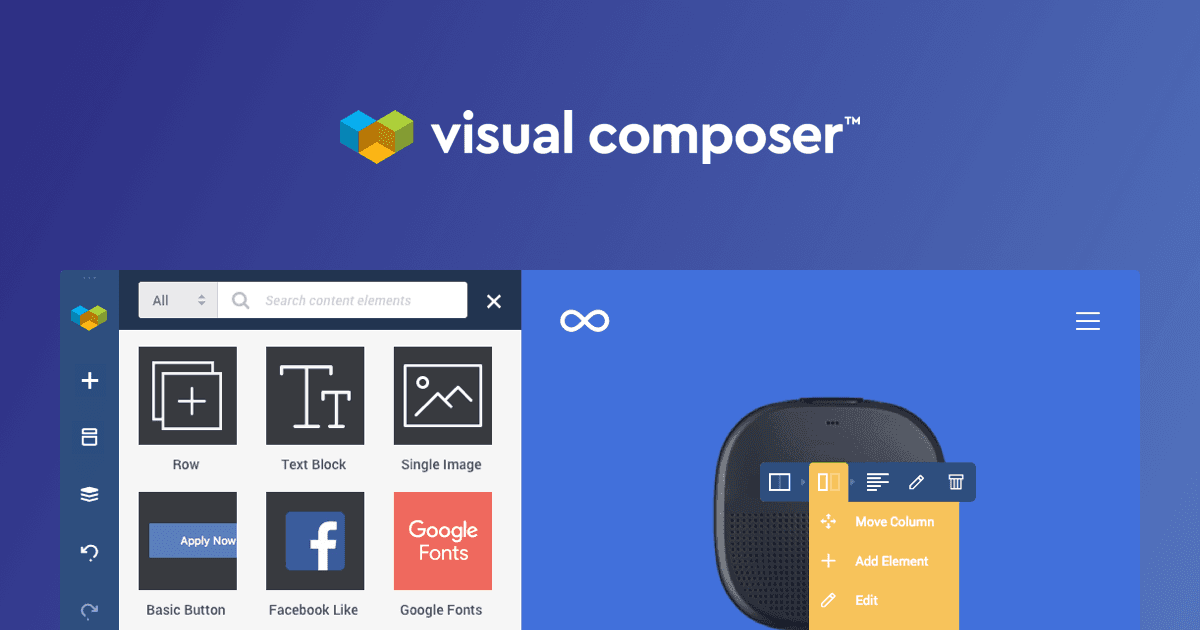
Visual Composer is a website builder for WordPress. It combines a drag and drop editor, templates, blocks, elements, and extensions so users can create professional sites without coding skills.
The site offers a free demo that needs no credit card. Business owners, designers, marketers, store owners, developers, agencies, and theme authors all use it to build and ship WordPress projects.
Key Benefits
- Build pages with a drag and drop editor and no coding skills.
- Start quickly with ready-made templates and pre-built blocks.
- Access more than 500 content elements, templates, add-ons, and blocks in one cloud library, the Visual Composer Hub.
- Design responsive websites that display well on any device.
- Add high-converting popups and landing pages to reach a wider audience.
- Work with custom CSS, JavaScript, and custom elements when you need more control.
How It Works
Users get started with Visual Composer or try the free demo. They then design pages in the drag and drop editor, pull in templates, elements, and blocks from the Visual Composer Hub, and fine-tune layouts with design options.
Use Cases
- Business owners build their brand and get their business online with professional templates.
- Designers create pixel-perfect pages with code-free design controls.
- Marketers build landing pages and popups and use built-in SEO optimization.
- Online store owners build WooCommerce stores with customizable product catalogs and lead capture forms.
- Developers and agencies speed up WordPress project delivery with custom CSS, JavaScript, and access control.
- Theme authors integrate the plugin into their WordPress themes through its API.
Why Choose This Product
Visual Composer supports a wide range of users, from business owners to agencies and theme authors, within a single WordPress builder. Its Hub library means customers often find what they need without installing extra plugins.
Visual Composer Pros & Cons
- Drag and drop editor with no coding required
- 500+ elements, templates, and blocks in the Hub
- Free demo available without a credit card
- Supports custom CSS, JavaScript, and custom elements
Key Features
Drag and Drop Editor
Build WordPress pages visually with a drag and drop editor that requires no coding skills.
Visual Composer Hub
A cloud library with more than 500 content elements, templates, add-ons, and blocks.
Templates and Blocks
Ready-made templates and blocks help users start new pages quickly.
Design Options
Feature-rich design controls let users create pixel-perfect layouts without code.
Responsive Design
Pages are built to look good on any device.
Popup Builder
Create high-converting popups to expand audience reach.
Visual Composer Insights
An analysis tool that helps improve SEO ranking and performance.
WooCommerce Support
Build online stores with WooCommerce integration, customizable product catalogs, and lead capture forms.
Custom Code Control
Developers can work with custom CSS, JavaScript, and custom elements, and control access.
Visual Composer Pricing
View full pricing →Pricing extracted from the product website and may change. Check the source for current details.