About TogetherJS
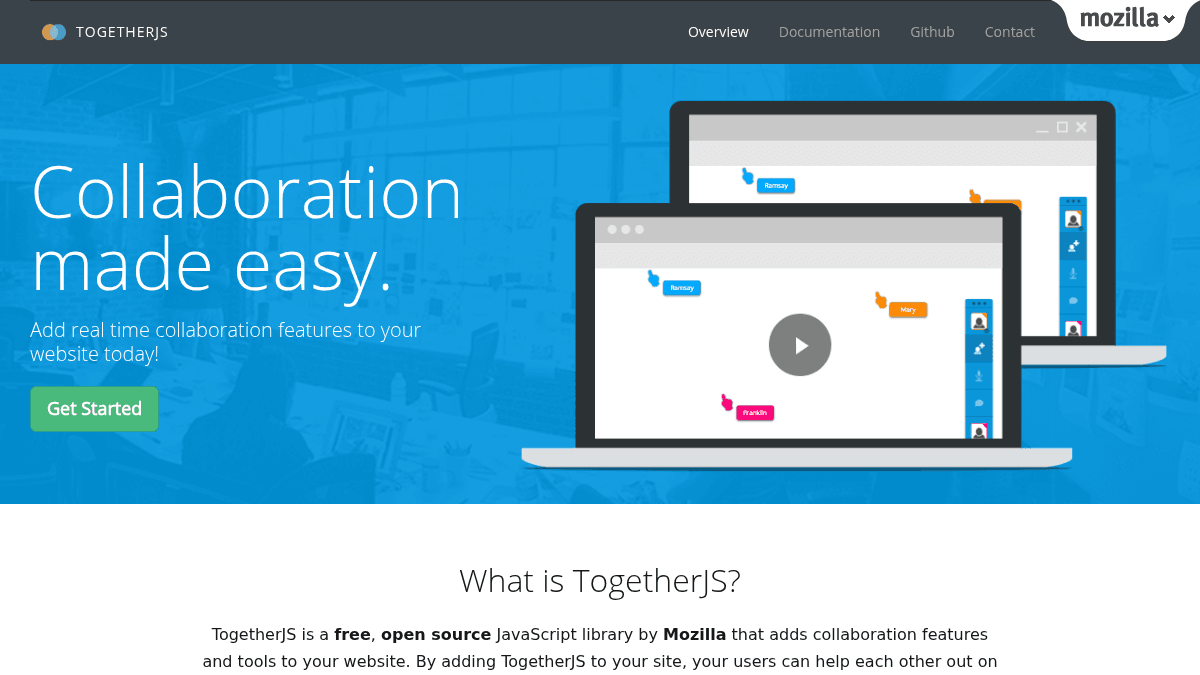
Overview TogetherJS is a free, open source JavaScript library by Mozilla that adds real-time collaboration features to websites. Developers copy and paste its JS library and HTML snippet into their site or app to enable joint browsing, shared mouse cursors, and text chat. It solves the problem of adding multi-user interaction without installing server-side software or plugins. The library is designed for education sites, coding environments, content management systems, and any developer who wants users to work together on the same page in real time. Key Benefits Users can send a unique TogetherJS URL to a friend so both see the same page and interact together in real time. TogetherJS adds out-of-the-box collaboration tools with just a JavaScript snippet and an HTML button — no backend setup required. Built and hosted by Mozilla, making it safe to use and trusted for open source projects. Works on existing web pages without software or plugin installation for end users. Developers can customize the collaboration experience while keeping the default integration simple. How It Works A developer copies the TogetherJS JavaScript snippet and HTML button into their site. When a user clicks the TogetherJS button, the library generates a unique URL. The user sends that URL to a friend, and when the friend opens it, both see the same page and can interact with it together. Mouse cursors, clicks, page navigation, and content changes are synchronized in real time. Use Cases Education site developers — let students and teachers browse lessons together on the same page. Coding environment creators — enable pair programming by synchronizing code editors between two users. CMS plugin authors — add real-time multi-authoring so writers can edit content simultaneously. Video storytelling tool builders — let collaborators make videos together using shared editing sessions. .NET fiddle maintainers — provide real-time authoring environments for coding with friends. Why Choose This Product TogetherJS is best suited for developers who want to add real-time collaboration to their existing web application with minimal code changes. It requires end users to share a URL, which works well for pair programming, education, and co-browsing scenarios but assumes both participants are available at the same time. It is free and open source, hosted by Mozilla, and does not require any server-side setup from the developer.
TogetherJS Pros & Cons
- Free and open source
- No backend or plugin installation needed
- Built and hosted by Mozilla
- Works with existing web pages
- Includes audio chat, text chat, and co-browsing
Key Features
Audio chat
TogetherJS uses WebRTC technology to enable voice communication between collaborating users.
User focus
Users see each other's mouse cursors and clicks as they move around the page.
User presence
TogetherJS enables users to see each other's presence in real time on the same page.
Text chat
Users can communicate using a familiar instant messaging interface built into TogetherJS.
Co-browsing
Users can follow each other to different pages on the same domain during a session.
Real time content sync
Content on a site or app changes dynamically for both users in real time during collaboration.
TogetherJS Pricing
- Free and open source JavaScript library
- No software or plugins to install for end users
- Audio chat via WebRTC
- Mouse cursor and click sharing
- Text chat with instant messaging
- Co-browsing across same domain
Pricing extracted from the product website and may change. Check the source for current details.
Frequently asked questions about TogetherJS
Is TogetherJS free?
Yes — TogetherJS is free to use. See the pricing section for any optional add-ons.
How much does TogetherJS cost?
TogetherJS offers the following plans: Free. See the pricing section for what's included in each tier and any per-seat or usage-based costs.
What platforms does TogetherJS support?
TogetherJS is available on: Web.