
About Thunder Client
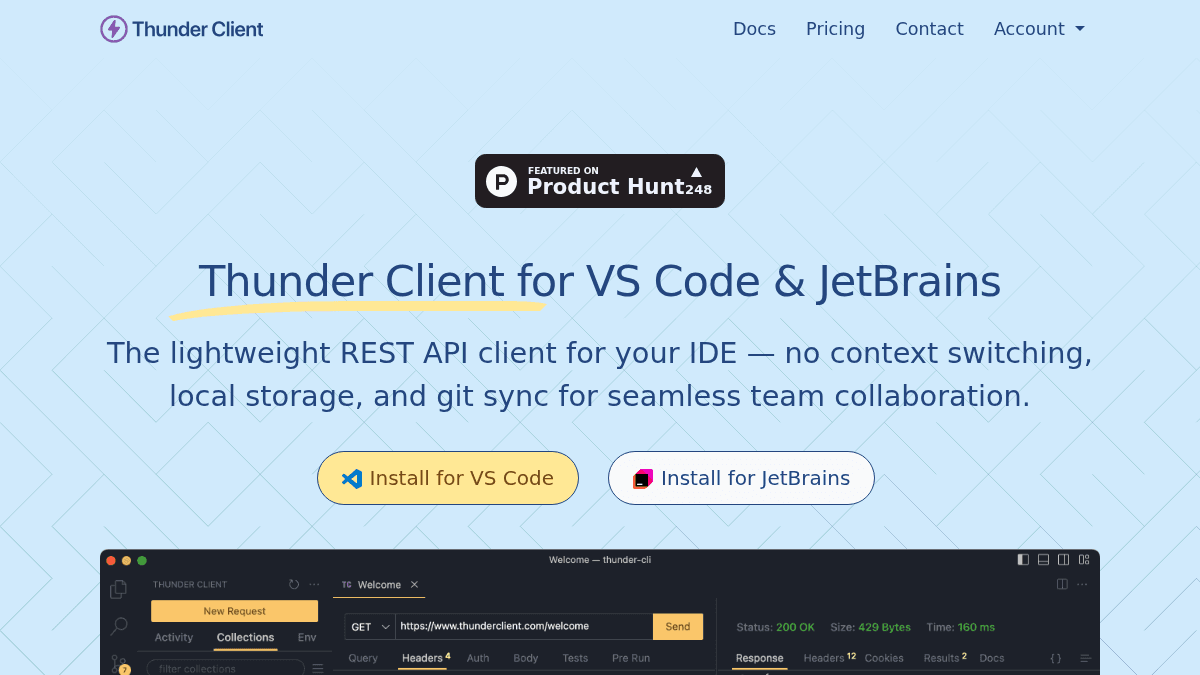
Overview Thunder Client is a lightweight REST API client extension for Visual Studio Code and JetBrains IDEs. It lets developers test APIs directly inside their editor, removing the need for a separate tool like Postman or Insomnia. Founded in 2021, the product is trusted by over 6 million users worldwide, including Fortune 500 companies. All data stays local, collections sync via Git, and the interface requires no scripting for basic testing. Key Benefits No context switching — test APIs directly inside VS Code or JetBrains without leaving your editor. All API collection data is stored locally on your machine for enhanced privacy and security. Save collections to a Git repository for seamless team collaboration with built-in version control. Test API responses using a GUI-based interface without writing any scripts. Trusted by over 6 million users across 100 countries, including Fortune 500 companies. How It Works You install the Thunder Client extension in VS Code or JetBrains, then open the dedicated panel from the sidebar. You enter the request URL, select the HTTP method, set headers and body parameters through the GUI, and click send to view the response instantly. Collections can be saved locally and shared with your team by syncing to a Git repository. Use Cases Backend developers testing REST and GraphQL APIs during development without leaving VS Code. Frontend developers validating API endpoints and response formats before integrating with their UI code. DevOps engineers running automated API test collections through the CLI and CI/CD pipeline integration. QA engineers performing scriptless API response validation using the GUI interface. Freelance developers who need a free, lightweight API client that works offline without an external tool. Enterprise teams requiring SSO, audit logs, and secrets manager integration for Azure and AWS. Why Choose This Product Thunder Client is best suited for developers already using VS Code or JetBrains who want a fast, local API client without switching to a separate application. The free tier covers basic needs, while paid plans add team features, CLI integration, WebSocket and gRPC support, and higher collection run limits. Enterprise customers get SSO, audit logs, offline activation, and secrets management.
Thunder Client Pros & Cons
- Lightweight extension — no separate app needed
- Data stored locally for privacy and security
- Git Sync enables team collaboration via version control
- Free tier available with no time limit
- Available for both VS Code and JetBrains IDEs
- Free version has local collection runner limits
- Starter plan limited to 10 seats maximum
- Enterprise SSO has additional cost
- Free trial requires a business email address
Key Features
VS Code Extension
Thunder Client runs as a lightweight extension inside Visual Studio Code, eliminating the need for a separate API testing app.
JetBrains Plugin
The Thunder Client plugin is now available for JetBrains IDEs, bringing the same API testing workflow to IntelliJ, PyCharm, and more.
Local Storage
All API collection data is stored locally on your machine to enhance privacy and security, and is never linked to your subscription account.
Git Sync
Save your collections to a Git repository for seamless team collaboration, with version control built into your API workflow.
Scriptless Testing
Test API responses using a GUI-based interface without writing any scripts, making it accessible for developers of all skill levels.
CLI & CI/CD
Run collections from the command line and integrate API tests into your CI/CD pipeline for automated testing.
WebSocket & gRPC
Support for WebSocket, SSE (Server-Sent Events), and gRPC protocols in Starter, Business, and Enterprise tiers.
Enterprise SSO
Enterprise tier includes Single Sign-On integration and a Secrets Manager integration for Azure and AWS.
Thunder Client Pricing
View full pricing →- Extension
- VS Code
- Local collection runner limits
- Extension
- VS Code, JetBrains
- Team features
- CLI & CI/CD
- WebSocket, SSE, gRPC
- 250 Collection Runs per user/month
- Extension
- VS Code, JetBrains
- Team features
- CLI & CI/CD
- WebSocket, SSE, gRPC
- 500 Collection Runs per user/month
- Extension
- VS Code, JetBrains
- Team features
- CLI & CI/CD
- WebSocket, SSE, gRPC
- Unlimited Collection Runs
- Offline Activation
- Enterprise SSO
- Secrets Manager Integration (Azure & AWS)
- License Management API
- Audit Logs
| Feature | Free Free/mo | Starter $3/mo | Business $7/mo | Enterprise $16/mo |
|---|---|---|---|---|
| Extension | ||||
| VS Code | ||||
| Local collection runner limits | ||||
| VS Code, JetBrains | ||||
| Team features | ||||
| CLI & CI/CD | ||||
| WebSocket, SSE, gRPC | ||||
| 250 Collection Runs per user/month | ||||
| 500 Collection Runs per user/month | ||||
| Unlimited Collection Runs | ||||
| Offline Activation | ||||
| Enterprise SSO | ||||
| Secrets Manager Integration (Azure & AWS) | ||||
| License Management API | ||||
| Audit Logs |
Estimate based on listed per-seat pricing. Volume discounts and add-ons may apply.
Pricing extracted from the product website and may change. Check the source for current details.
Frequently asked questions about Thunder Client
Is my collection data secure?
All collections data is stored locally on your machine and is never linked to your subscription account. Your subscription is used only to activate premium features of the extension.
How do I get a free trial?
A 14-day free trial is available. Contact Thunder Client to request it. The free trial can be provided to business email addresses only.
What credit cards are accepted?
Visa, MasterCard, and other standard credit cards are accepted. All payments are processed by Stripe.
What is the Starter plan?
The Starter plan is an affordable way to use premium features. Any company can purchase up to 10 seats on the Starter plan.
Is Thunder Client free?
Thunder Client offers a free plan with optional paid upgrades. See the pricing section for what's included in each tier.
How much does Thunder Client cost?
Thunder Client offers the following plans: Free, Starter, Business, Enterprise. See the pricing section for what's included in each tier and any per-seat or usage-based costs.