
Riverside
Updated: Nov 25, 2026
Record a podcast or video interview in studio quality from a browser, then edit, clip and publish it in the same place
About Riverside
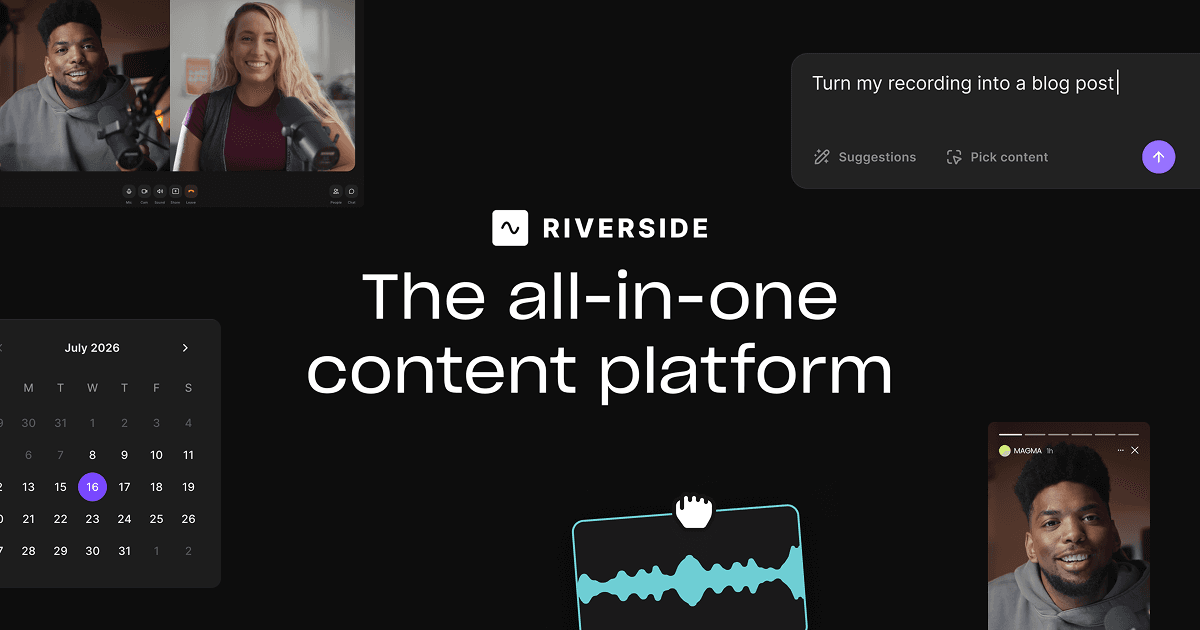
Riverside covers the whole run of a show: record the conversation, cut it, turn it into clips, stream it live and host the finished podcast, all inside a browser-based studio. The aim is that a two-person interview or a marketing webinar needs one account instead of a recorder, an editor, a clipping tool and a hosting service.
The company launched in 2020, founded by brothers Gideon and Nadav, and the use cases it advertises run from solo podcasts to brand webinars, virtual events, tutorials and internal communications. Creator testimonials on the site come from YouTubers with audiences in the millions, so the product is built to be judged on finished output rather than on the call experience itself.
Why recording happens on the guest's device
Rather than pulling compressed video through the call, Riverside writes each participant's audio and video to their own machine and uploads it in the background while the session continues. Recordings therefore hold up when someone's connection stumbles, and a browser crash does not lose the take, because the files are already being copied off the device.
For the person doing the edit, that shows up as separate per-speaker tracks. Crosstalk comes apart, layouts can be rearranged after the fact, and nobody has to chase guests for their files at the end of the session.
The path from recording to published episode
- Open a studio, send the link, and record video, audio or a screen share, each on its own track.
- Riverside generates a transcript and an AI first cut with show notes, ready to share as is or refine further.
- Edits happen by deleting and moving words in the transcript, or on a timeline, without exporting the file first.
- Logo, colors, intro and outro are set once and then applied to later recordings in a click.
- One session is repurposed into clips, posts, thumbnails and headlines, sized for whichever channel you are feeding.
- Finished audio and video go out to YouTube, Spotify, Apple Podcasts and other destinations, or run live as a stream.
Who Riverside suits, and where it strains
Interview-led formats fit best. A podcaster records a remote guest, fixes rough edges in the transcript and publishes the episode without touching a separate hosting service; a YouTube creator uses the same session for the long-form cut and for short clips. Marketing and events teams get registration, reminders, Q&A, call-ins and HubSpot lead sync, which is why webinars and virtual events sit alongside podcasts on the site.
Quality is bounded by each person's own gear. Riverside's FAQ says the top resolutions arrive only if the equipment supports them, so a guest on a weak webcam caps that participant's track no matter what the studio offers. Anyone producing a show where the visuals carry the format should plan the cameras and mics before the first recording rather than assume the software covers the gap.
Riverside Pros & Cons
- Guests join from a link, with no account or installation required
- Rated 4.8 out of 5 on G2 across 1,757 reviews
- Creator investors include Marques Brownlee, Guy Raz and Ali Abdaal
- Recording is capped at 10 participants (9 guests plus host); extra viewers are not recorded
Key Features
Local multi-track recording
All plansEach participant's video and audio are written on their own device as separate tracks, up to 4K video and uncompressed 48 kHz WAV audio.
Text-based video editing
Search, cut, copy and paste words in the auto-generated transcript to edit the video, with a timeline editor available alongside it.
Magic Clips and AI Co-Creator
All plansAI builds a first cut with show notes and produces clips, posts, thumbnails and headlines optimized per channel.
VideoDub speech correction
Correct a line in the transcript and Riverside regenerates the audio in the speaker's own voice, tone and pacing with matching lip sync.
AI translation and dubbing
Translate and dub recordings into more than 30 languages.
Multistream live streaming
Grow+Go live in full HD 1080p to several destinations at once, with custom RTMP and multi-aspect-ratio output.
Podcast hosting and publishing
Pro+Host shows and push episodes to YouTube, Spotify, Apple Podcasts and other destinations, with built-in performance analytics.
Branding and animated captions
Save a logo, colors, intro and outro once, apply them with a click, and add customizable animated captions for reels and TikTok.
Magic Audio enhancement
AI reduces noise, silences and filler words and adjusts the sound so any microphone comes closer to professional-grade.
Webinar registration and lead capture
Webinar+Run registration, branded reminder and follow-up emails, Q&A, polls, live call-ins and a lead capture tool, and sync registrant details to your CRM.
Riverside Pricing
View full pricing →- 2 hours of multi-track recordings, as a one-off
- Up to 720p video and 44.1 kHz audio
- Riverside watermark on recordings
- Unlimited single track recording and editing
- Magic Clips included
- Unlimited length video calls
- Up to 4K video, 48 kHz audio, no watermark
- Teleprompter for the host
- Unlimited text-based editing and transcriptions
- AI editing agent, B-roll, eye contact and filler-word removal
- Podcast hosting, analytics and publishing
- 1 studio and 15 hours of separate track downloads per month
- Everything in Pro
- Social media scheduling, newsletter and creator website
- Podcast hosting for 2 shows plus video hosting
- Full HD 1080p streaming to unlimited destinations
- Custom scenes, overlays and backstage speaker management
- 2 studios and 20 hours of separate track downloads per month
- Everything in Grow
- Host webinars with up to 100 registrants
- Pre-record and stream as live, with unlimited sessions
- Branded registration form, email reminders and lead capture
- Q&A, live call-ins, polls, reactions and webinar analytics
- 3 studios and HubSpot lead sync
- Everything in Webinar
- Unlimited studios and unlimited track downloads
- Up to 10,000 webinar registrants
- Producer mode, async recording and custom frame rates
- Salesforce and Marketo integrations, API access
- SSO (Okta, Azure), SOC 2 and ISO 27001, 24/7 priority chat
Compare plans
Pricing extracted from the product website and may change. Check the source for current details.
Frequently asked questions about Riverside
What happens if someone's browser crashes during a recording?
The files survive. Because every participant records locally and Riverside uploads continuously in the background, a crash does not take the take with it; the tracks are waiting in your dashboard afterward. A lapsed connection affects the live call, not the quality of what was already captured.
Can hosts and guests share their screen while recording?
Yes. Both hosts and guests can share their screens, and each screen share is recorded locally on its own track, so it can be shown, hidden or repositioned separately from the speaker video during editing.
Can I record audio only, without video?
Yes. A session can run without video and still produce locally recorded audio tracks, which suits podcast-only episodes and takes the pressure off guests who would rather not be on camera.
Do I have to download a recording before editing it?
No. The editor opens the recording in the browser and generates a transcript automatically, so cuts happen without an export round trip. You can still download the raw files if you would rather finish the edit in Adobe Premiere or Final Cut Pro.
How much does Riverside cost?
Riverside offers the following plans: Free, Pro, Grow, Webinar, Business. See the pricing section for what's included in each tier and any per-seat or usage-based costs.
What platforms does Riverside support?
Riverside is available on: Web, macOS.