About Meta Horizon OS Design Guidelines
Overview
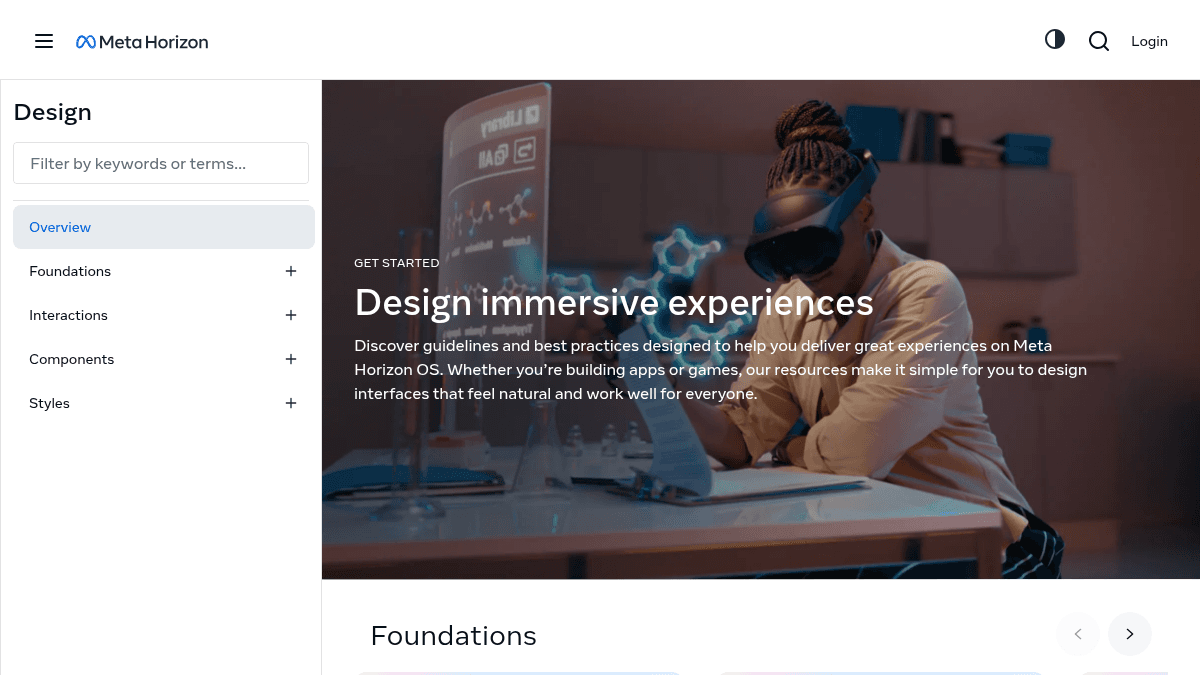
Meta Horizon OS Design is a set of human interface guidelines and resources for building immersive experiences on Meta Quest devices. It covers foundational design concepts, interaction patterns, UI components, and best practices for mixed reality and virtual reality applications.
The documentation targets developers and designers creating apps or games for Meta Horizon OS. It distinguishes itself from standard 2D UI guidelines by focusing on spatial computing inputs such as hand tracking, controllers, voice, passthrough, and spatial anchors.
Key Benefits
- Provides explicit guidance on six input modalities: hands, controllers, voice, head movement, passthrough, and scene understanding.
- Covers spatial anchors for placing stable and persistent virtual objects in real-world environments.
- Includes accessibility strategies tailored for mobility, vision, hearing, and interaction needs.
- Delivers localization best practices covering planning, UI design, string management, and testing for global audiences.
- Documents health and safety guidelines to help developers protect users in combined physical and virtual spaces.
How It Works
Developers navigate the Foundations section to learn core immersive design concepts such as passthrough and scene understanding. They then move to the Interactions section to select and implement input modalities — hands, controllers, voice, or head movement — following the documented best practices. The Components section provides ready-to-use UI patterns like buttons, sliders, tooltips, and avatars that developers copy or adapt directly into their projects.
Use Cases
- VR game developers designing locomotion systems that prioritize user comfort and preference.
- Mixed reality app creators blending virtual elements with the physical world using passthrough technology.
- Accessibility specialists ensuring immersive experiences accommodate users with mobility, vision, or hearing impairments.
- Localization teams preparing Meta Horizon OS apps for distribution across multiple languages and regions.
- UI designers adapting 2D interfaces such as panels and splash screens into spatial layouts for VR.
- Haptic feedback engineers designing touch-based sensations that enhance realism and user engagement.
Why Choose This Product
This resource is best suited for developers and designers already targeting the Meta Quest ecosystem who need official, maintained design patterns and interaction guidelines. It does not cover non-Meta VR platforms such as SteamVR or Apple Vision Pro, and the advanced input features like spatial anchors and scene understanding require compatible Meta Quest hardware.
Meta Horizon OS Design Guidelines Pros & Cons
- Free access to comprehensive design guidelines
- Covers 6+ input modalities including hands, controllers, and voice
- Includes spatial anchors and passthrough for mixed reality
- Provides accessibility and localization best practices
- Offers UI components like buttons, sliders, and avatars
Key Features
Hand input design
Covers the role of hands as an input method, including key terminology, technical requirements, and design best practices.
Controller input design
Explains how controllers function as an input device in VR and MR, covering usage patterns, terminology, and best practices.
Voice interaction design
Guides designers on voice interactions covering language, tone, context, and non-verbal cues in digital environments.
Passthrough integration
Teaches integration of passthrough technology to blend virtual elements with the real world for mixed reality experiences.
Spatial anchors
Explains how to use spatial anchors to create stable, persistent virtual objects anchored to real-world locations.
Spatial audio design
Documents best practices for spatial audio design that enhances immersion and user interaction in mixed reality.
Haptic feedback design
Details how to design haptic feedback that increases user engagement and realism in immersive experiences.
Accessibility strategies
Describes strategies for designing accessible experiences accommodating mobility, vision, hearing, and interaction needs.
Localization guidance
Explains localization best practices including planning, UI design, string management, and testing for global audiences.
Immersive design foundations
Covers foundational concepts of immersive design including passthrough, scene understanding, and spatial anchors.
Meta Horizon OS Design Guidelines Pricing
- Full access to design guidelines
- Foundations, Interactions, and Components documentation
- Health and safety guidelines
- Accessibility strategies
- Localization best practices
Pricing extracted from the product website and may change. Check the source for current details.
Frequently asked questions about Meta Horizon OS Design Guidelines
What sections are included in the Meta Horizon OS design guidelines?
The Design section covers Foundations (immersive design concepts, key considerations, glossary, localization, health and safety, and accessibility), Interactions (input and output modalities, head movement, hands, controllers, voice, input primitives, input hierarchy, locomotion, passthrough, scene understanding, spatial anchors, display, audio, haptics), and Components (buttons, selectors, sliders, dropdowns, fonts and icons, panels, tooltips, avatars, hand representation, wrist button, splash screen, transitioning 2D to immersive).
What input modalities does Meta Horizon OS support?
Meta Horizon OS supports hand tracking, controllers, voice input, head movement, passthrough, and scene understanding as input modalities for immersive experiences.
Does Meta Horizon OS provide accessibility design guidelines?
The accessibility guidelines cover strategies for designing experiences that accommodate users with mobility, vision, hearing, and interaction challenges.
Is Meta Horizon OS Design Guidelines free?
Yes — Meta Horizon OS Design Guidelines is free to use. See the pricing section for any optional add-ons.
How much does Meta Horizon OS Design Guidelines cost?
Meta Horizon OS Design Guidelines offers the following plans: Free. See the pricing section for what's included in each tier and any per-seat or usage-based costs.
What platforms does Meta Horizon OS Design Guidelines support?
Meta Horizon OS Design Guidelines is available on: Web.