
About Liveblocks
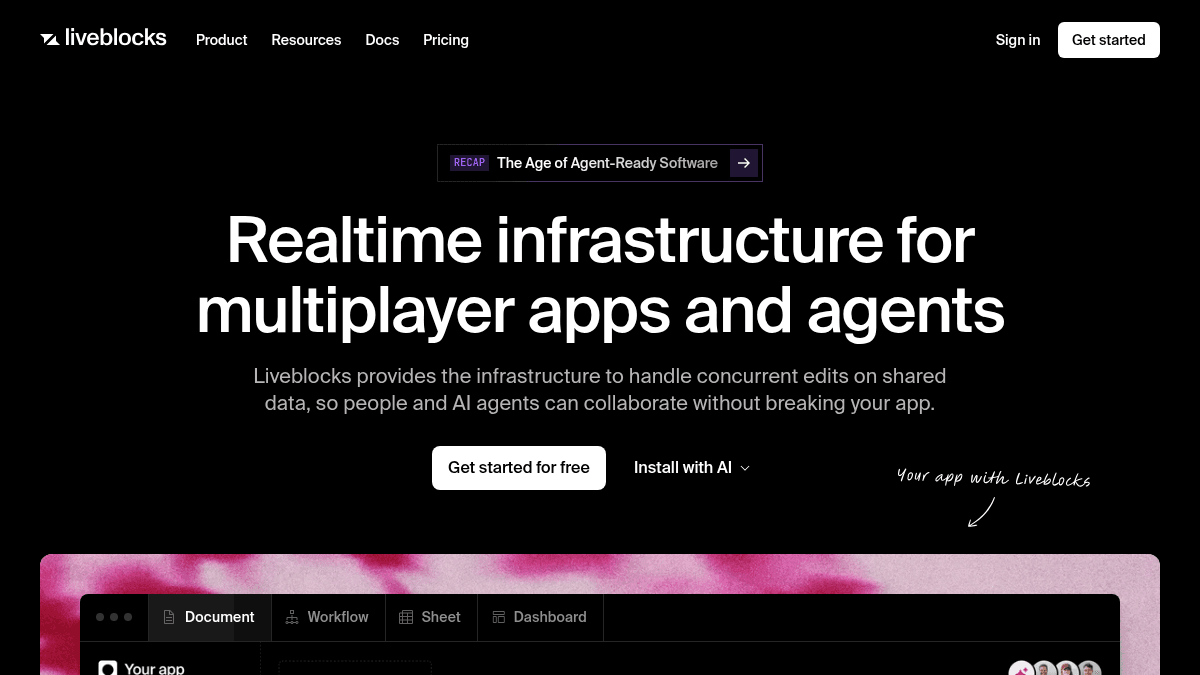
Overview Liveblocks provides realtime infrastructure for building multiplayer apps and AI agents. It handles concurrent edits on shared data so people and AI can collaborate without breaking the application. Developers use Liveblocks to add collaborative features like live cursors, comments, notifications, and AI copilots to their products. It replaces the need to build custom realtime sync, conflict resolution, and data persistence from scratch. Key Benefits Conflict resolution powered by CRDTs merges concurrent edits automatically without data loss. Global edge network keeps realtime rooms close to users for low latency everywhere. Offline support lets users keep working and syncs changes automatically when reconnected. Multiplayer undo/redo maintains each user's own history even in shared environments. Pre-built React components and SDKs let teams ship collaborative features without months of engineering work. AI copilots help onboard users faster and shorten time to value. How It Works You create a Liveblocks project and install the SDK into your app. You define rooms for shared data, then use the React hooks or REST API to sync presence, storage, and comments across users and AI agents. Liveblocks handles conflict resolution with CRDTs, manages the global edge network, and persists data across sessions — no backend to manage. Use Cases Product teams building multiplayer text editors like Google Docs with realtime co-editing and annotations. Design tool developers adding multiplayer cursors, selections, and comments similar to Figma or Spline. Whiteboard and Miro-like app creators syncing canvas data across users with offline support. Spreadsheet and dashboard builders needing conflict-free data merging for concurrent edits. AI product teams embedding AI copilots that can read, write, and comment on shared data alongside human users. Sales and people platform teams adding contextual commenting and notification inboxes to their SaaS products. Why Choose This Product Liveblocks is best suited for product teams shipping collaborative features who want to avoid building realtime infrastructure from scratch. It works for startups prototyping with the free tier and scales to enterprises needing multi-region hosting, SCIM, and dedicated support. The free tier is limited to 10 projects and 20 simultaneous connections per room, with usage-based pricing for higher scale.
Liveblocks Pros & Cons
- CRDT-based conflict resolution for concurrent edits
- Global edge network for low-latency realtime sync
- Pre-built React components and SDKs
- Free tier with no credit card required
- Offline support with automatic sync on reconnect
- Free tier limited to 20 simultaneous connections per room
- Free tier limited to 10 projects
- Multi-region hosting only on Enterprise plan
- SAML SSO and SCIM only on Enterprise plan
Key Features
Presence
All plansShows online users, live cursors, and selections in realtime across all connected clients.
Broadcast
All plansSends temporary event signals to all users in a room without persisting the data.
Storage
All plansSyncs conflict-free data using CRDTs and persists it across sessions with no backend to manage.
Comments
All plansAdds contextual commenting with threads, emoji reactions, mentions, and public/private comment modes.
Notifications
All plansEmbeds an inbox in your app with support for in-app, email, Slack, Microsoft Teams, web push, and webhook channels.
AI Copilots
All plansAI assistants that can take actions on behalf of the user with agent presence, multiplayer editing, and AI mentions in comments.
Offline Support
All plansUsers keep working offline and changes sync automatically when the connection is restored.
Multiplayer Undo/Redo
All plansEach user maintains their own undo/redo history even in shared collaborative environments.
Pre-built Components
All plansReact pre-built components and SDKs for comments, threads, notifications, and multiplayer features.
Global Edge Network
Realtime rooms run on a global edge network close to users for low-latency data sync everywhere.
Liveblocks Pricing
View full pricing →- Free monthly credits
- Realtime infrastructure
- Collaboration features
- Pre-built components
- 10 projects
- 20 simultaneous connections per room
- $30 monthly credits
- Remove Liveblocks branding
- AI Copilots re-index interval
- Unlimited monthly active users
- Unlimited monthly active rooms
- 20 simultaneous connections per room
- $600 monthly credits
- Extended version history
- Higher webhook event frequency
- More simultaneous connections
- Public/private comments
- Volume discounts available
- Volume discounts
- Multi-region hosting
- Management API
- SCIM & directory sync
- Advanced permissions
- Advanced support
| Feature | Free Free/mo | Pro $25/mo | Team $500/mo | Enterprise Custom |
|---|---|---|---|---|
| Presence | ||||
| Broadcast | ||||
| Storage | ||||
| Comments | ||||
| Notifications | ||||
| AI Copilots | ||||
| Offline Support | ||||
| Multiplayer Undo/Redo | ||||
| Pre-built Components |
Pricing extracted from the product website and may change. Check the source for current details.
Frequently asked questions about Liveblocks
How does pricing work in Liveblocks?
Liveblocks uses a subscription model with monthly credits. Each plan includes a set number of credits that cover realtime collaboration minutes, data storage, comments, and notifications. Usage beyond the included credits is billed at the rates shown on the pricing page.
Can I try Liveblocks before paying for it?
Yes. The Free plan is available with no credit card required. It includes free monthly credits for personal development, prototyping, and testing with access to realtime infrastructure, collaboration features, and pre-built components.
Which Liveblocks plan should I choose?
The Free plan works for prototyping and testing. Pro at $25/month is for developers shipping collaborative features. Team at $500/month is for teams shipping at scale. Enterprise with custom pricing is for organizations needing premium security, multi-region hosting, and dedicated support.
How secure and reliable is Liveblocks?
Liveblocks supports OAuth sign-in with GitHub and Google, multi-factor authentication, and role-based access control at the team level. Enterprise plans add SAML SSO, SCIM directory sync, SOC 2 reports, HIPAA BAA, and a 99.99% uptime SLA.
Is Liveblocks free?
Liveblocks offers a free plan with optional paid upgrades. See the pricing section for what's included in each tier.
How much does Liveblocks cost?
Liveblocks offers the following plans: Free, Pro, Team, Enterprise. See the pricing section for what's included in each tier and any per-seat or usage-based costs.