
About Lightworks - Easy to Use Pro Video Editing Software
Overview
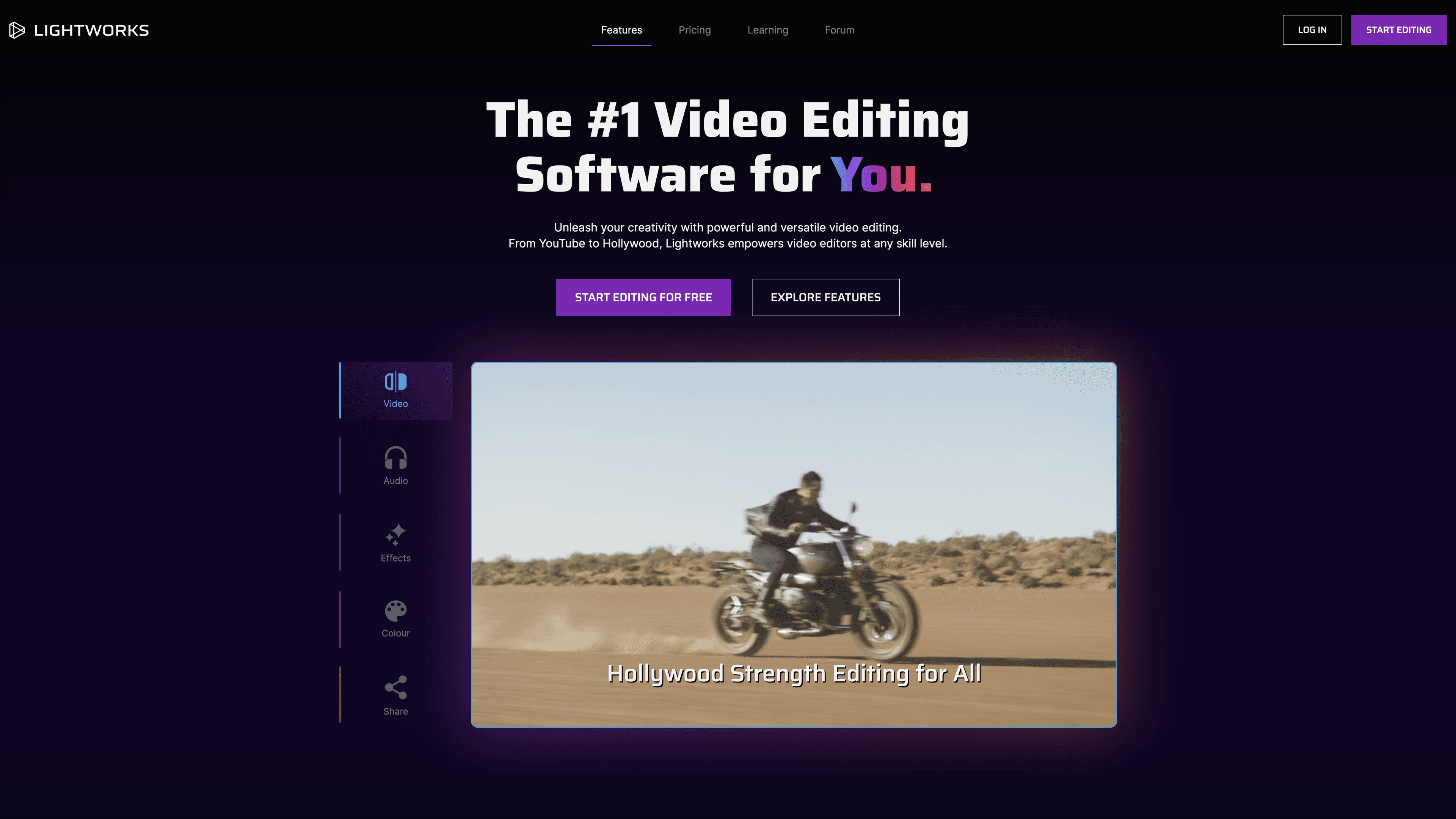
Lightworks is professional video editing software that serves every level of editor, from beginners making a first cut to Hollywood editors working on feature films. It combines video and audio editing, colour grading, visual effects, and export and sharing tools in one timeline.
Lightworks has been developed for over 30 years and was used to edit films including Pulp Fiction, The King's Speech, and Killers of the Flower Moon. It offers a free edition alongside Create and Pro editions, letting editors expand their toolset as their skills advance.
Key Benefits
- Edit footage of any size, frame rate, and quality on a universal timeline refined over 30 years.
- Render and export in the background so editing continues without interruption.
- Work with proxy files for smooth performance on high-resolution footage.
- Grade colour with pre-built and custom LUTs, HDR workflows, and isolated colour adjustments.
- Access over 700 titles and motion graphics plus hundreds of transitions.
- Export up to 8K for Apple ProRes, Cineform, AVID DNxHR, AV1, and H.265.
Use Cases
- Beginner editors use the free edition to learn with streamlined tools and 720p export.
- Content creators use the Create edition for 4K export, motion graphics, and social media presets.
- Professional editors use Pro for 8K output, plugin support, and interchange formats.
- Hollywood and broadcast editors rely on the timeline for feature-film work.
- YouTube and social media creators share finished videos directly from the timeline.
- Editors collaborate by connecting cloud storage such as Dropbox and Google Drive.
Why Choose This Product
Lightworks pairs a free-forever edition with a no-watermark guarantee across all tiers, a track record on Oscar-winning films, and a community of over two million creators. The pricing page states it runs on Windows, macOS, and Linux, with a free tier that exports in 720p and paid tiers adding 4K and 8K output.
Lightworks - Easy to Use Pro Video Editing Software Pros & Cons
- Free tier available forever with 720p export
- No watermark in any edition
- Used to edit major Hollywood films (Scorsese, Tarantino)
- Over 30 years of professional development
- Exports up to 8K with ProRes, AV1, and H.265 in Pro
- Cannot be downloaded on mobile or tablet
- Some Linux functionality restricted by third-party limitations
- NewBlue VFX suite available only on Windows and Mac
- Additional codec purchases required (e.g. AVID DNxHD)
Key Features
Universal timeline
Edit footage of any size, frame rate, and quality on a timeline refined over 30 years.
Background processing
Render and export in the background so editing continues without interruption.
Proxy editing
Create lower-resolution proxy files for smooth editing on high-resolution footage.
Audio suite
Trim, split, and layer tracks and add built-in effects like reverb, chorus, and distortion.
Titles & motion graphics
Access over 700 customisable titles and motion graphics to enhance video projects.
Colour grading
Correct and grade footage with pre-built and custom LUTs and isolated colour adjustments.
VFX & transitions
Apply hundreds of transitions and simplified compositing effects across skill levels.
HDR workflows
Use the full range of colour and contrast available in HDR workflows.
Multi-format export
Export up to 8K for Apple ProRes, Cineform, AVID DNxHR, AV1, and H.265, plus DVD and Blu-ray.
Cloud & social sharing
Share directly to YouTube and social media and connect cloud storage like Dropbox and Google Drive.
Lightworks - Easy to Use Pro Video Editing Software Pricing
View full pricing →- Up to 720p HD export
- Inbuilt effects, titles, and transitions
- Advanced transitions pack
- Simple VFX
- Automatic saving and background processing
- No watermark
- 4K video export and 4K timeline
- NewBlue Titler Pro titles
- Dynamic motion graphics
- Powerful colour controls and advanced audio EQ
- Quick LUT support
- High-resolution proxy editing and timeline rendering
- Up to 8K export
- Audio and video plugin support
- 10-bit support and advanced 10-bit export
- Export interchange formats (AAF, XML, OMF, EDL)
- Advanced colour scopes
- Support for NewBlue TotalFX add-on
| Feature | Free Free/mo | Create Custom/mo | Pro Custom/mo |
|---|---|---|---|
| Up to 720p HD export | |||
| Inbuilt effects, titles, and transitions | |||
| Advanced transitions pack | |||
| Simple VFX | |||
| Automatic saving and background processing | |||
| No watermark | |||
| 4K video export and 4K timeline | |||
| NewBlue Titler Pro titles | |||
| Dynamic motion graphics | |||
| Powerful colour controls and advanced audio EQ | |||
| Quick LUT support | |||
| High-resolution proxy editing and timeline rendering | |||
| Up to 8K export | |||
| Audio and video plugin support | |||
| 10-bit support and advanced 10-bit export | |||
| Export interchange formats (AAF, XML, OMF, EDL) | |||
| Advanced colour scopes | |||
| Support for NewBlue TotalFX add-on |
Pricing extracted from the product website and may change. Check the source for current details.
Frequently asked questions about Lightworks - Easy to Use Pro Video Editing Software
Is Lightworks - Easy to Use Pro Video Editing Software free?
Lightworks - Easy to Use Pro Video Editing Software offers a free plan with optional paid upgrades. See the pricing section for what's included in each tier.
How much does Lightworks - Easy to Use Pro Video Editing Software cost?
Lightworks - Easy to Use Pro Video Editing Software offers the following plans: Free, Create, Pro. See the pricing section for what's included in each tier and any per-seat or usage-based costs.
What platforms does Lightworks - Easy to Use Pro Video Editing Software support?
Lightworks - Easy to Use Pro Video Editing Software is available on: Windows, macOS, Linux.