
About KanbanTab
Overview
KanbanTab replaces your browser's new tab page with a personal Kanban board that appears the instant you open a tab. Unlike Notion or Trello, which are built around teams and workspaces, this tool targets individuals who just want to see their tasks without clicking through dashboards or waiting for an app to load.
It runs across Chrome, Firefox, Edge, the web, Android, and iOS, syncing tasks across all devices while continuing to work offline. An optional end-to-end encryption layer means your data stays on your device and never gets sold or tracked.
Key Benefits
- Zero loading time — tasks appear the moment you open a new tab, with no splash screen or login wall.
- No account required to start using the product, and it is free with no ads.
- End-to-end encryption is available so sensitive notes like PINs or personal reminders stay private.
- Works offline and syncs across every device you own when a connection is restored.
- Available as a browser extension for Chrome, Firefox, and Edge, plus standalone web, Android, and iOS apps.
How It Works
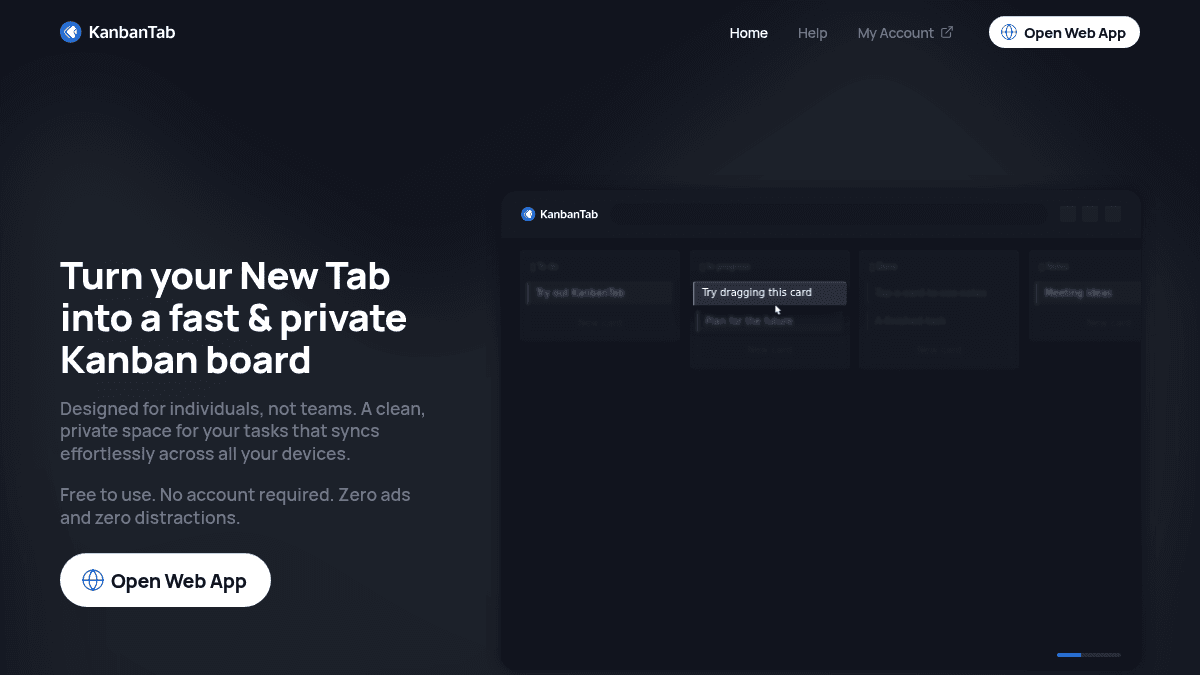
You install the browser extension, and your new tab page immediately becomes a Kanban board with columns like To Do, In Progress, Done, and Notes. You drag cards between columns and tap any card to add notes. Changes sync to KanbanTab's cloud and propagate to your phone or other browsers automatically.
Use Cases
- Freelance writers who open dozens of browser tabs daily and need a task list that keeps pace without switching apps.
- Students who want to track assignments privately without sharing a workspace with anyone.
- Privacy-conscious individuals who store sensitive reminders and do not want that data processed by third-party servers.
- Remote workers on multiple devices who start a task on a laptop and mark it done from a phone later in the day.
- Minimalist productivity enthusiasts who have abandoned Todoist or TickTick because the feature count got too heavy.
Why Choose This Product
KanbanTab earns its place precisely because it removes every step between opening a browser and seeing your tasks — no login, no loading, no noise. The end-to-end encryption option is a genuine differentiator among free personal task tools. That said, anyone who needs shared boards, recurring tasks, project hierarchies, or calendar integration will hit a hard ceiling here; tools like Notion or Asana serve those needs and KanbanTab does not try to compete with them.
Key Features
Zero Loading Time
KanbanTab replaces the browser new tab page so the Kanban board appears instantly without any loading screen.
End-to-End Encryption
Optional end-to-end encryption keeps task data stored solely on the user's device, preventing server-side access.
Offline Support
The board continues to function without an internet connection and syncs changes when connectivity returns.
Cross-Device Sync
Tasks sync across Chrome, Firefox, Edge extensions, the web app, Android, and iOS automatically.
Drag-and-Drop Kanban
Cards move between To Do, In Progress, Done, and Notes columns via drag-and-drop on desktop or tap-and-drag on mobile.
Card Notes
Each card supports an expandable notes field so users can attach additional context or private details.
No Account Required
Users access the full product without creating an account, providing an email, or viewing any advertisements.
KanbanTab Pricing
Pricing extracted from the product website and may change. Check the source for current details.