About FontForge
Overview
FontForge is a free and open-source font editor that lets users create, edit, and convert fonts across multiple formats. It is designed for type designers, graphic artists, and hobbyists who need professional-grade font editing tools without paying for commercial software like Glyphs or FontLab.
FontForge supports a wide range of font formats including TrueType, OpenType, PostScript, SVG, and WOFF. It runs on Windows, macOS, and Linux, making it accessible to users on any major desktop operating system.
Key Benefits
- Completely free and open-source with no paid tiers or feature restrictions.
- Supports over 20 font formats including TrueType, OpenType, PostScript, SVG, and WOFF.
- Runs natively on Windows, macOS, and Linux without platform lock-in.
- Includes a built-in scripting engine for automating repetitive font editing tasks.
- Offers full Unicode support and advanced glyph editing capabilities.
How It Works
You download FontForge from the official website and install it on your operating system. You open the application, load an existing font file or create a new project, then edit individual glyphs using the drawing tools and outline manipulation features. You export the finished font in your desired format — TrueType, OpenType, SVG, or WOFF — and install it on your system or publish it for others to use.
Use Cases
- Independent typeface designers creating original font families from scratch.
- Graphic designers modifying existing fonts to add custom glyphs or ligatures for branding projects.
- Students and educators learning typography and font design in academic settings.
- Open-source contributors building and maintaining community font projects.
- Web developers converting fonts between formats for cross-browser compatibility.
- Localization specialists adding non-Latin script support to existing typefaces.
Why Choose This Product
FontForge is best suited for anyone who needs a full-featured font editor without paying for a commercial license. It is particularly strong for open-source projects, educational use, and users on Linux who lack access to macOS-only or Windows-only font editors. The software has a steeper learning curve than some commercial alternatives and its interface is less polished, but it offers comparable core functionality at no cost.
FontForge Pros & Cons
- Completely free and open-source
- Supports 20+ font formats
- Runs on Windows, macOS, and Linux
- Built-in scripting for automation
- Full Unicode support
- Steeper learning curve than commercial alternatives
- Less polished user interface compared to paid tools
Key Features
Glyph Editing
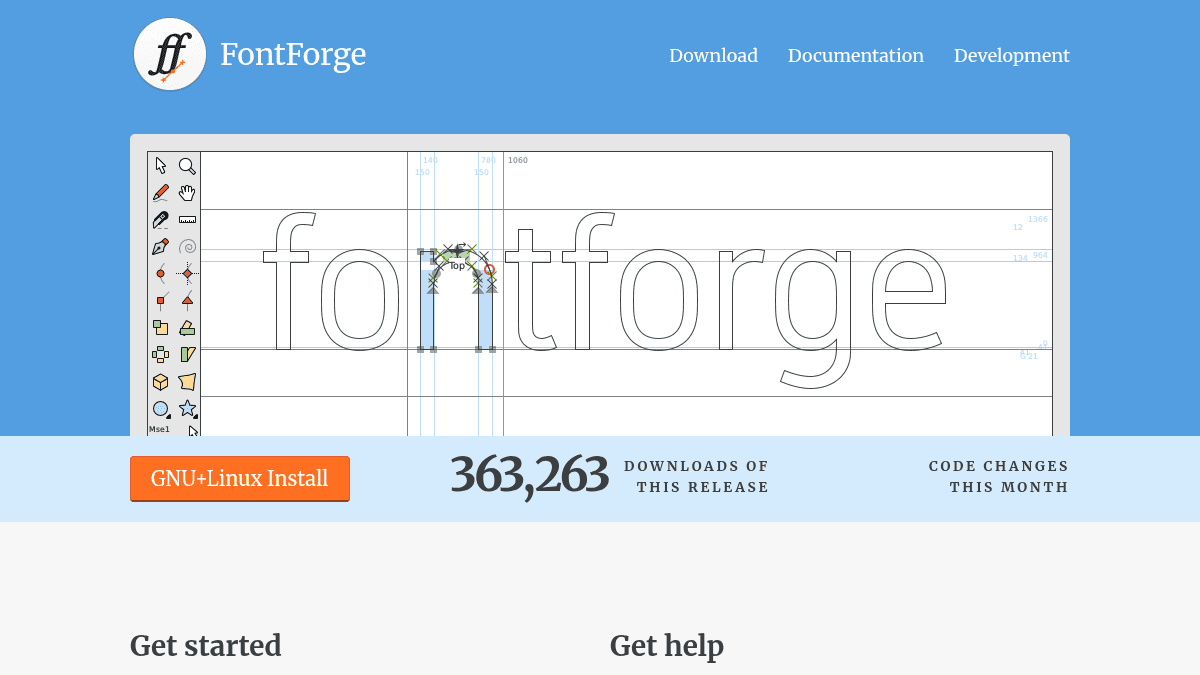
Edit individual glyphs using drawing tools and outline manipulation features with full control over vector paths.
Multi-Format Support
Supports over 20 font formats including TrueType, OpenType, PostScript, SVG, and WOFF.
Font Conversion
Convert fonts between different formats such as TrueType to OpenType or SVG to WOFF.
Scripting Engine
Automate repetitive font editing tasks using FontForge's built-in scripting language.
Unicode Support
Full Unicode support for editing glyphs across a wide range of writing systems and scripts.
Cross-Platform
Runs natively on Windows, macOS, and Linux with consistent functionality across all platforms.
FontForge Pricing
Pricing extracted from the product website and may change. Check the source for current details.
How FontForge compares
F FontForgeThis | ||
|---|---|---|
| Starting price | Free | Free |
| Pricing model | Free | Freemium |
| Platforms | Windows, macOS, Linux | macOS, iOS |
| Top features |
|
|
| Rating | — | — |
