
About Filmora Video Editor
Overview
Filmora is an AI-powered video editor from Wondershare that brings professional editing tools into one connected desktop workflow. The software supports Windows, macOS, iOS, iPadOS, and Android, and it pairs a multi-track timeline with AI-assisted analysis, color grading, captions, audio tools, screen recording, and AI generation.
Filmora 16 is designed so creators can organize footage, shape the cut, refine picture and sound, add motion, and deliver the final video without switching between programs. It offers more than 2.9 million built-in creative assets, including templates, effects, stock media, music, filters, and plugins.
Key Benefits
- AI Media Analysis tags people, scenes, actions, speech, and key moments so you can find the right shots faster.
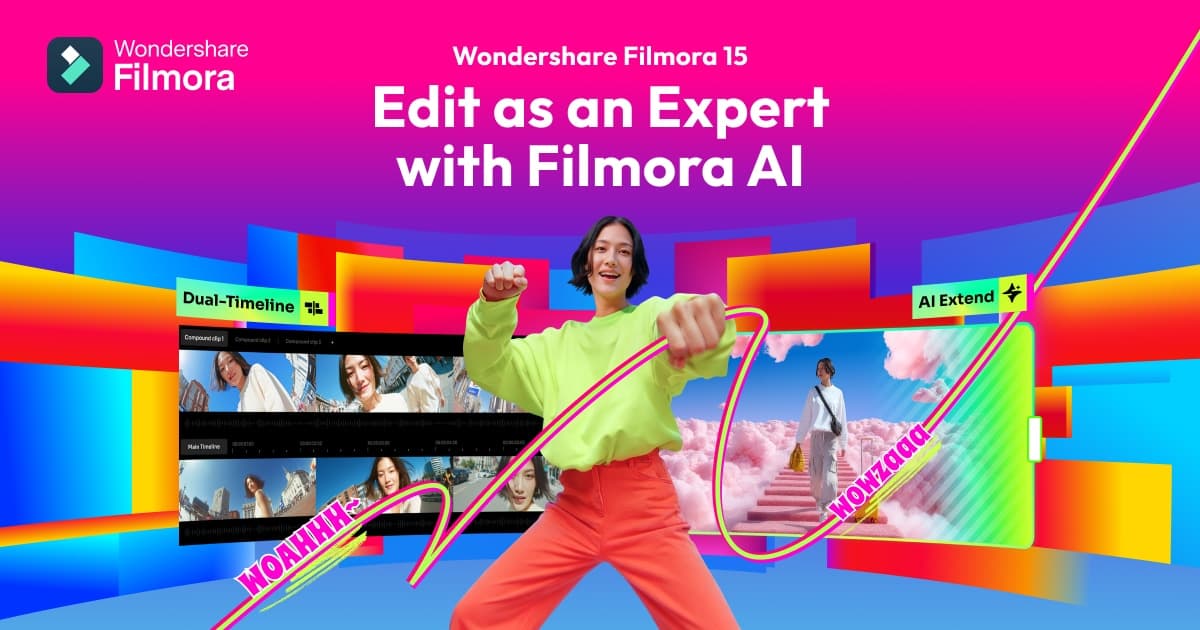
- Timeline editing combines rough-cut tools with keyframes, curves, camera tracking, dual timelines, and a pen tool.
- Color correction starts fast, then Color Mask targets faces, skies, and backgrounds using HSL, curves, and color wheels.
- Screen recorder captures your screen, camera, microphones, and system audio as separate editable sources.
- AI subtitle and voice tools turn speech into captions and generate voiceovers from text.
- AI Creation generates video from text, images, or audio and extends clips with AI Extend.
How It Works
Creators start by recording or importing footage, then use AI Media Analysis to organize clips and find the shots they need. They shape the cut on the timeline, refine picture and sound with color grading and audio tools, add captions, motion, and effects, and finish by exporting multiple versions to different formats and destinations.
Use Cases
- YouTube and social creators edit weekly videos, gameplay highlights, shorts, and social content.
- Business and marketing teams produce product videos, campaigns, presentations, and social content.
- Educators and trainers record tutorials, build course content, and create training videos.
- AI-focused creators turn AI-generated ideas and media into finished, publishable videos.
- Editors reframe 360° footage, choose viewing angles, and animate perspective with keyframes.
Why Choose This Product
Filmora balances professional editing depth with an interface beginners can learn quickly, as reflected in 4.5-out-of-5 ratings across G2, GetApp, SoftwareHow, and Capterra. Creators can start free, though videos exported from the free version include a Filmora watermark, and paid plans remove it.
Key Features
AI Media Analysis
Identifies people, scenes, actions, speech, and key moments, then generates tags, summaries, and edit suggestions.
Timeline editing
Combines rough-cut tools with keyframes, curves, camera tracking, dual timelines, and a pen tool for custom motion paths.
Color correction and grading
Starts with fast correction, then Color Mask targets faces, skies, and backgrounds using HSL, curves, and color wheels.
Screen recorder
Captures your screen, camera, microphones, and system audio at the same time as separate editable sources.
AI subtitle generator
Transcribes dialogue, reviews corrections, and manages captions on dedicated subtitle tracks with dynamic styles.
Voice and audio tools
Generates voiceovers from text, enhances speech clarity, reduces background noise, and balances the mix.
360° video reframing
Reframes 360° footage, chooses the viewing angle, and animates perspective with keyframes and motion presets.
AI Creation
Generates video from text, images, or audio and extends clips with AI Extend, all editable on the timeline.
Multi-version delivery
Reframes for different aspect ratios, translates for new audiences, and exports multiple versions at once.
Creative asset library
Provides over 2.9 million templates, effects, titles, transitions, stock media, music, filters, stickers, and plugins.
Filmora Video Editor Pricing
Pricing extracted from the product website and may change. Check the source for current details.